
Advanced
Caches, fixes and performance.
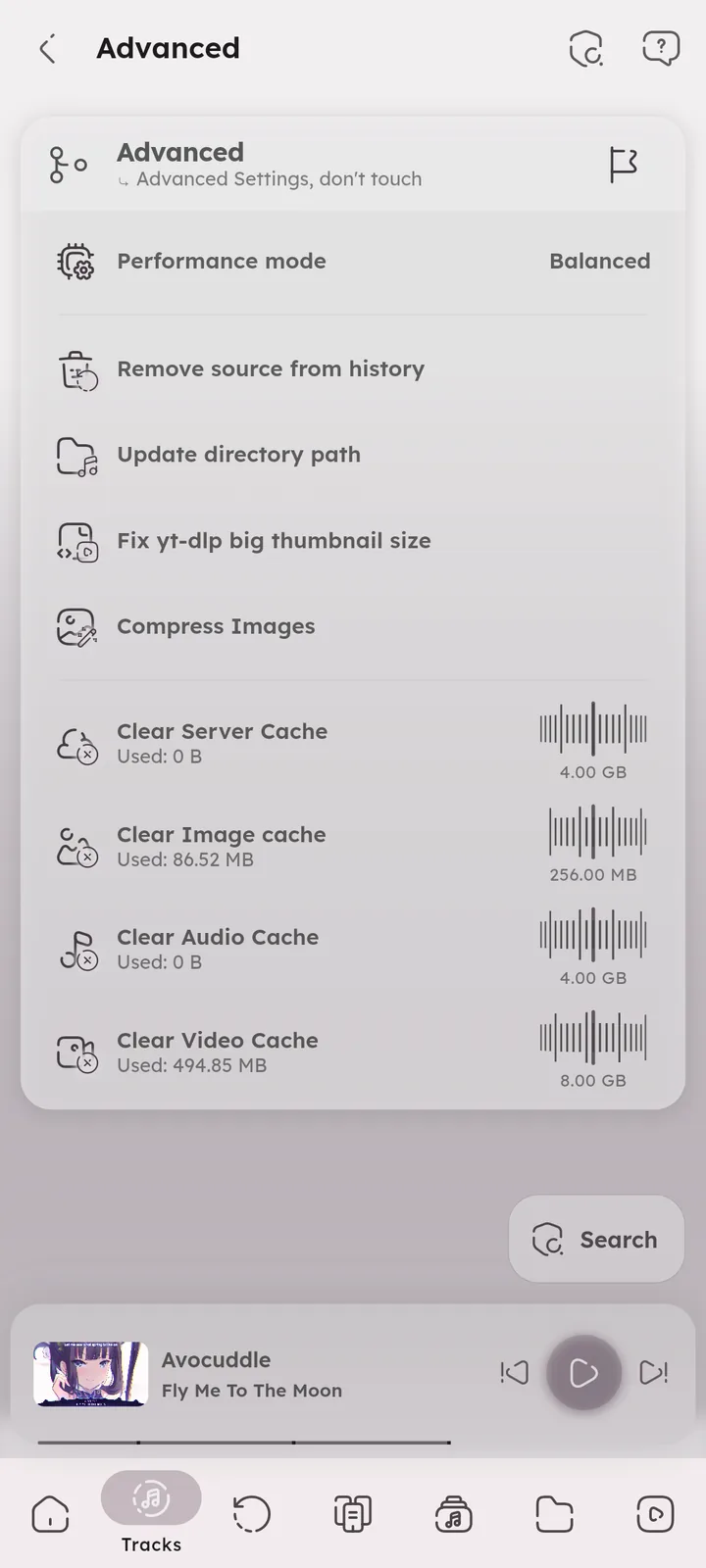
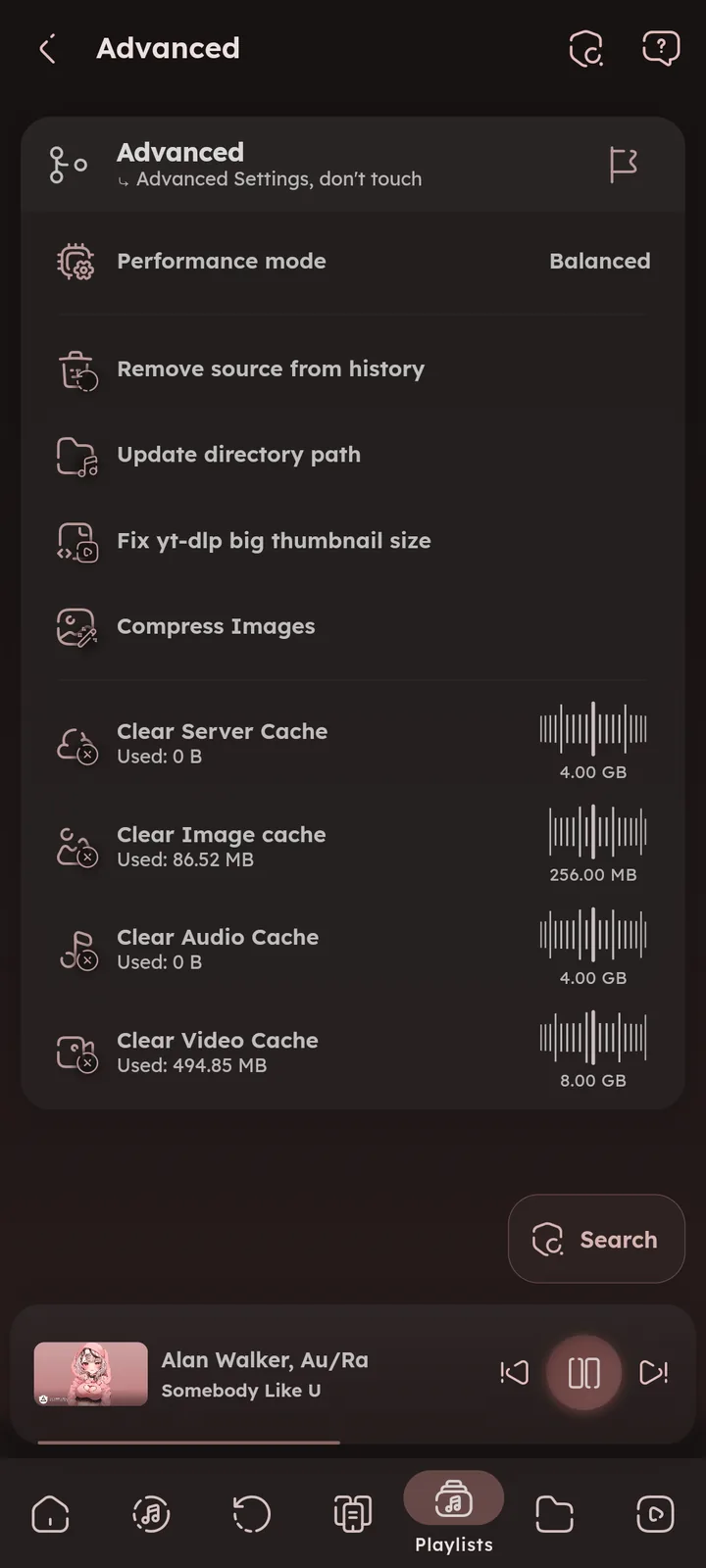


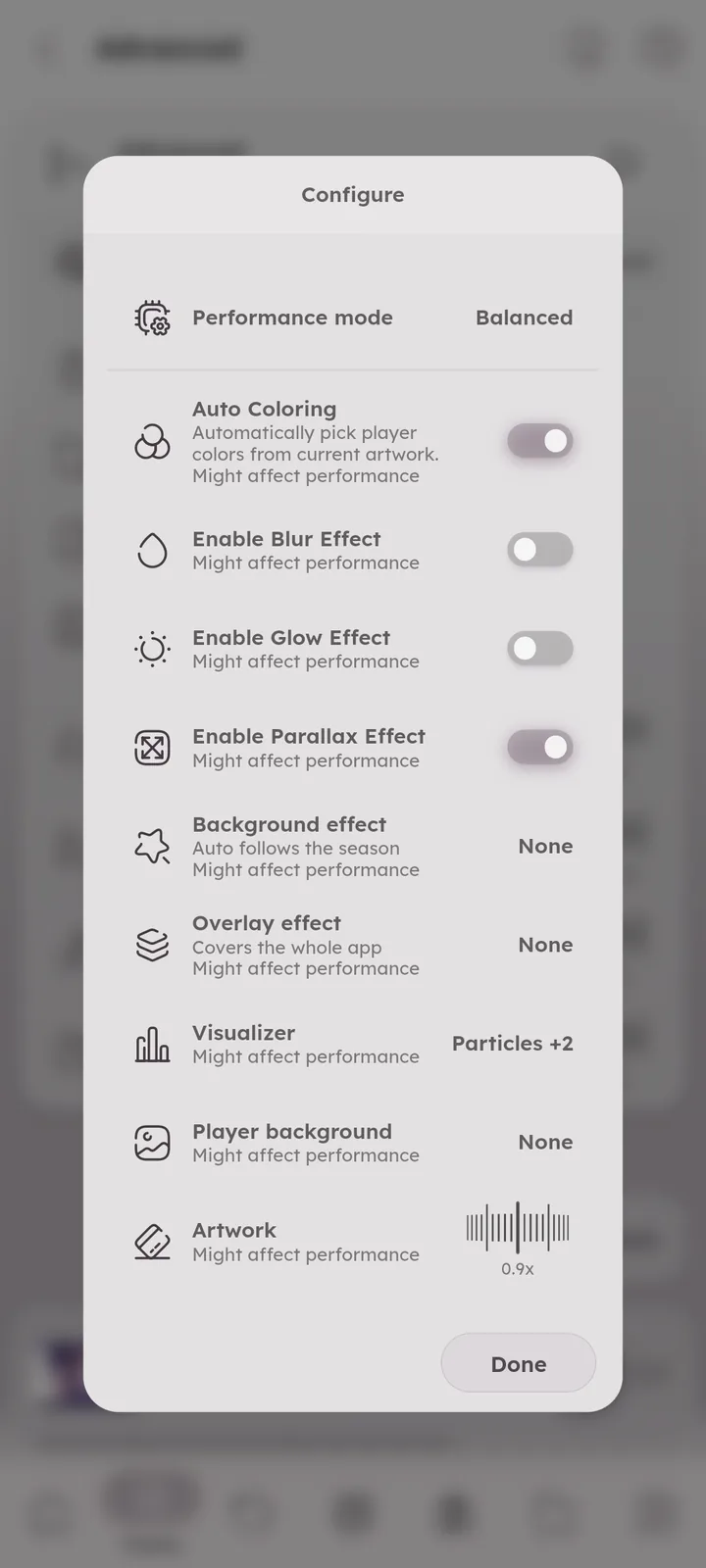
Performance Mode
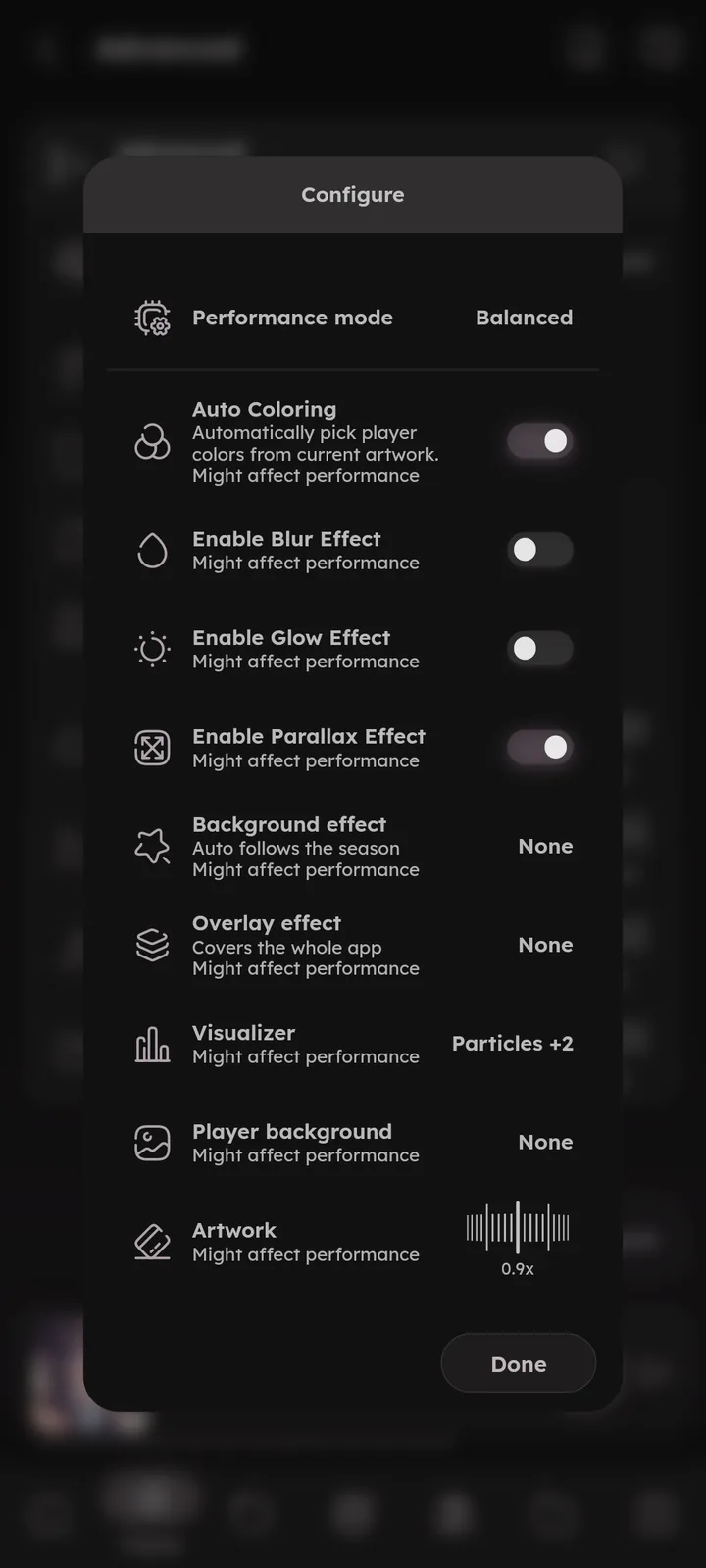
One switch for the heavy visual settings: High performance, Balanced, Good looking, or Custom.
It controls things like auto coloring, blur, glow and parallax at once.
It also holds the effects and visualizer settings, High performance turns them off. 🆕 v7.8.0


Remove Source from History
Remove all listens that came from a specific source (like an import) from your history. 🎉 History Import feature ↗
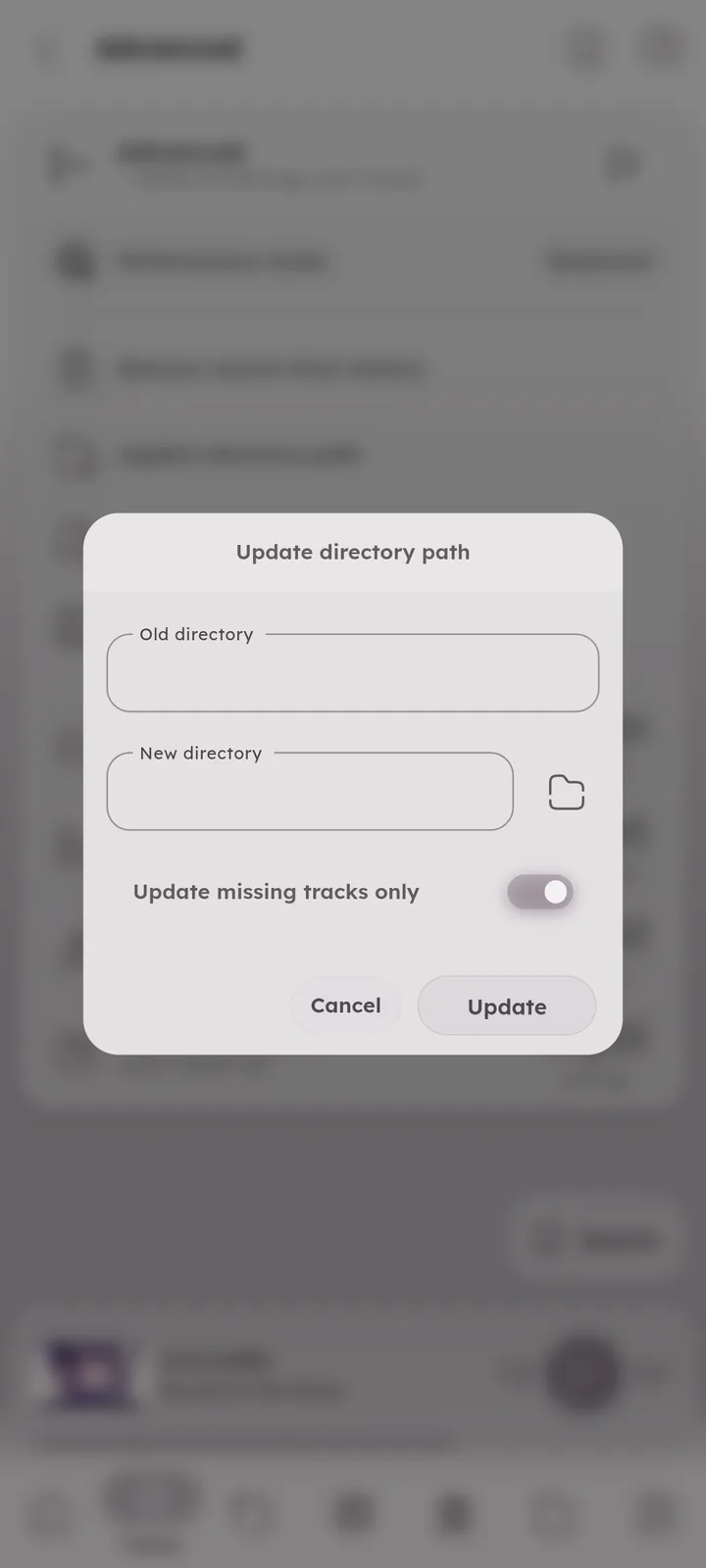
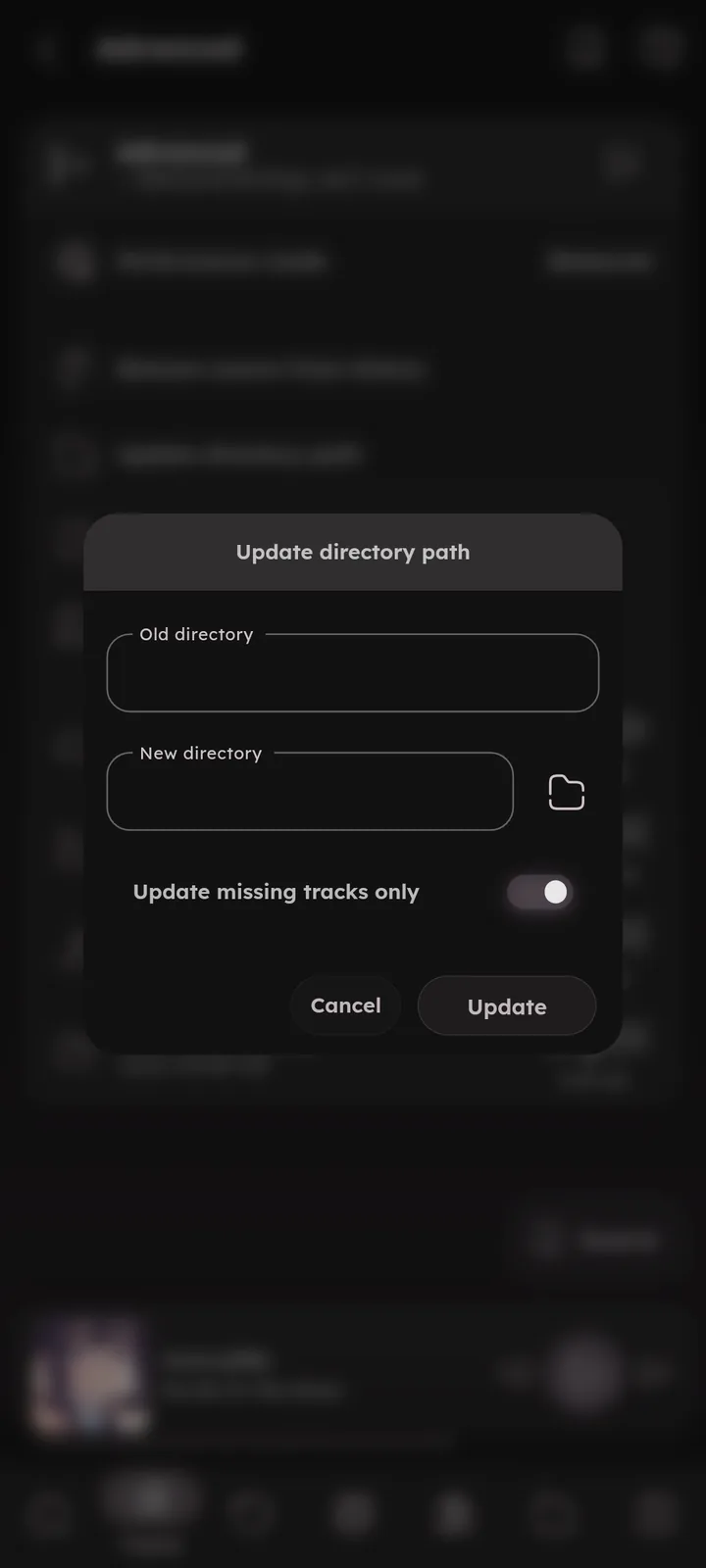
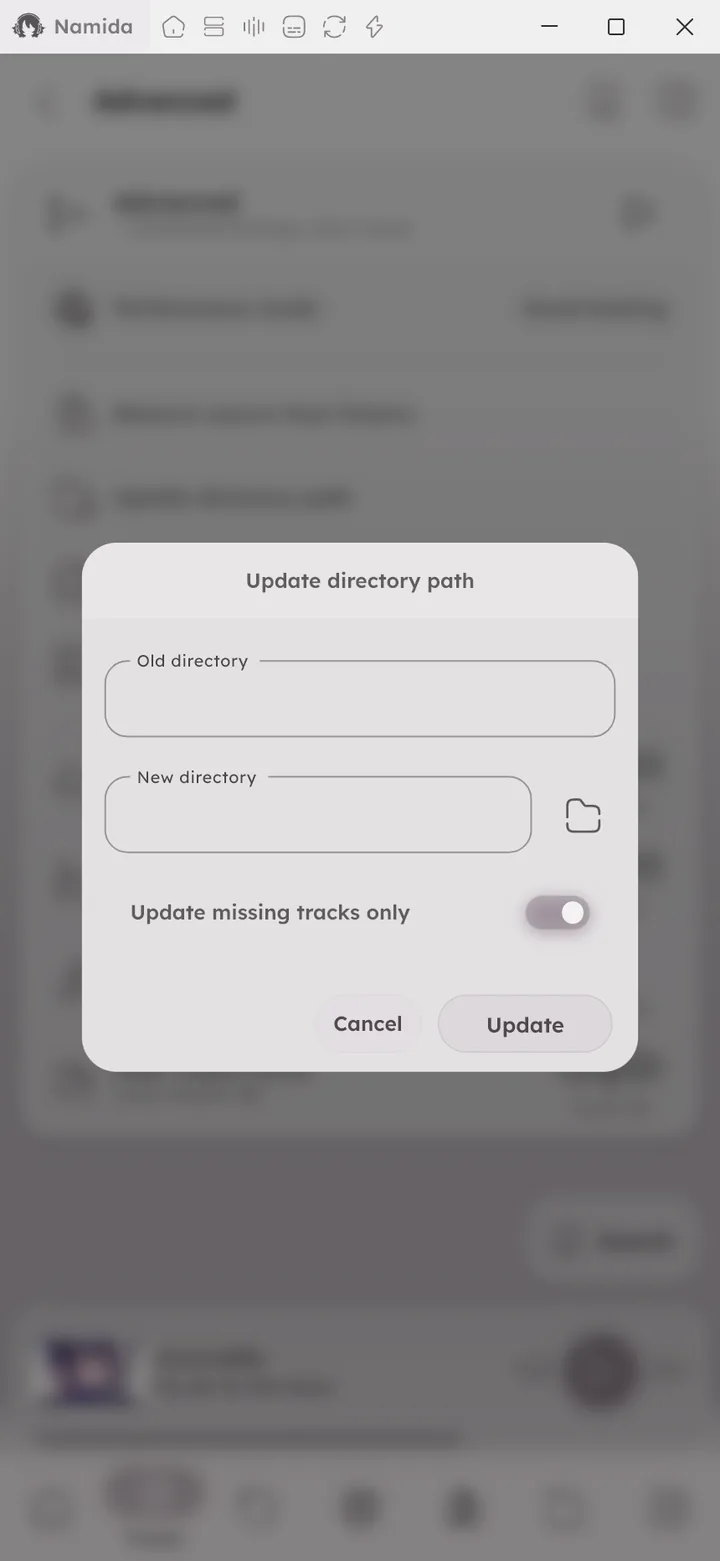
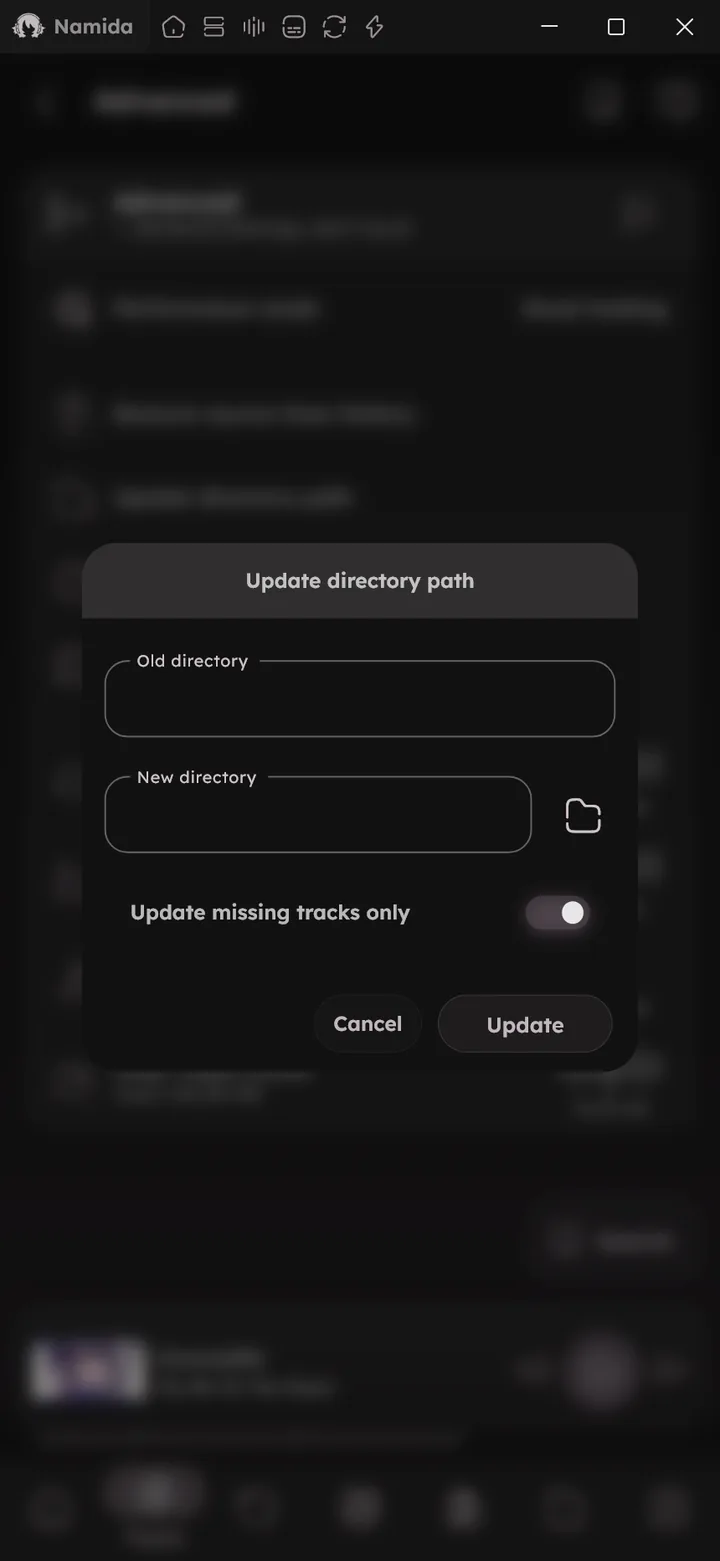
Update Directory Path
Moved your music to a new folder? This updates all track paths from the old directory to the new one, keeping stats and listens. 📒 Update Directory Path Guide ↗
Fix yt-dlp Big Thumbnail Size
Files downloaded by yt-dlp can have a huge embedded thumbnail (usually a re-encoded webp). This re-embeds the best available thumbnail without converting it, so files get smaller (around 1MB to 128KB per image) and artworks load faster. The audio is untouched.
The files in the selected folder are replaced.
Compress Images
Compress artworks and cached images to save storage, you choose the compression percentage. Moderate values save a lot with little visible loss. The audio files are untouched. “Keep file dates” keeps the original dates on the compressed images.
Animated images are skipped and transparency is kept. 🆕 v8.2.0
Namida’s own image caches are replaced in place (only when the result is smaller). 🆕 v8.2.0
Other folders go to Namida Folder/Compressed with the same folder structure. The selected folder is not changed, so copy the files back manually if you want to replace the originals.
Cache Limits
Maximum size for server, image, audio and video caches. Oldest and least important items get cleaned first.
Each limit is set from the wheel on its Clear tile. 🆕 v8.2.0
| Cache | Android | Windows & Linux |
|---|---|---|
Server 🆕 v7.4.0 |
4 GB | 12 GB |
| Image | 256 MB | 2 GB |
| Audio | 4 GB | 12 GB |
| Video | 8 GB | 24 GB |
Each cached video has a priority: VIP, High, Normal, Low or Disable. Cleaning starts from the bottom and never touches VIP items. Change it from the video’s menu, see Caching & Offline Playback.
Server tracks you cached yourself are never deleted automatically either, but they still count towards the limit. 🎉 Offline Caching ↗
Clear Caches
Clear server, image, audio or video cache. Each tile shows the current size, and you pick what to delete before anything is removed.
| Cache | What you can pick |
|---|---|
Server 🆕 v7.4.0 |
The tracks you cached yourself (not selected by default), the other streamed files, and unfinished downloads. |
| Image | Each image folder: track artworks, video thumbnails, artist and album images, YouTube thumbnails and channel images. |
| Audio | Everything, or press Choose to pick single items, which can be sorted by size, oldest watch or total listens. |
| Video | Same as audio. |
When choosing audio or video items, you can also select everything of a priority at once 🆕 v7.4.0, unfinished downloads, or files already in your local library.
Clearing the image cache leaves your library without images. Only use it to rebuild the image cache.
Flags
🆕 v8.2.0
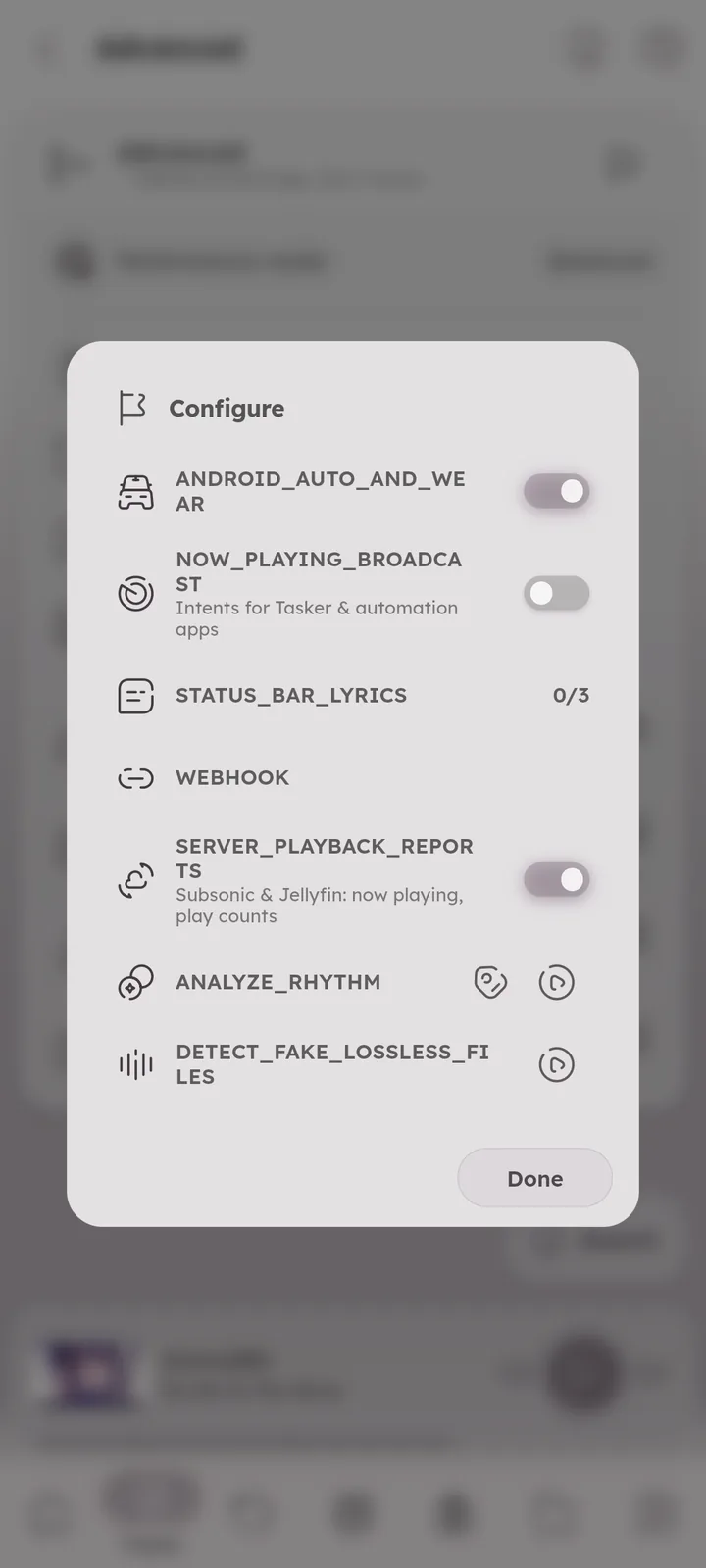
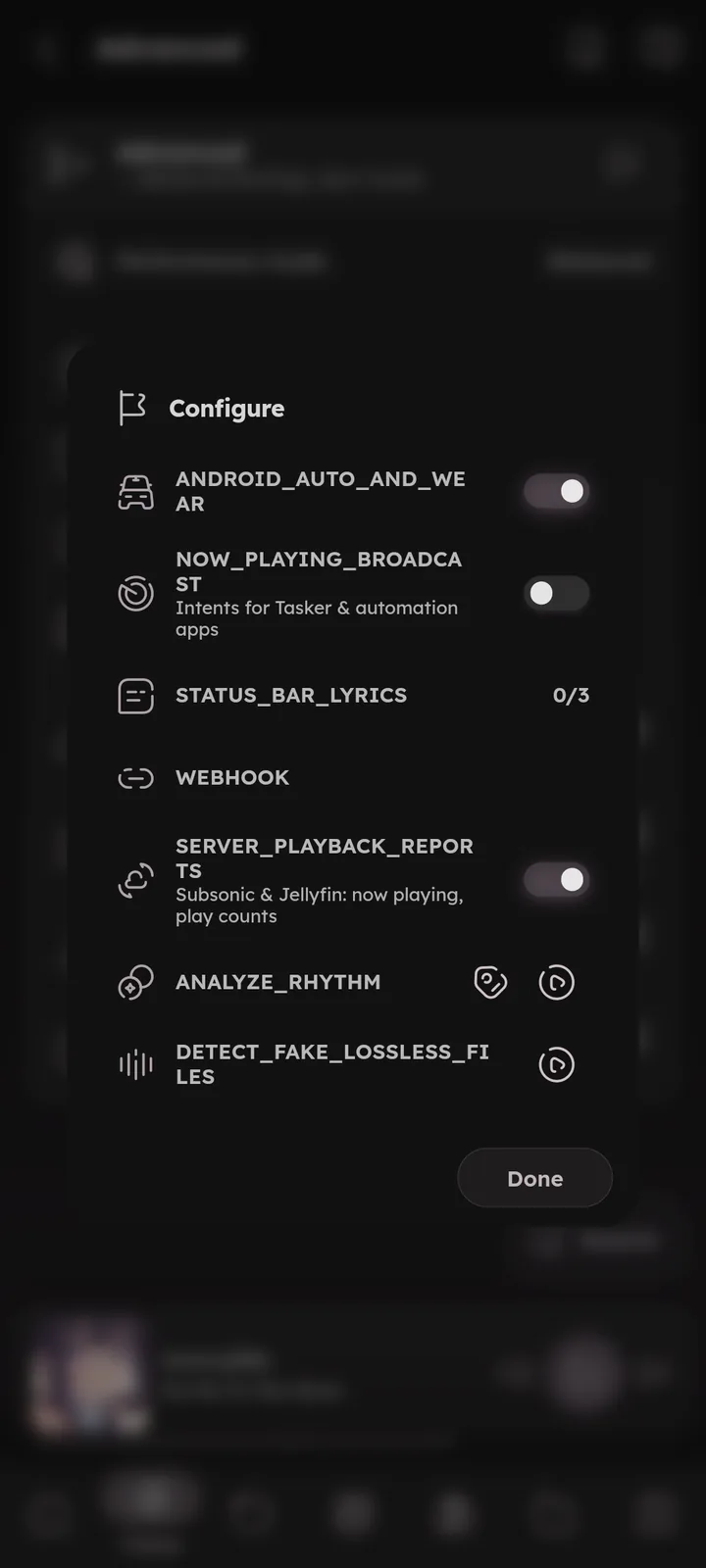
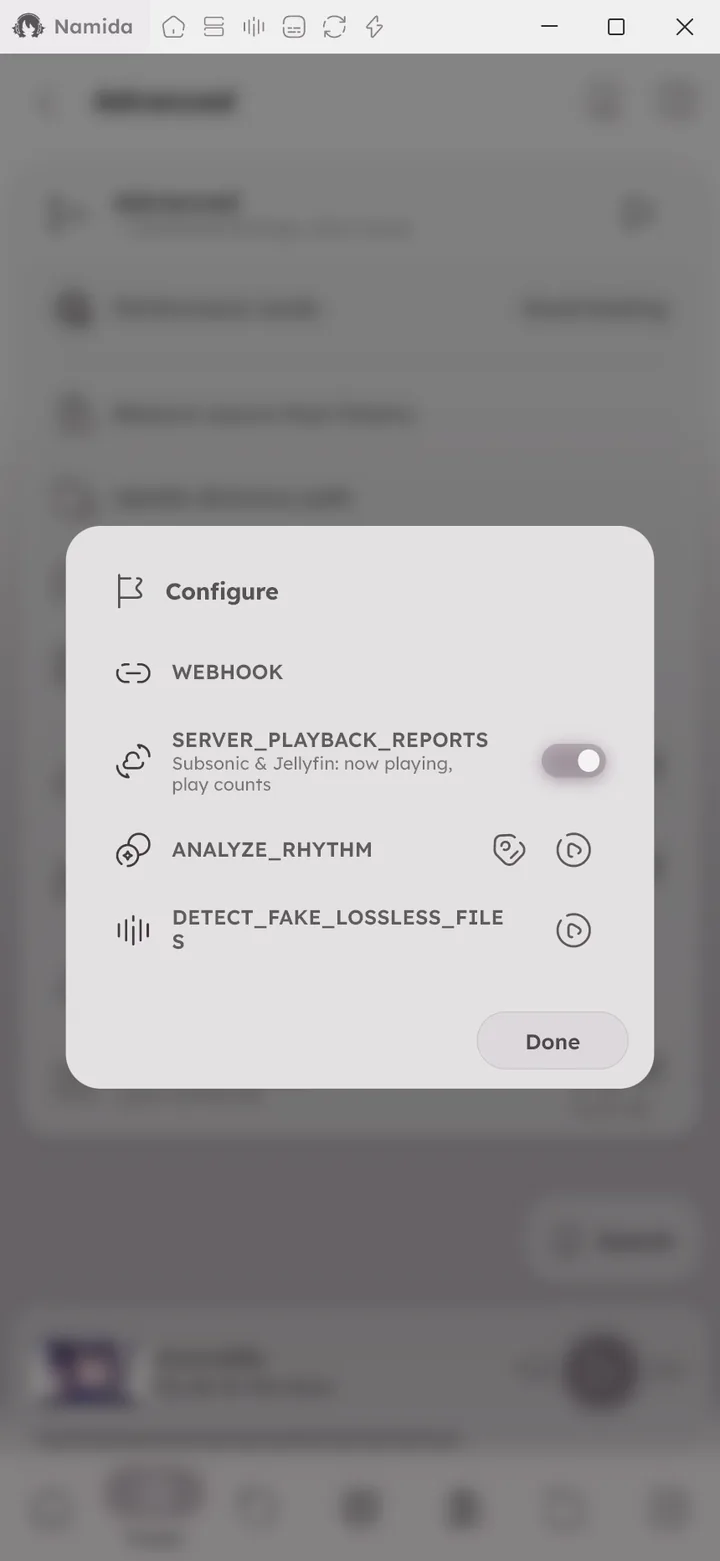
Hidden options. Press the flag icon at the top of the Advanced settings card to open them:
Integrations (💻 Android only):
ANDROID_AUTO_AND_WEAR, shows the queue in Android Auto and Wear OS, on by default.NOW_PLAYING_BROADCAST, sends the current track to Tasker and other automation apps.🎉 Broadcasts ↗STATUS_BAR_LYRICS, the current lyrics line in the status bar of supported systems (ColorOS & HyperLyric, SuperLyric, Flyme & Lyricon).🎉 Status Bar Lyrics ↗
Others:
WEBHOOK, posts playback events (track changed, play, pause) to a URL of your choice.🎉 Webhook ↗SERVER_PLAYBACK_REPORTS, tells Subsonic and Jellyfin servers what you play, on by default.🎉 Playback Reports ↗ANALYZE_RHYTHM, analyzes the tempo and beats of the whole library ahead of time, for the beat matched crossfade. The tag button writes the analyzed BPM to files that have none.DETECT_FAKE_LOSSLESS_FILES, scans your lossless files for ones made from a lossy source, upsampled or bit-padded. The results can be saved as a playlist.

- Library & IndexingMissing Tracks
- PlaybackSmart & Beat Matching
- Playlists & History
- YouTubeCaching & Offline Playback
- Media ServersPlayback Reports, Offline Caching
- Effects & Visualizers
- System IntegrationMedia Controls, Status Bar Lyrics
- Automation & Other AppsBroadcasts & Webhook
- SettingsSections
- CustomizationsGeneral
- What's New🏷️ v8.2.0, 🏷️ v7.8.0, 🏷️ v7.4.0
- Beginner GuidesSome artworks are wrong
- Medium GuidesUpdate directory path
- Tips & TricksHistory
- Storage Paths
- PlaybackSmart & Beat Matching
- Playlists & HistoryHistory Import
- YouTubeCaching & Offline Playback
- Media ServersPlayback Reports, Offline Caching
- Effects & Visualizers
- System IntegrationStatus Bar Lyrics
- Automation & Other AppsBroadcasts & Webhook
- Medium GuidesUpdate directory path
- Storage PathsNamida Folder
Author: @MSOB7YY
Writer: @claude
