
Library & Indexing
Namida builds your library from the folders you choose, with a powerful indexer powered by taglib.
Folder Based Library
Add the folders you want, exclude the ones you don’t. The Folders tab browses your library like a file manager, with support for cover.jpg style images and .info.txt files for small notes. ⚙️ Configure Folders ↗
A back.jpg (or rear.jpg) image is the back cover for the Flip Artwork gesture, when the track has none embedded. 🆕 v8.2.0 ⚙️ Configure Artwork Gestures ↗


Separators
A tag holding multiple values gets split into separate entries, so a track shows under each of its artists, albums, genres and so on:
- Artists, album artists and composers use the artists separators.
- Genres and styles use the genres separators.
- Moods and tags use both, plus
;,//\\. - Albums use the albums separators, only the non-breaking space (NBSP) by default.
- Languages split on
;,/|, and codes or names (en,eng,English) count as one language.🆕 v8.2.0
Values tagged separately in the file (like several artist fields) are kept whole, separators only split single values. 🆕 v8.2.0
You control all the separators and their blacklisted words. Featured artists in titles can also get their own entry. ⚙️ Configure Separators ↗ 📒 Blacklist Guide ↗


Filtering
Prevent duplicated tracks, set minimum file size & duration, blacklist extensions and respect .nomedia. ⚙️ Configure Indexer ↗
Videos
Videos are indexed and playable on their own, with a dedicated videos folder view. ⚙️ Configure Include Videos ↗
Missing Tracks
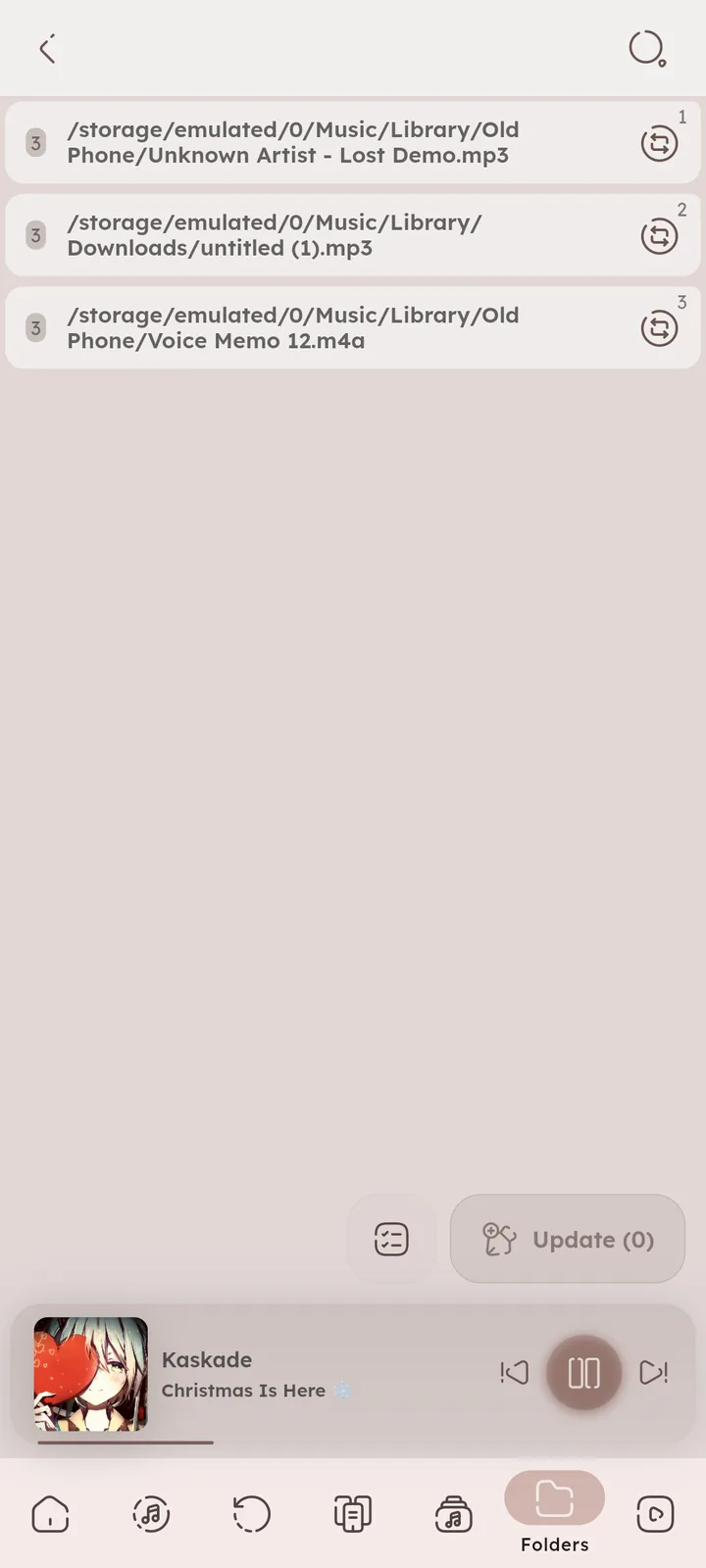
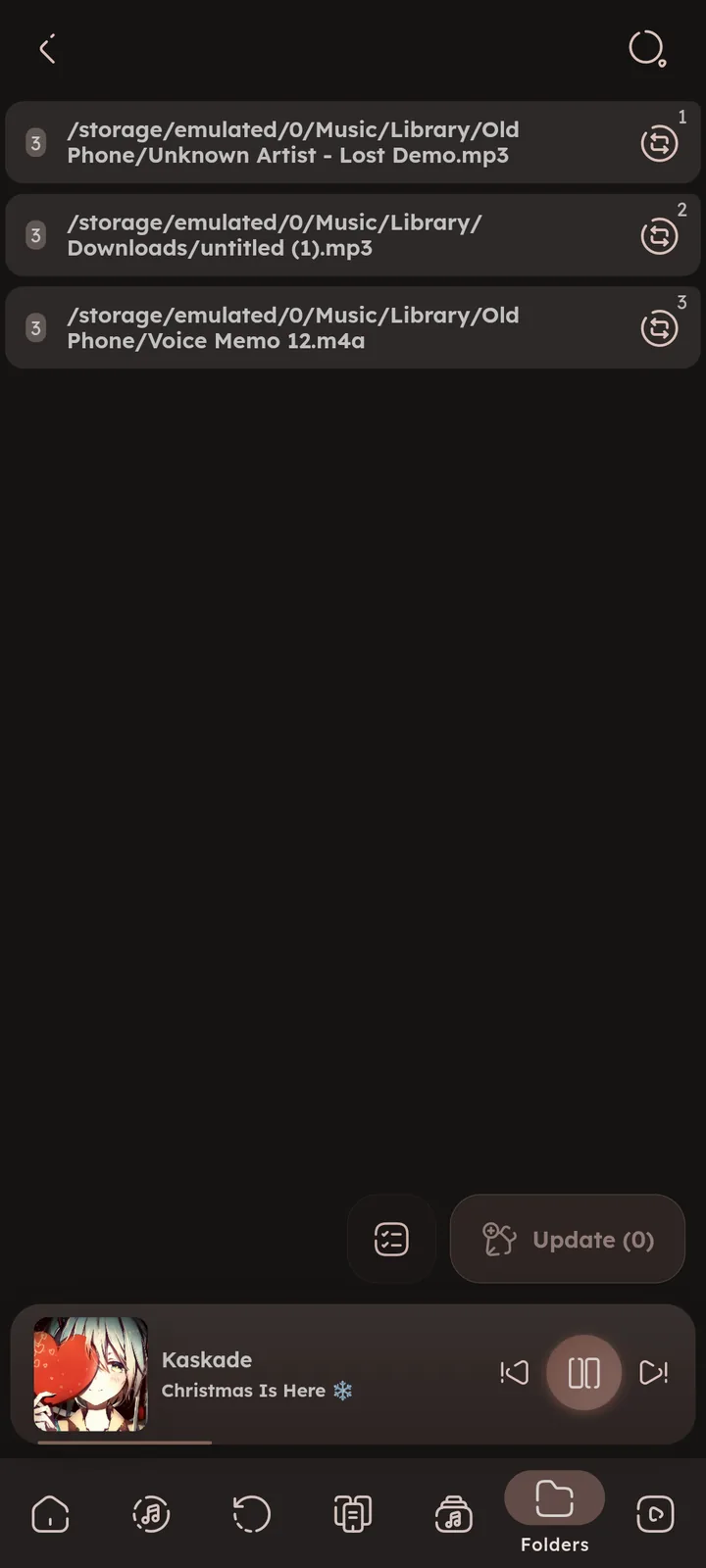
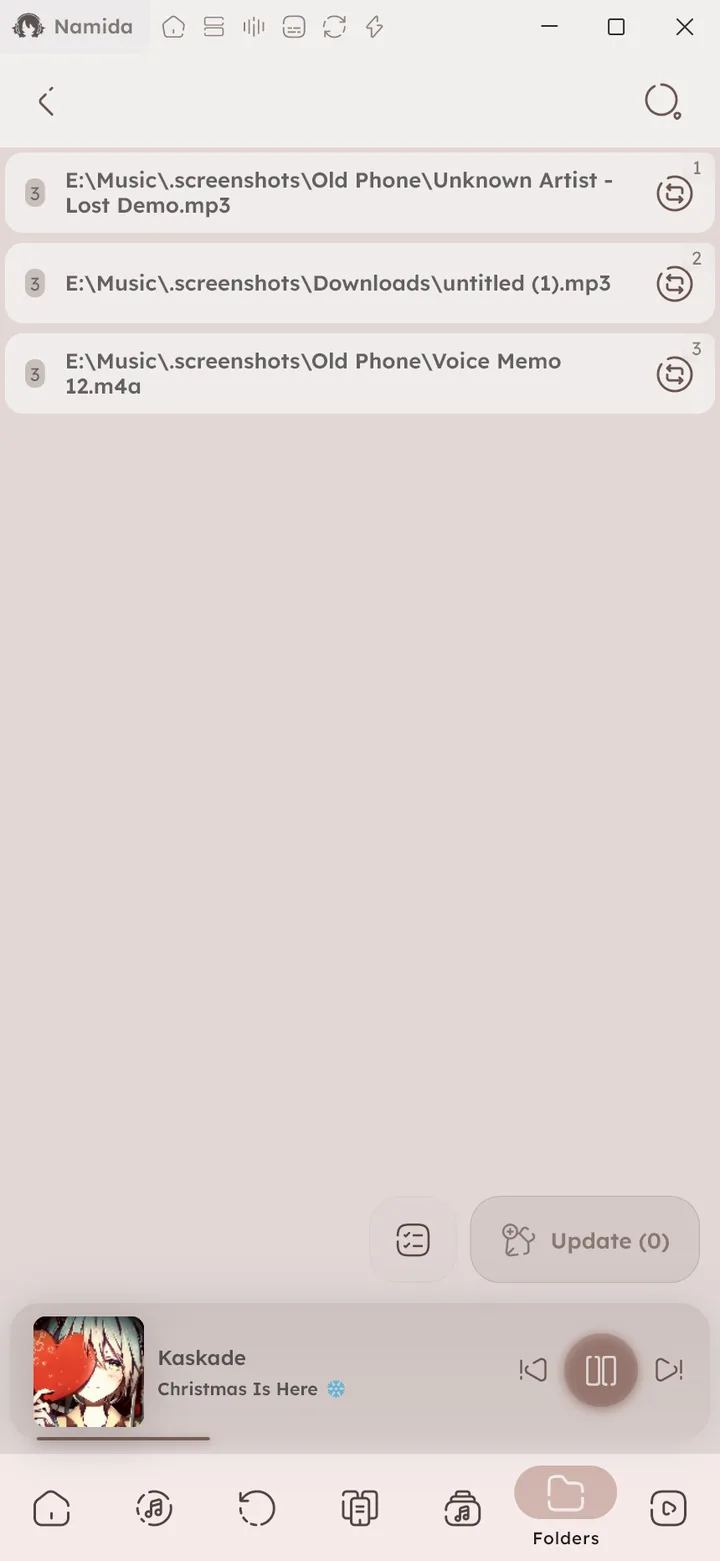
If you moved or renamed files outside Namida, the missing tracks page helps you relink them without losing stats and listens. Whole directories can be updated at once with ⚙️ Open Update Directory Path ↗. ⚙️ Configure Missing Tracks ↗

Sorting & Grouping
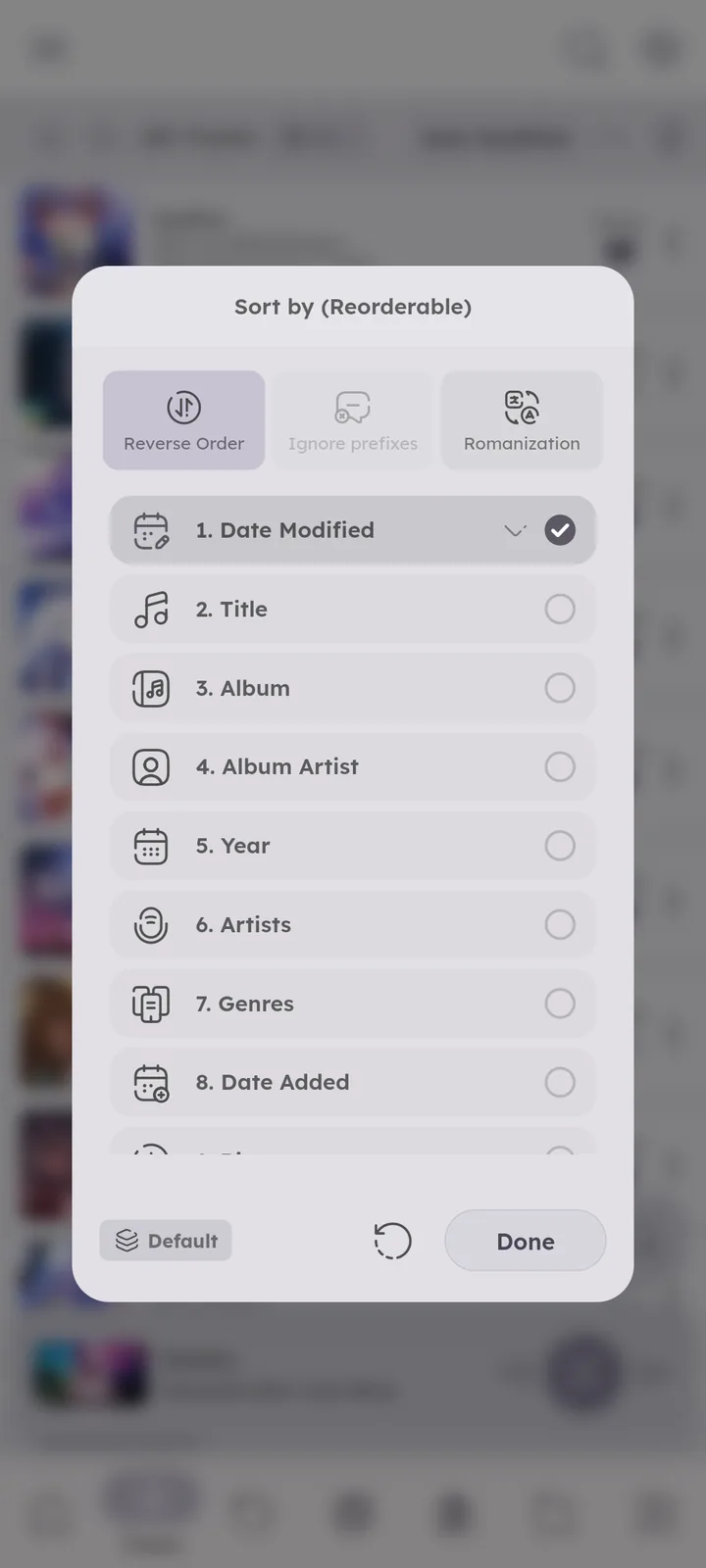
Sort by almost any property of the track or the album. Most pages allow picking more than one sorter and reordering them, so you can sort by artist, then year, then title.
Albums can be identified by name alone or combined with album artist or year, and common prefixes like “The” can be ignored while sorting.
The release type tag decides if an album is a single, an EP or an album. 🆕 v8.2.0 📄 Albums Page ↗
Albums, artists, genres and playlists can use several sorters too, from Advanced in their sort menu. Sort menus also have quick Reverse Order, Ignore prefixes and Romanization toggles. 🆕 v7.8.0
In Advanced, each sorter can be reversed on its own (like newest year first, then title A to Z), and Reverse Order still flips the whole list. 🆕 v8.2.0
Text sorting ignores accents and reads numbers by their value, so Ànteros sits next to Anteros, and 2.mp3 comes before 10.mp3. This applies to every text sort, including playlists and folders. 🆕 v7.4.0
Non latin titles and artists can also be sorted by their romanized form. ⚙️ Configure Romanization ↗


File Dates
Date Added and Date Modified come from the file itself. They decide the date sorts, smart playlist date rules, and Recently Added on the Home page (where a file that was just changed jumps to the top).
So Namida can keep file dates:
- Tag editor, “Keep file dates” is on by default. Turn it off and edited files get today’s date.
🎉 Keep File Dates ↗ - Rating, moods and tags from the track menu always keep them.
- YouTube downloads, “Set file last modified as video upload date” dates files by the video, so old videos don’t flood Recently Added.
🎉 Downloads ↗
Files copied with a tool that doesn’t keep dates look newly added too.
Edited a file in another app that kept its dates? Refresh might miss it, re-index the track from its menu -> Advanced.
Media Servers
Your library is not limited to local files, servers can be indexed too, see the 🎉 Media Servers feature ↗.
Related Settings
Author: @MSOB7YY
Writer: @claude
