
Effects & Visualizers
🆕 v7.8.0
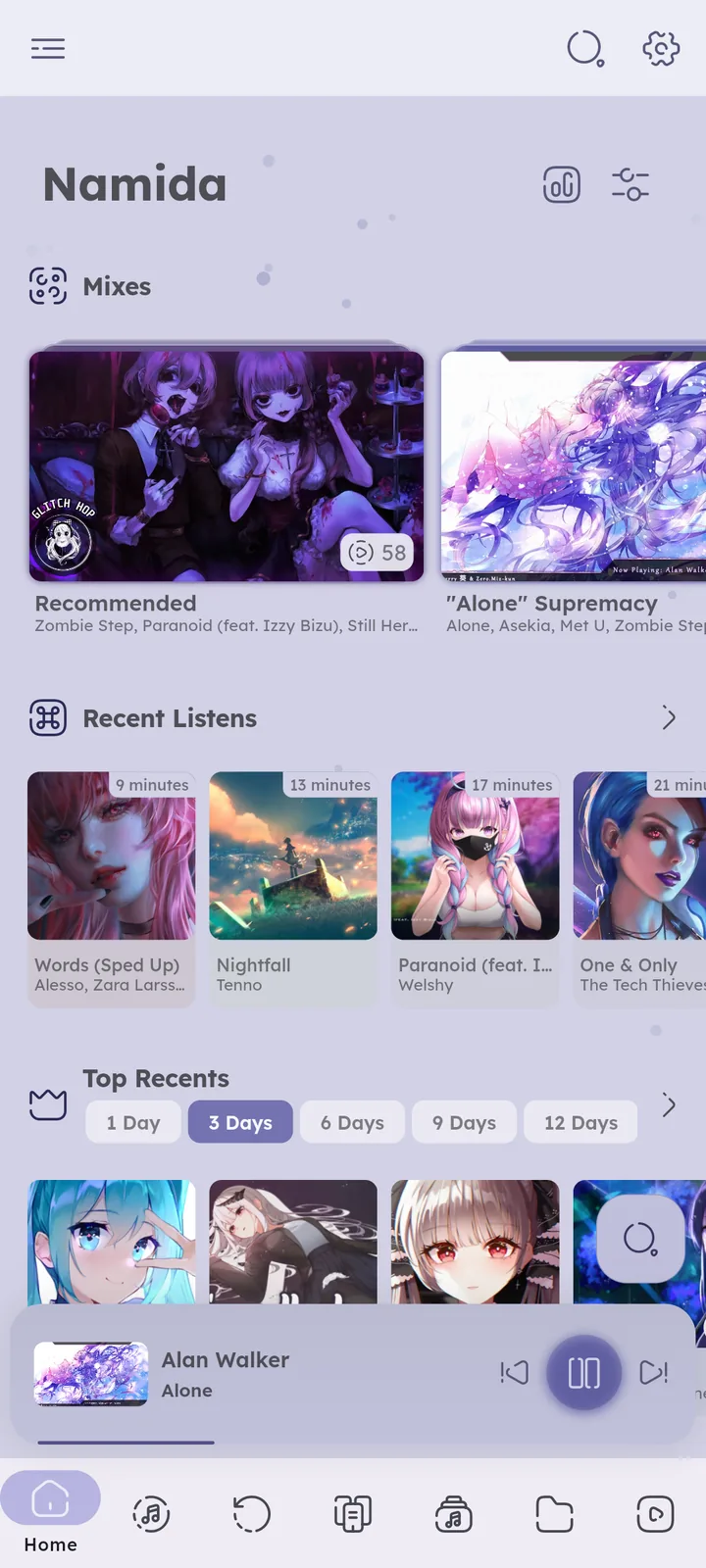
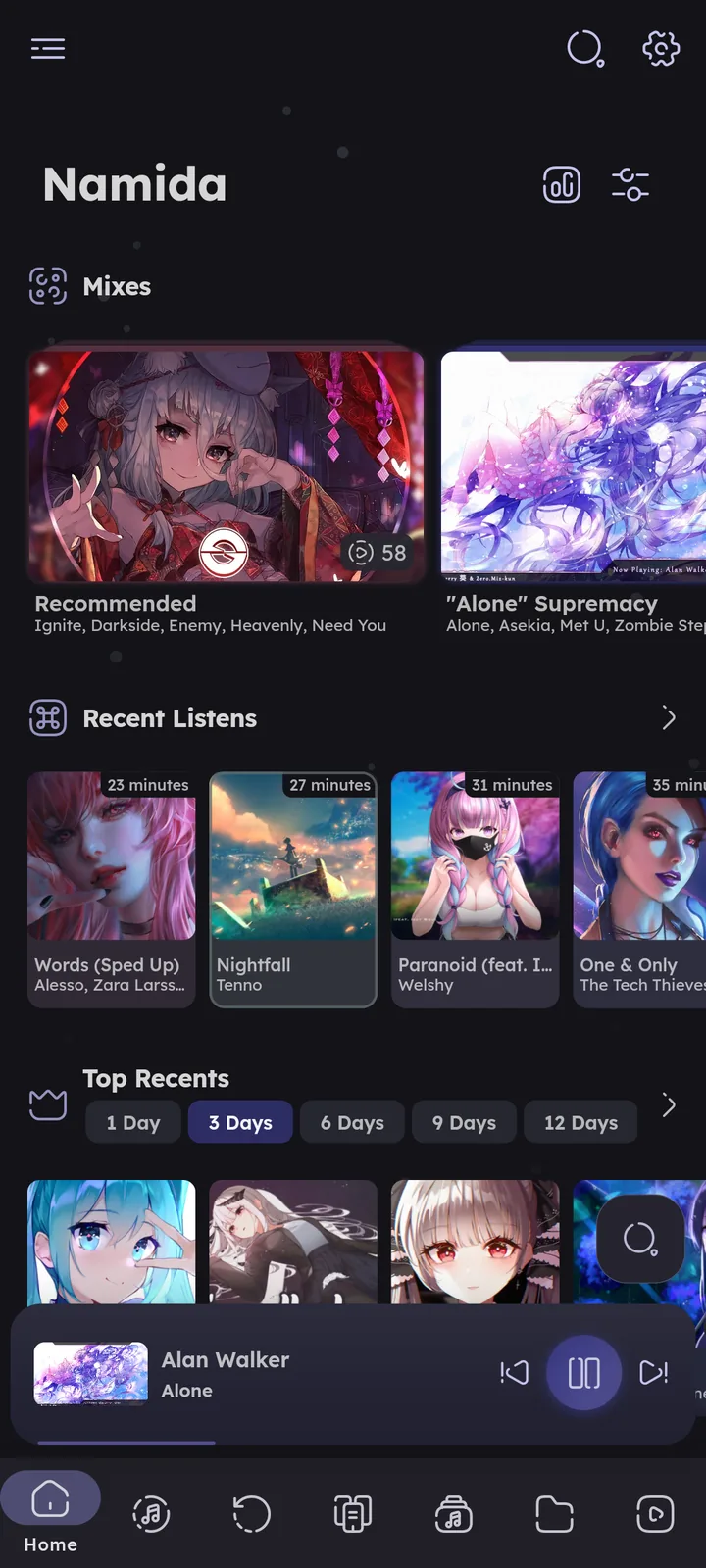
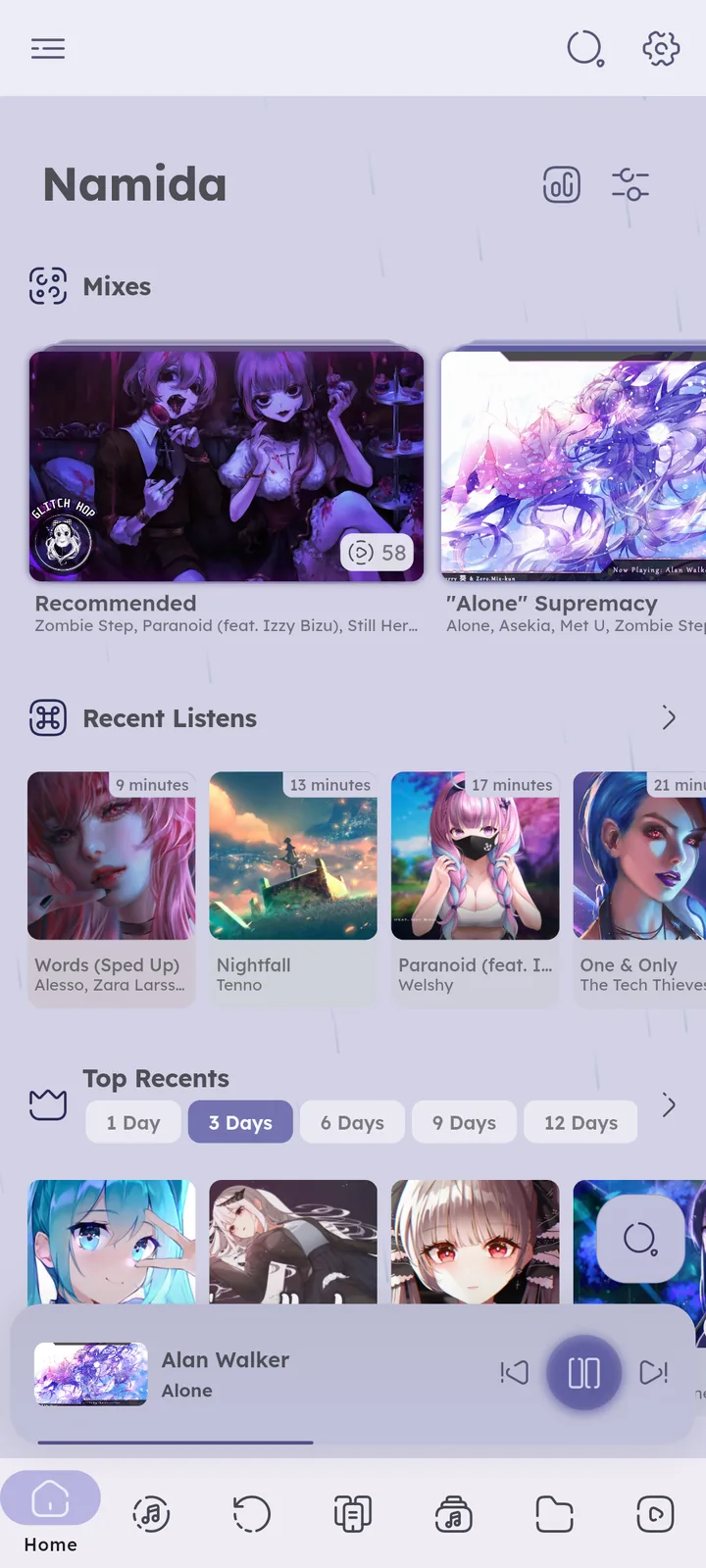
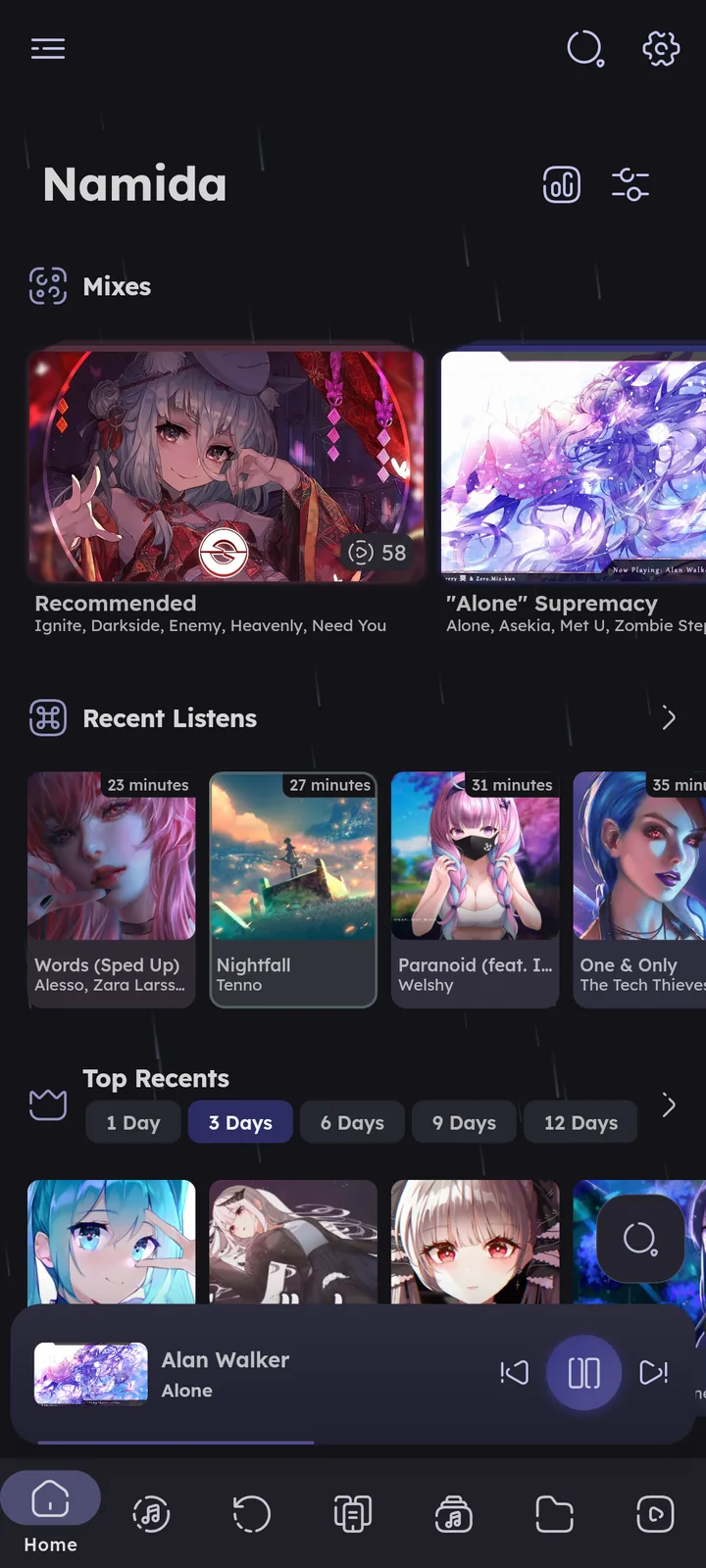
Animated effects behind or over the app, visualizers in the player, and your own backgrounds. Most of them move with the beats of the music.
All of them are in Customizations, on every platform.
Custom images for the wallpaper and player background need the BACKGROUND_IMAGES flag. ⚙️ Configure Effects ↗
Effects and visualizers might affect performance on low end devices. Performance Mode set to High performance turns all of them off except the wallpaper.
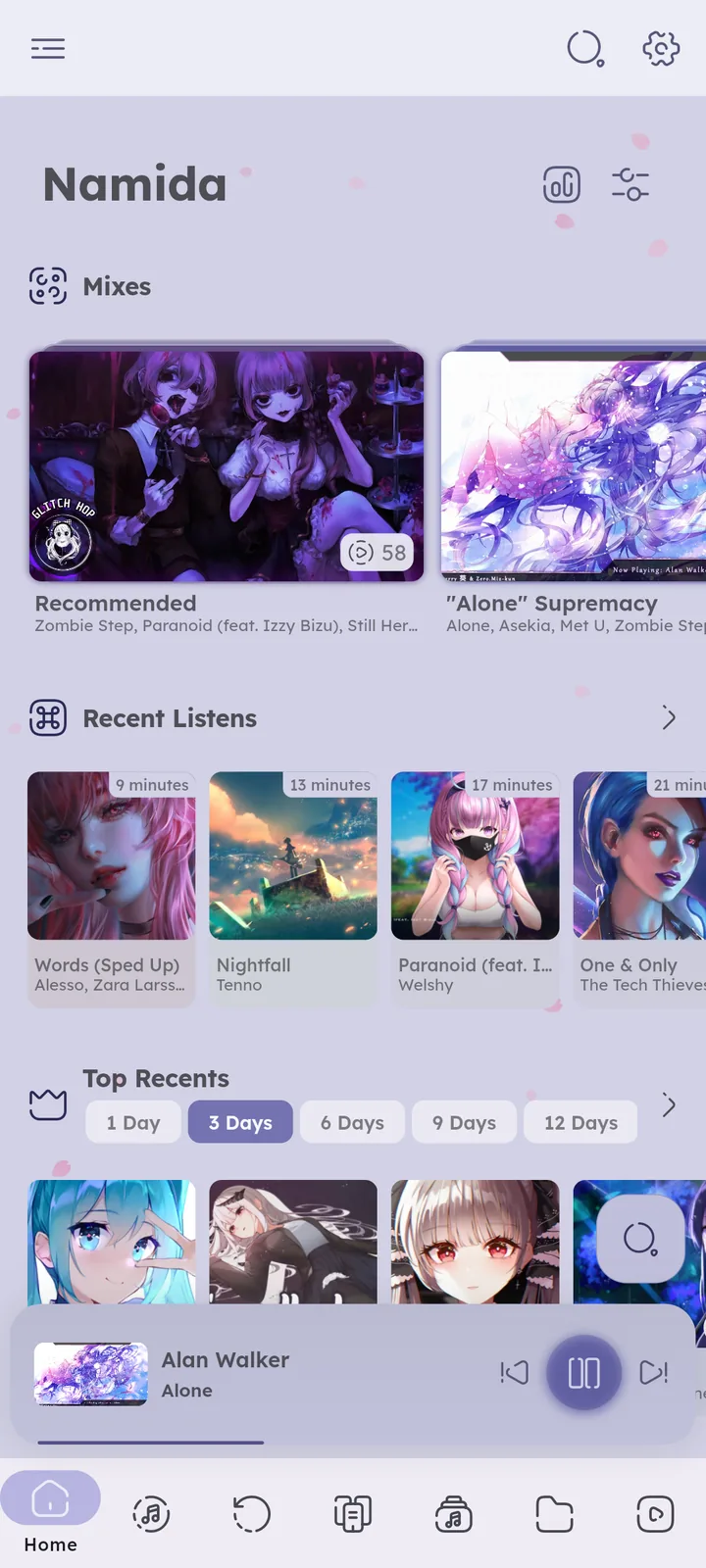
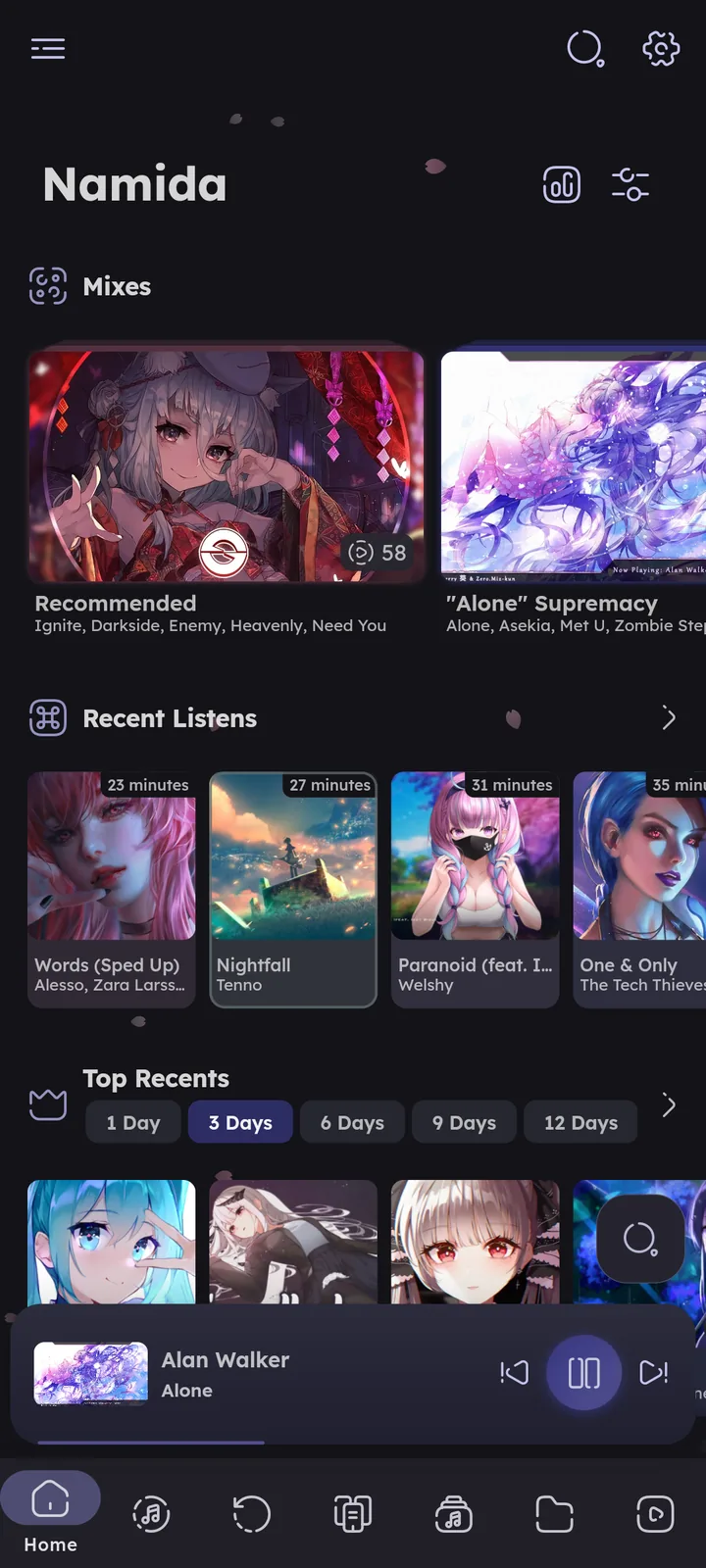
Background & Overlay Effects
- Background effect, drawn behind the pages, softly.
- Overlay effect, drawn on top of the whole app (the player included). It doesn’t block any touches.
Both pick from the same list:
| Effect | What you see |
|---|---|
| Auto | the current season’s effect, nothing outside a season, see below |
| None | |
| Particles | soft dots in the app color |
| Halloween | pumpkins, skulls, ghosts, bats and falling leaves |
| Christmas | snowmen, snow and a string of colored bulbs |
| Ramadan | crescents, hanging lanterns and sparkles |
| Sakura | falling petals |
| Rain | falling streaks |
| Fireflies | flickering glows |
| Starfield | stars, sparkles and shooting stars |
| Galaxy | a slowly spinning galaxy with nebula glows |
| Aurora | aurora curtains colored by the current artwork |
| Fireworks | bursts that follow the beats |
| Deep ocean | marine snow, glowing plankton, fish, jellyfish and bubbles |
Background effect is Auto by default.
Overlay effect is None by default.
Seasons
With Auto, these show up on their own, and switch right on time:
- New Year, December 31 to January 1, fireworks.
- Eid al-Fitr and Eid al-Adha, fireworks. The dates follow a calculated Islamic calendar, so they can be a day off.
- Christmas Eve night, December 24 from 18:00 to December 25 at 06:00, Christmas.
- Ramadan, the whole month plus a day on each side, lanterns and crescents.
- Halloween, October 25 to November 1.
- Christmas, December 15 to January 5.
- Sakura, March 25 to April 10.
- Tanabata, July 7, galaxy.
When two overlap, the higher one wins. A small message announces each season, with a Disable button.




Visualizers
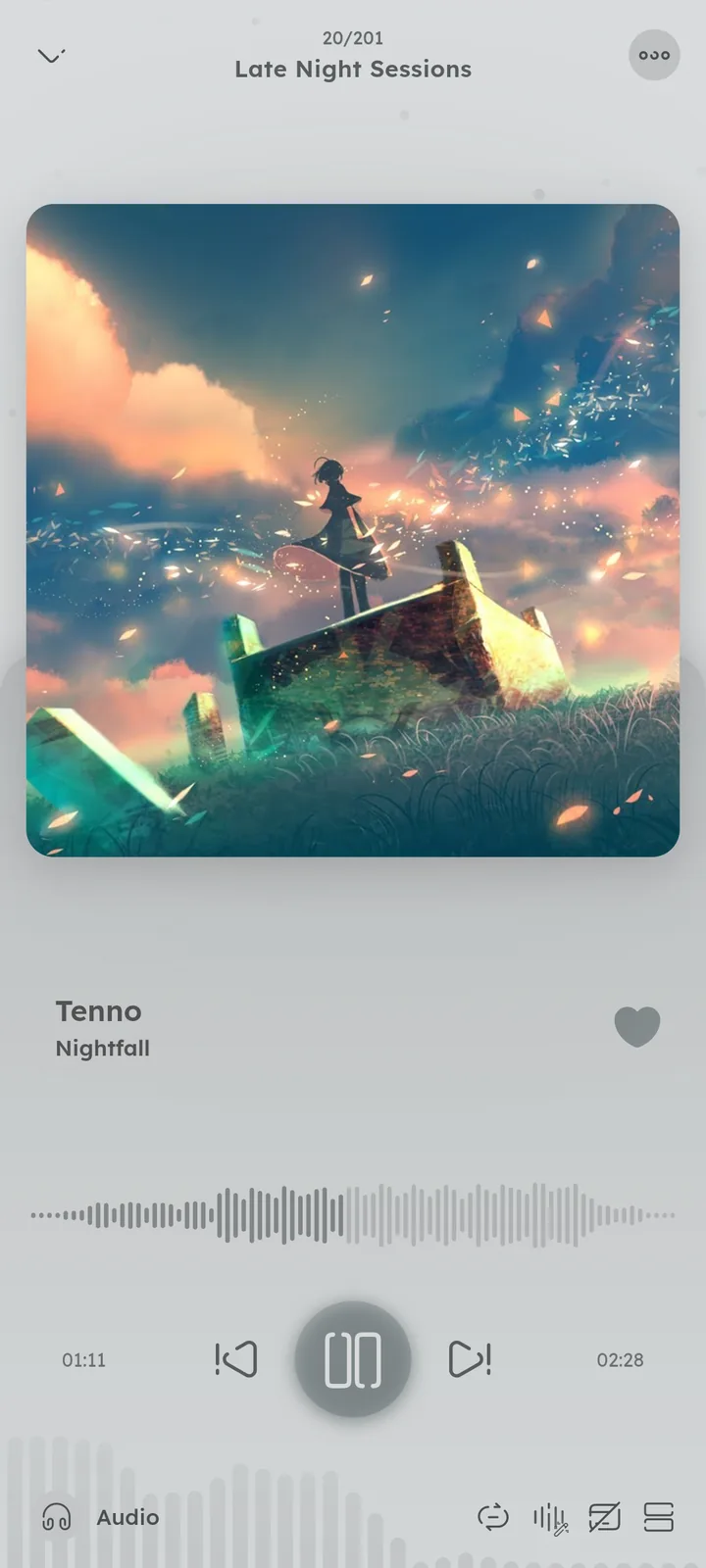
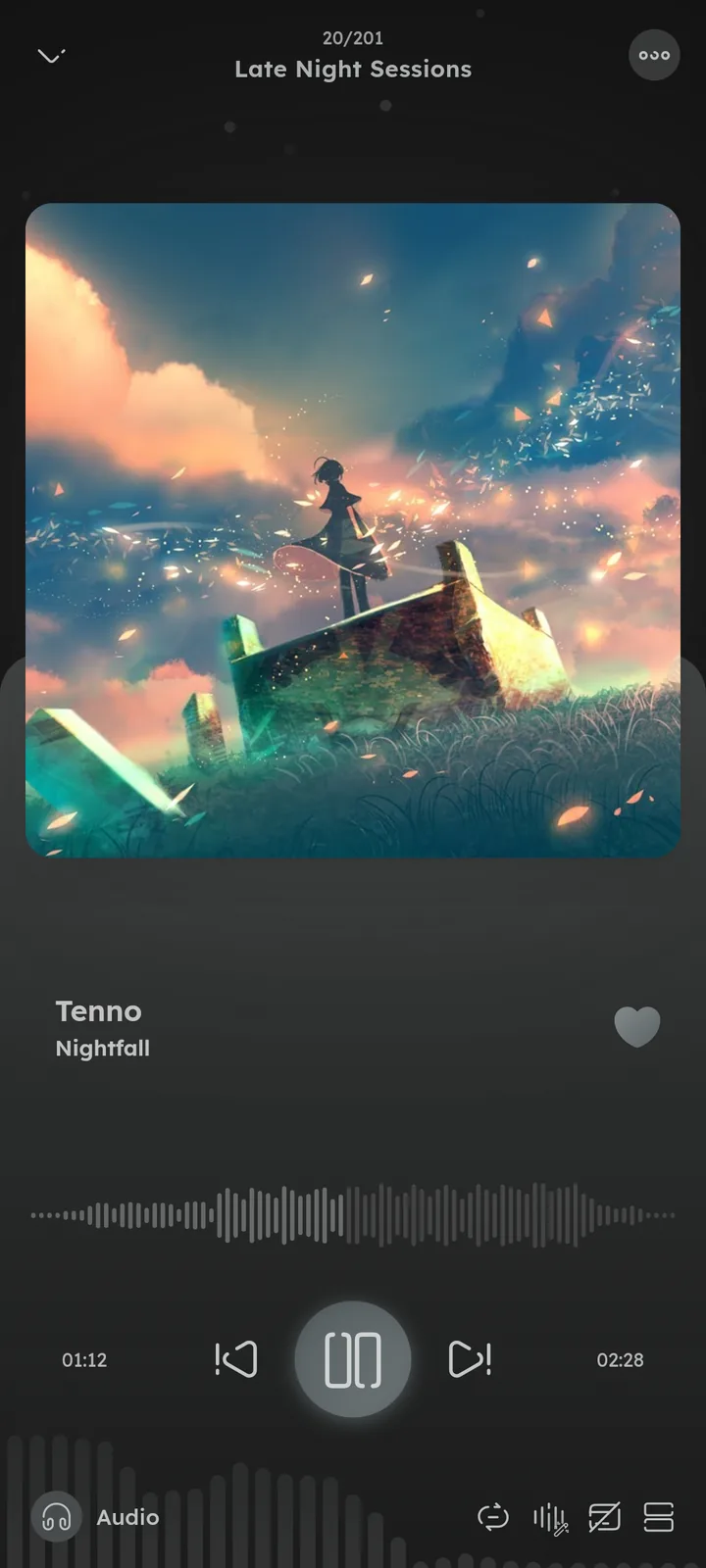
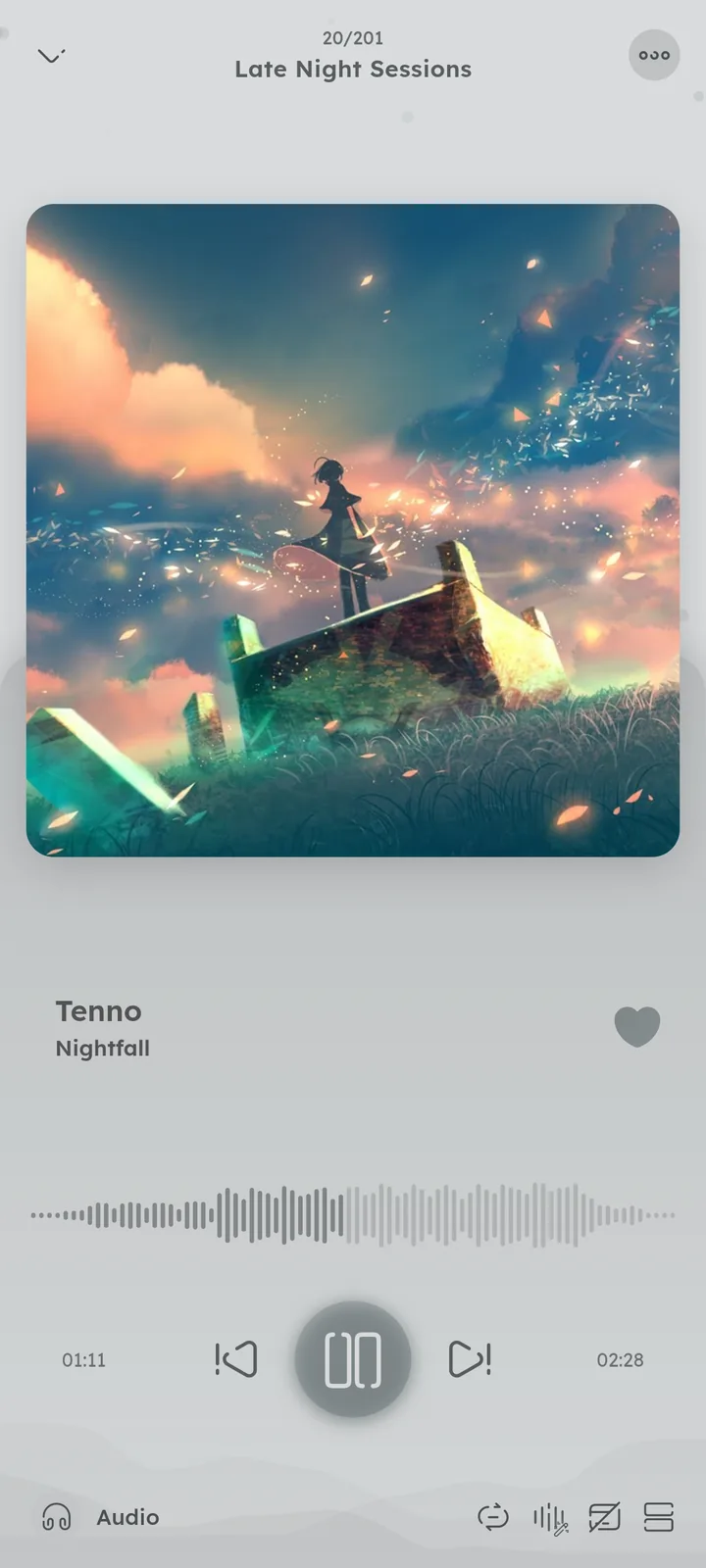
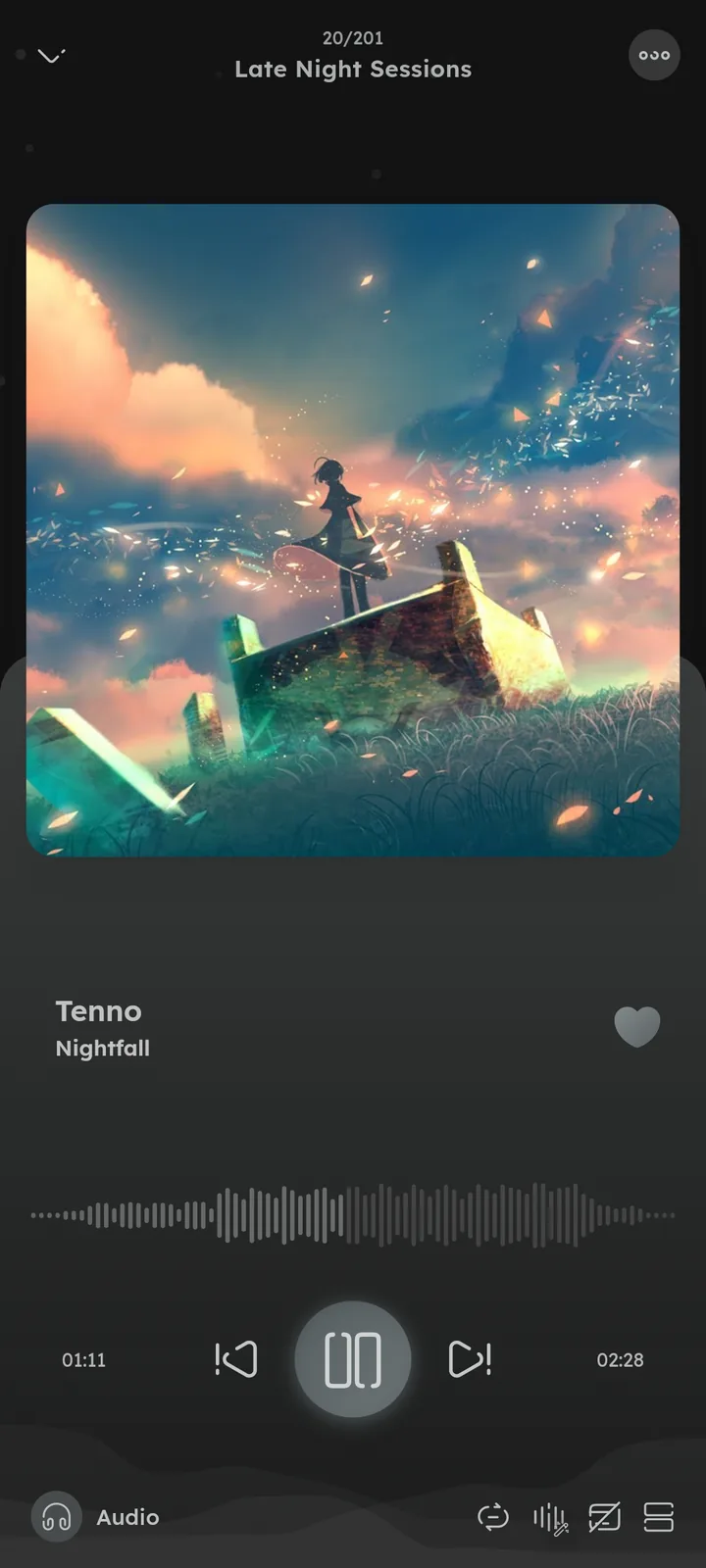
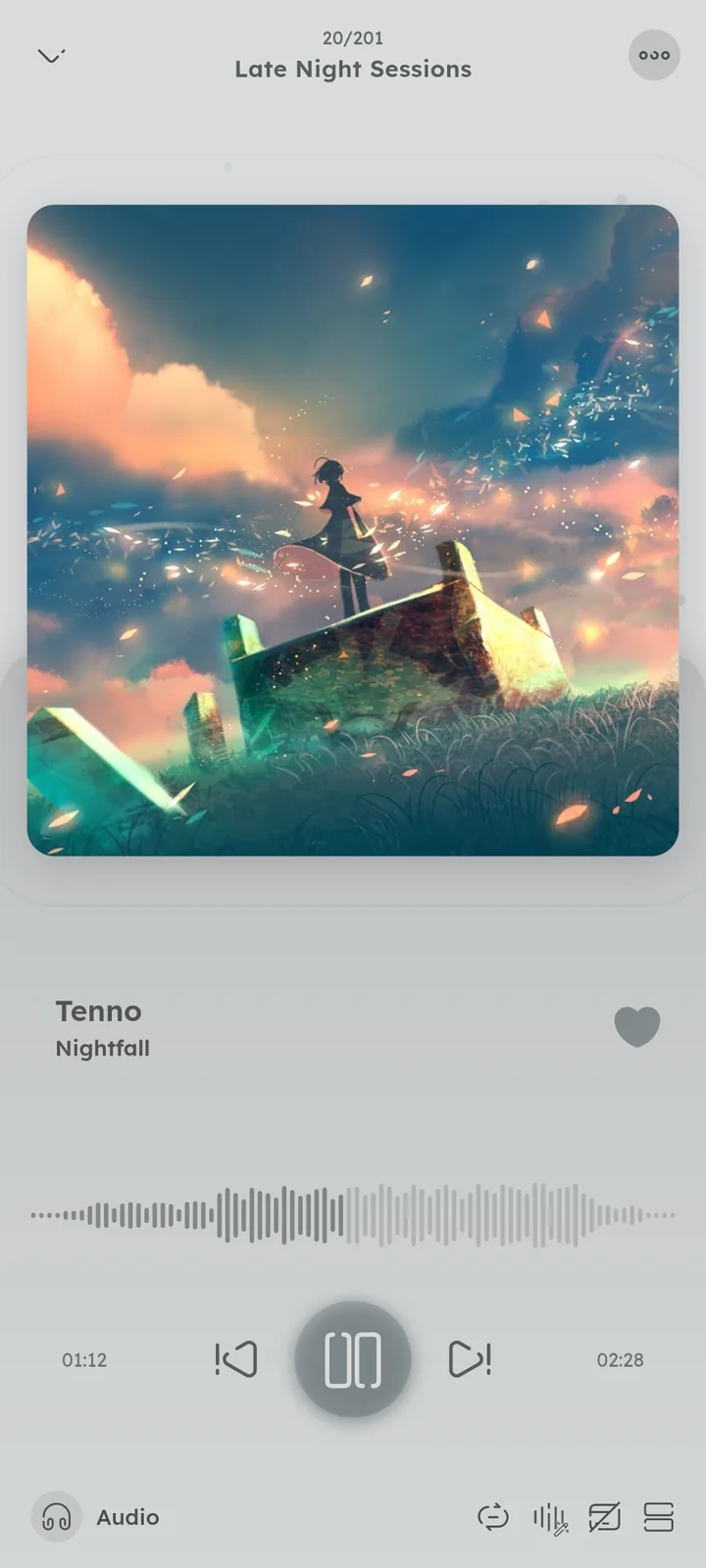
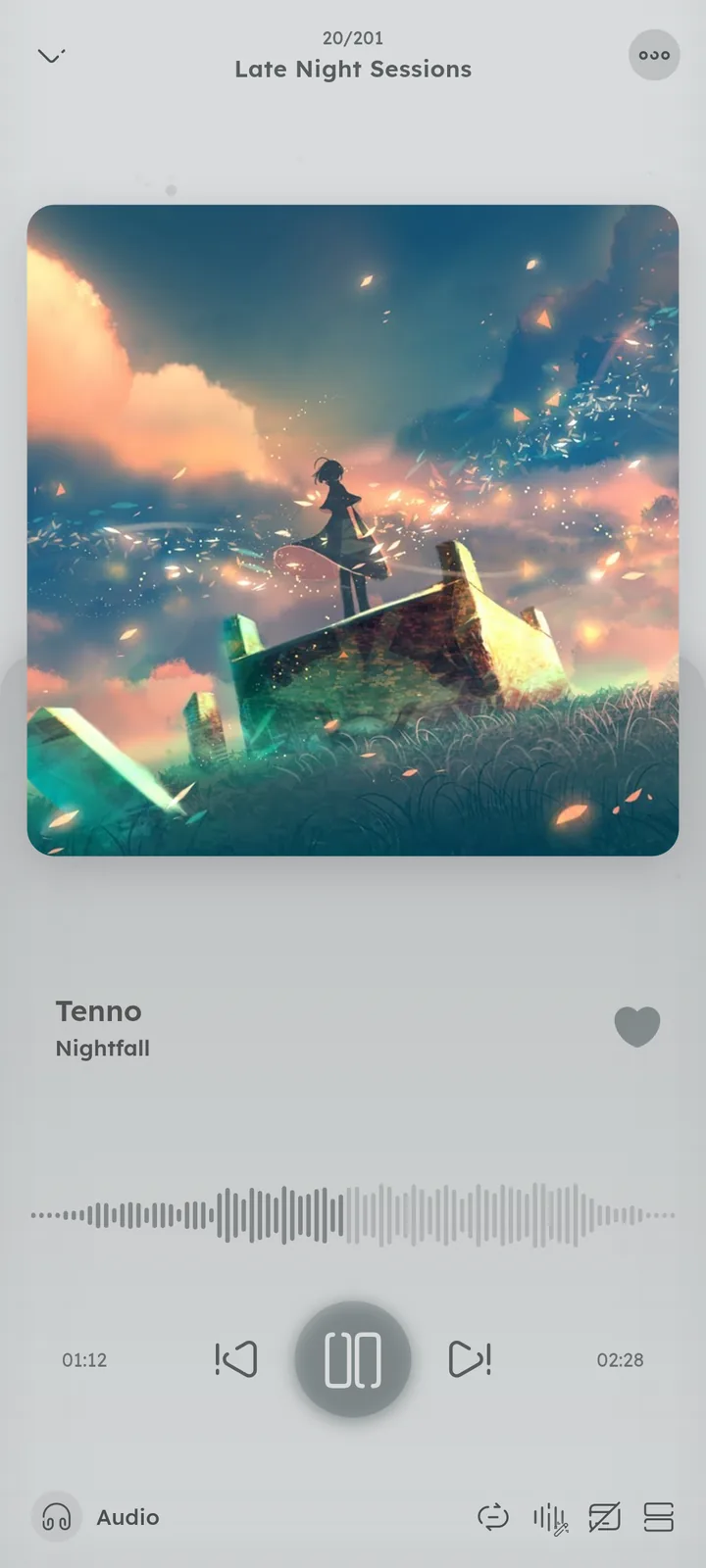
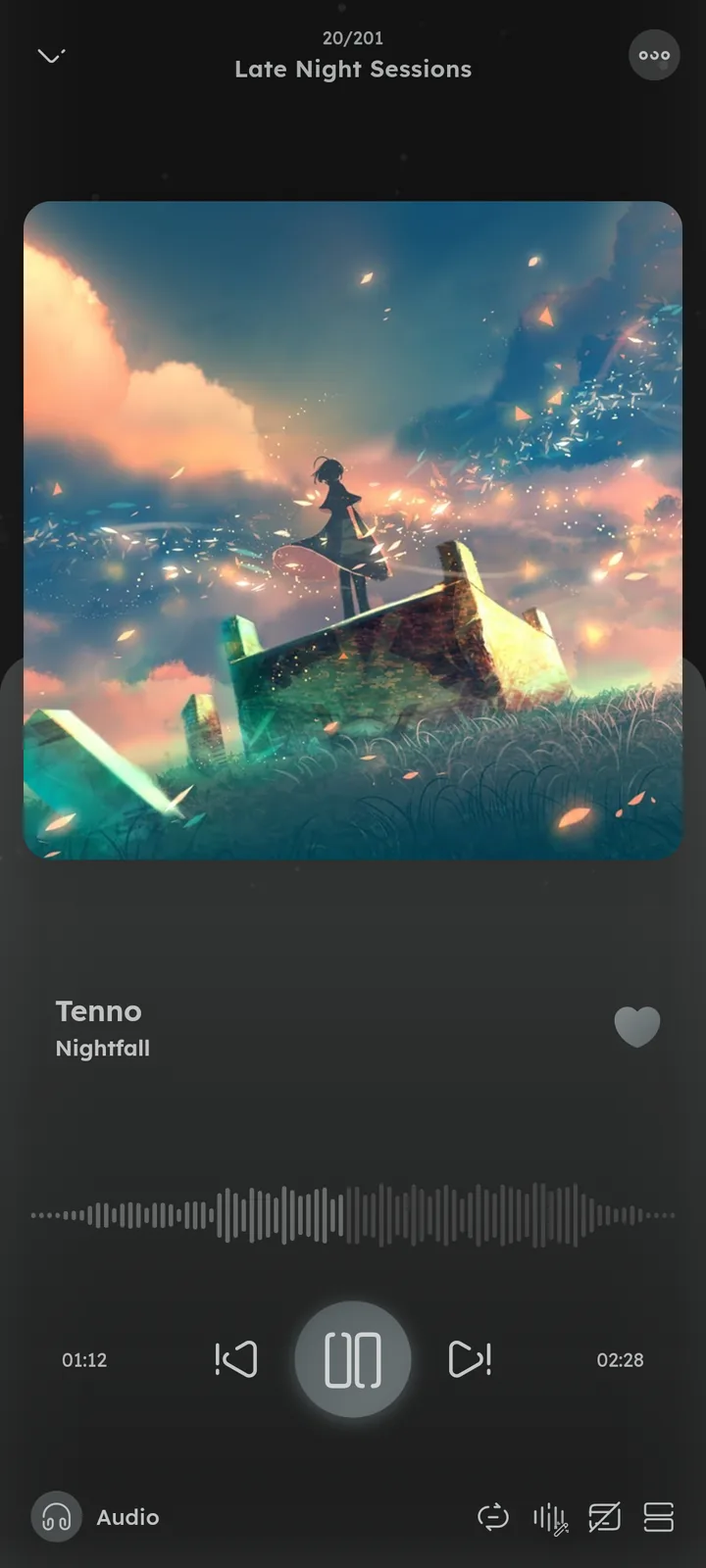
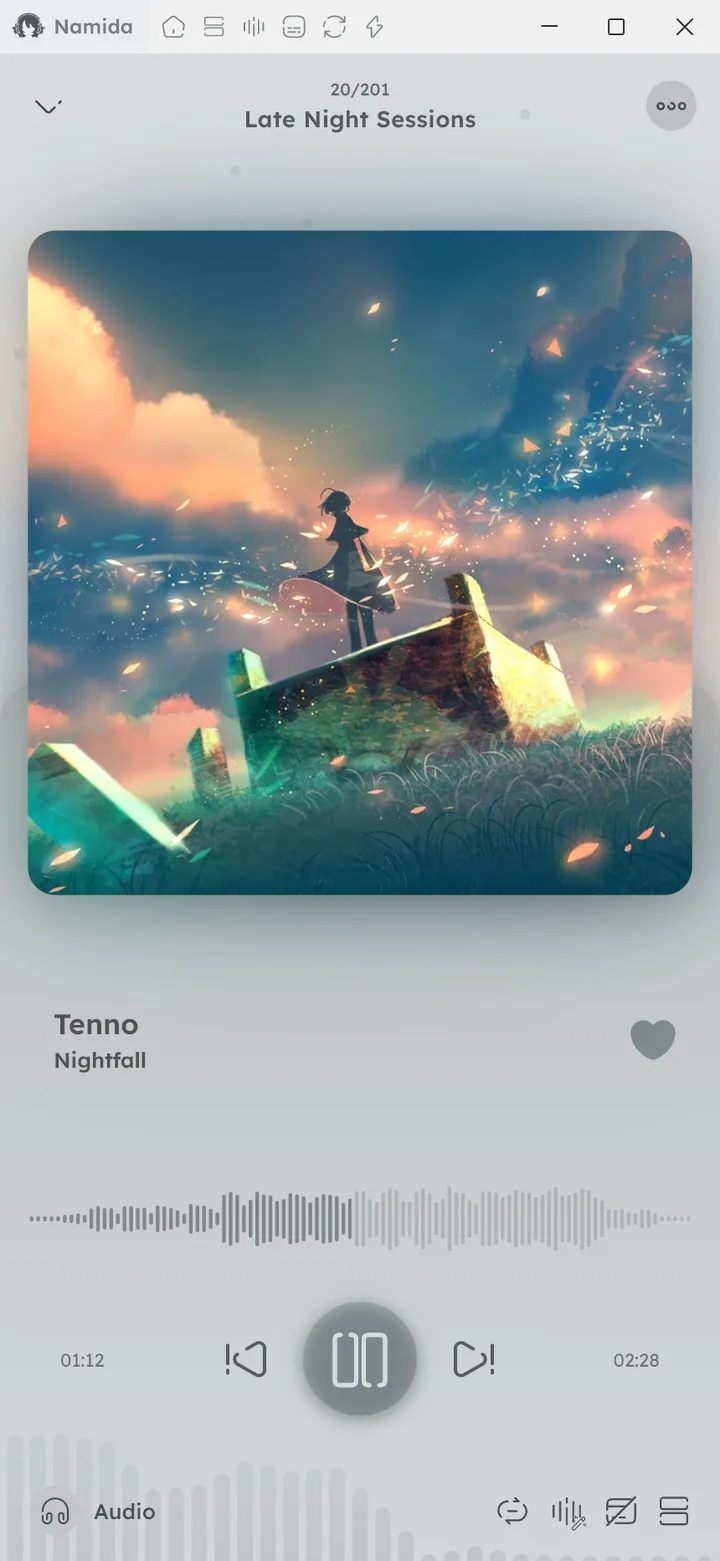
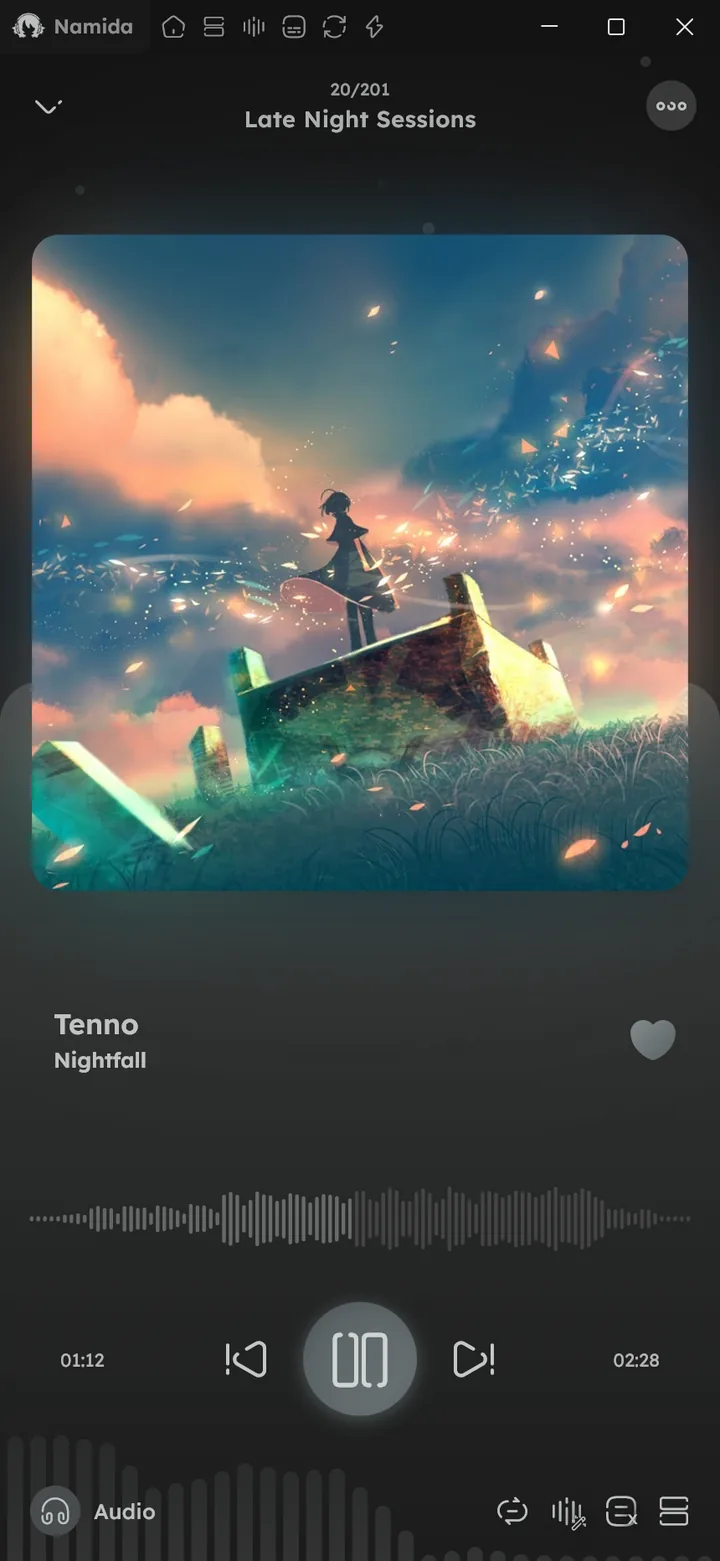
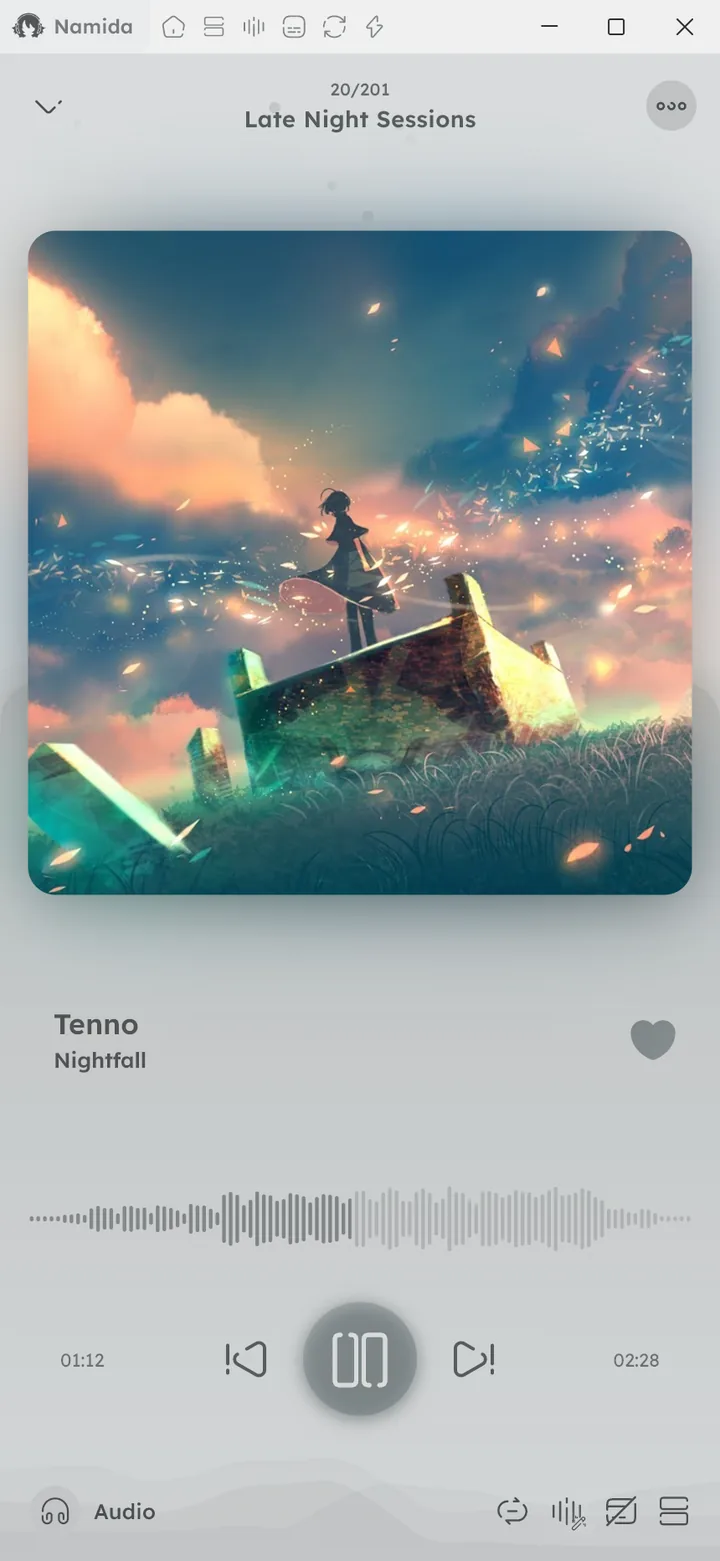
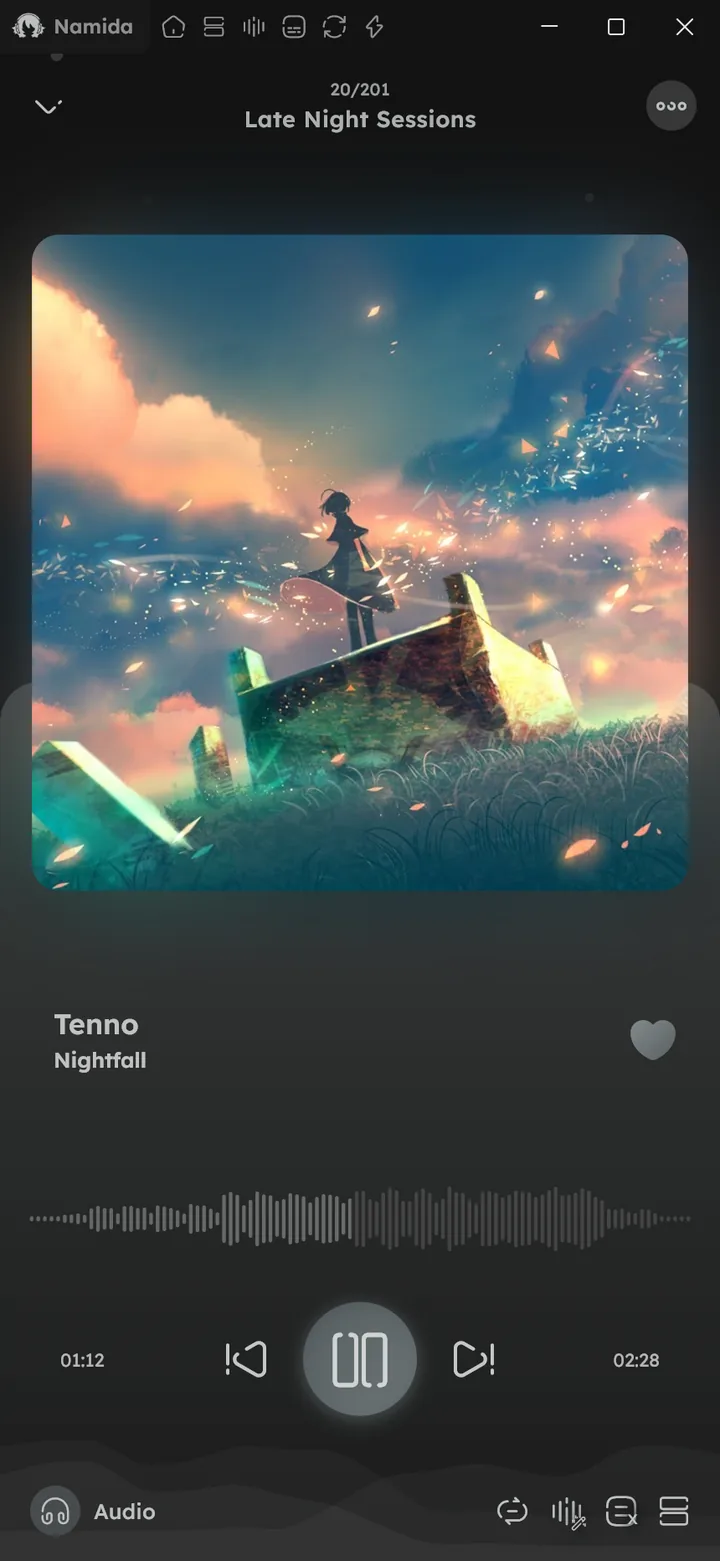
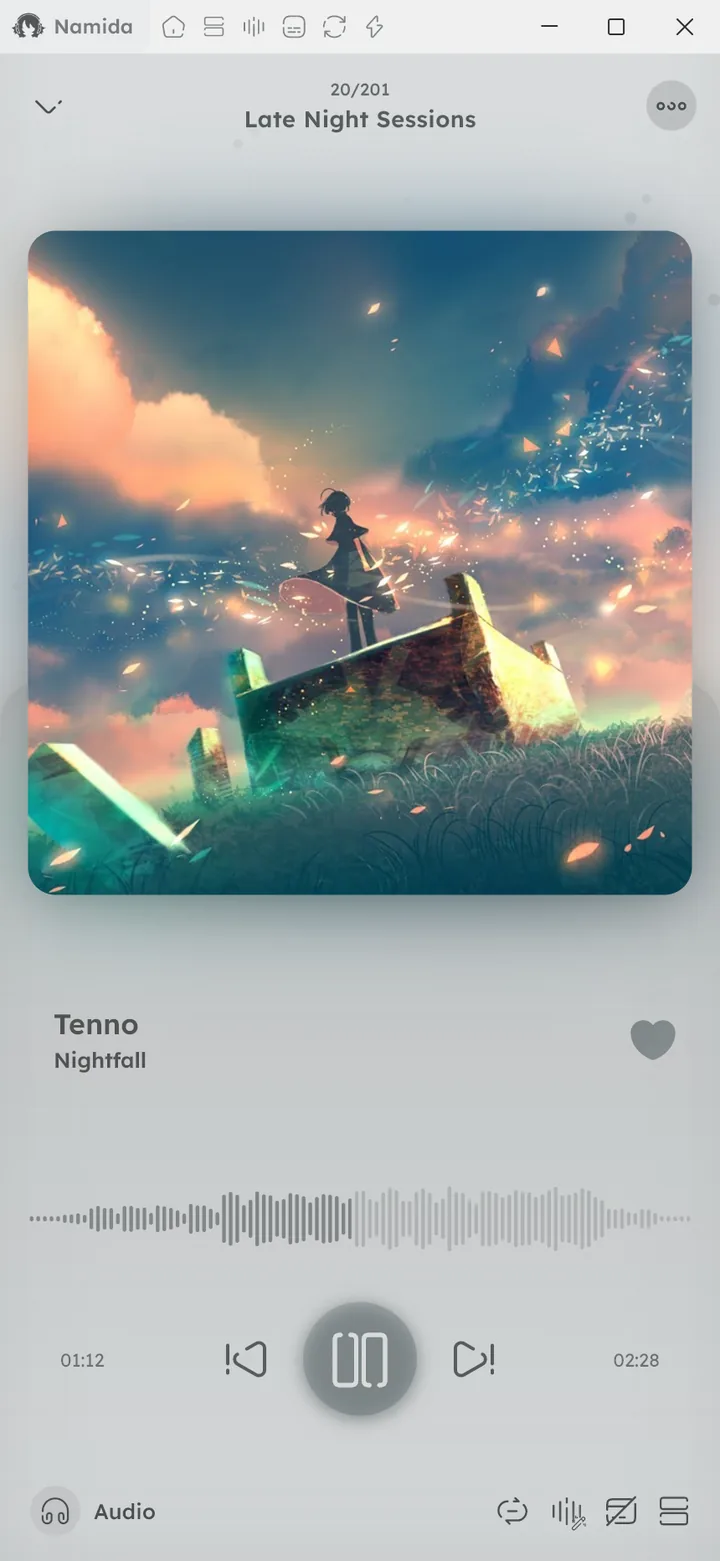
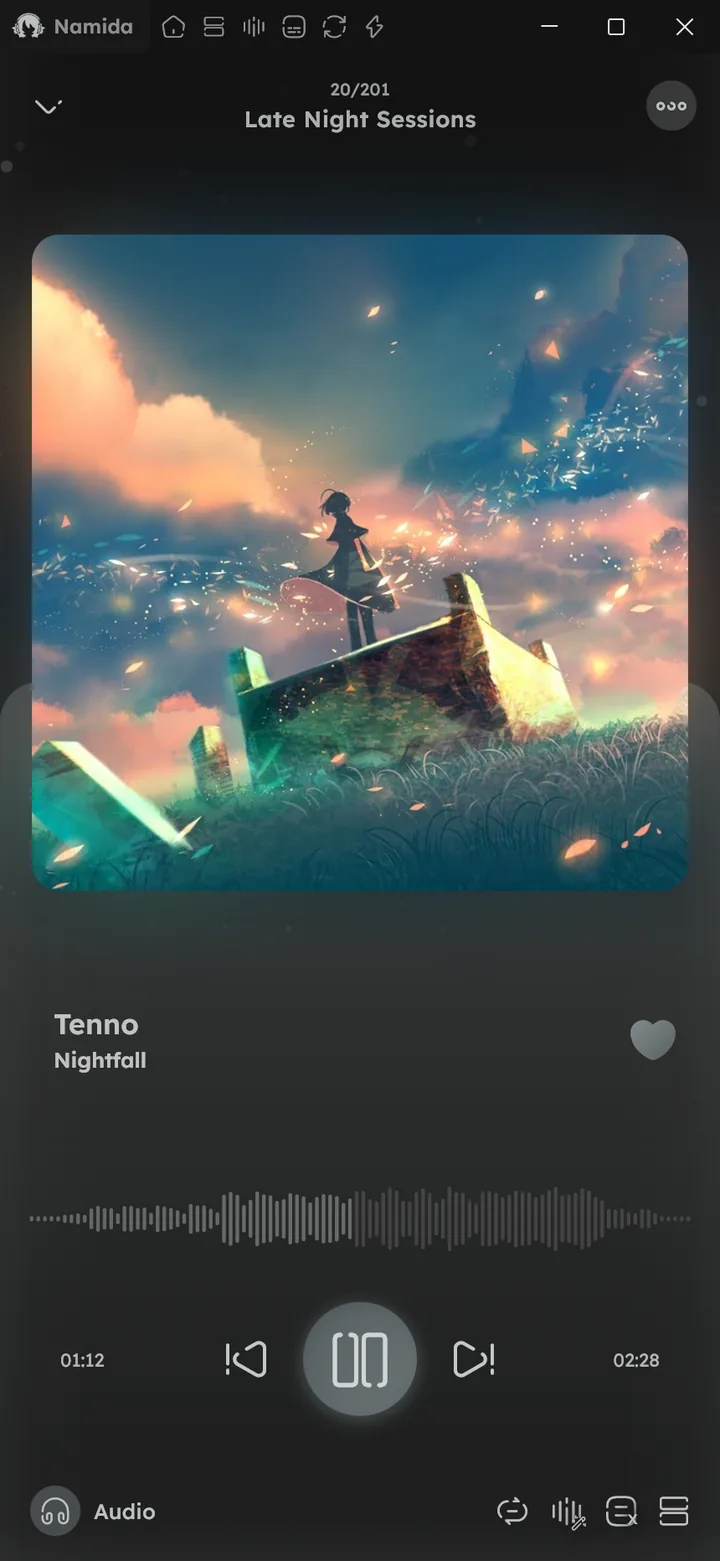
Shown in the expanded player, they move with the music and fade out when paused. Pick them from Visualizer in Miniplayer Customization.
Main styles, one at a time:
- Bars and Waves, rising from the bottom of the player.
- Mirrored bars, around the waveform seekbar.
- Outline, bars around the edges of the artwork.
Add-ons, any combination, together with a main style:
- Particles, floating in the background, growing with the loudness. This was “Enable moving particles” before.
- Edge lights, glowing player edges (bass at the bottom, highs at the top, mids on the sides).
- Glow, behind the artwork, swelling on beats.
- Beat rings, growing out of the artwork on each beat.
- Reactive particles, coming out from around the artwork.
Color Palette colors them with the artwork colors instead of the theme color. Disable All turns everything off.
While the queue is open, only Edge lights and Particles stay, the rest fade out.
YouTube videos get them too when the Youtube-style Miniplayer is off, once their audio is cached.



Player Background
A background behind the expanded player, fading in as you expand it:
- None, the usual player.
- Artwork, the current artwork or video thumbnail, crossfading on each track change.
- Custom, an image of your choice (needs the
BACKGROUND_IMAGESflag).
Then tune it with Blur, Dim Intensity, Vignette (faded edges) and Animated (the image gently zooms with the music).
“Color when expanded” keeps the player’s color tint while expanded, turn it off to let the background show as it is.


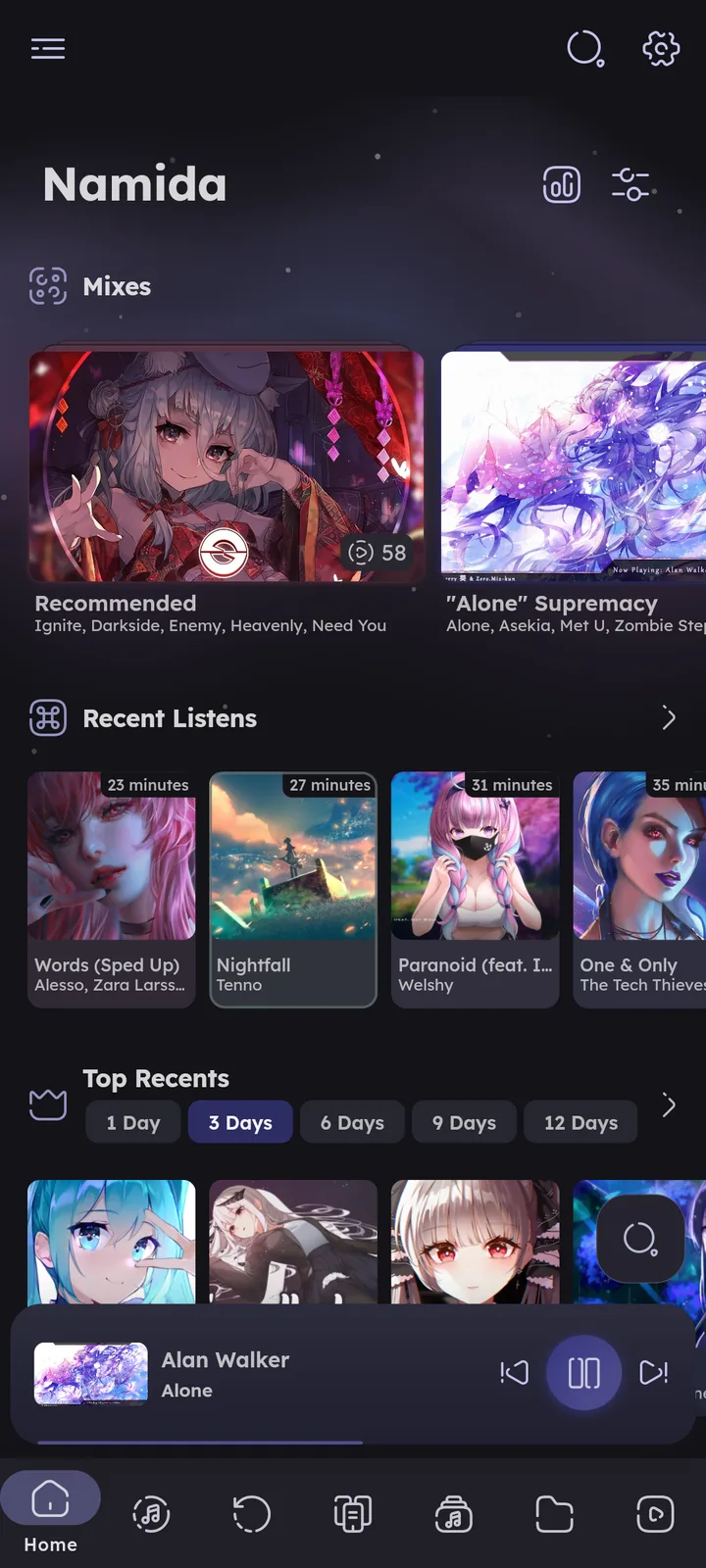


Wallpaper
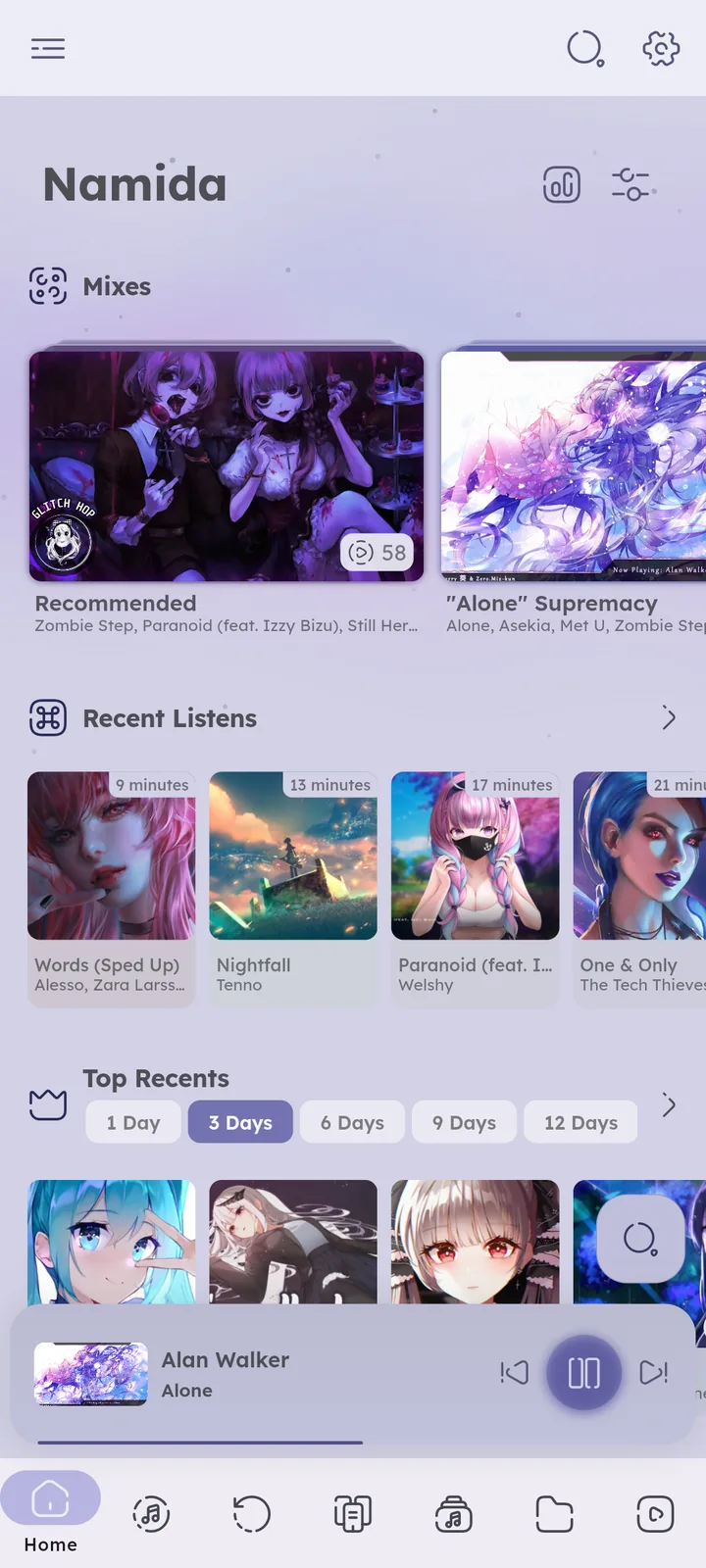
An image of your choice behind all the pages, under the background effect, with Blur and Dim Intensity.
(needs the BACKGROUND_IMAGES flag)
Membership
Supporter extras are marked with a crown, they need a membership or 1 egg each:
- Extra effects: starfield, galaxy, aurora, fireworks & deep ocean. Auto still shows fireworks and galaxy for free in their seasons.
- Extra visualizers: mirrored bars, outline, glow & edge lights.
- Custom image for wallpaper & player background.
Everything else is free.
Background, overlay, player background and wallpaper are kept per device, visualizers are synced. 🎉 Sync feature ↗
Related Settings
- Features
- PlaybackAudio Effects
- CustomizationsGeneral, Miniplayer Customization
- ExtrasFlags
- AdvancedPerformance Mode
- WelcomePhilosophy
- What's New🏷️ v7.8.0
- MembershipWhat It Unlocks, Free for Everyone
Author: @MSOB7YY
Writer: @claude
