
Indexer
Controls how Namida finds and reads your music files. The library is folder based, Namida only scans the folders you choose.


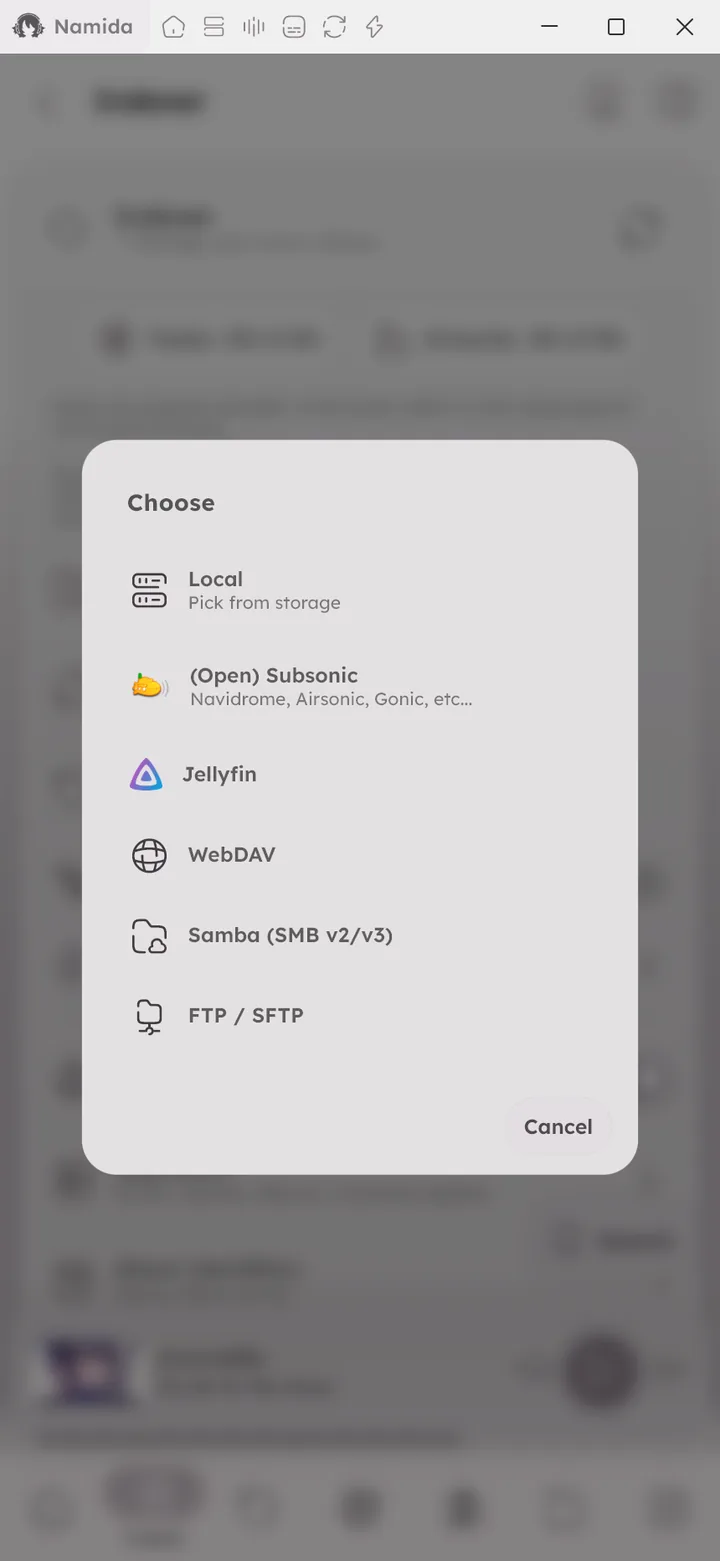
Add Folder
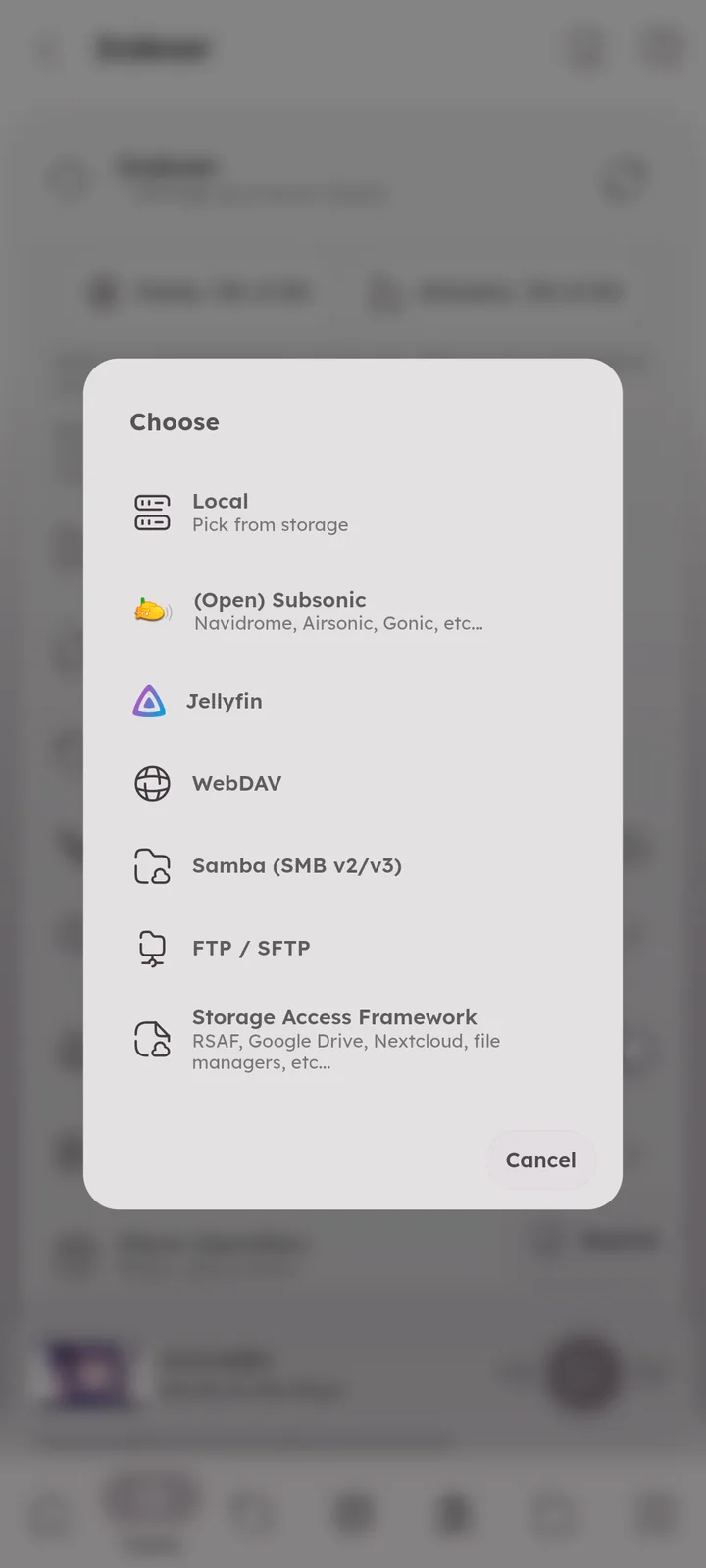
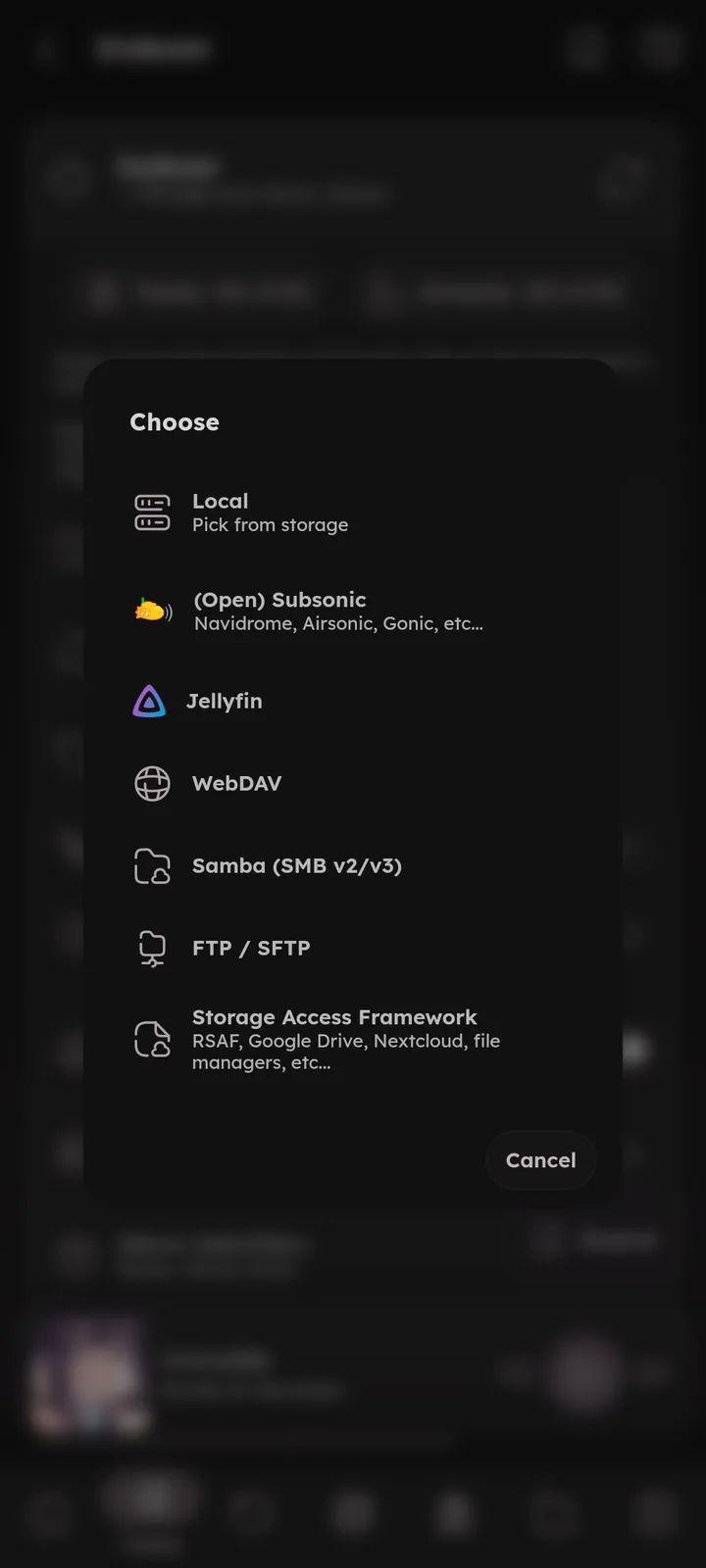
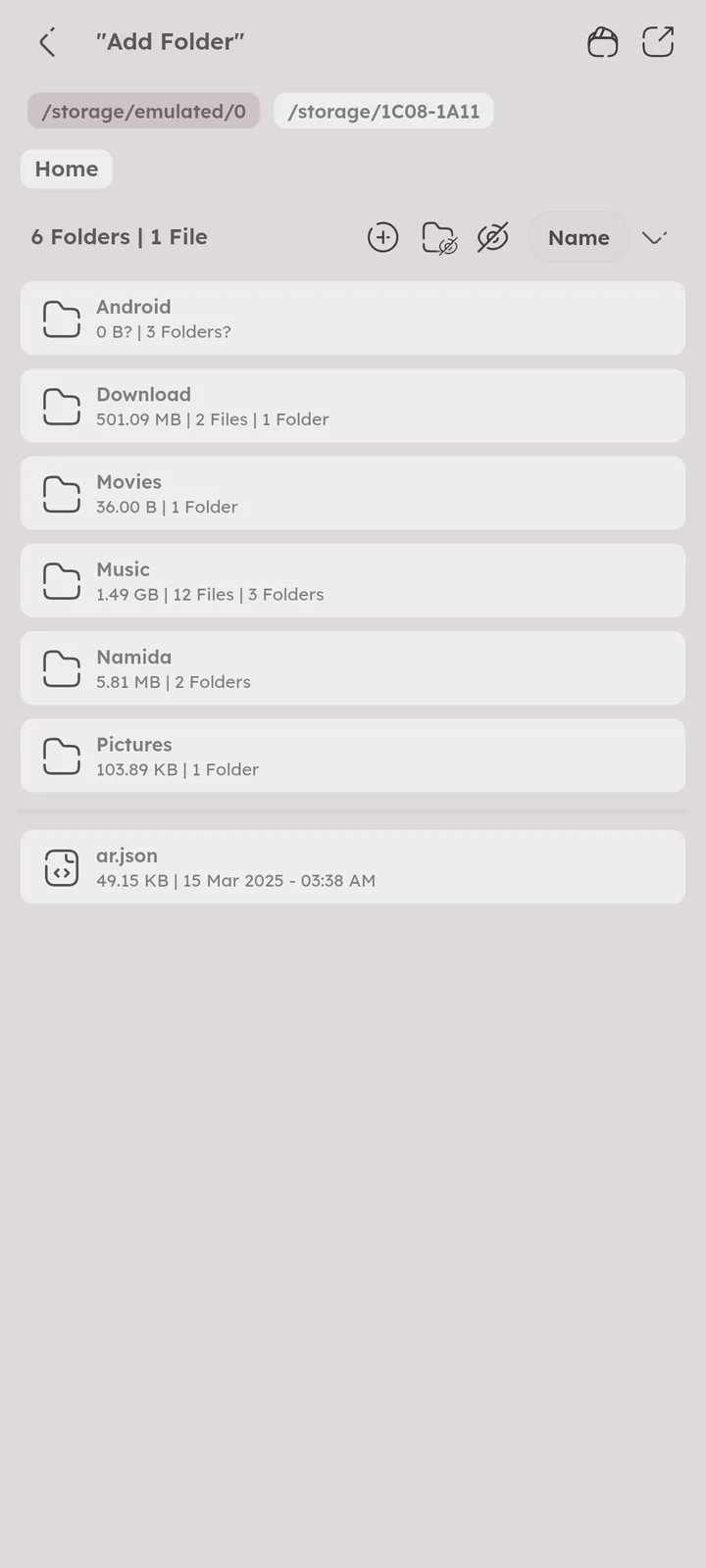
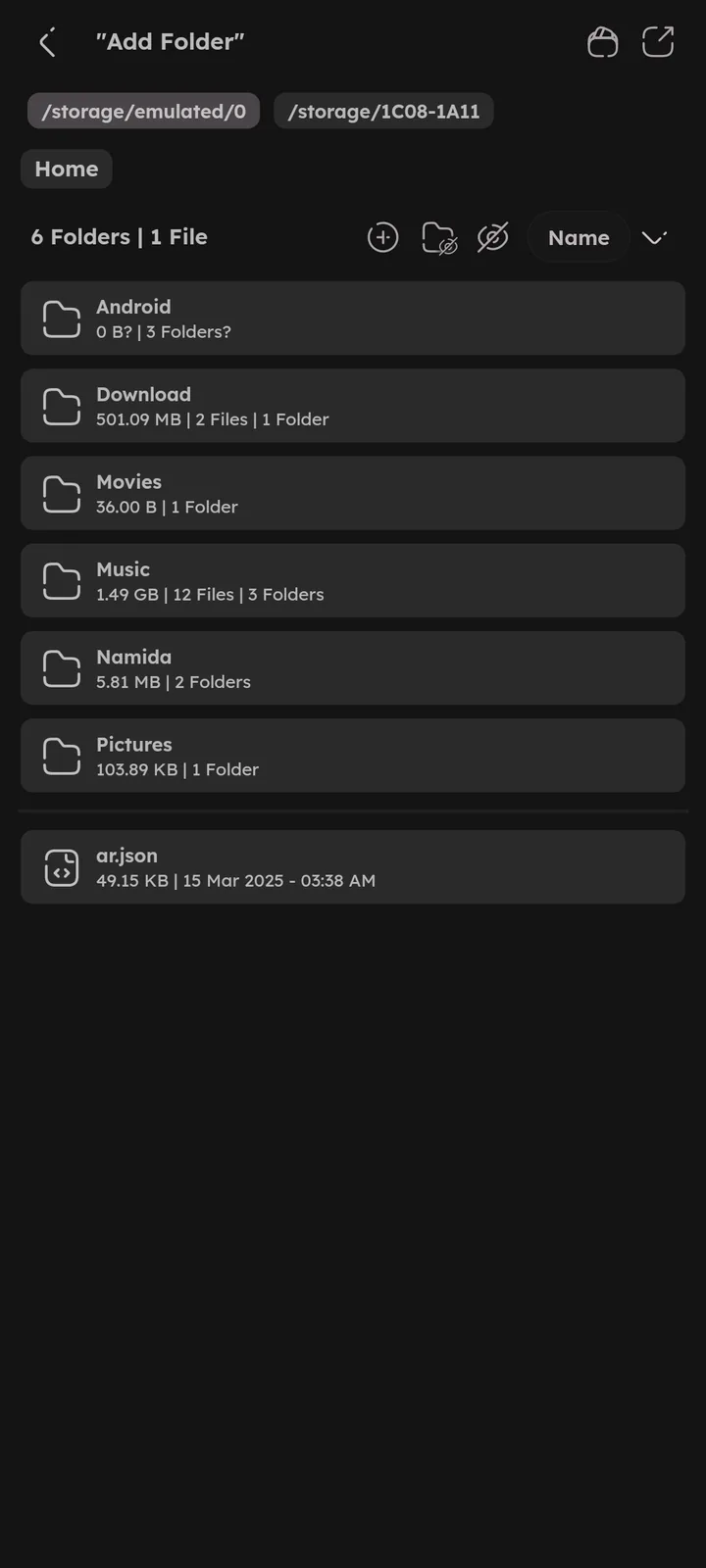
Add a local folder, or a media server (Subsonic, Jellyfin, WebDAV, SMB) to index it like a normal folder, see Media Servers.
FTP & SFTP servers work too, and on Android, Storage Access Framework adds folders from other apps (RSAF, Google Drive, Nextcloud, file managers, etc). 🆕 v8.2.0

Refresh Library & Re-index
Refresh checks for newly added or deleted music. Re-index rebuilds the whole library from scratch (artworks are kept as long as they still exist).
Files changed outside Namida (like tags edited in another app) are read again on refresh too. 🆕 v7.5.0
Ways to refresh the library:
- Pull down in the Tracks page.
- “Refresh Library” in the quick suggestions at the top of the settings page.
- The refresh icon at the top right of the Indexer card.
- The “Refresh Library” tile inside the Indexer card.
- On desktop, the refresh icon in the title bar, or
Ctrl+R.🎉 Shortcuts feature ↗
Refresh on Startup
Automatically checks for newly added or changed files on every app start. It skips deletions, so files that are no longer reachable don’t get removed suddenly (a manual refresh removes them).
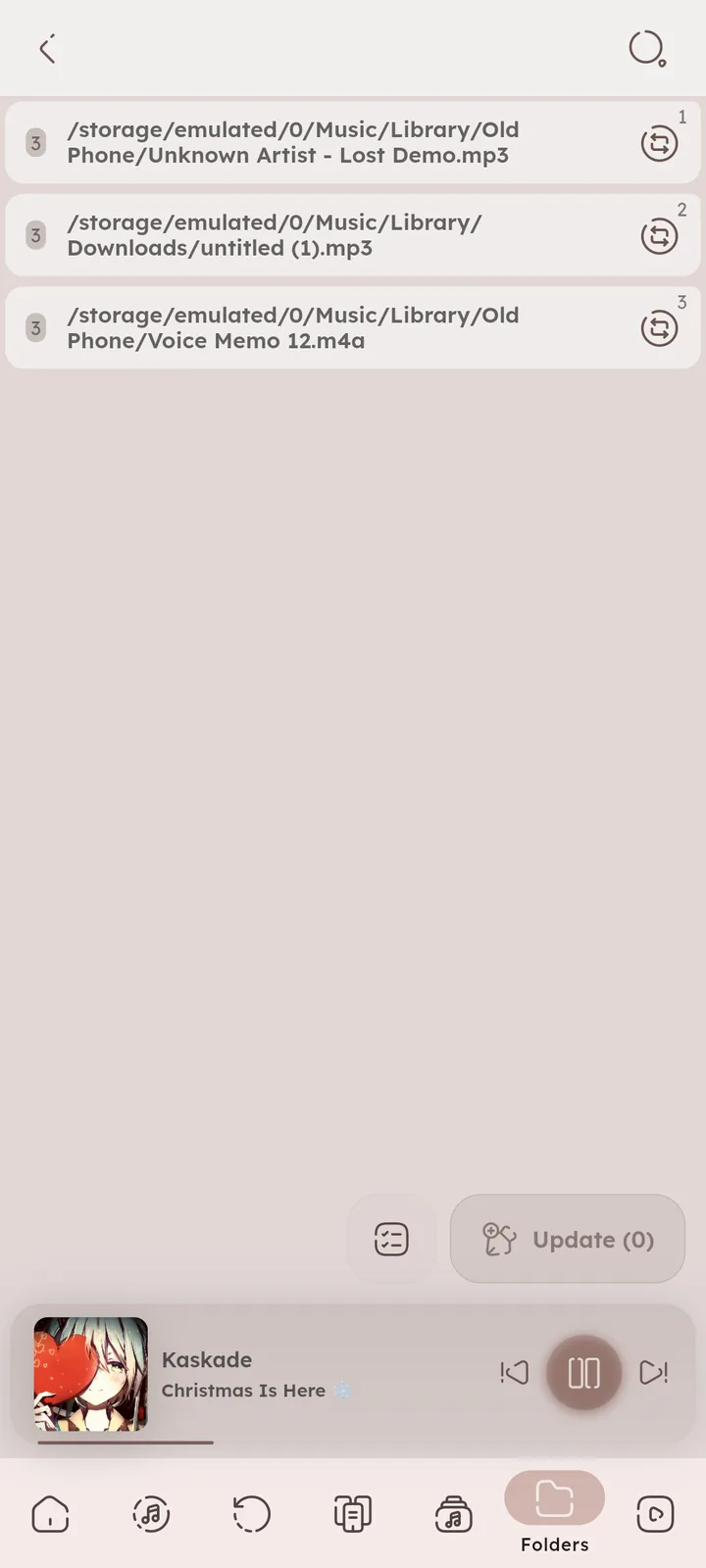
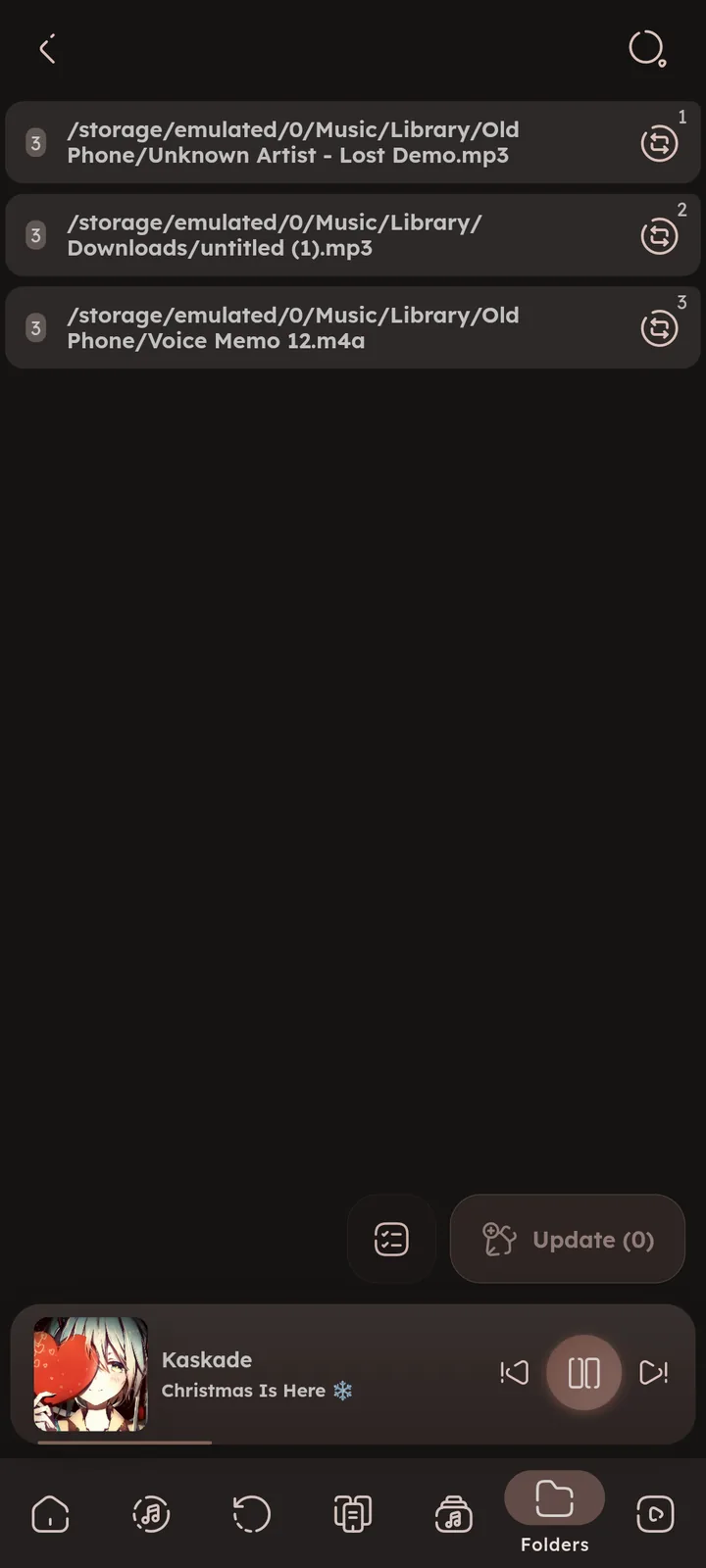
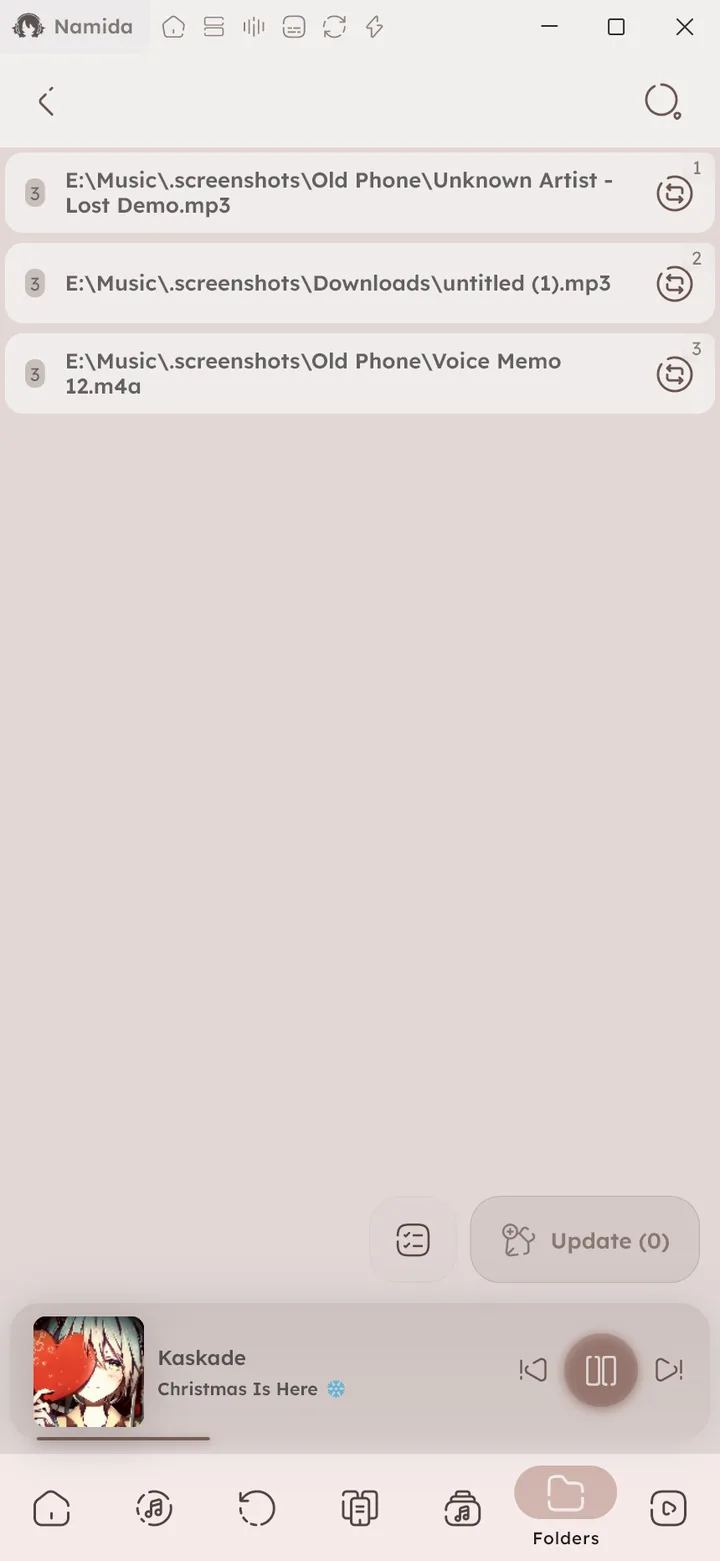
Missing Tracks
Lists tracks that no longer exist on storage, you can update their paths to keep stats and listens, see Library & Indexing.

Extract feat. Artists
Artists written as (feat. X) or (ft. X) in the title are added as separate artists, shown in the Artists tab. Square brackets like [feat. X] work too.
Separators
Symbols and words used to split multiple artists, genres or albums from a single tag (like , ; & ft.). Each one has a blacklist too, for names that should never get split (letter case does not matter). Type any text to preview how it gets split before adding anything.
Artists separators also split composers 🆕 v7.4.0 and album artists 🆕 v8.2.0 (albums still group the same).
Albums only split on the non-breaking space (NBSP) by default, type NBSP to add it back. 🆕 v8.2.0
No need to add spaces, unless the separator can also appear inside a word (like x and ft.).
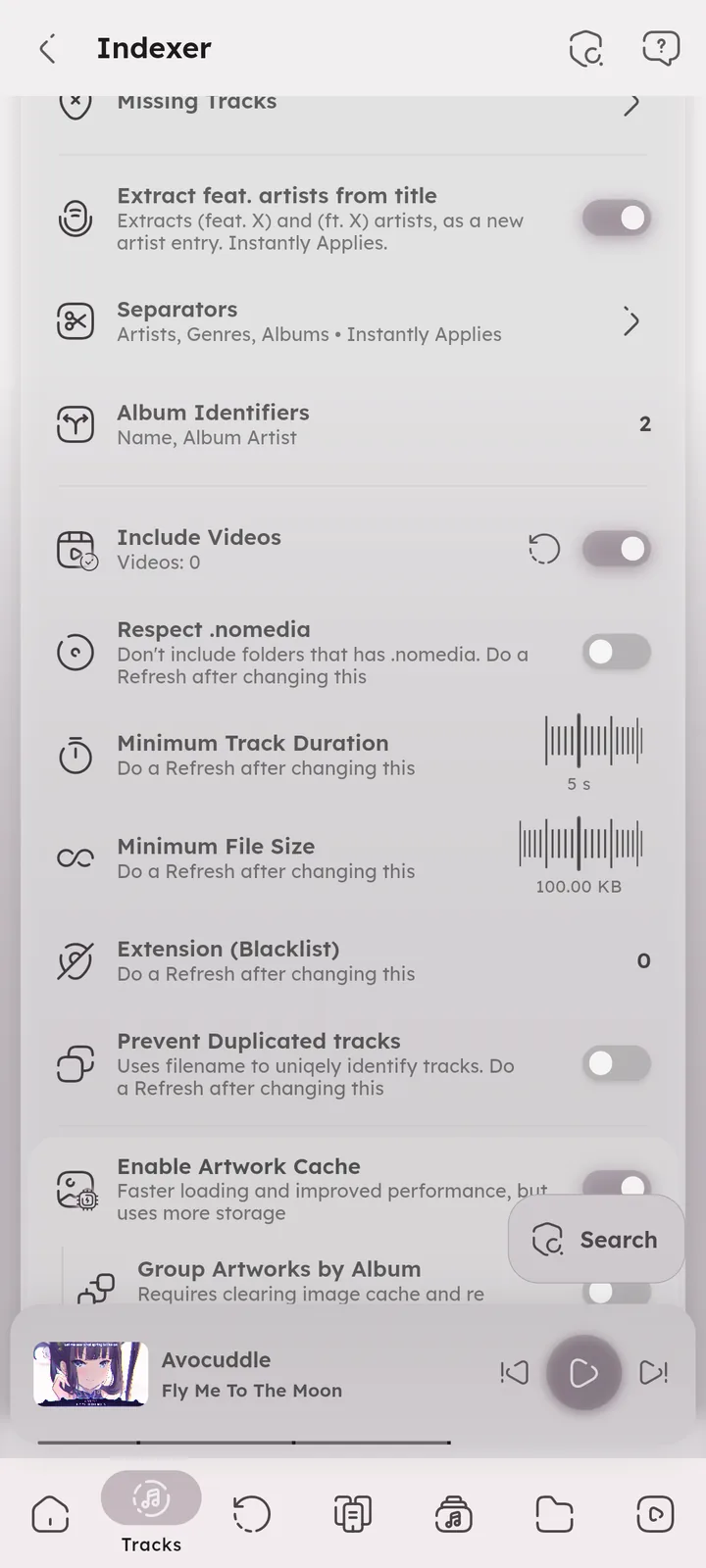


Album Identifiers
Which fields identify an album. “Album” name + “Album Artist” name by default, add Year, MusicBrainz Album ID or MusicBrainz Album Artist ID to separate albums that share the same name.


Include Videos
Index video files too. Videos get their own folders view and can be played on their own. The refresh icon 🆕 v8.2.0 beside the switch re-scans local videos.
Respect .nomedia
Skips folders that contain a .nomedia file.
Minimum File Size & Track Duration
Files smaller or shorter than these values will be skipped, useful for filtering out voice notes and notification sounds.
Extension (Blacklist)
File extensions that will not be indexed.
Prevent Duplicated Tracks
Tracks with the same filename show only once, even if they are in different folders.
Use Media Store
💻 Android only
Uses the Android system index instead of Namida’s own indexer. Indexing is instant, but some tags will be missing, .nomedia is always respected, and YouTube integration for the local library will not work.
Removed in v7.0.0. The taglib tagger is now fast and stable, this option was missing key Namida features, and many users turned it on, forgot about it and ran into issues.
Enable Artwork Cache
Faster loading and improved performance, but uses more storage.
Group Artworks by Album
Saves one artwork per album instead of one per track (which uses less storage).
Unique Artwork Hash
Identifies artworks by the track’s full path instead of just the filename. Enable this if different tracks show the same wrong artwork.
List of Folders
The folders that Namida scans for music, local ones and servers. Press Add to add more (see Add Folder), the lock icon on a server changes its login.
Excluded Folders
Folders to skip while scanning, like notification sounds or recordings.
- Library & IndexingFolder Based Library, Separators, Filtering, Videos, Missing Tracks
- Tag Editor
- Media ServersHow It Works
- LibraryTracks, Albums, Artists, Folders
- SettingsSections
- ExtrasLibrary Tabs, Lyrics Folders
- WelcomeQuickstart, Philosophy
- What's New🏷️ v8.2.0, 🏷️ v7.5.0, 🏷️ v7.4.0
- Beginner GuidesAn artist, genre or album name gets split, Some artworks are wrong, Some tracks in an album are missing artwork
- Medium GuidesSync music files between devices, Path problems after syncing
- Tips & TricksInfo & Sorting, Folders
- PermissionsRequested When Needed
Author: @MSOB7YY
Writer: @claude
