
Medium Guides
Link a YouTube video to a track
- Open the track’s dialog and choose “Set Youtube Link”.
- Paste the video link, done. The video plays with the track when
⚙️ Configure Video Playback ↗is on.
It also works automatically, Namida looks up the track’s comment tag (usually filled by yt-dlp) or its filename for a YouTube link. If found, the video is downloaded and cached, then plays once ready. Streaming is not used here since the priority goes to the music file itself.
- In the comment tag, any url format gets matched, example:
https://youtu.be/video_id - In filenames, it should contain
v=video_idorid=video_idto get matched.- Ending with
[video_id](the yt-dlp default) works too.🆕 v8.2.0
- Ending with


Link a local video to a track
- Put the video inside one of your indexed folders.
- Name it so the filename contains at least one of these:
- the music filename
- the title & first artist of the track
- the track’s youtube id (in the comment tag or filename)
- Set the
⚙️ Configure Video Source ↗to Local or Auto.
Example, this track and video match:
Alan walker - Faded.m4a
video alAn WaLkER - faDed (480p).mp4
Matching ignores casing, symbols and whitespace, and extra words around the name are fine.
Play specific tracks quickly
- Set the left swipe action to “Play After” in
⚙️ Configure Swipe Actions ↗. - Swipe on each track you want, they line up right after the current one.


Sync data between devices
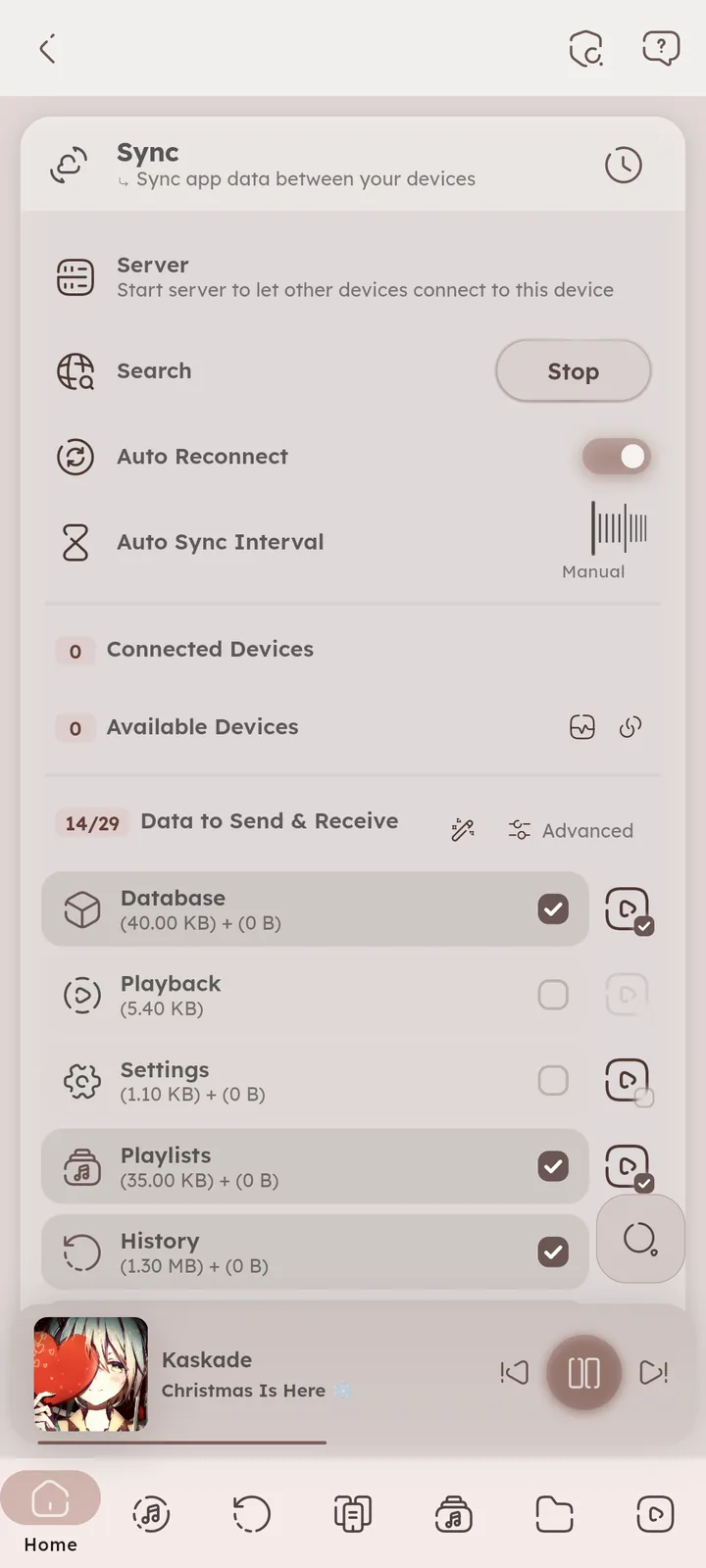
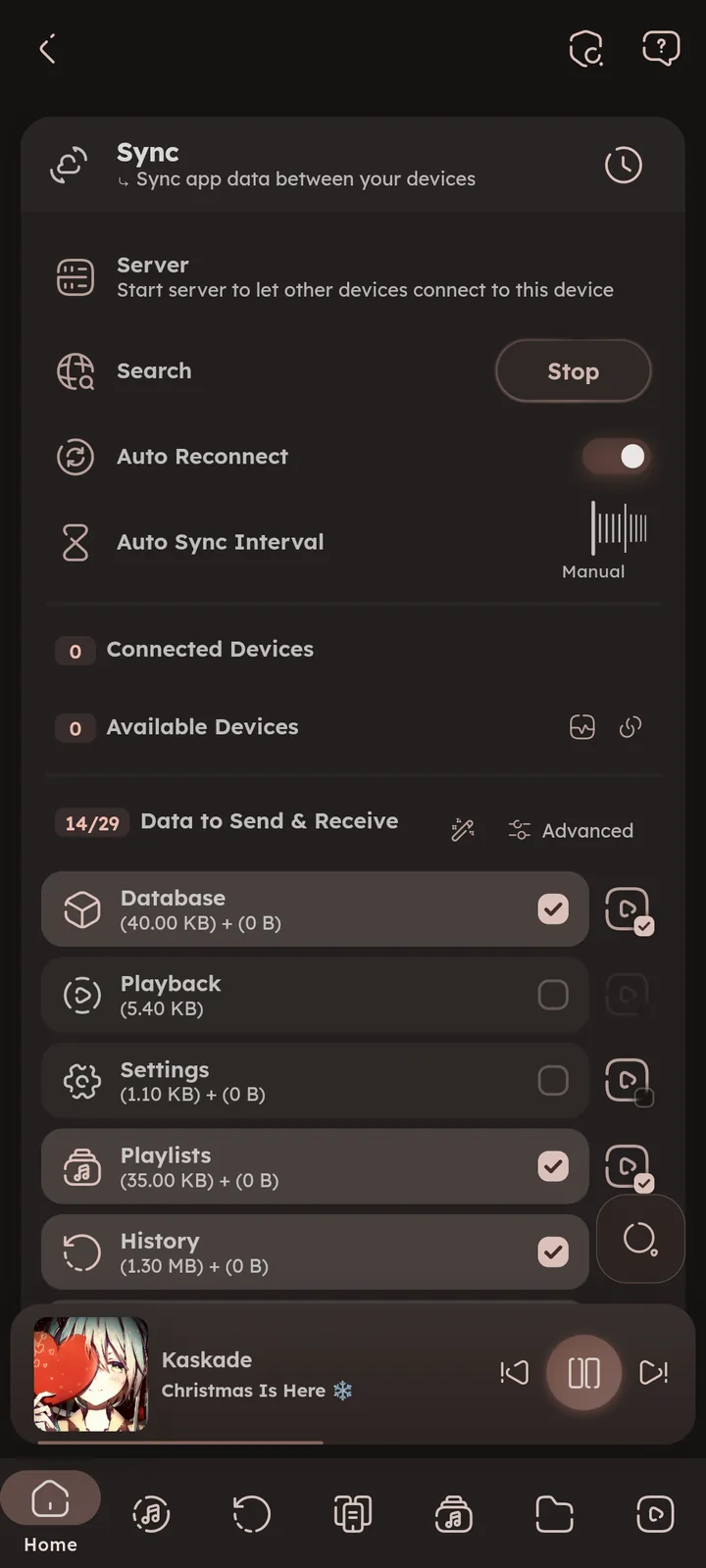
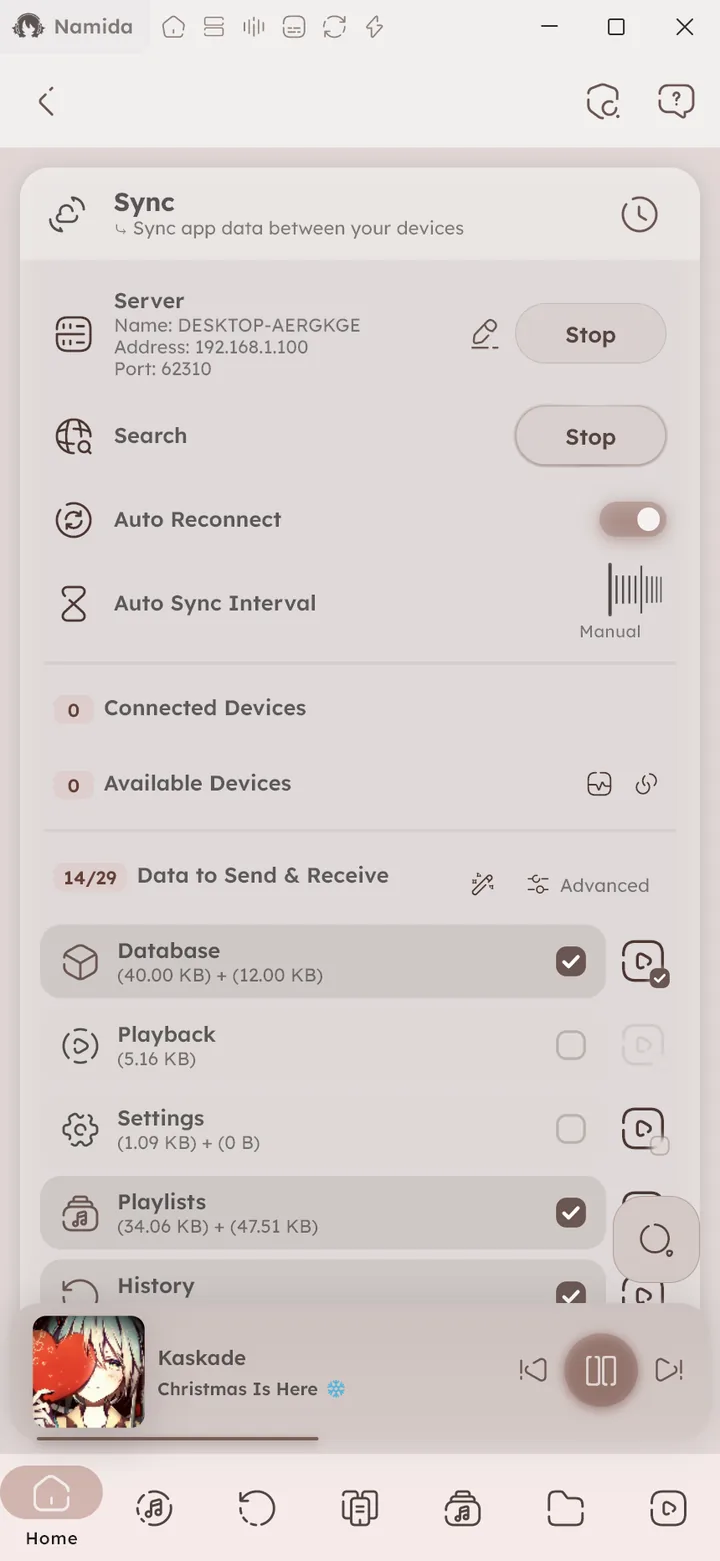
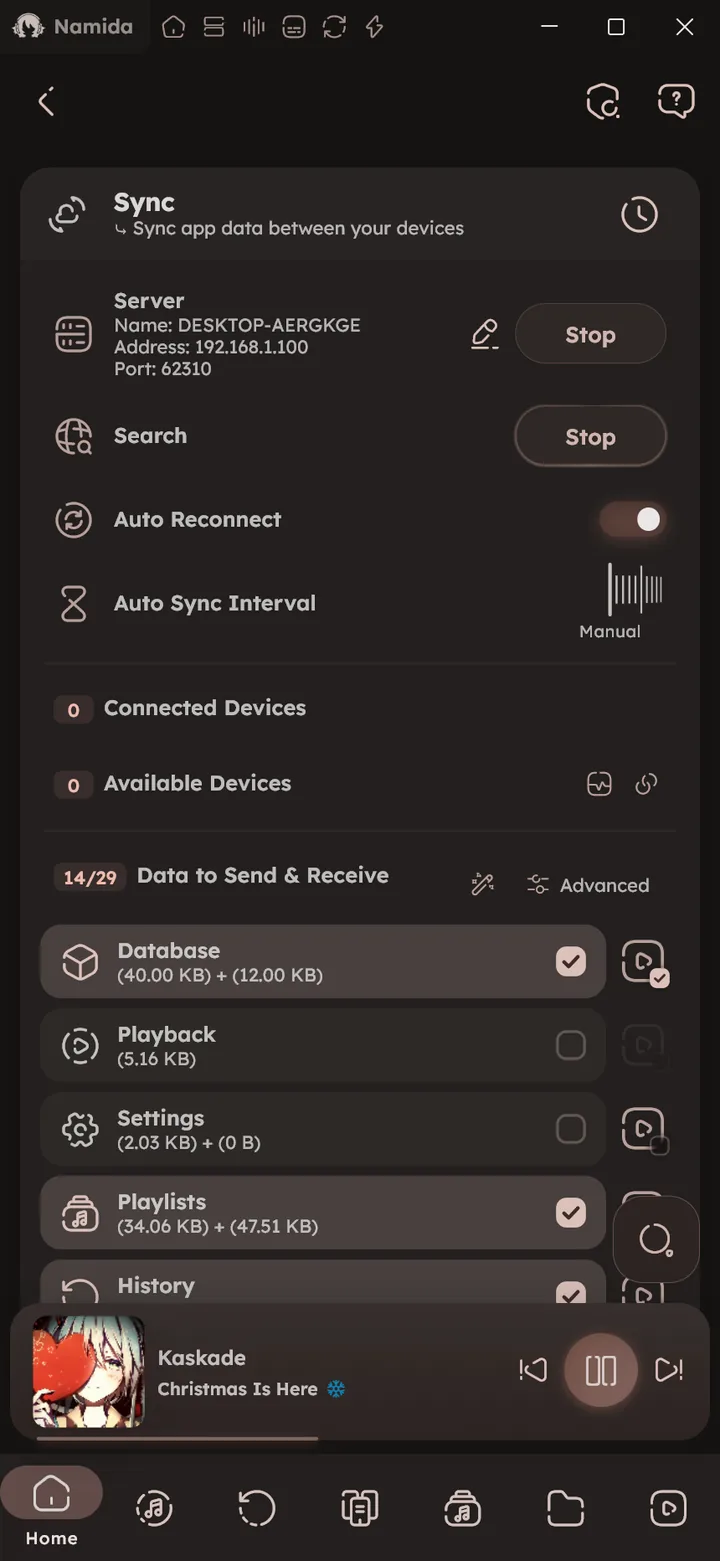
- Install the same Namida version on both devices, and connect them to the same network.
- Open the Sync page on both (Settings -> Backup & Restore -> Sync, or the Sync button on the first page of a fresh install
🆕 v8.2.0). - Start the server on one device, and search on the other. Not showing up? See
📄 Sync devices can't find or connect ↗. - Accept the connection request, then choose the data to send & receive.
- Press send or receive, that’s it. See the
🎉 Sync feature ↗for what gets synced.
Sync music files between devices
Sync and listening parties don’t send your music files for now, use another app to move them:
- Syncthing (Android), keeps a folder the same on all your devices, new music shows up on the others automatically.
- LocalSend, sends files and folders over the local network. Good for a one time copy.
- Namida Sync, a community app made for Namida, see Companion Apps.
Then:
- Send or sync your music folder to the other device.
- Add that folder on the other device, and refresh the library.
⚙️ Configure List of Folders ↗ - Sync your data, tracks get matched even if the folders are different.
🎉 Smart Matching ↗
Sync playlists between devices
Two ways:
- Sync, sends your playlists to another Namida device with their tags and pins. M3U playlists arrive as M3U files in Namida Folder
/M3U Playlists, the rest as normal playlists.📒 Sync Guide ↗ - M3U files, playlists live inside your music folder and travel with it, other apps can read them too.
For M3U files:
- Convert your playlists to M3U, they are saved in Namida Folder
/M3U Playlists. - Move the M3U files somewhere inside your music folder.
- Refresh the playlists in Namida (pull down in the playlists page), they turn into relative playlists.
- Sync them together with the music using syncthing or similar apps.
📒 Syncing Music Files Guide ↗
More info: 🎉 Playlists feature ↗
Path problems after syncing
Synced to another device and tracks or playlists point to the wrong paths?
- Open Missing Tracks.
⚙️ Open Missing Tracks ↗ - Press select all, then Update. Everything should be fixed.
For playlists, you can also make them follow your music files instead. 📒 Syncing Playlists Guide ↗
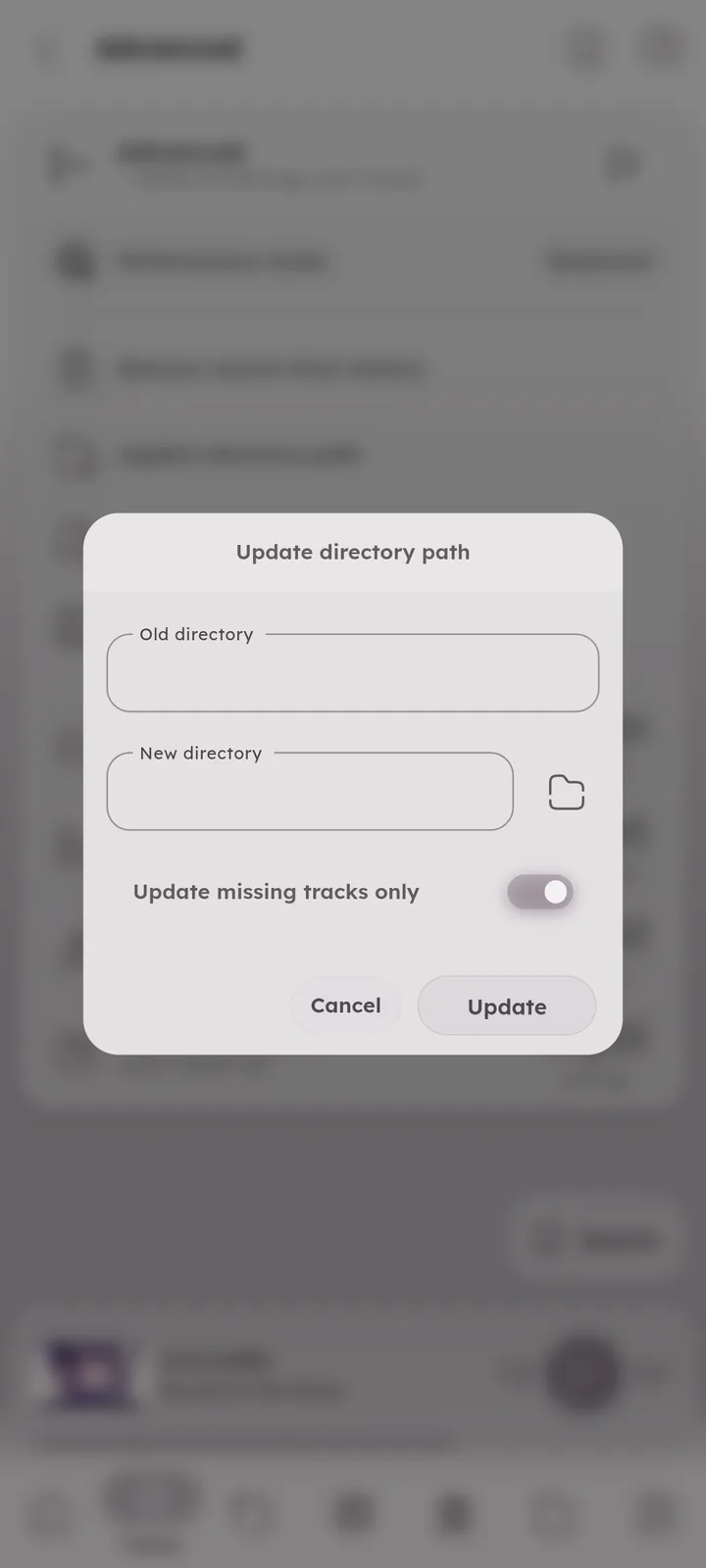
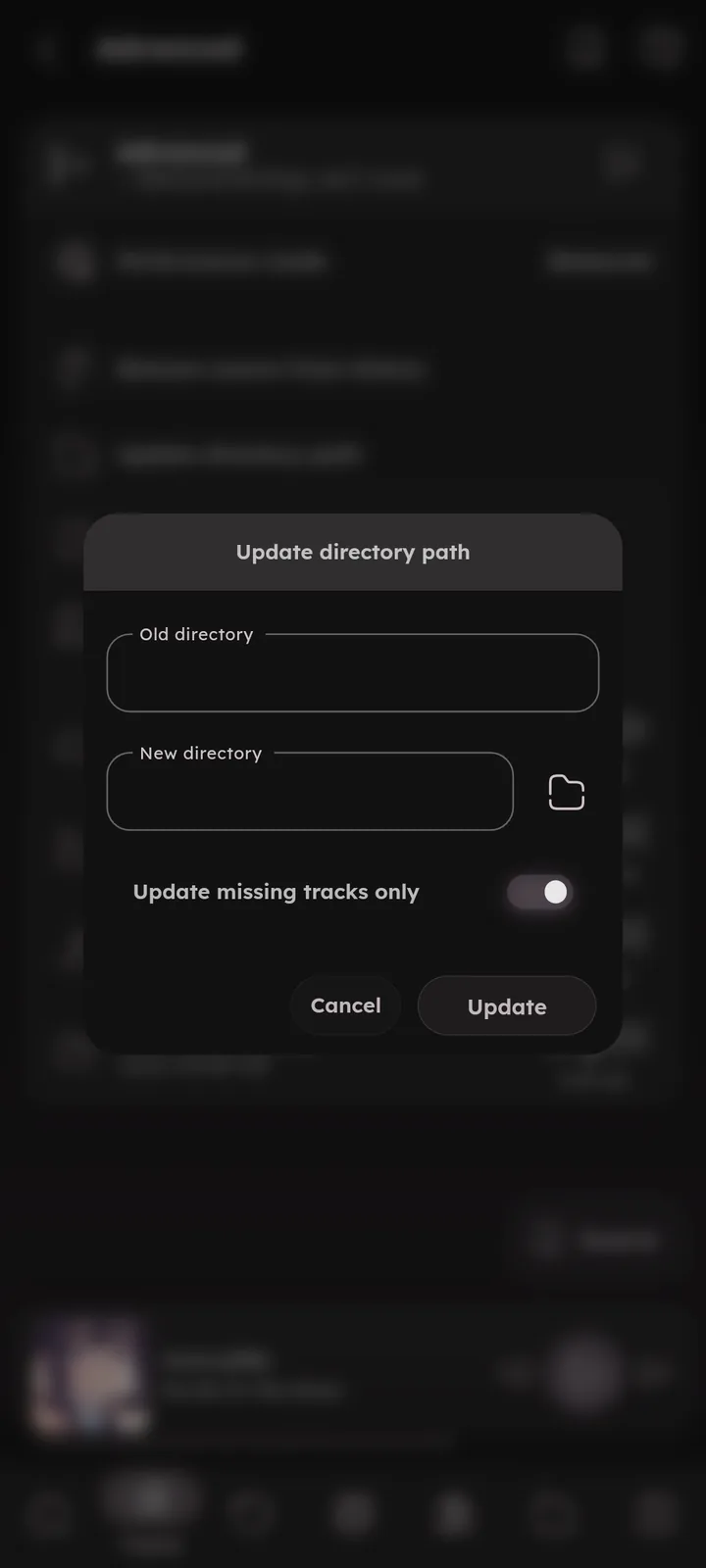
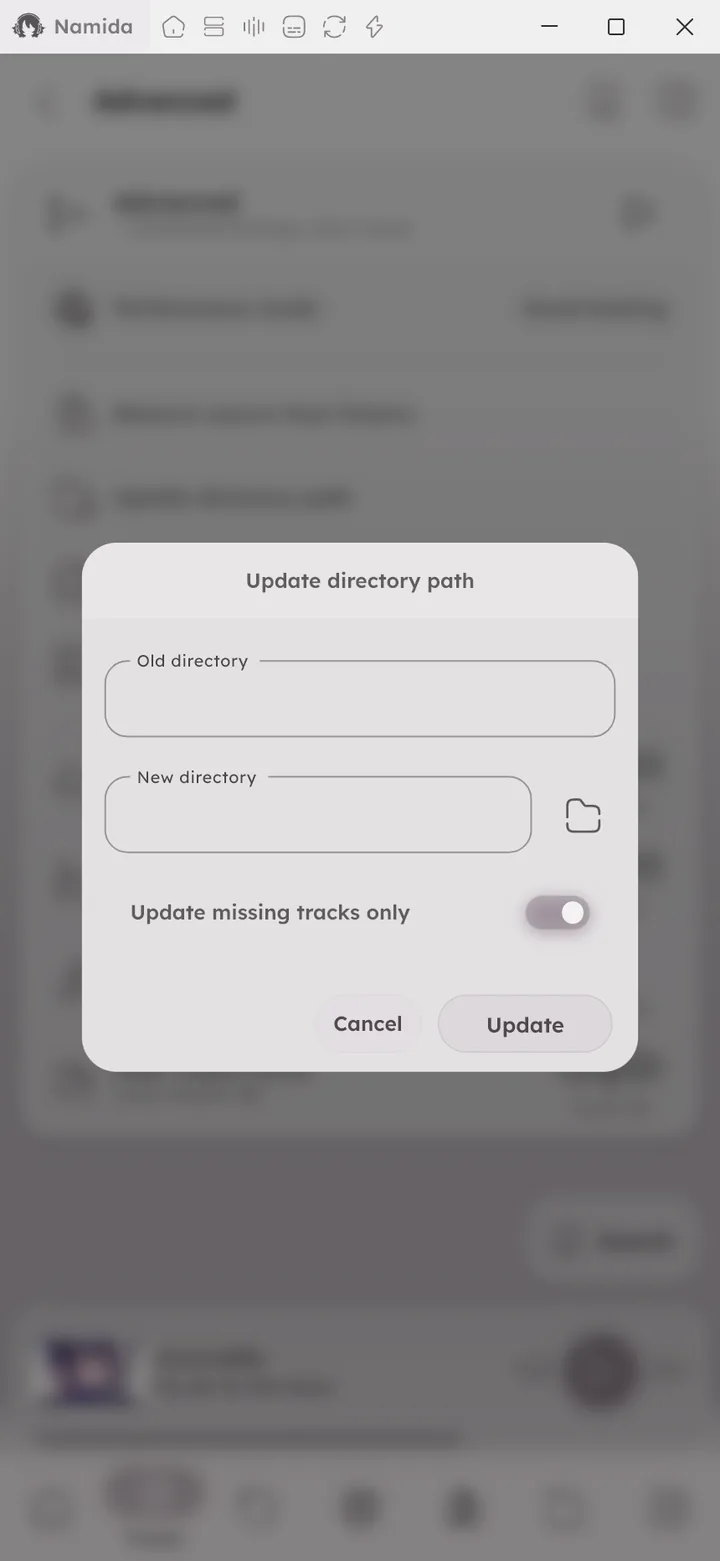
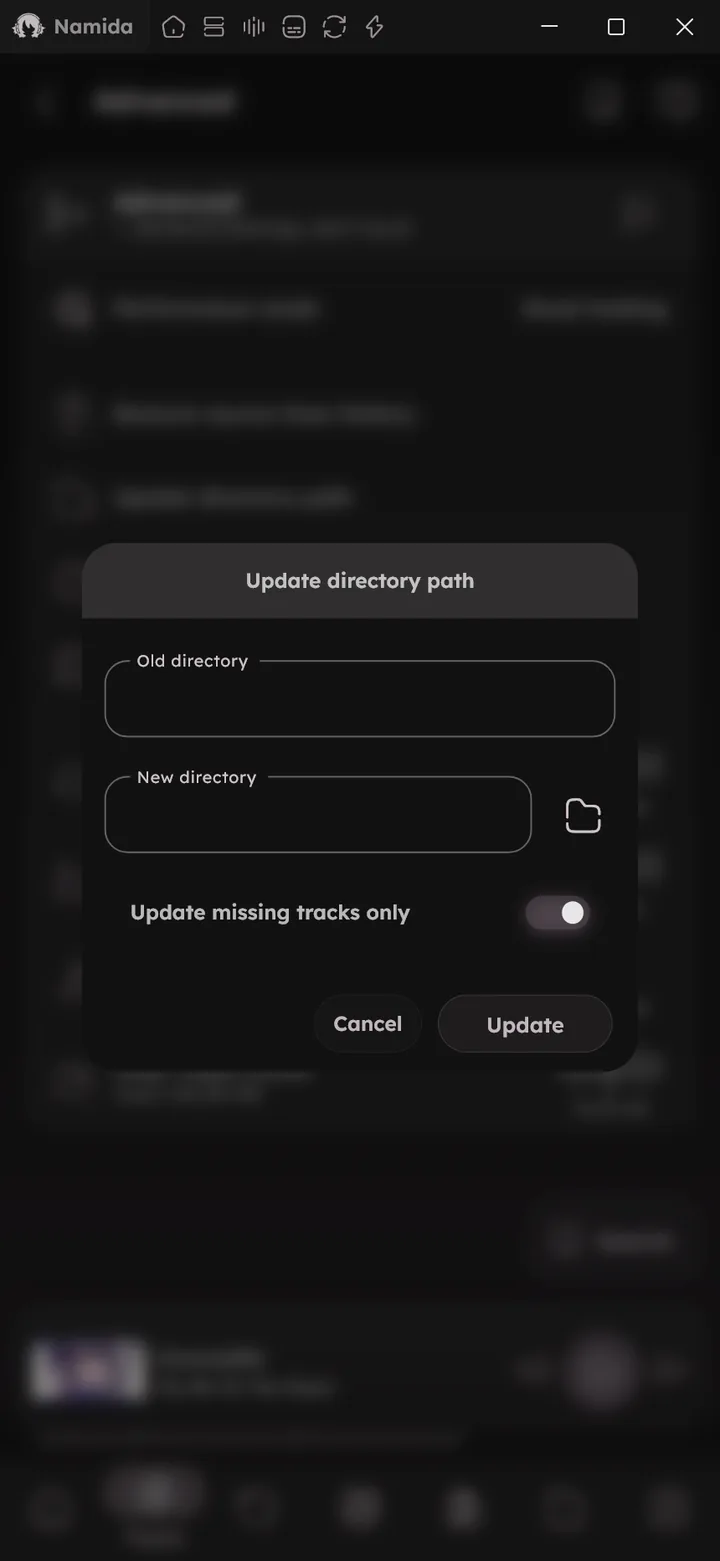
Update directory path
Moved your music from /storage/music to /storage/audio/music?
- Open Update Directory Path in Advanced settings.
⚙️ Open Update Directory Path ↗ - Enter the old directory and the new one.
- All track paths update, keeping stats and listens.
Smart playlist examples
Some rule ideas, all in one group with All:
- 90s favourites: Year is in Between
1990-01-01and1999-12-31, plus Favourite is True. - Recent bangers: Rating is Greater Than
80, plus First listen is Within Last3 Months. - Unheard gems: Total Listens is Same
0, plus Date Added is not Within Last1 Months.
More examples from easy to complex, and how rules combine, in 🎉 Smart Playlists feature ↗.
Split a CUE album into tracks
Albums saved as one big file with a .cue sheet show up as a single track in Namida. Split them once into separate files, it doesn’t lose any quality and every feature works on the result.
Apps that read the .cue sheet and copy its tags to the new files:
- Windows: foobar2000, open the
.cuefile, select all tracks, right click -> Convert -> Quick convert, and pick FLAC. - macOS: XLD.
- Linux: Flacon.
- Android: Flac Cue Splitter.
Prefer the command line? FFcuesplitter does the same on Windows, macOS and Linux (needs Python and ffmpeg installed):
pip install ffcuesplitter
ffcuesplitter -i "album.cue" -o "output folder"
Move the original album file out of your indexed folders (or delete it), otherwise it shows up next to the split tracks.
For albums meant to play without pauses, turn on gapless playback. ⚙️ Configure Gapless Playback ↗
- PlaybackVideo Integration
- Playlists & HistoryPlaylists
- SyncHow It Works, What Gets Synced, Smart Matching
- Listening PartyHow It Works
- Other PagesSync Manager
- AdvancedUpdate Directory Path
- WelcomeQuickstart
- What's New🏷️ v8.2.0
- Guides
- Namider GuidesPlay a loop animation with a track
- FAQAre CUE sheets supported?
- Not PlannedCUE Sheets
- Playlists & HistoryPlaylists
- Smart PlaylistsExamples
- SyncSmart Matching
- IndexerMissing Tracks, List of Folders
- PlaybackEnable Video Playback, Video Source, Gapless Playback
- CustomizationsTrack Tile Customization
- AdvancedUpdate Directory Path
- InstallationCompanion Apps
- FAQSync devices can't find or connect
- Storage PathsNamida Folder
Author: @MSOB7YY
Writer: @claude
