
Beginner Guides
An artist, genre or album name gets split
An artist like “Tyler, The Creator” showing as two artists? The comma separator is splitting it.
- Open
⚙️ Configure Separators ↗and pick Artists, Genres or Albums. - Type the full name (the preview shows how it gets split) and tap Blacklist.


Some artworks are wrong
Two different tracks share the same filename, so they share the same artwork.
- Enable
⚙️ Configure Unique Artwork Hash ↗, artworks will be identified by the track’s full path instead. - Clear the image cache and refresh, see
⚙️ Open Clear Caches ↗.
Some tracks in an album are missing artwork
- Enable
⚙️ Configure Group Artworks by Album ↗, the whole album shares one artwork.
No artwork in the files at all? Put a cover.jpg (or folder.jpg) in the album folder, tracks without embedded artwork use it.
Stop after the current track
- Open the current track’s dialog (tap the player info text, or tap the menu in a track tile, or long press the video card).
- Choose “Stop after this track”.
It can also be an artwork gesture, a notification button on Android, or Ctrl + Space on desktop. 🆕 v8.2.0 ⚙️ Configure Artwork Gestures ↗ 🎉 Shortcuts feature ↗


Change or fix lyrics
- Long press the lyrics icon in the player.
- From there you can pick an LRC file, search for other lyrics, or change the lyrics offset if they are early or late. Tap the lyrics you want and press Save to use them (the ones in use are marked Active).
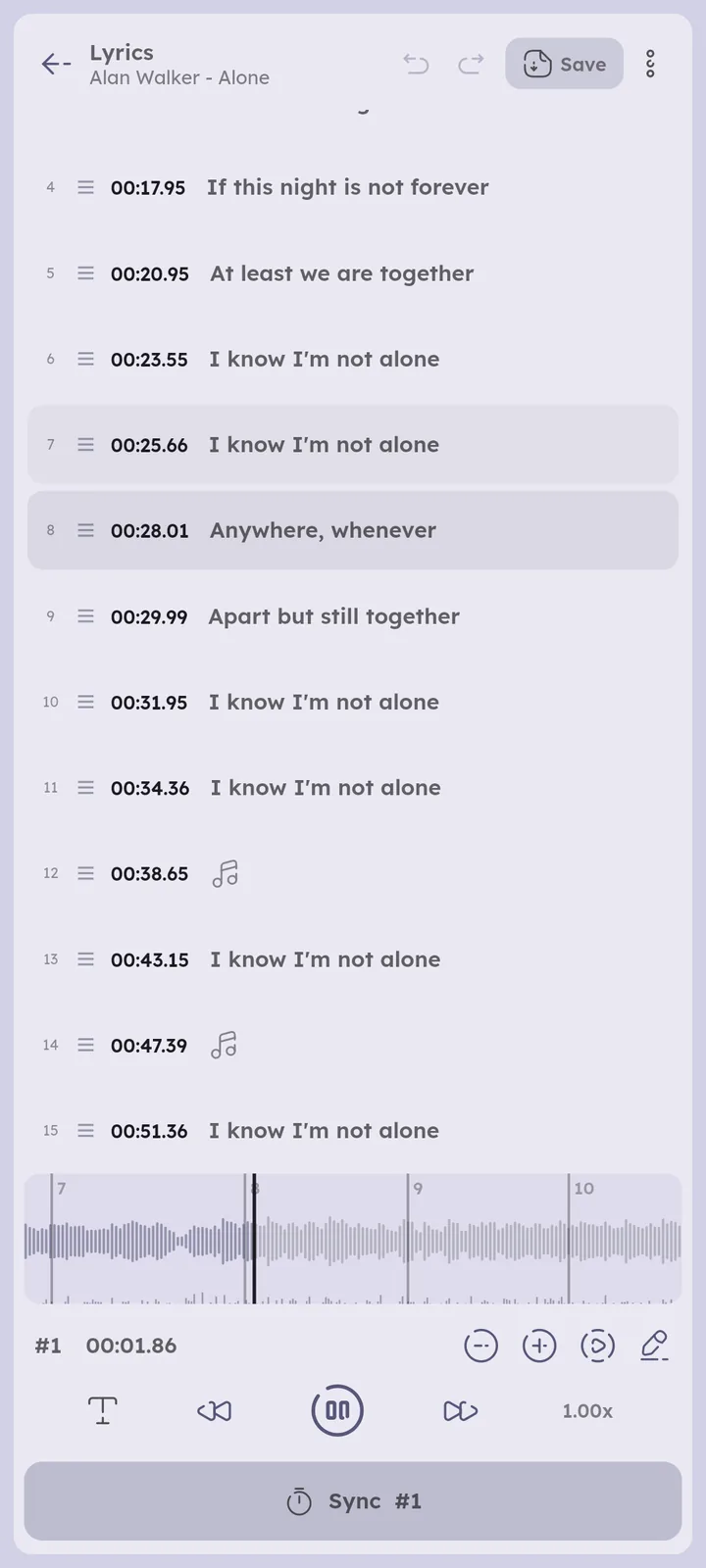
- To fix the text or the timing of single lines, press their edit icon, see
🎉 Lyrics Editor ↗. - To save them inside the file, press Embed from their ⋮ menu.
- Synced embedded lyrics are used first, change it from “Prefer embedded lyrics” at the top.
🆕 v8.2.0
- Synced embedded lyrics are used first, change it from “Prefer embedded lyrics” at the top.
- Wrong lyrics keep getting fetched? Press Ignore from the ⋮ menu of the cached ones, they get hidden and won’t be fetched again for this track.
🆕 v8.2.0 - To force no lyrics for a track, start its embedded lyrics tag with
IGNORE, see⚙️ Configure Lyrics ↗.
Added lyrics but the old ones keep showing? A cached copy is winning, see 📄 I added lyrics but they don't show ↗.


Sync lyrics yourself
🆕 v8.2.0
- Play the track, then long press the lyrics icon in the player.
- Press Add, paste the lyrics and press Save (or press the edit icon on plain lyrics you already have).
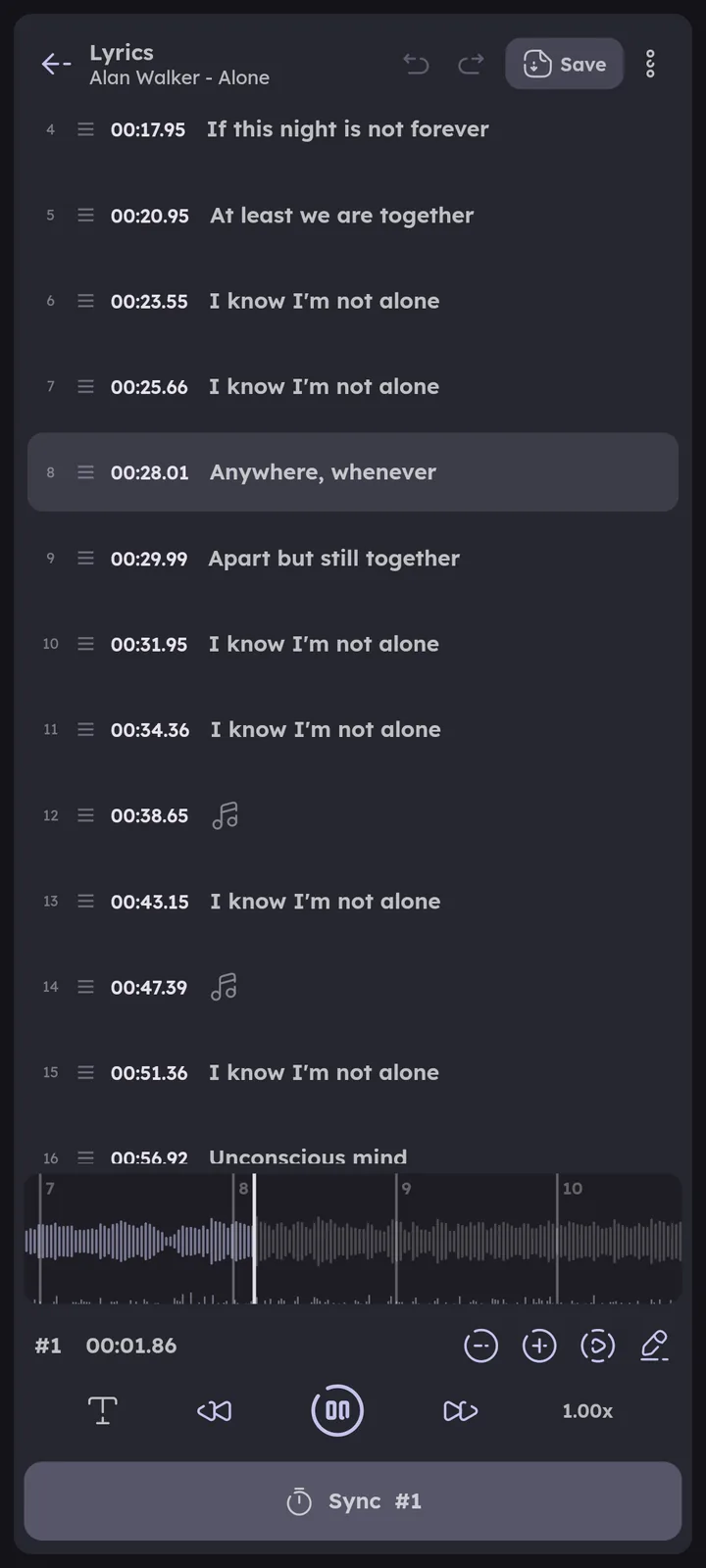
- Tap the first line, play, and press Sync each time a line starts.
- Press Save at the top.
For word by word sync, duets, translations and more, see 🎉 Lyrics Editor ↗.


Page ConnectionsOpen in graph ↗
Linked from
Links to
Beginner Guides
Author: @MSOB7YY
Writer: @claude
