
Theme
Control how Namida looks: colors, dark mode and language.
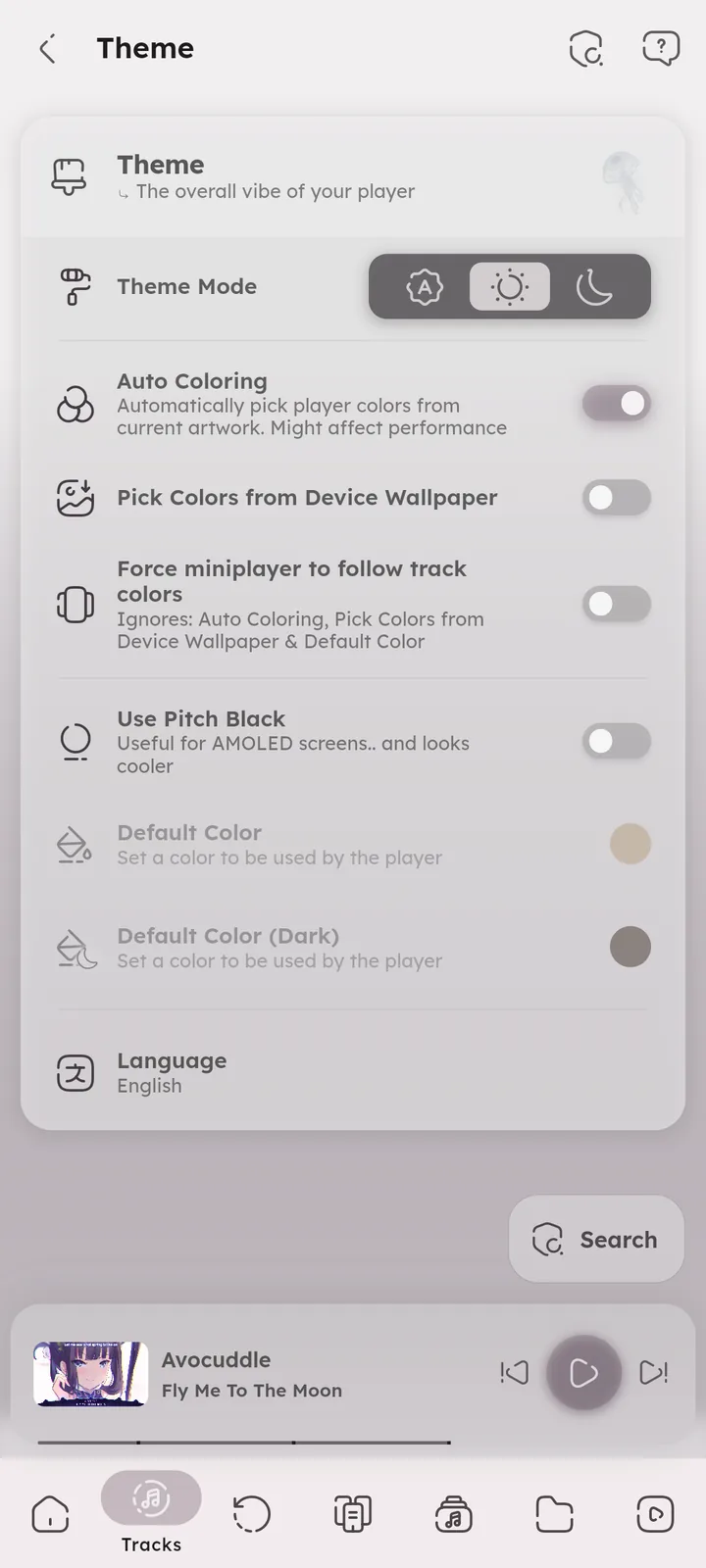
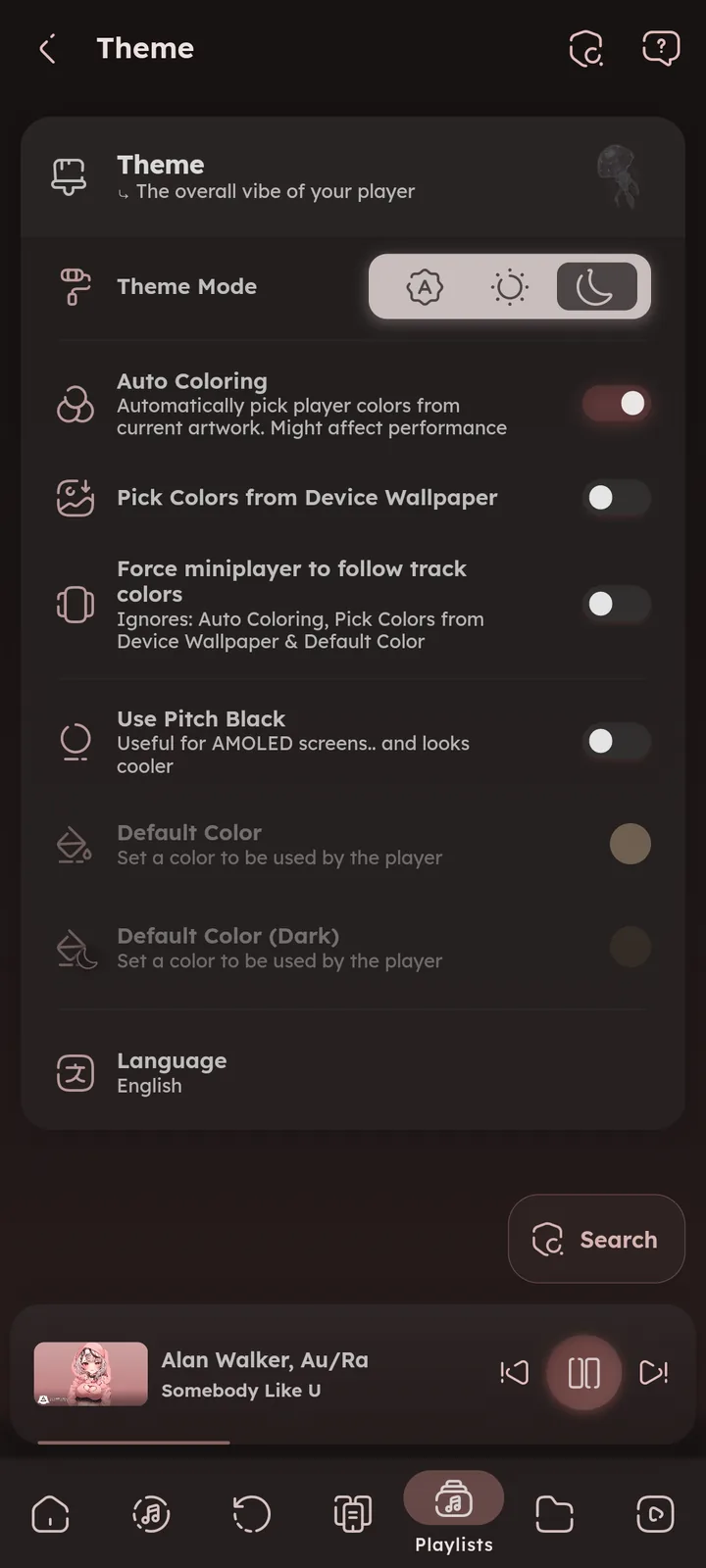
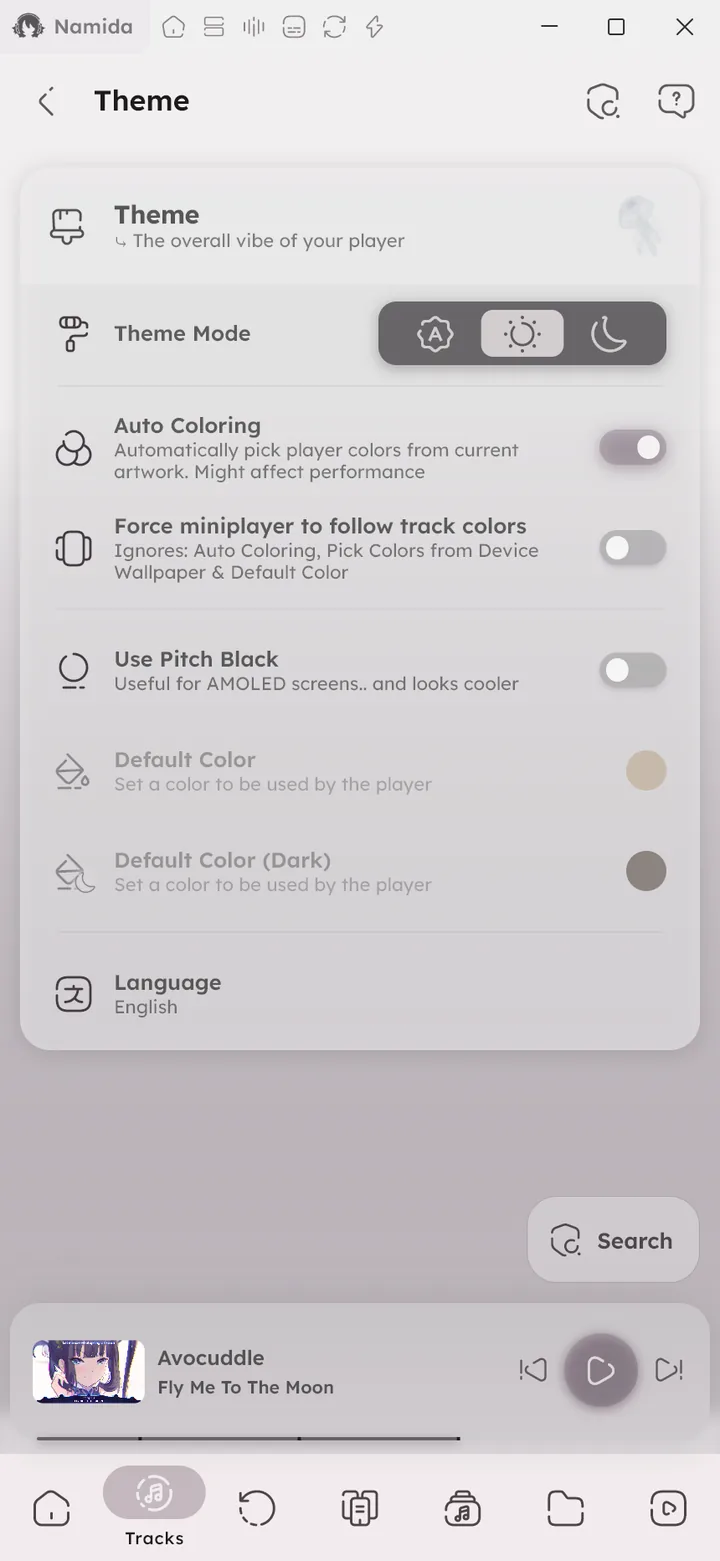

Theme Mode
Switch between System, Light and Dark mode. System follows your device theme.
Auto Coloring
Automatically pick player colors from the current artwork. Each track gets its own color, applied to the player and the rest of the app.
Might affect performance on low end devices. You can turn it off and set a Default Color instead.
Pick Colors from Device Wallpaper
💻 Android 12+ only
Pick colors from your device wallpaper instead of the artwork. Requires Auto Coloring to be on.
Force Miniplayer to Follow Track Colors
The miniplayer will always use the current track colors, even when Auto Coloring, wallpaper colors or Default Color say otherwise. Those still apply to the rest of the app.
Use Pitch Black
Use a pure black background in dark mode. Useful for AMOLED screens, and looks cooler.


Default Color
The color the player uses when Auto Coloring is off, or when the current track has no artwork. There are two (one for light mode and one for dark mode).


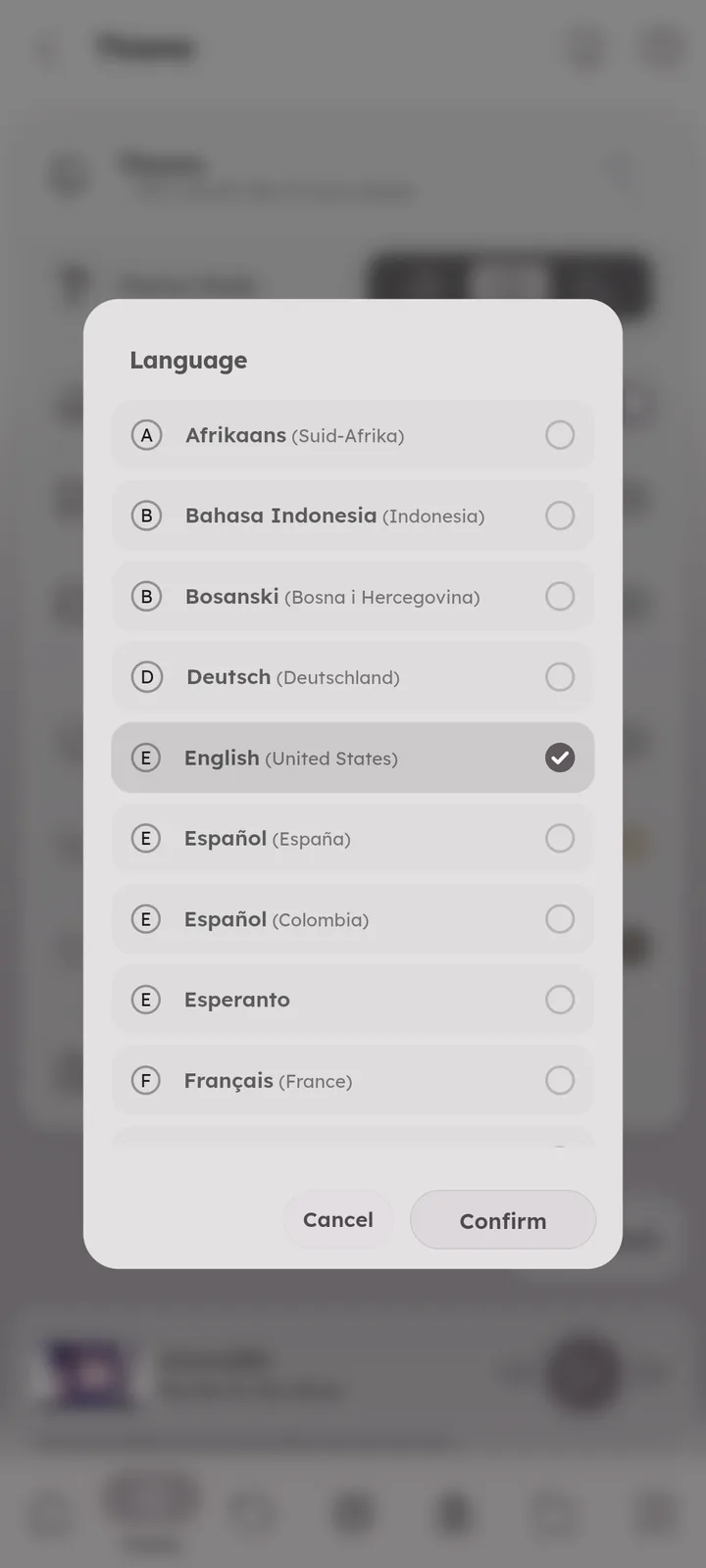
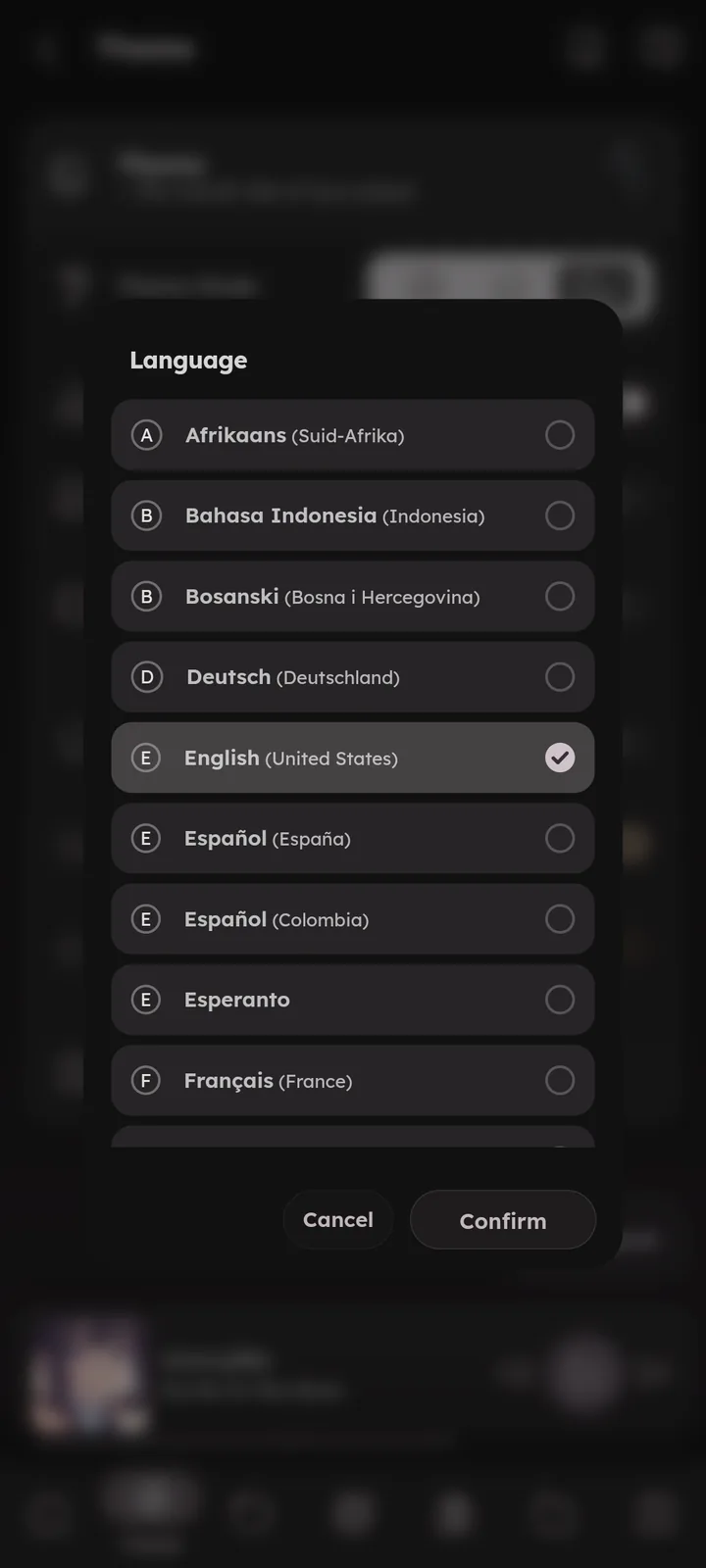
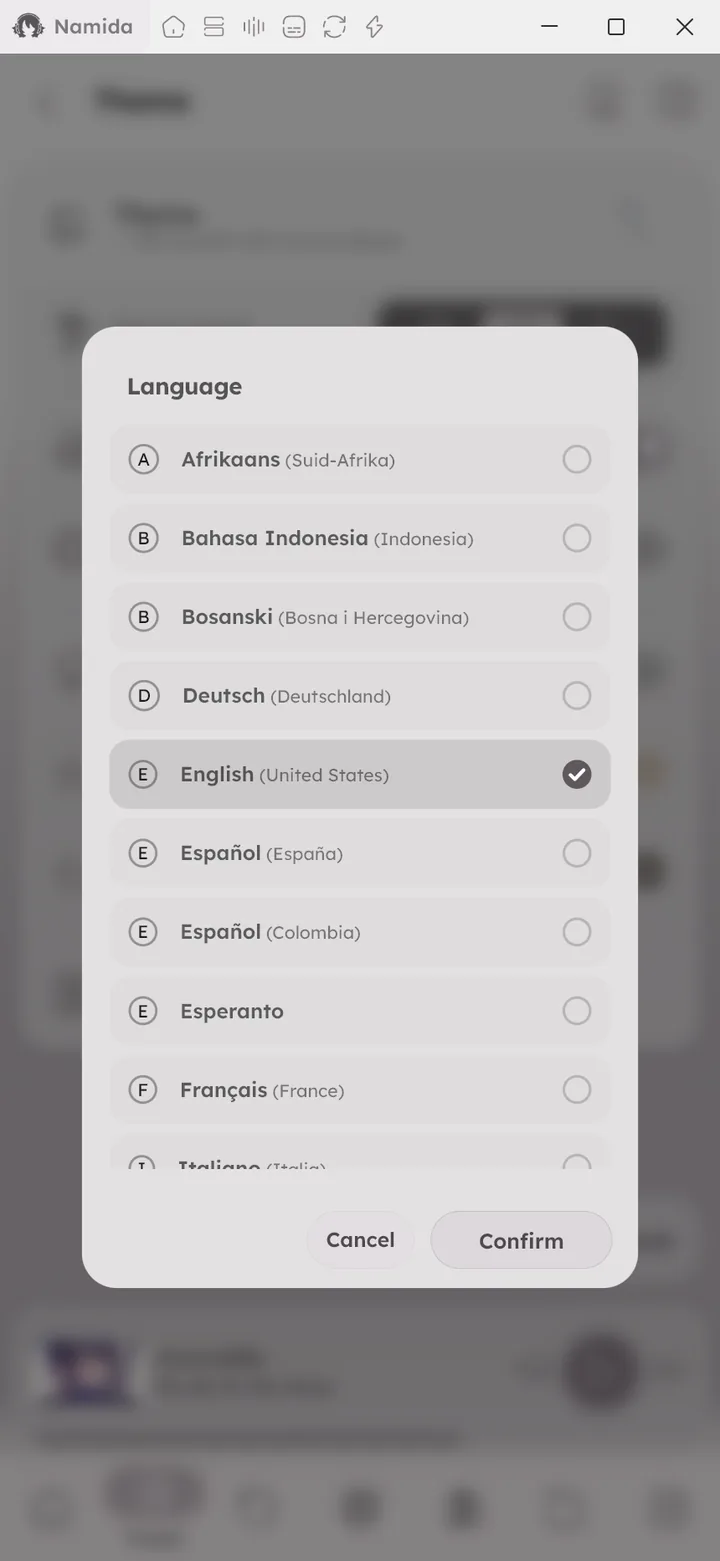
Language
Change the app language. Translations are made by the community, you can help translate Namida at the translation repo.

- Effects & VisualizersVisualizers
- SettingsSections
- ExtrasExtract All Color Palettes
- Tips & TricksAdvanced Dialog, Colors
- MembershipFree for Everyone
- No links to other pages
Author: @MSOB7YY
Writer: @claude
