
Library Pages
The main tabs of your library. You choose which ones are enabled and their order in ⚙️ Configure Library Tabs ↗.
Albums, artists, genres, languages, moods, tags and playlists (YouTube ones too) can be sorted by Last Played, the last time you played from each one. 🆕 v8.2.0
Home
Your personalized start page: mixes generated from your history, recent listens, recently added, top recent albums & artists, and Lost Memories (tracks you listened to around this time years ago). Sections can be toggled and reordered.
Pinned playlists get a section of their own too. 🆕 v8.2.0
The mixes are: Recommended, Supremacy (built around what is playing right now), Top Recents, Underrated, Lost Partners, Discover, Favourites and Random Picks. Empty ones move to the end.


Tracks
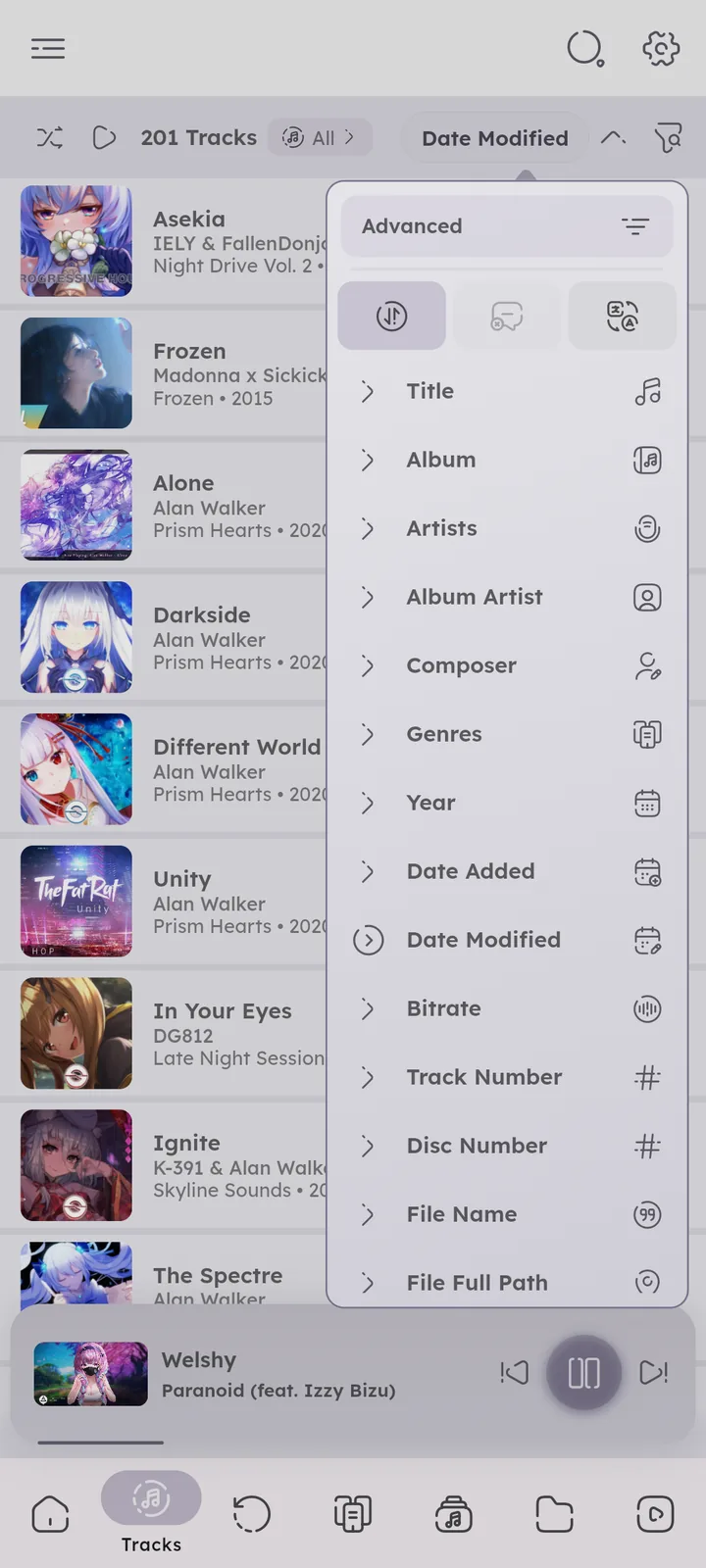
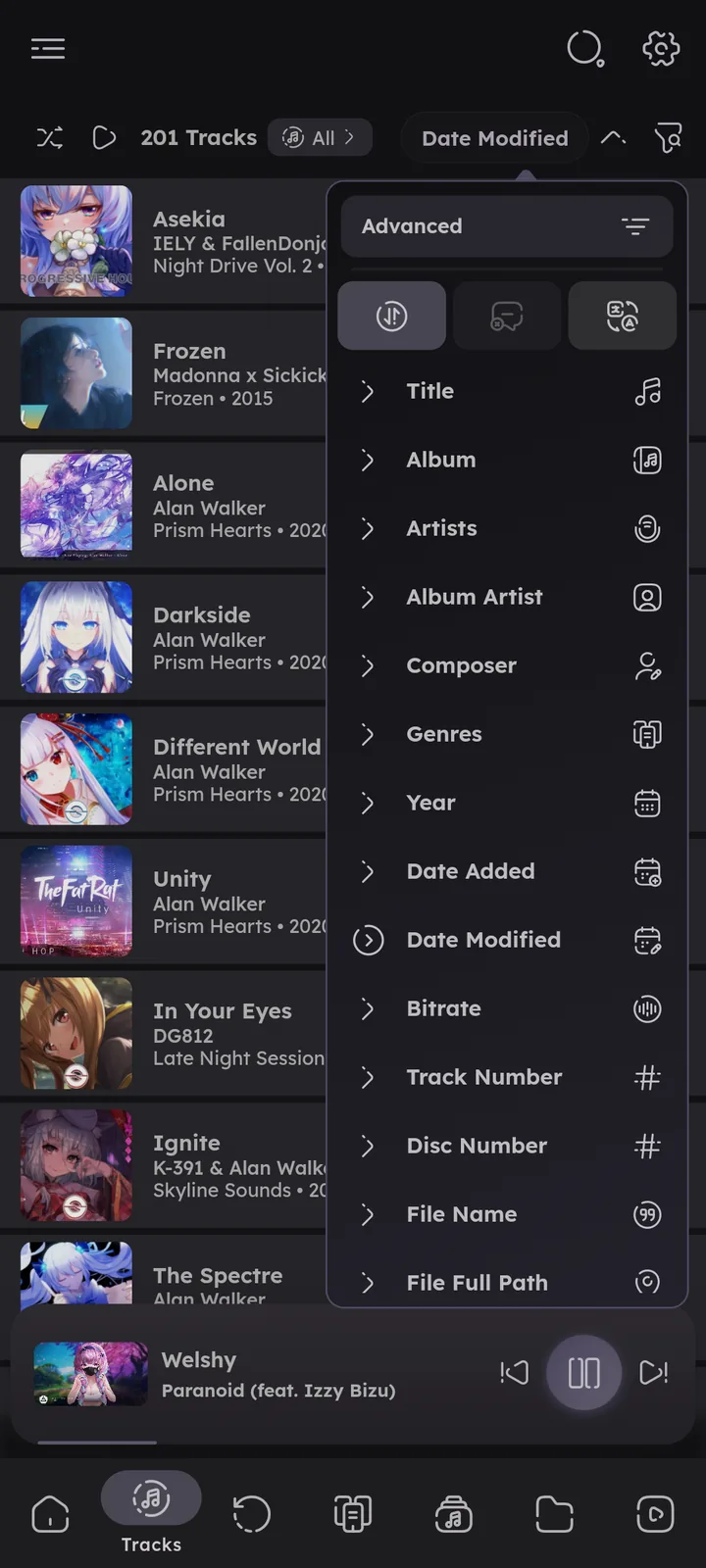
All your tracks, sortable by almost any property. Recently added tracks get their own subpage. Pull down to refresh the library. ⚙️ Configure Indexer ↗
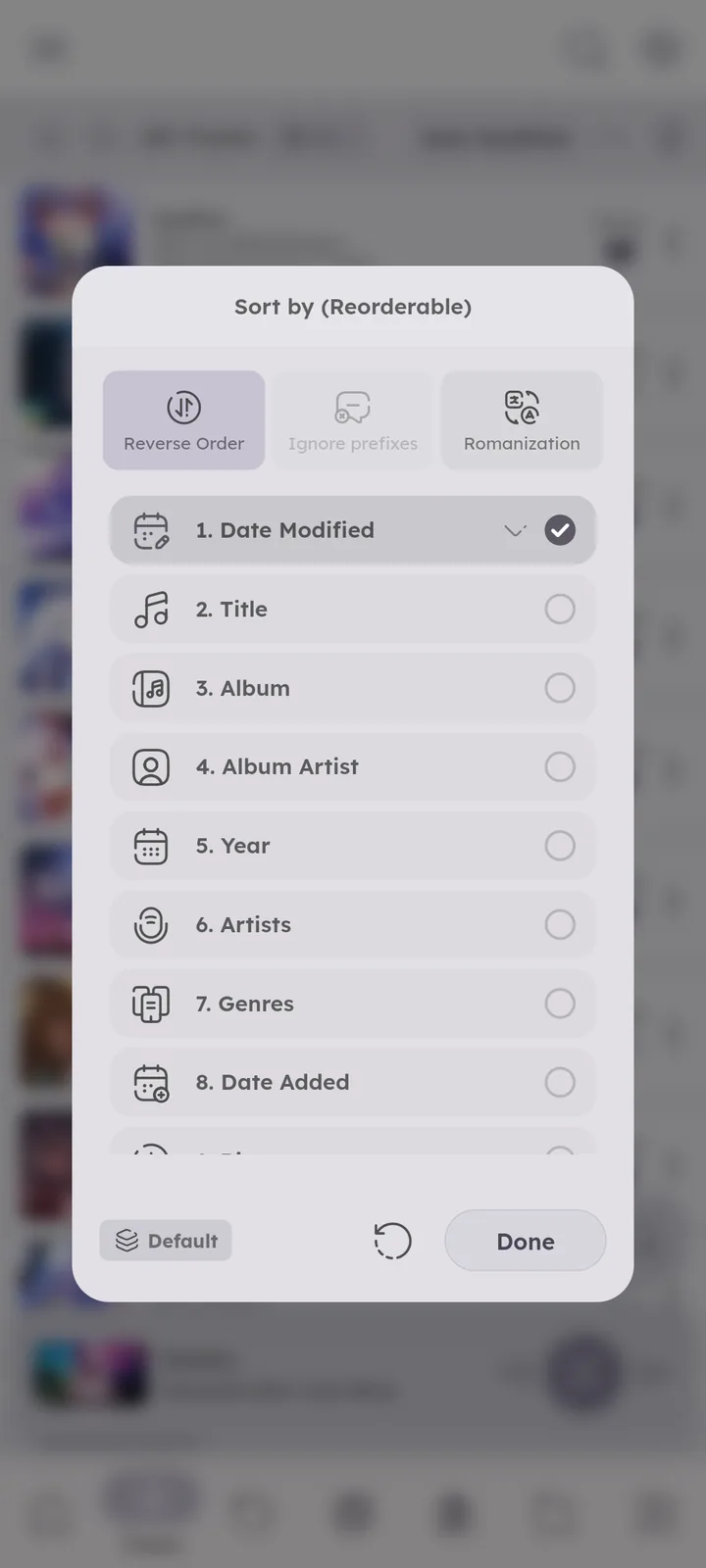
Sorts you use often can be saved as named presets in the sort menu. 🆕 v8.2.0
With Include Videos on, the tab can also show audio only or videos only (as “Tracks: Audio” and “Tracks: Videos”). They share one tab slot, and a switcher next to the tracks count moves between them. 🆕 v7.4.0 ⚙️ Configure Library Tabs ↗




Albums
Your albums as a list or grid. What counts as one album is controlled by ⚙️ Configure Album Identifiers ↗. ⚙️ Configure Album Tiles ↗
An album shows the year of its oldest track.
Tap the albums count at the top left to show or hide singles, EPs and albums. The release type tag decides which is which (without it, one track albums count as singles). 🆕 v8.2.0


Artists
Browse by Artists, Album Artists or Composers, press the type at the top left to switch. Multiple artists and composers in one tag get split by separators, and featured artists from titles can get their own entry. ⚙️ Configure Separators ↗
An artist page shows the years range of the artist’s tracks, and a map icon that opens the Artists Map centered on that artist. 🆕 v7.4.0
EPs get their own row beside albums and singles, long press a row icon to sort them. 🆕 v8.2.0


Discover
🆕 v7.0.0
Your artists laid out as a constellation, each one connected to related artists through shared albums, features on the same track and shared genres. Press an artist to open it, or shuffle for a fresh set. Open it from the Artists page.


Artists Map
🆕 v7.4.0
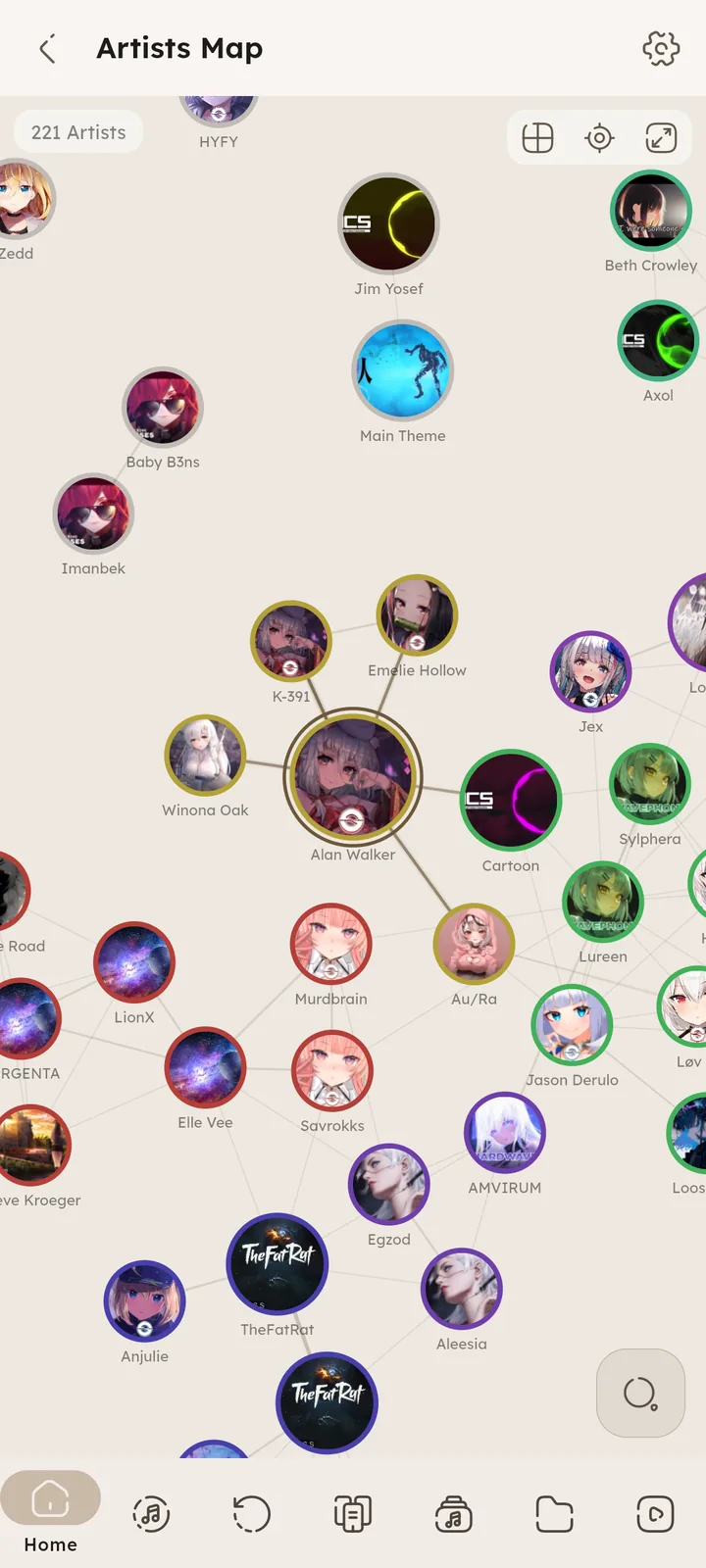
Your whole library of artists on one map. Related artists sit next to each other, and each group gets its own color.
Zoomed out you see colored dots (bigger for artists with more tracks), with the names of the biggest ones. Zoom in and the dots turn into artist tiles, tap one to open it, or long press for its dialog.
Open it with the map icon in the Discover page, or from an artist page to start centered on that artist. The buttons at the top switch between the graph and a grid layout, and fit everything back on screen.


Genres
Your genres, split from tags using the genre separators. Press the type at the top left to switch between Genres and Styles.


Languages
🆕 v8.2.0
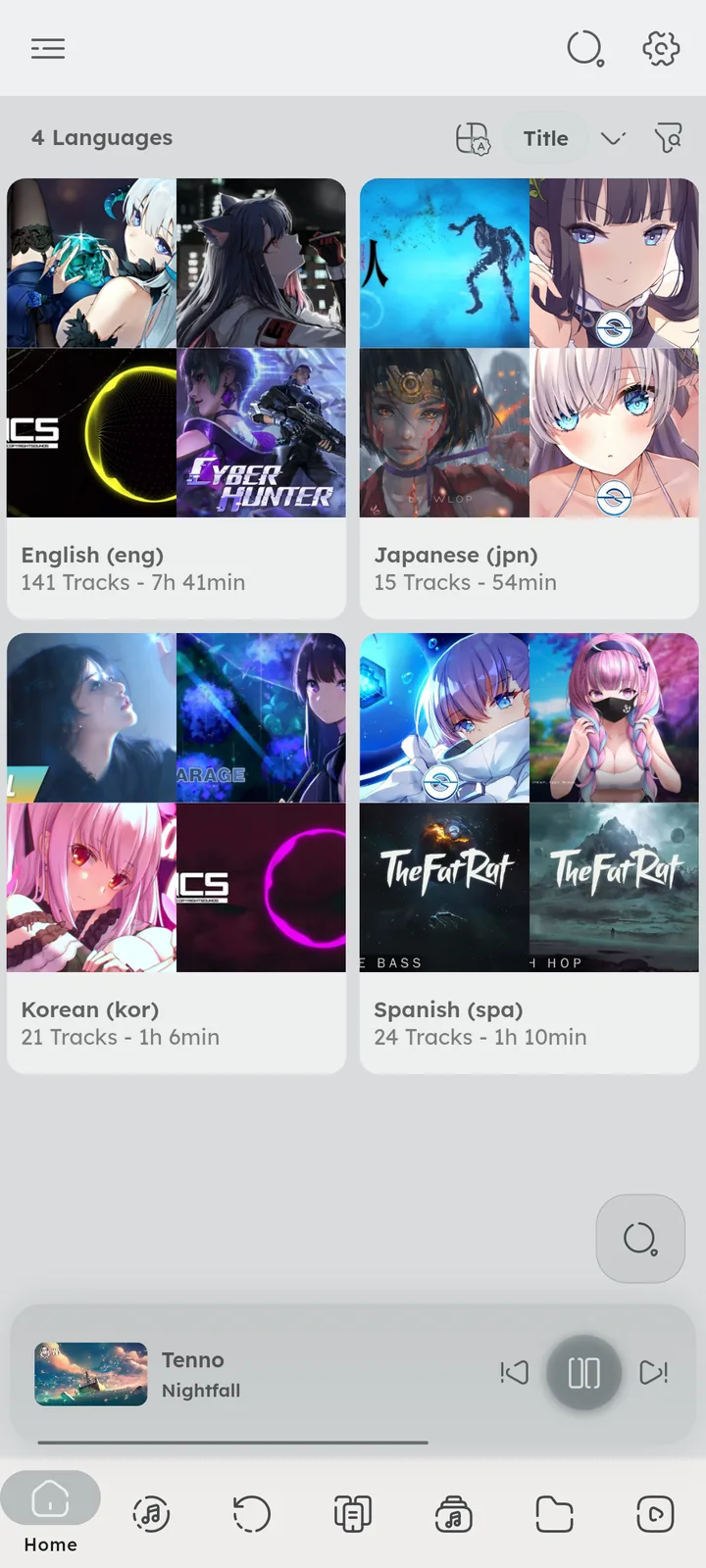
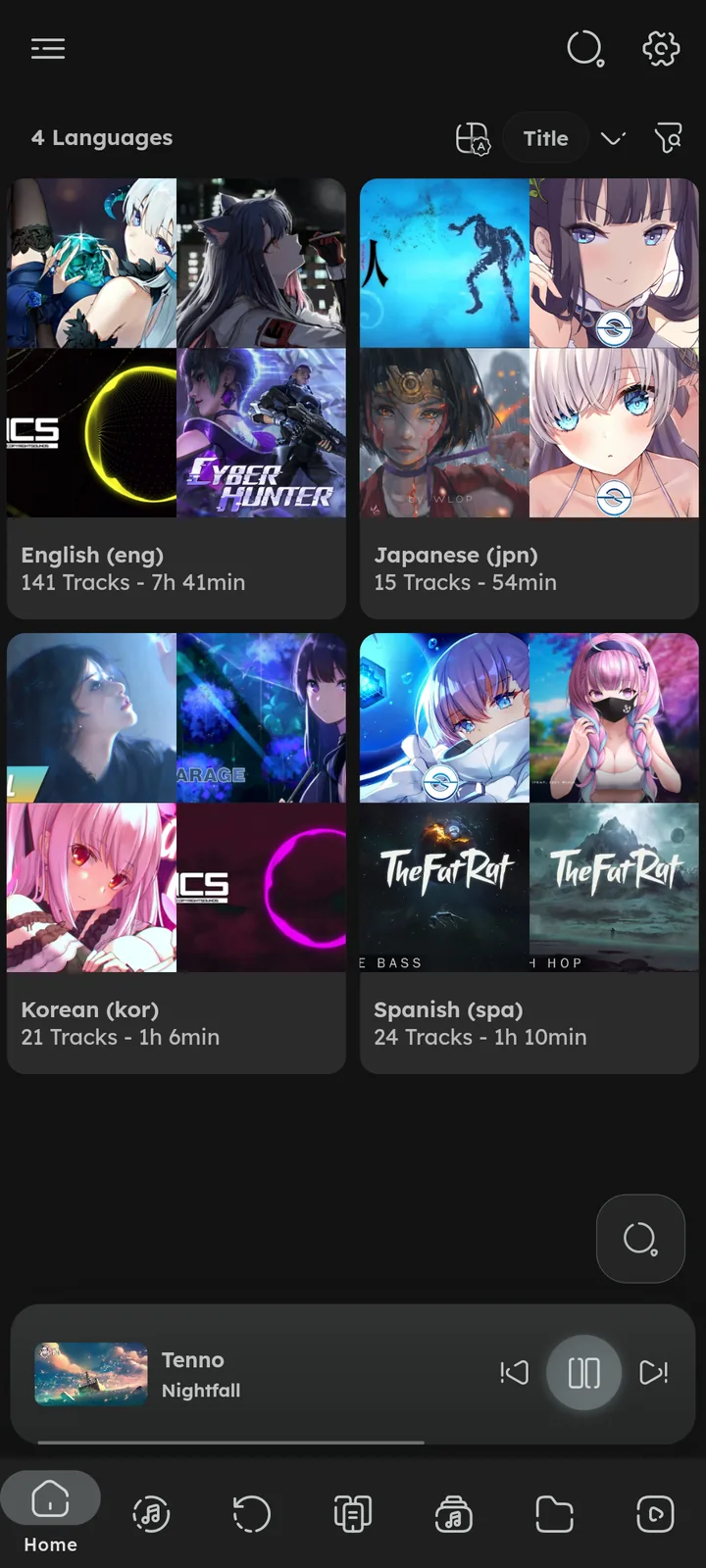
Your tracks grouped by their language tag, a track can have more than one. Codes and names of the same language (en, eng, English) count as one. Search, sorting and smart playlists support languages too. Enable it in ⚙️ Configure Library Tabs ↗.


Playlists
Your playlists, along with the built-in ones: History, Most Played and Favourites. Normal, M3U synced and smart playlists all live here. Pull down to refetch M3U and server playlists.
Smart playlists also have their own full page, press the arrow next to their section, or enable it as a library tab of its own. 🎉 Playlists & History feature ↗
The tags row above the list filters playlists by their tags, pinned playlists stay at the top, and the checklist icon selects many at once. 🆕 v7.8.0 🎉 Playlist Tags ↗
Playlists can have a description (press edit in the playlist dialog). Sorting a playlist keeps its custom order, clearing the sorters can bring it back. 🆕 v8.2.0


Folders
Browse your library exactly like your file manager, with separate views for music and videos. Supports folders hierarchy, cover.jpg style folder images, and .info.txt for displaying small info. ⚙️ Configure Folders ↗
- The header shows the folder name with its
.info.txttext, and the path above it. Tap it to go up one folder. - The music and videos views (“Folders: Tracks” and “Folders: Videos”) share one tab slot with the normal Folders view, use the switcher in the header to move between them.
🆕 v7.4.0 - Set a specific folder as default, Namida will open it on app launch.
- Edits to a
.info.txtfile show up after refreshing the library.⚙️ Refresh Library ↗ - In the tracks sort menu, disable “Enable folders hierarchy” to show all folders in a single list instead of a tree view.
- The icon beside it toggles “Skip folders with a single subfolder” (on by default).
🆕 v8.2.0


Queues
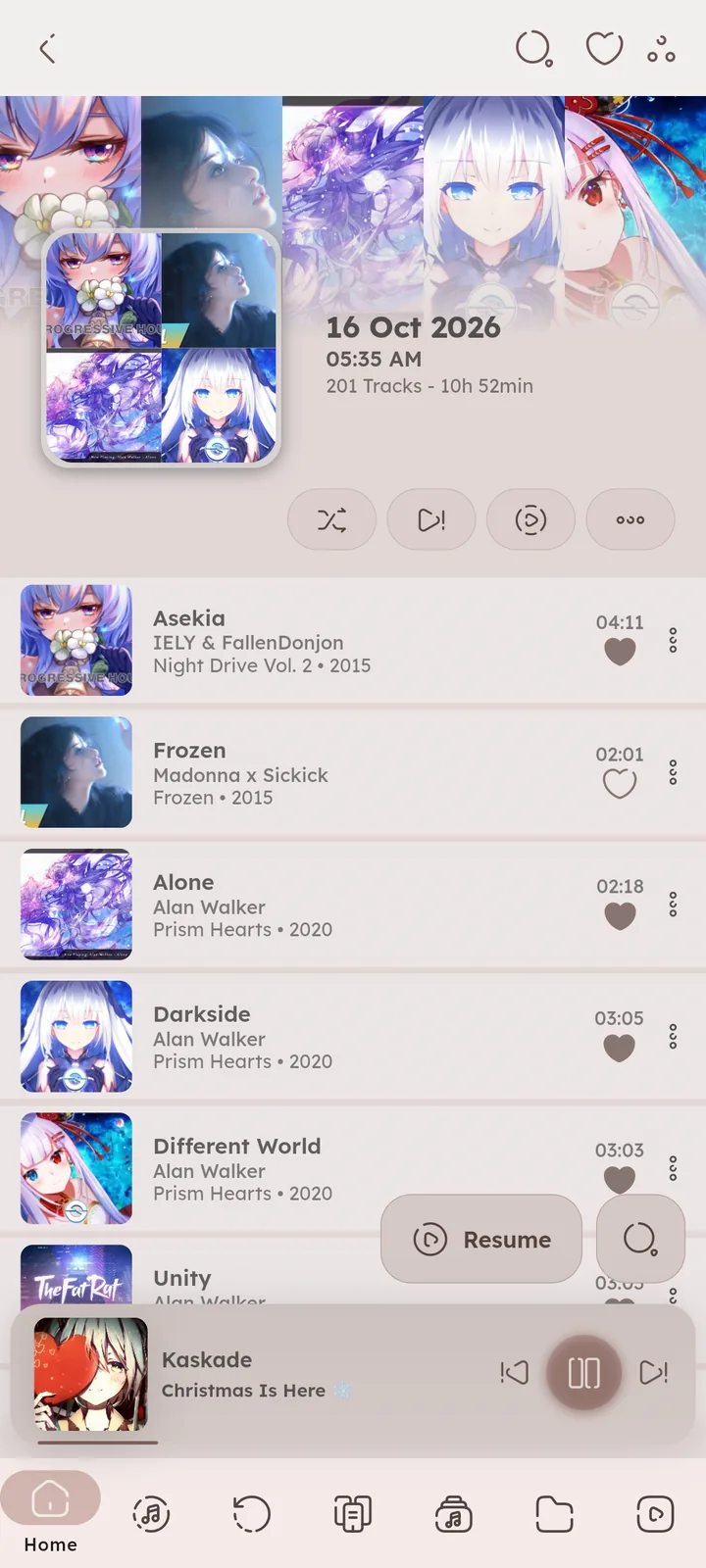
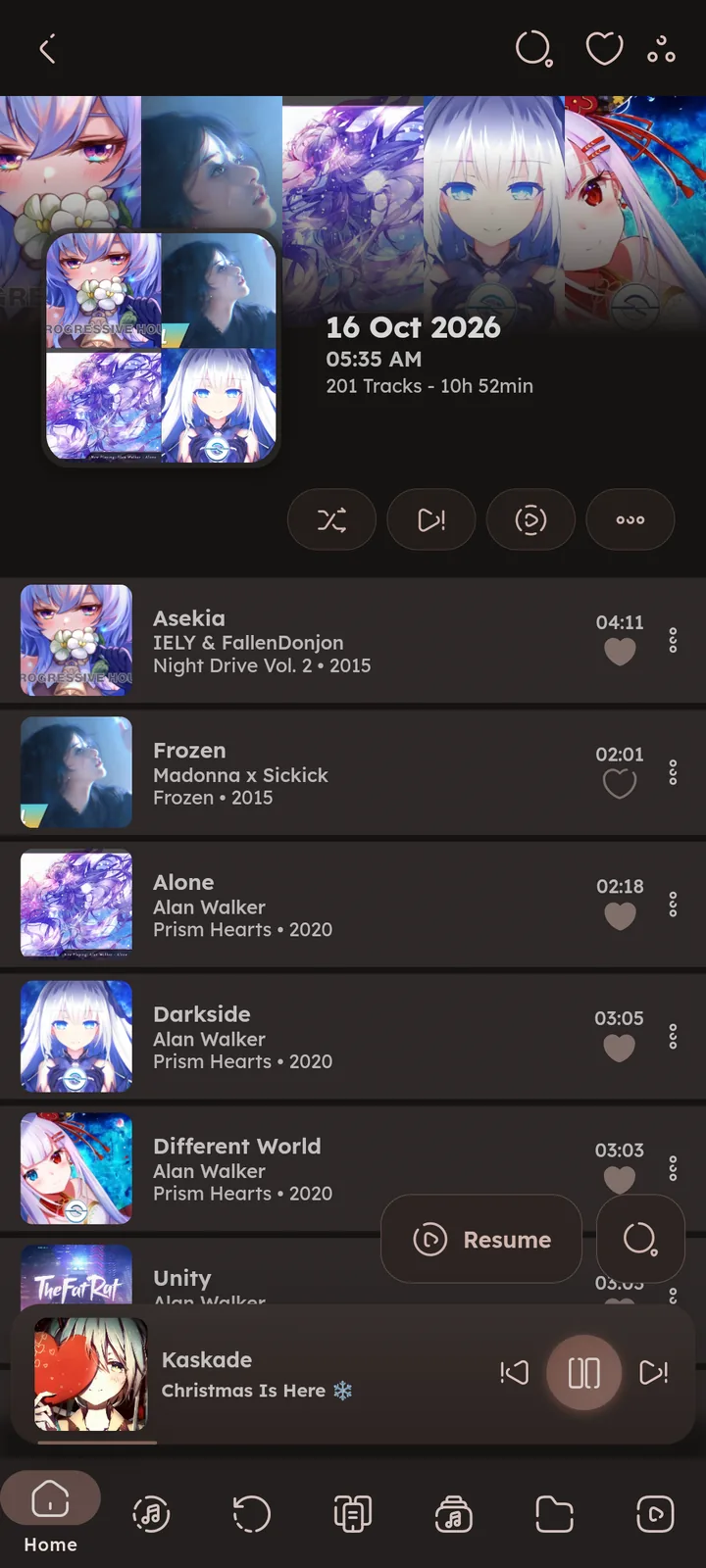
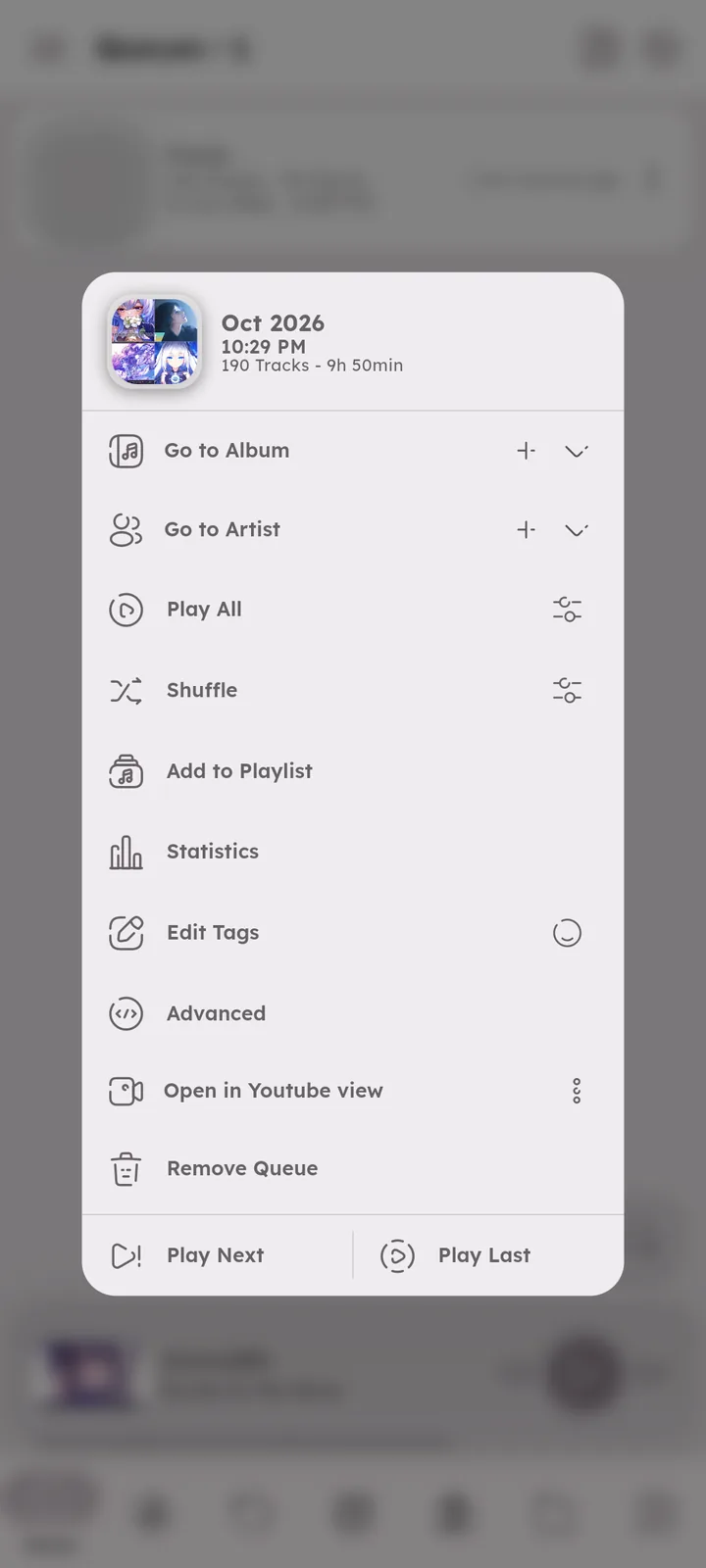
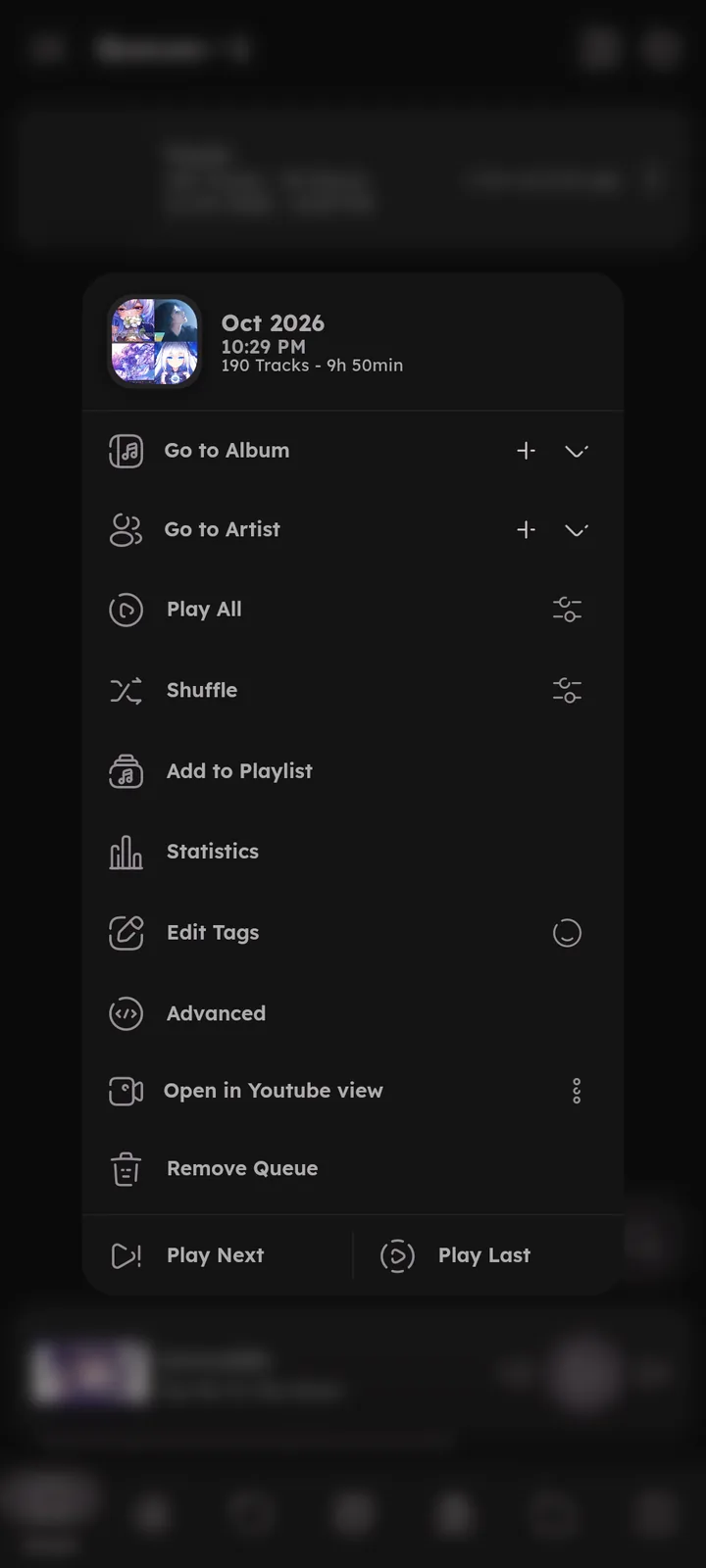
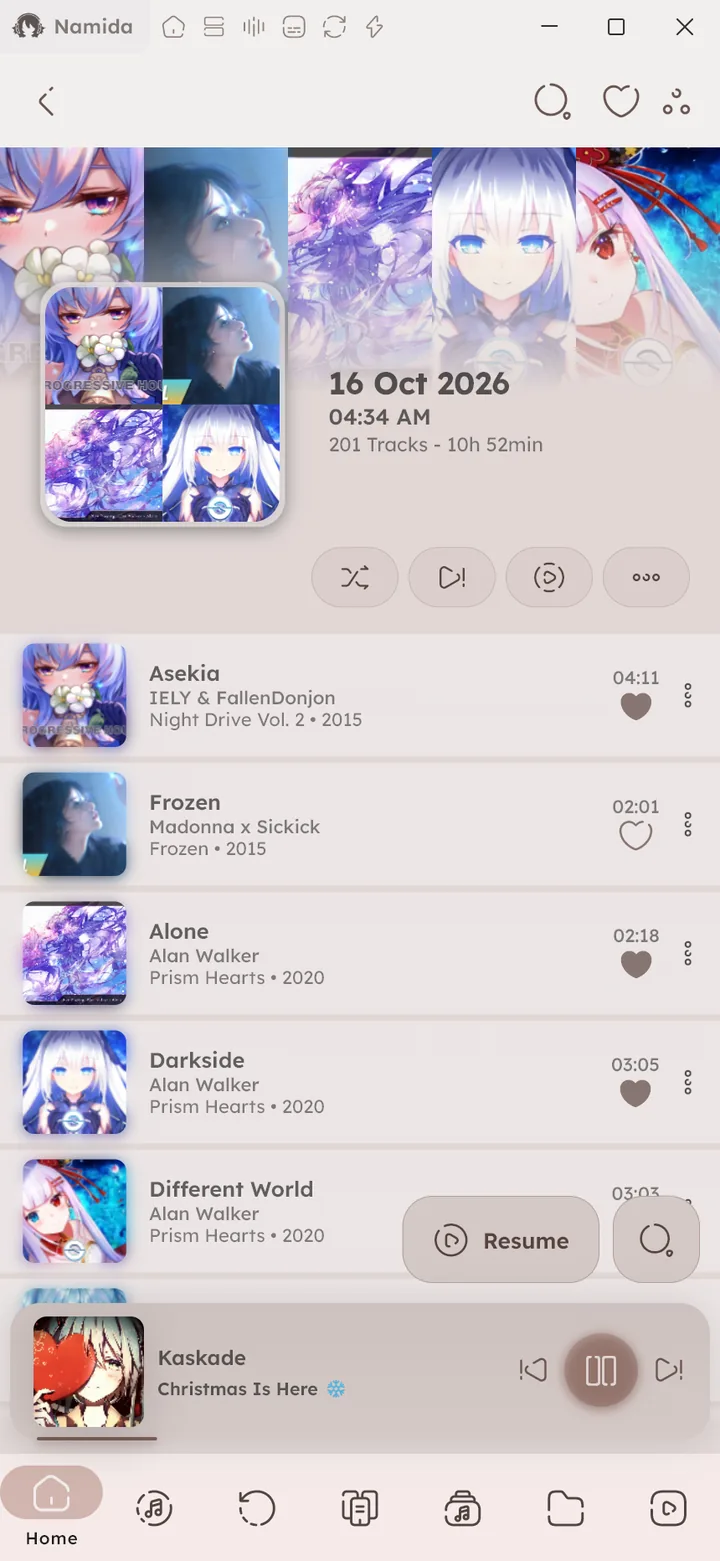
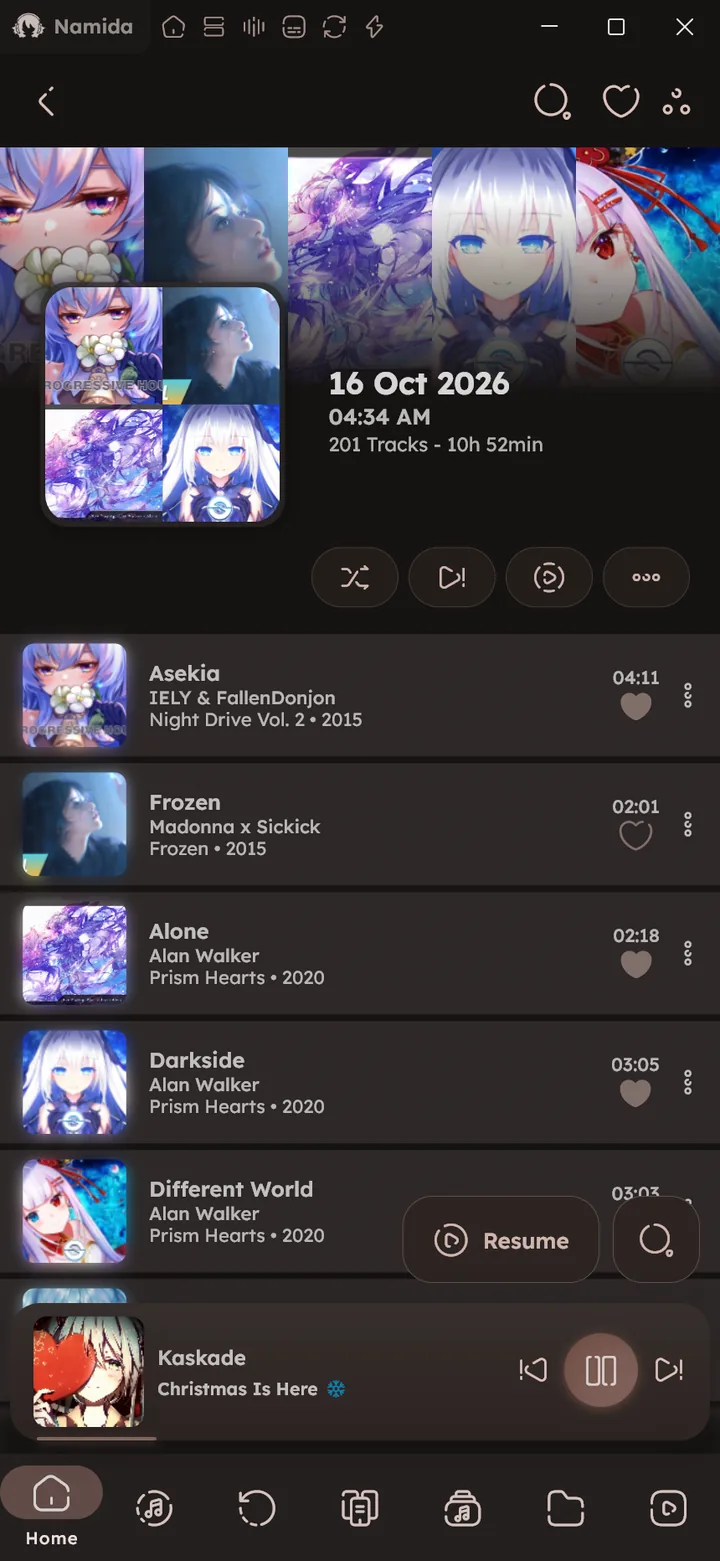
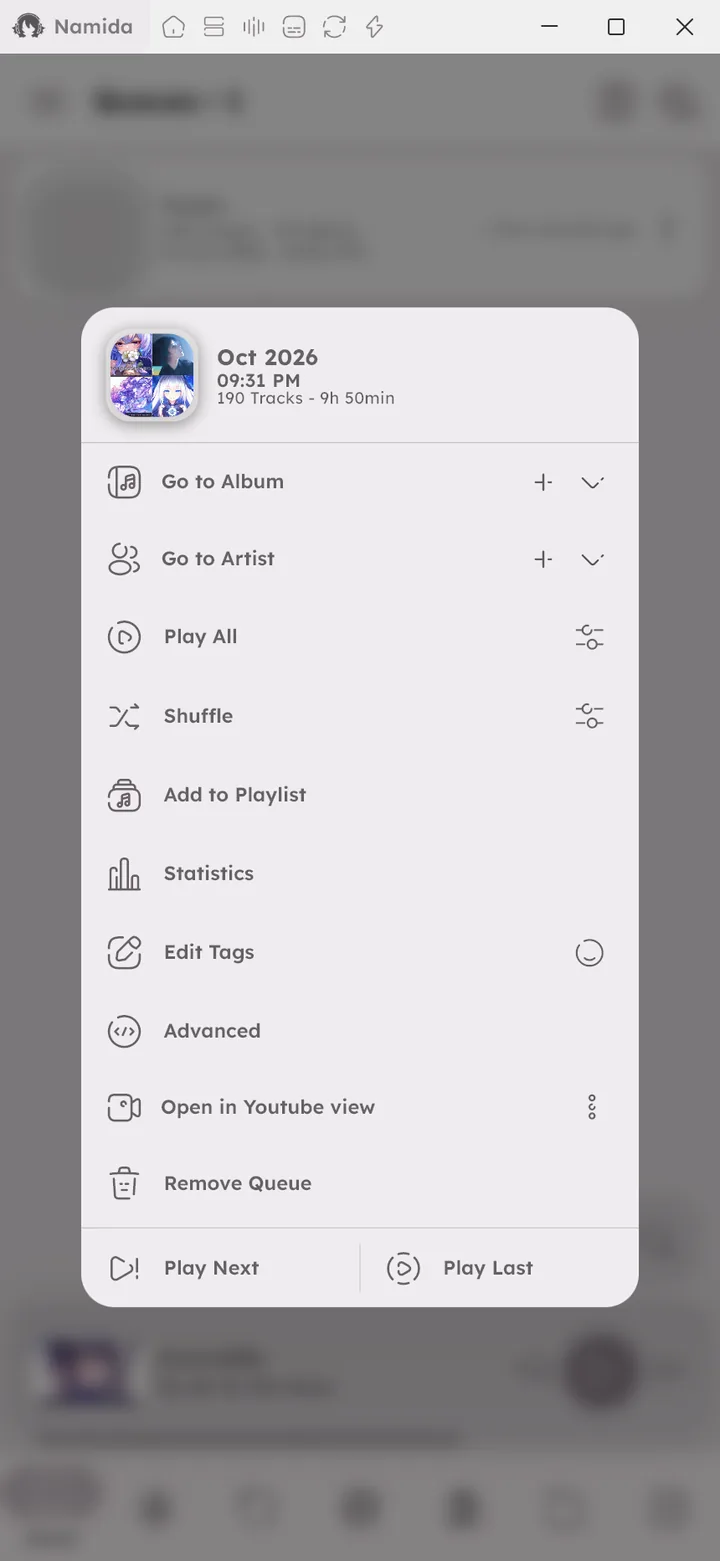
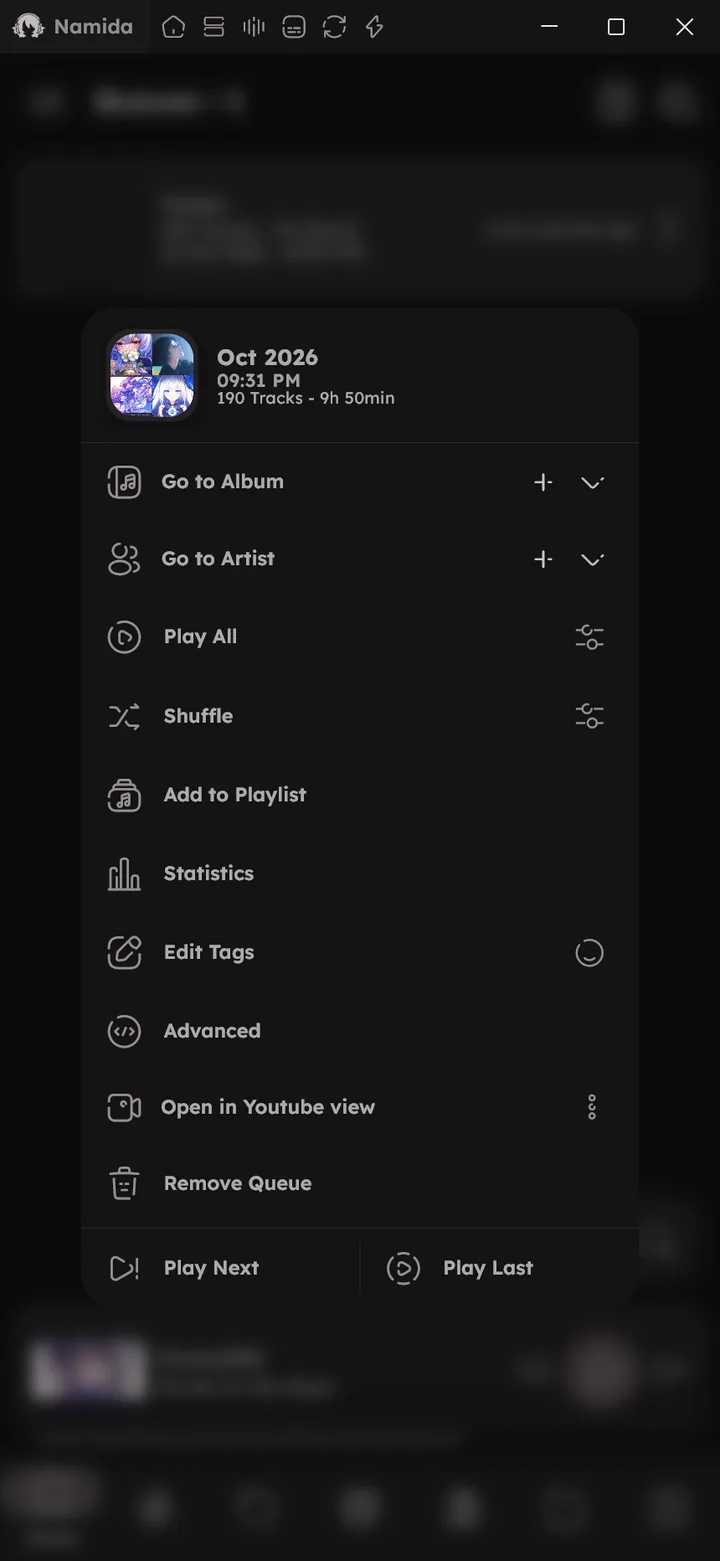
Every listening session is saved automatically, so you can jump back to any previous queue. Press the delete icon at the top to clear unimportant queues, or swipe one left to quickly remove it. Inside a queue, the resume button continues from the track you last played in it.
Only the newest 20 queues load at first, press “Load all” at the bottom for the rest. 🆕 v7.4.0




Queue
🆕 v7.0.0
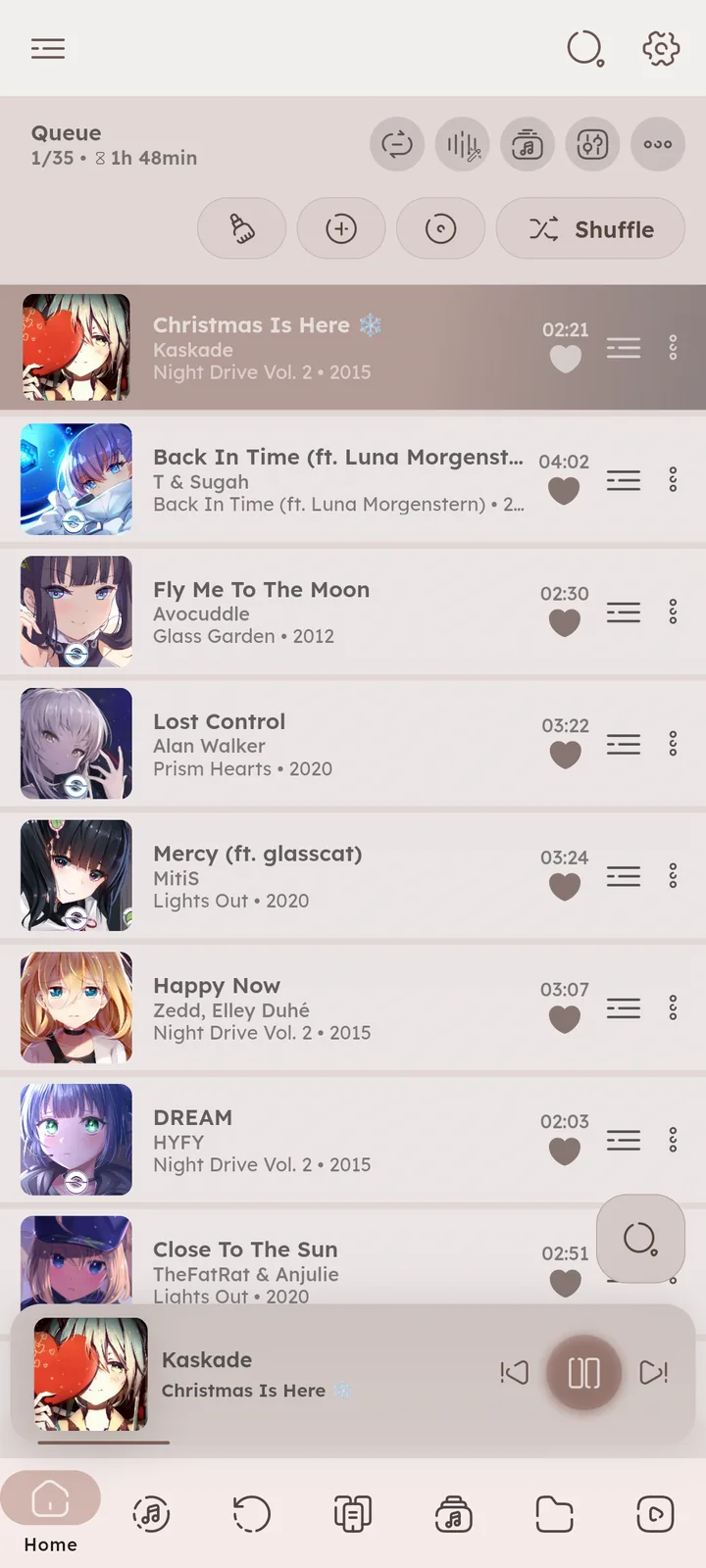
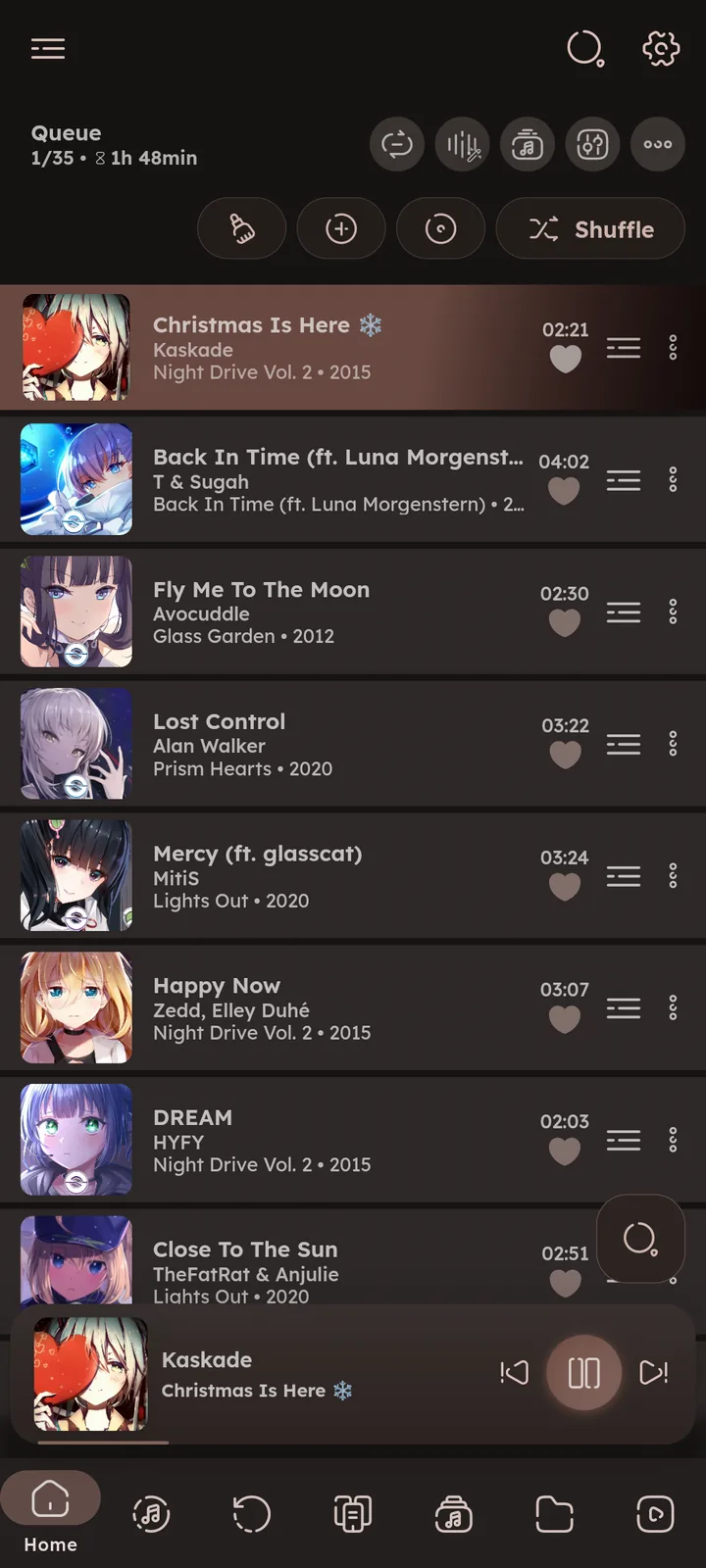
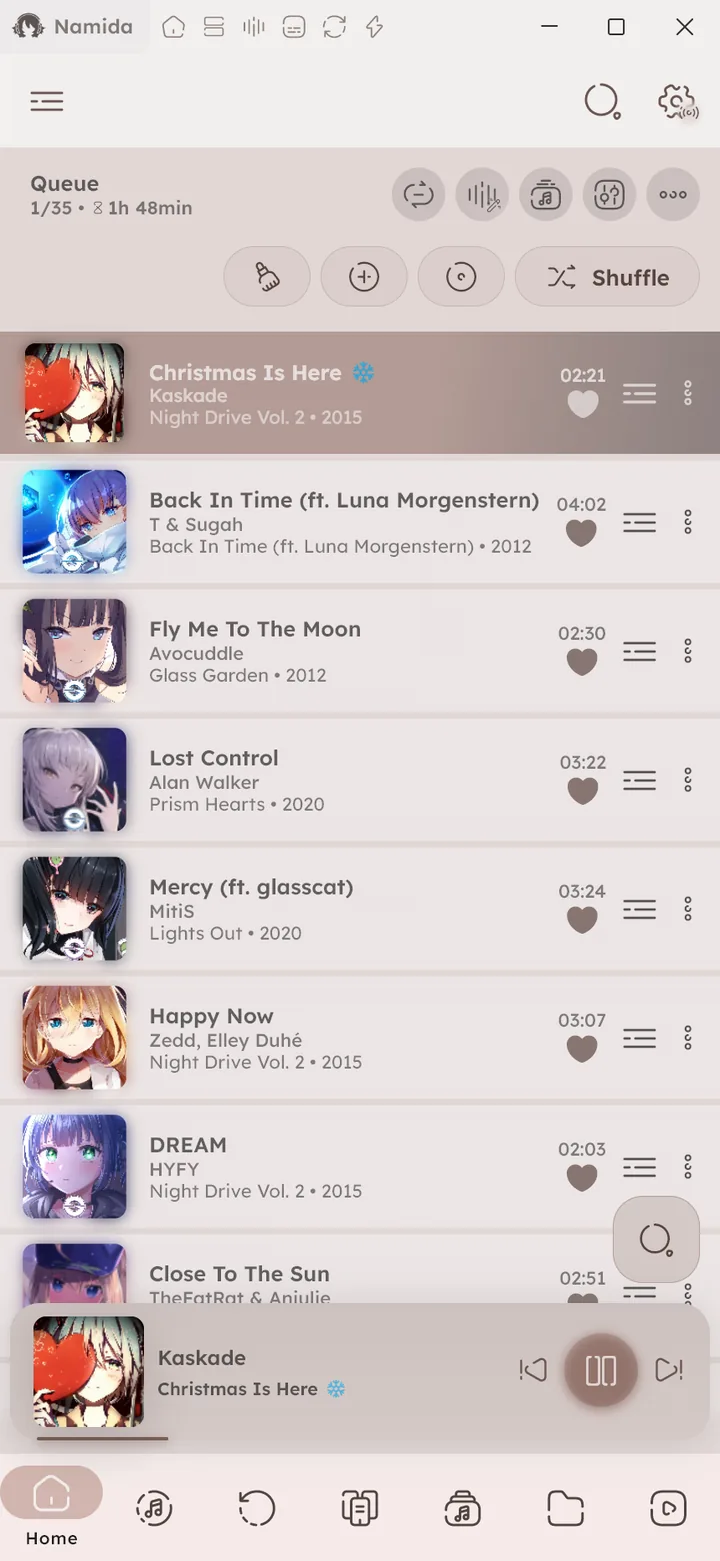
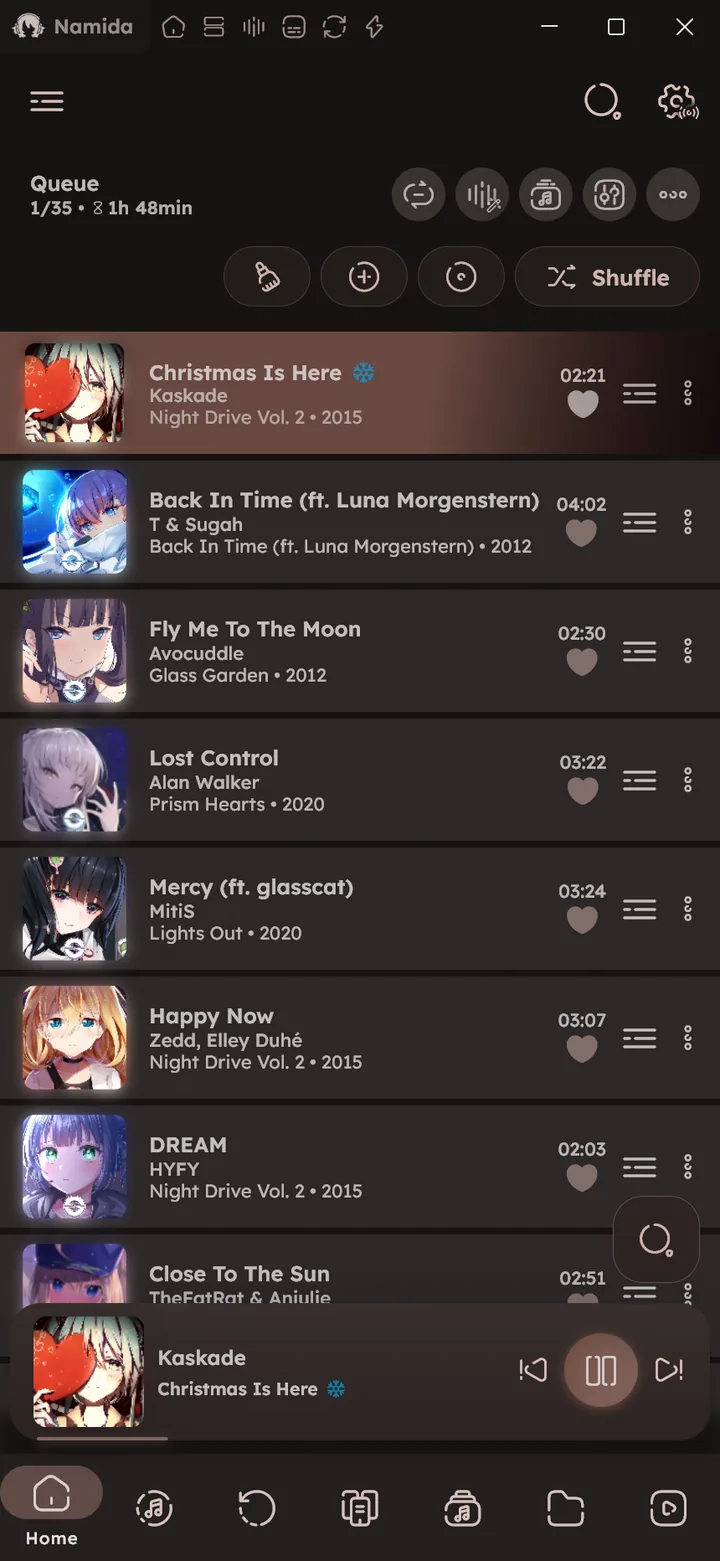
The currently playing queue as a library tab, so you can keep it a swipe away instead of opening the player. Enable it in ⚙️ Configure Library Tabs ↗. 🎉 Queue System ↗
Stats
🆕 v7.0.0
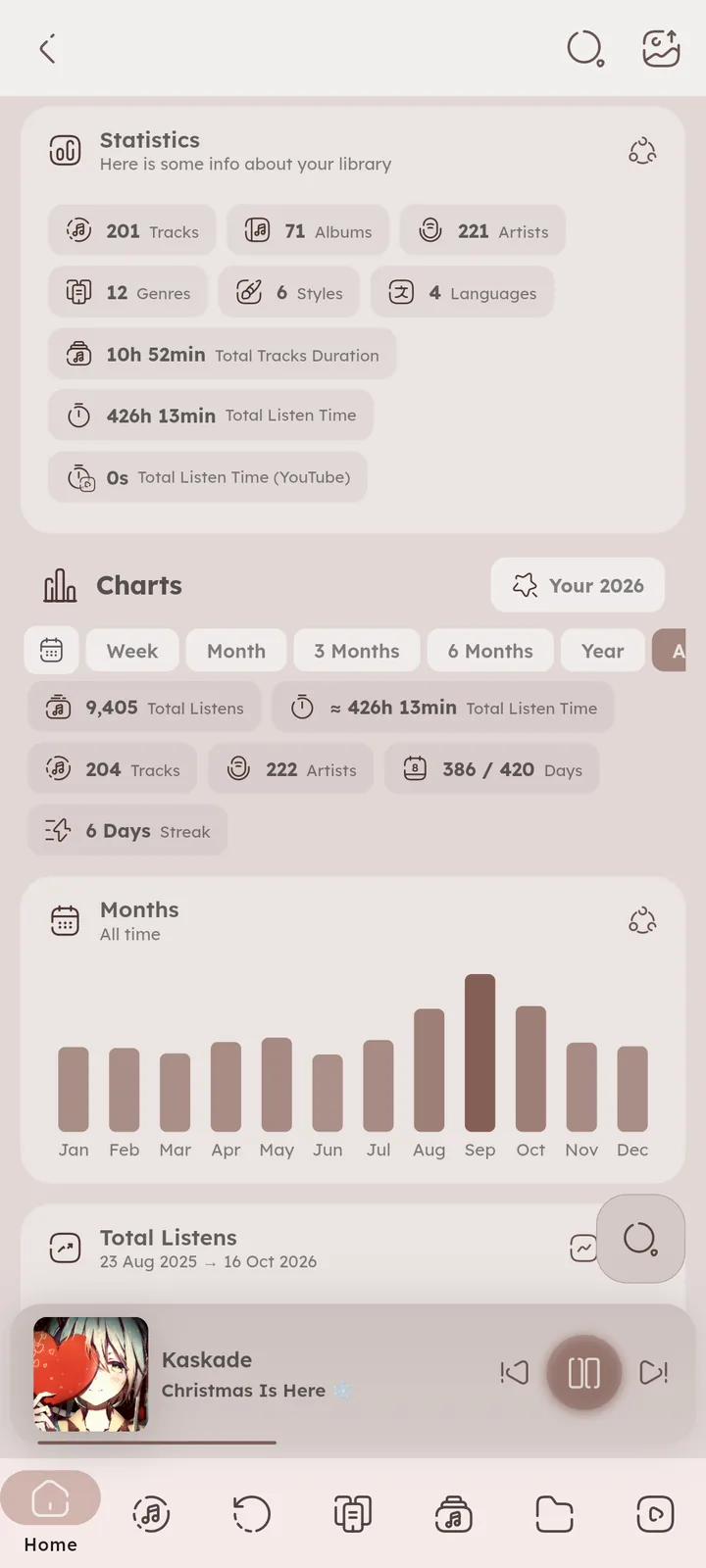
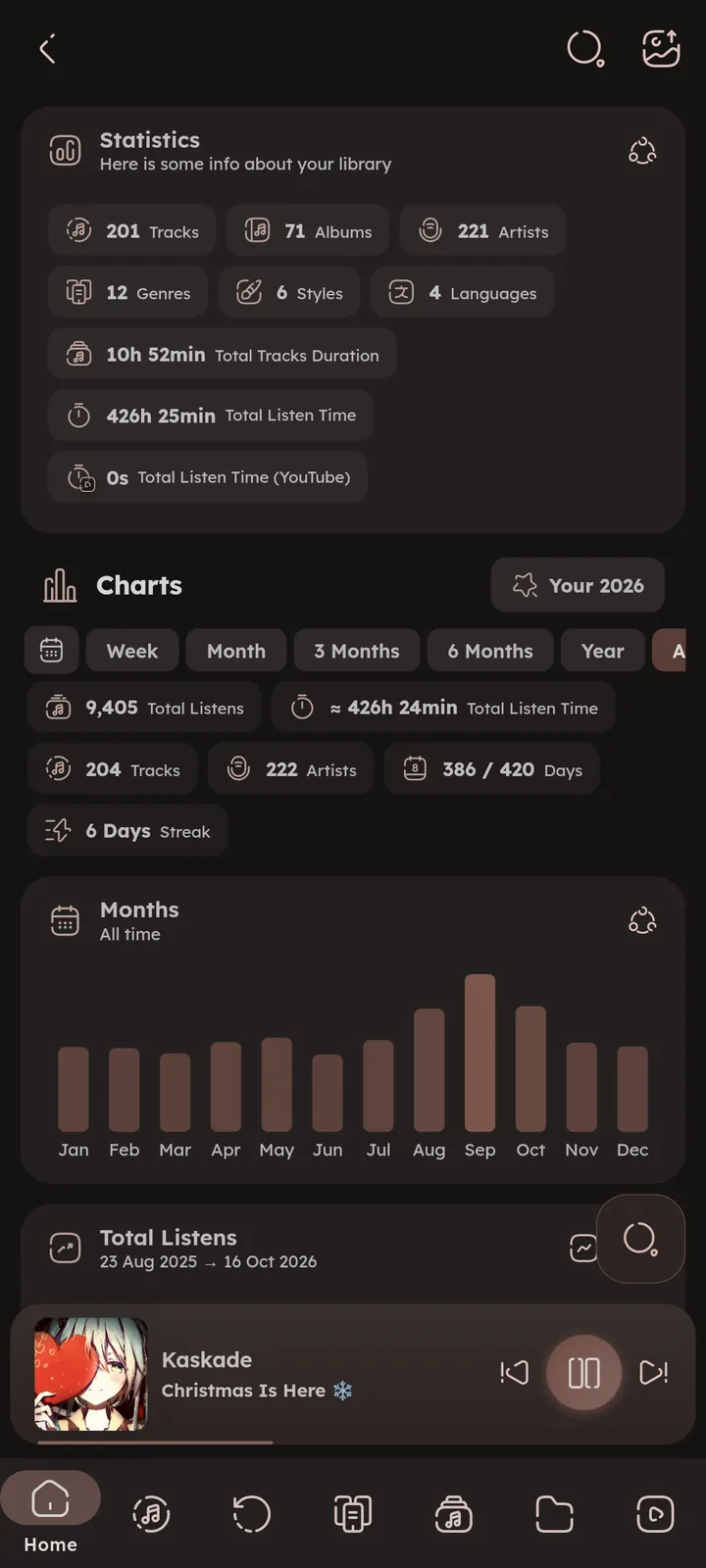
Your listening stats and charts as a library tab (the same page you get from the chart icon on the Home page). Enable it in ⚙️ Configure Library Tabs ↗. 📄 Stats Page ↗


Smart Playlists
🆕 v7.4.0
The full smart playlists page as a library tab. Enable it in ⚙️ Configure Library Tabs ↗. 🎉 Smart Playlists feature ↗


Listening Party
🆕 v7.4.0
The listening party page as a library tab, to create or join a room and follow it. 🎉 Listening Party feature ↗


Moods, Tags & Rating
Browse tracks grouped by the moods, tags and ratings you assign. Assign them from the track menu (for many tracks at once too), they also power mood based track generation. On desktop you can rate the current track with a key press, see 🎉 Shortcuts feature ↗.
The moods and tags pages can be searched and sorted, and so can the tracks inside a mood, tag or rating. 🆕 v8.2.0


Search
Global search across your library. You choose which fields it looks into: title, artist, album, filename, even lyrics. Playing from search supports play modes: selected track only, search results, album, first artist or first genre. ⚙️ Configure Search ↗
Results are ranked by a match score:
- Exact matches score the highest, then close matches. For fields with multiple values (like artists or genres), matching any single value counts.
- The more of your typed words a track matches, the higher it ranks. Small typos are forgiven in the title, artist, album and filename.
- Title counts the most, then artist and album, then filename. Other fields like genre, comment or lyrics are only checked when these don’t match.
- Tracks you listen to more get a small boost.
- Results that score far below the best match are hidden behind a Show more button.
🆕 v8.2.0
This ranking is the “Auto” sort in the search sort menu, pick any other sort to order the results by it instead. Filtering the albums, artists, genres or playlists pages uses the same ranking 🆕 v8.2.0, and so does searching inside an album, artist, playlist or any other media page.


Related Settings
- Library & IndexingSorting & Grouping
- Playlists & HistoryPlaylist Tags
- Smart Playlists
- Listening PartyYour Player
- Pages
- IndexerRefresh Library & Re-index, Extract feat. Artists
- ExtrasLibrary Tabs
- WelcomePhilosophy
- What's New🏷️ v8.2.0, 🏷️ v7.8.0, 🏷️ v7.4.0, 🏷️ v7.0.0
- Tips & TricksSearch, Track Menu, Library Pages, Folders
- PlaybackQueue System
- Playlists & HistoryPlaylist Tags, Smort Tracks Generation
- Smart Playlists
- Listening Party
- Shortcuts
- Other PagesStats
- IndexerRefresh Library & Re-index, Separators, Album Identifiers, Include Videos, List of Folders
- CustomizationsAlbum Tile Customization
- ExtrasLibrary Tabs, Filter Tracks in Search Lists By
Author: @MSOB7YY
Writer: @claude
