
Other Pages
Stats
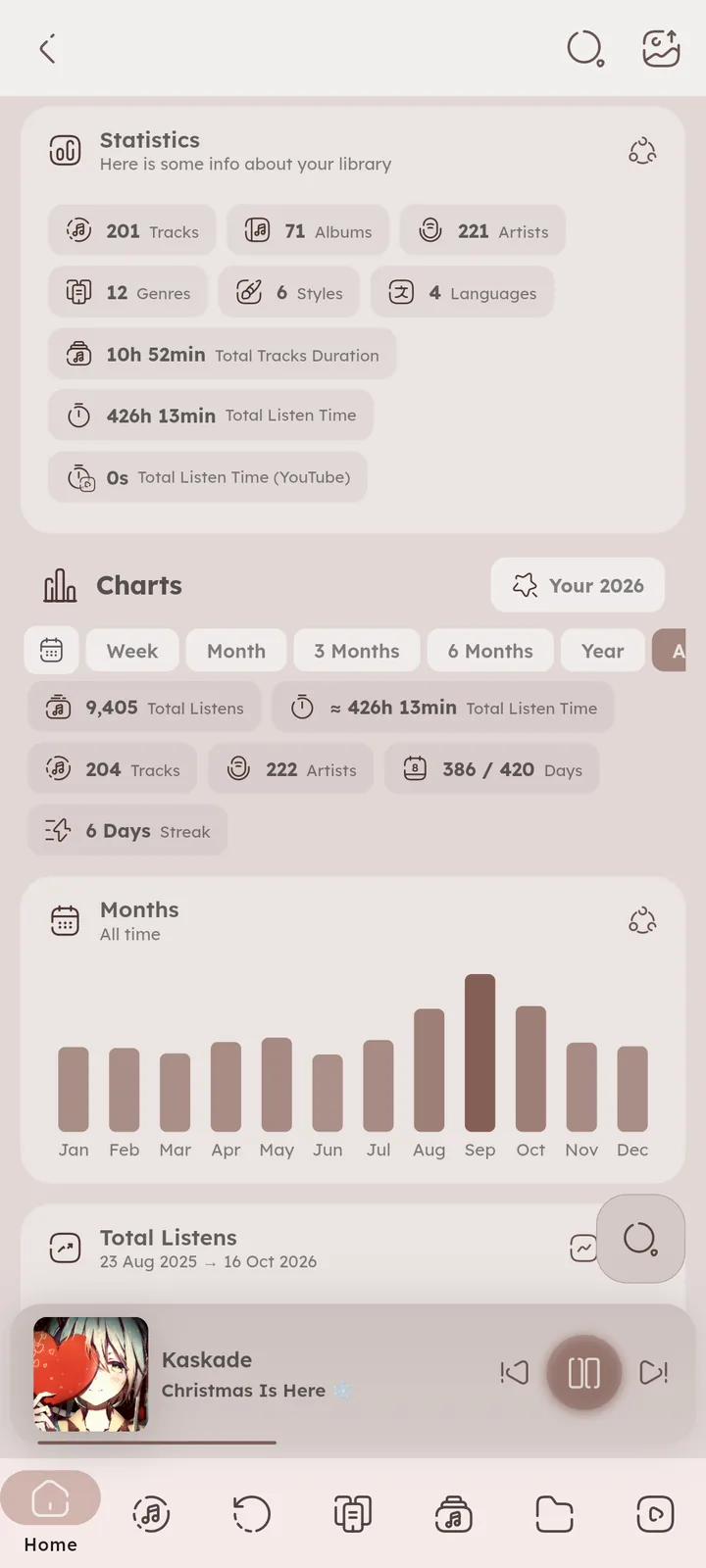
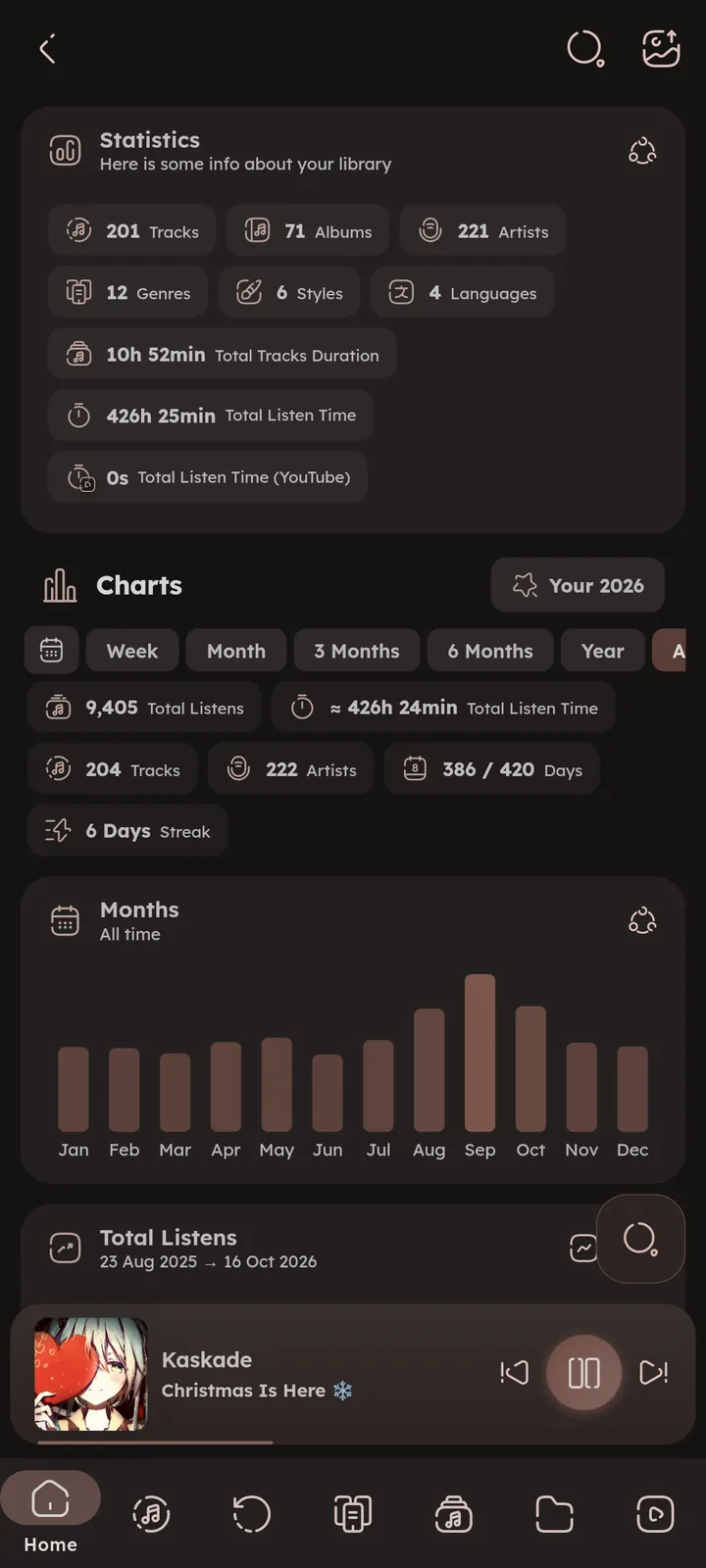
Library numbers: tracks, albums, artists, genres, styles and languages, total duration, and your total listen time (for local and YouTube separately). Open it with the chart icon at the top of the Home page, or make it a library tab of its own. ⚙️ Configure Library Tabs ↗
Charts
🆕 v7.0.0
Charts built from your history, switchable between local and YouTube. Pick a time range like in Most Played (all time, this year, custom dates and more), any range other than all time is compared with the period right before it.
What you get:
- Summary, total listens, listen time, days and streak.
- Listens per month and per day (the line switches between total and daily).
🆕 v8.2.0 - Listening Clock, the hours of the day you listen the most.
- Habits, repeat rate, library reach, and when your first and last listens of the day usually happen.
- Obsession, your most played days and longest session.
- Discoveries, tracks and artists you found for the first time.
- Most Played, top tracks, artists, albums and genres for the range.
- Total Listens, a donut of how your listens are split. Press the category icon on the card to switch between Genres, Styles, Moods, Tags, Artists, Album Artists, Composers and Albums.
🆕 v7.1.0 - Rediscoveries, tracks you came back to after a long break.
- Completed Albums and Genres.
- Audio, lossless share, plus listens per source, total listen time and release year.
Every card has a share icon that saves it as an image, and long pressing a card copies its values as text. The share icon in the app bar exports all the cards at once.
The menu on top tracks and Discoveries plays, shuffles or saves them as a playlist, and longer lists have a Show more button. 🆕 v8.2.0
Some charts need listen time data that Namida only started recording in v7.0.0, so they fill up as you listen.


Your Year
🆕 v7.0.0
A wrap up of one year of listening (for local and YouTube separately). Open it from the Stats page, or from the banner that shows up on the Home page during December and January.
It covers your top tracks and artists, listening clock, longest streak, busiest day, discoveries, oldest favourite, longest session, repeat rate, completed albums, rediscoveries, and a comparison with the year before. The “Year in N Songs” section picks one track for each month.
Swipe through the pages and share the one you like as an image, or press the share icon in the app bar to export every page at once.
Top tracks and discoveries have the same menu to play or save them as a playlist. 🆕 v8.2.0


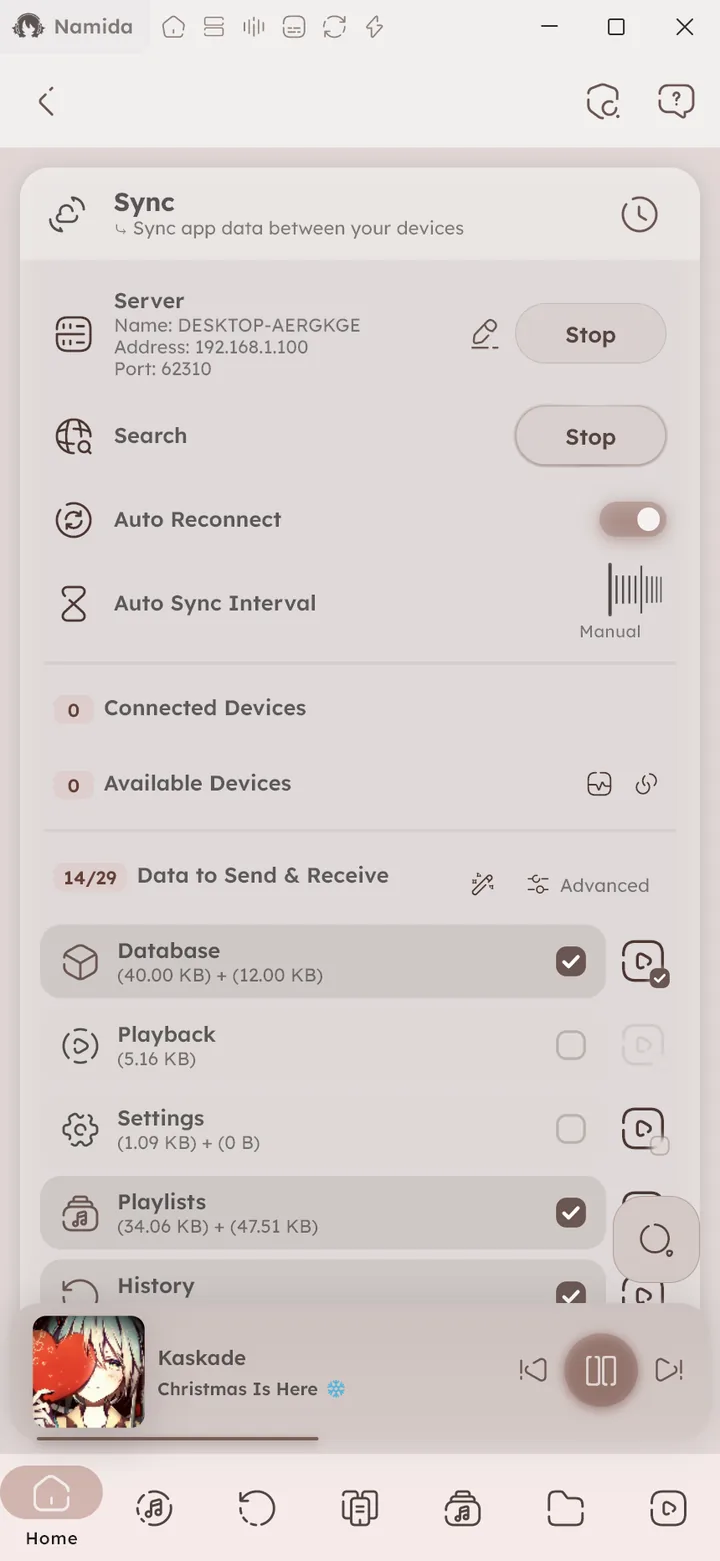
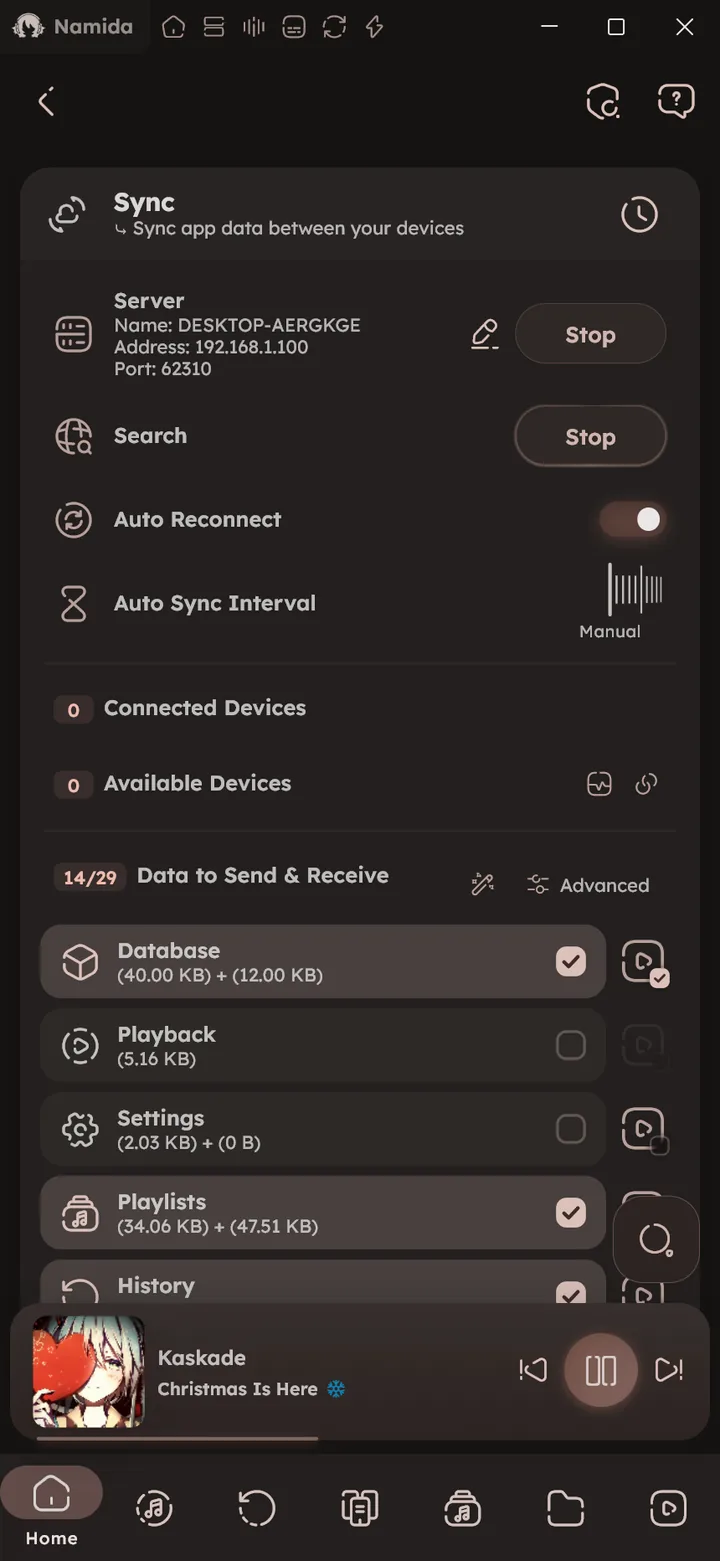
Sync Manager
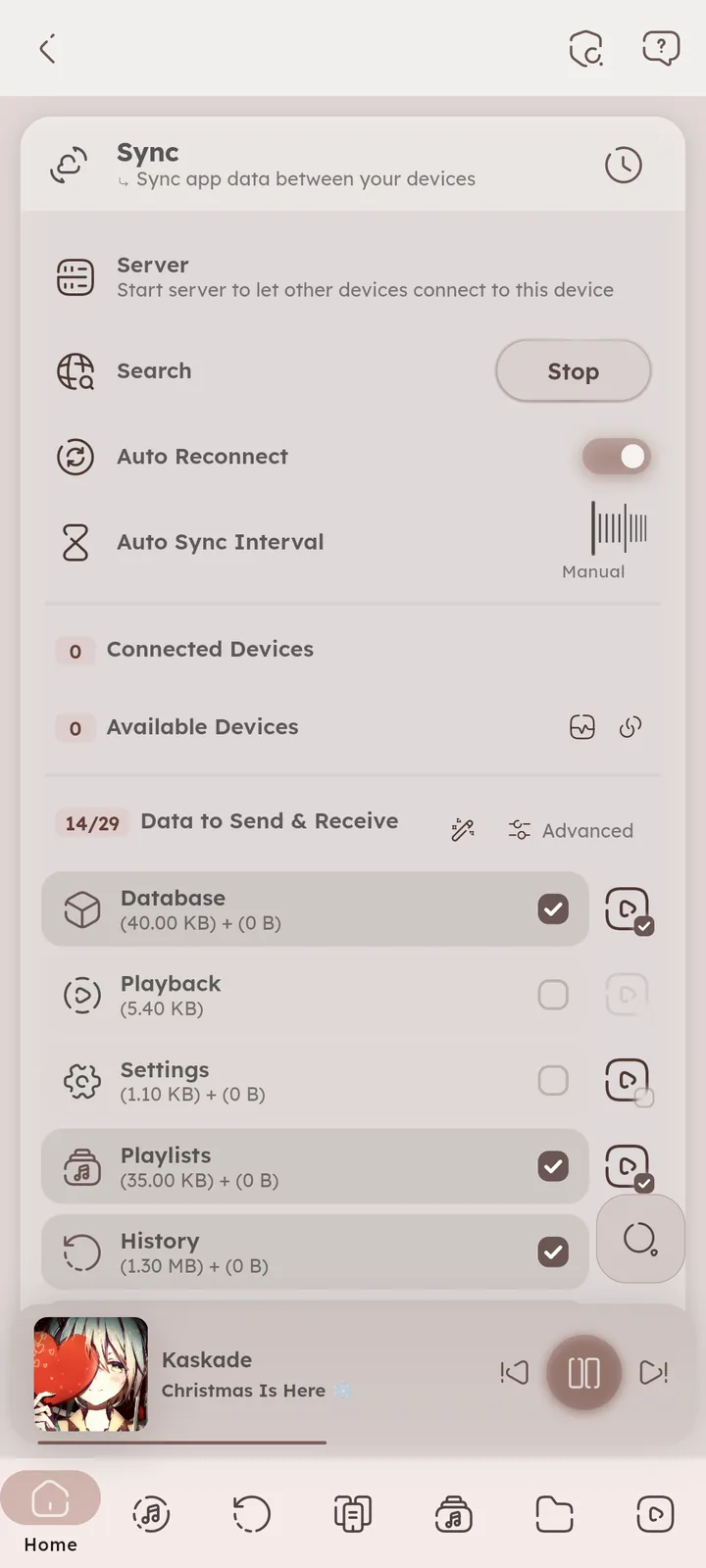
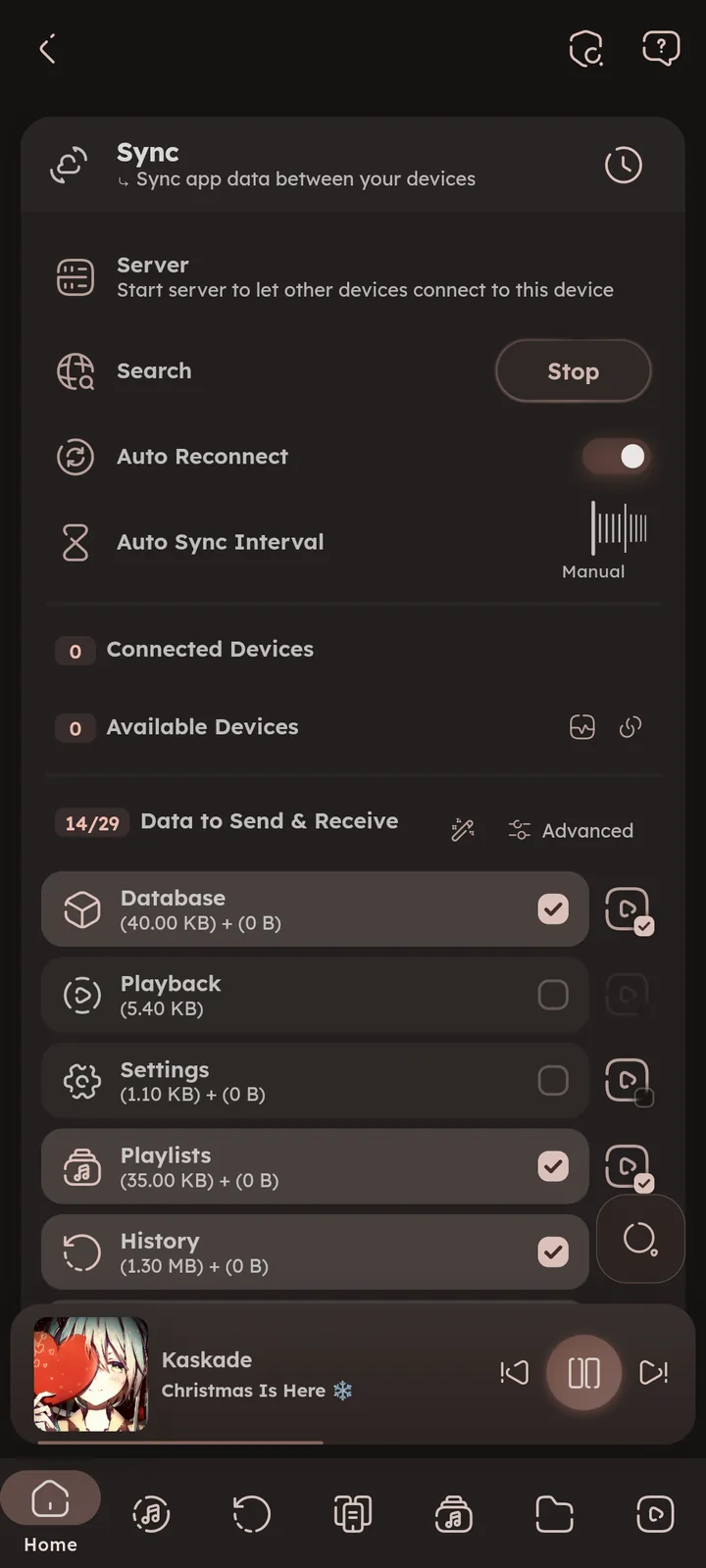
Where device sync happens: start the server, discover and connect devices, choose the data to send & receive, and watch recent actions. 🎉 Sync feature ↗ 📒 Sync Guide ↗
About
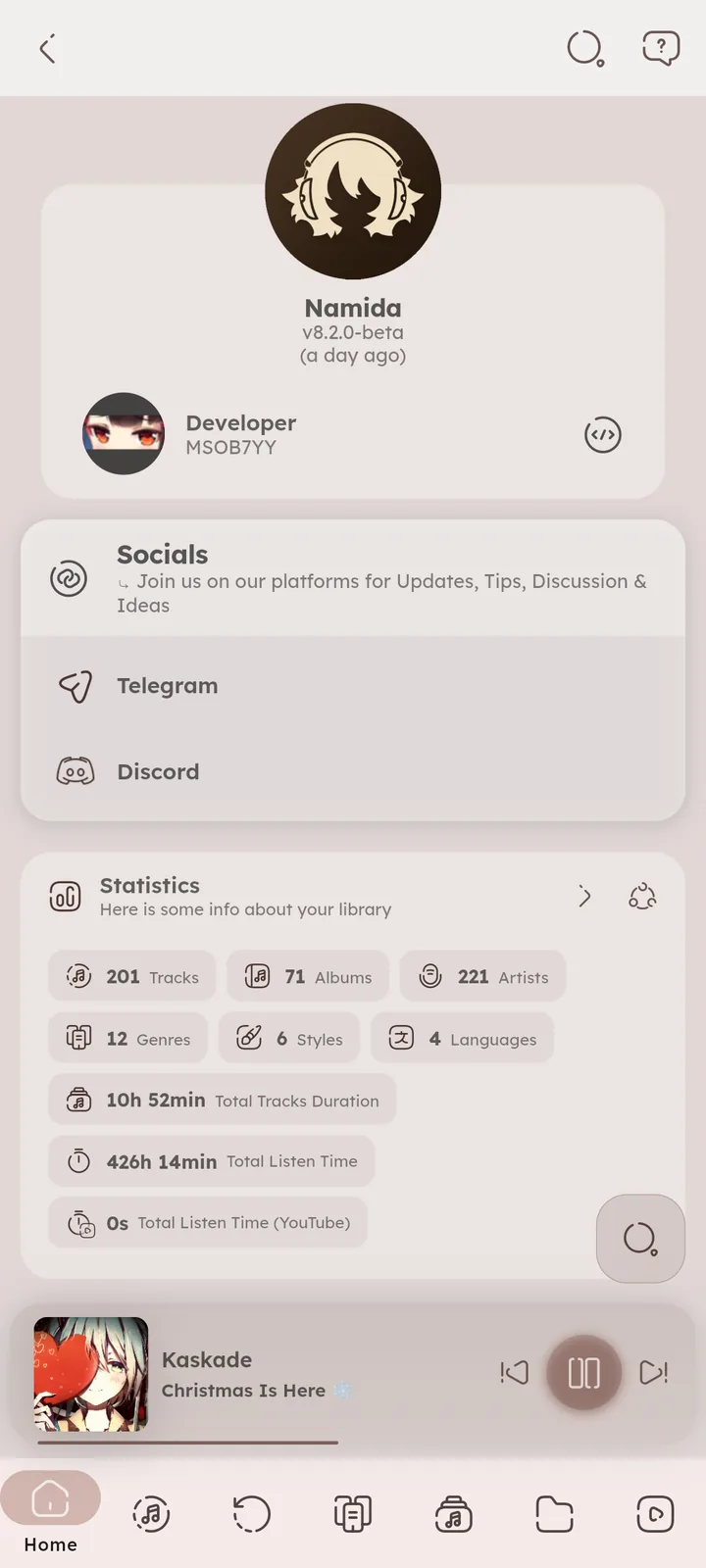
App version & changelog, socials, licenses, share logs, and links for translating, donating and reporting issues. 🎉 Shortcuts feature ↗ 📄 About Tips ↗
“Report an issue” lets you pick a bug report, a YouTube problem, a feature request or a question, then opens the GitHub form with your version and device info filled in.
For bugs and YouTube problems, the logs zip is ready too, attach it to the issue. On desktop its folder opens, on Android it’s saved in Namida Folder/Logs. 🆕 v7.5.0
Shared logs leave out personal info (like device names and folder paths).
The Stats card sums up your library, its arrow opens the full Stats page.
The Eggs card shows your eggs, their hints, and what you unlocked with them. 🆕 v7.8.0 📄 Eggs ↗


Author: @MSOB7YY
Writer: @claude
