
Backup & Restore
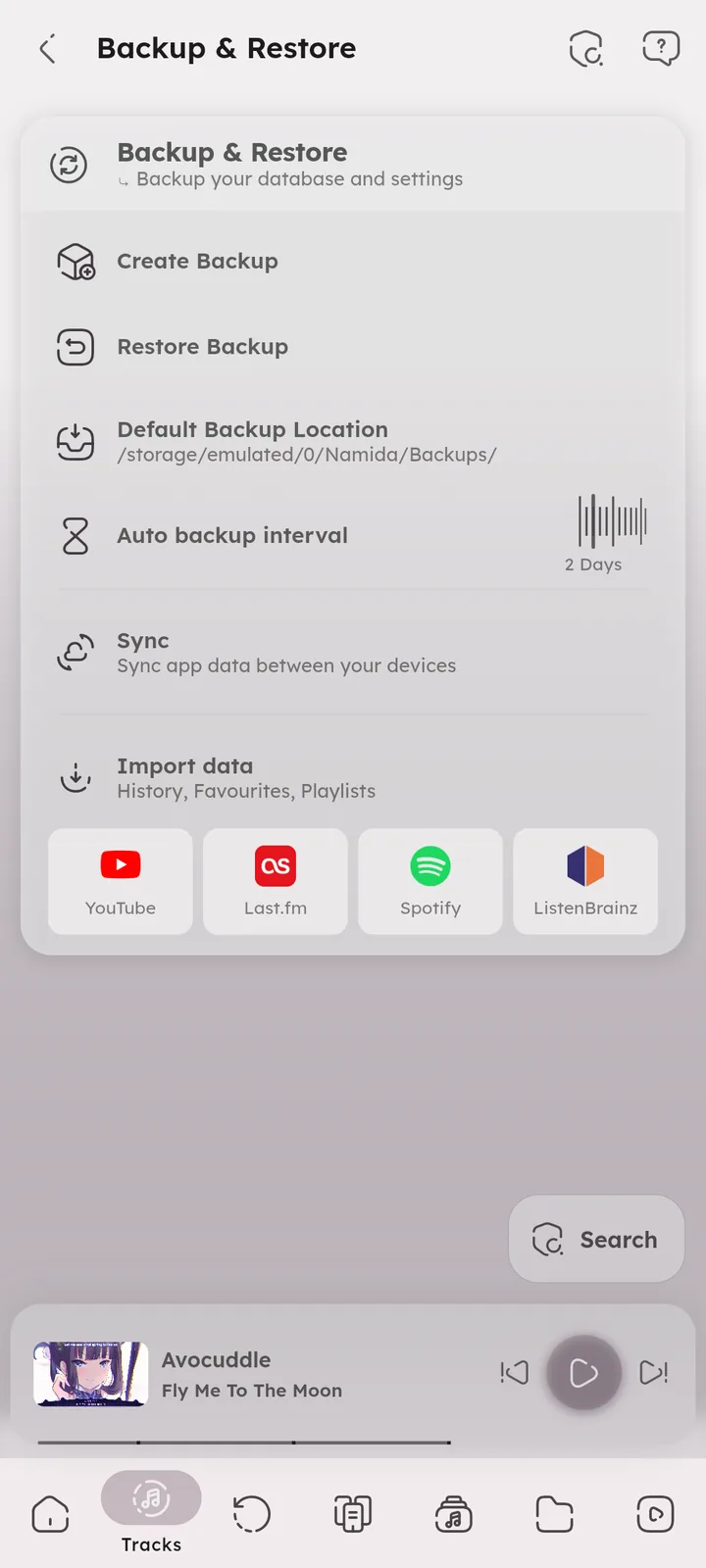
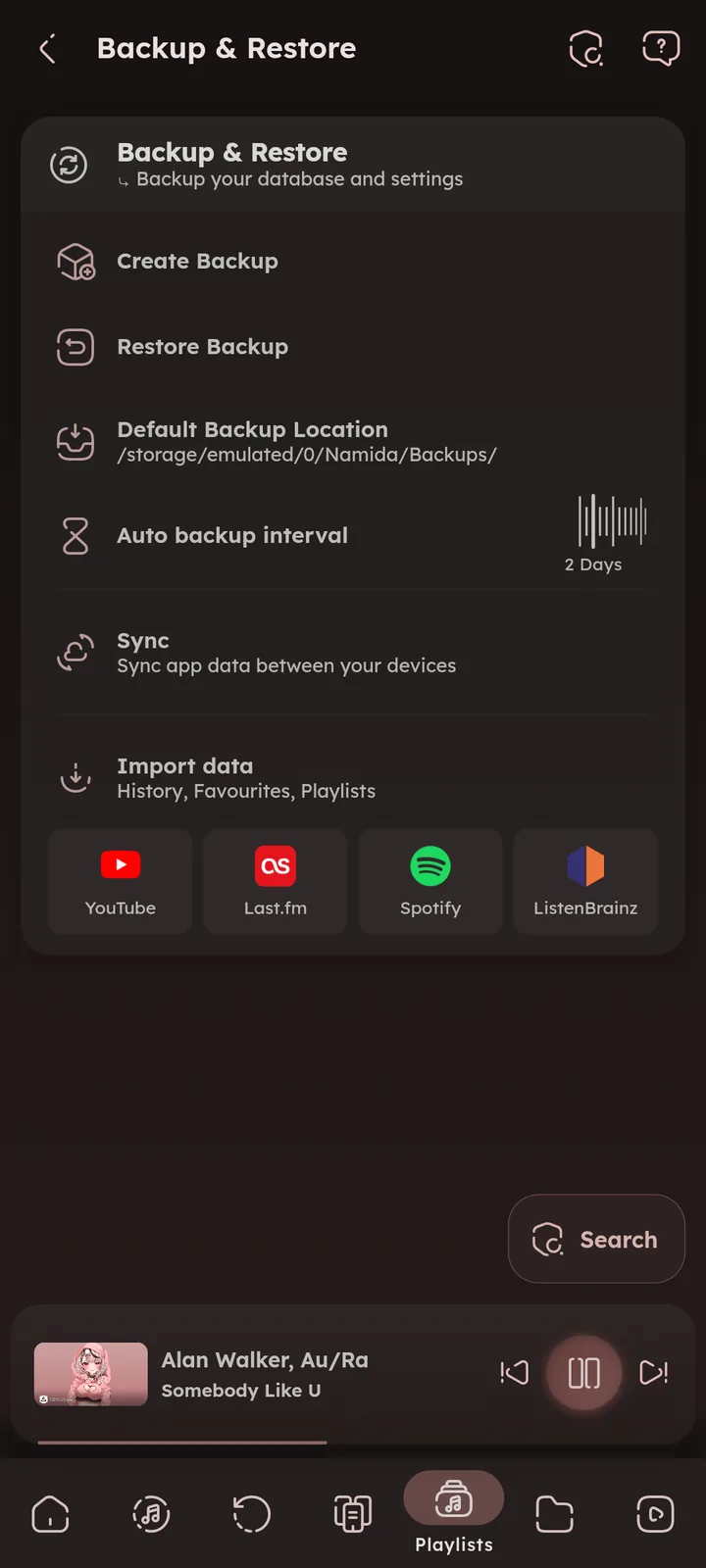
Backups, imports and sync between devices.


Create Backup
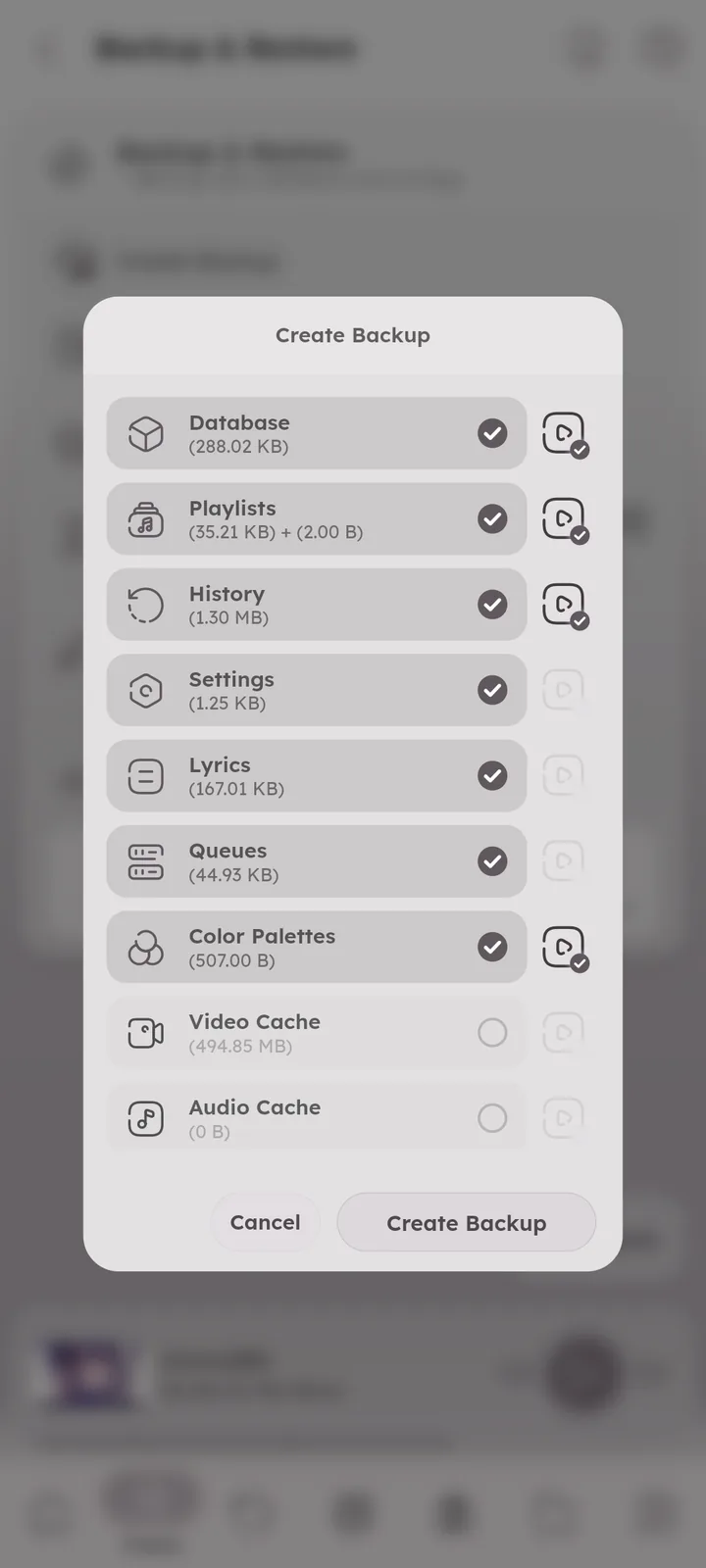
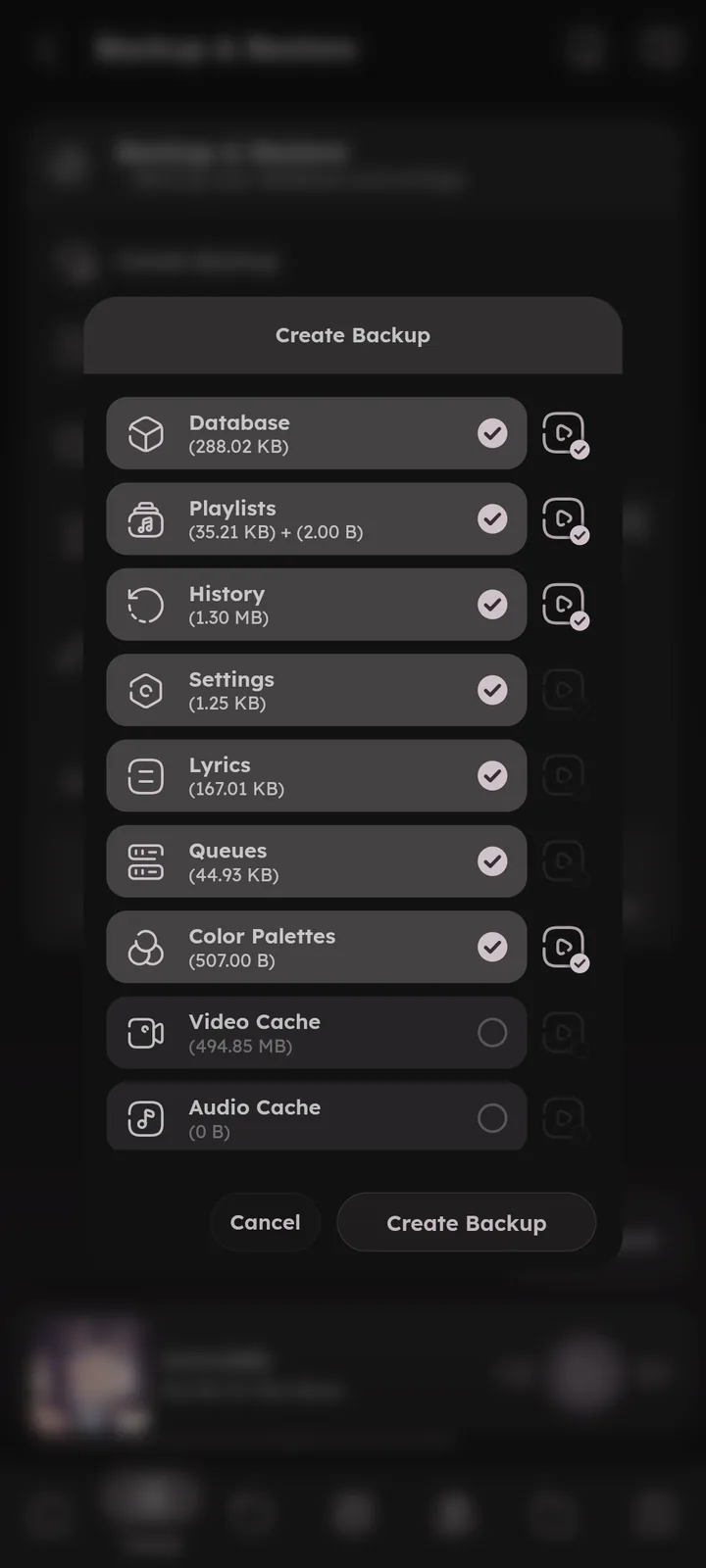
Creates a backup file, you choose what to include: database, settings, playlists, history, queues, lyrics, artworks and more.
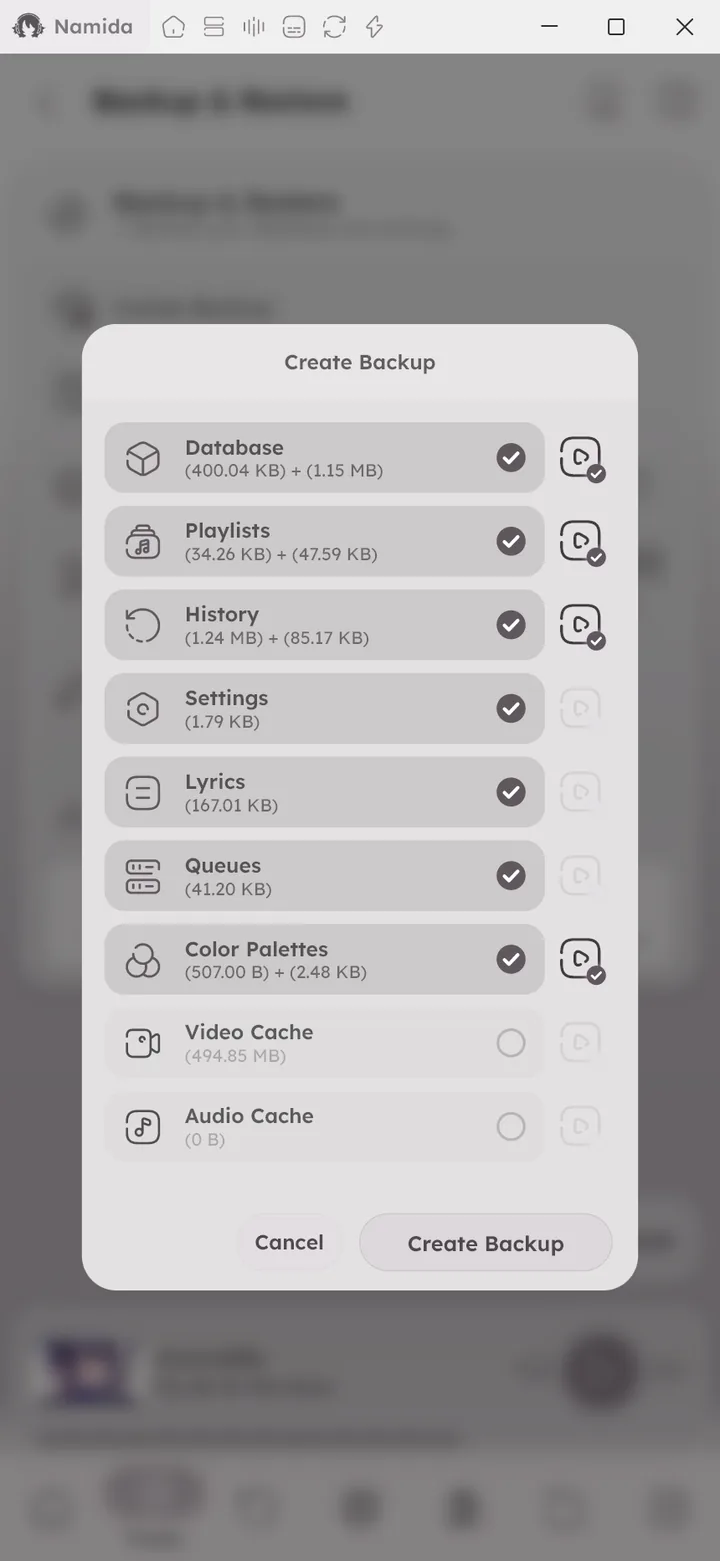

Restore Backup
- Automatic: applies the most recent backup file found inside the backup location.
- Manual: pick a specific file.
Restoring merges the backup into your current data instead of replacing it (if something exists in both, the backup’s version is kept). Backups from another device get matched to your local tracks, like Sync does. 🆕 v8.2.0
On a fresh install, the first page has Restore Backup and Sync buttons too. 🆕 v8.2.0


Default Backup Location
Where backups are saved, and where Automatic restore looks for them.
Auto Backup Interval
Automatically create a backup every set number of days.
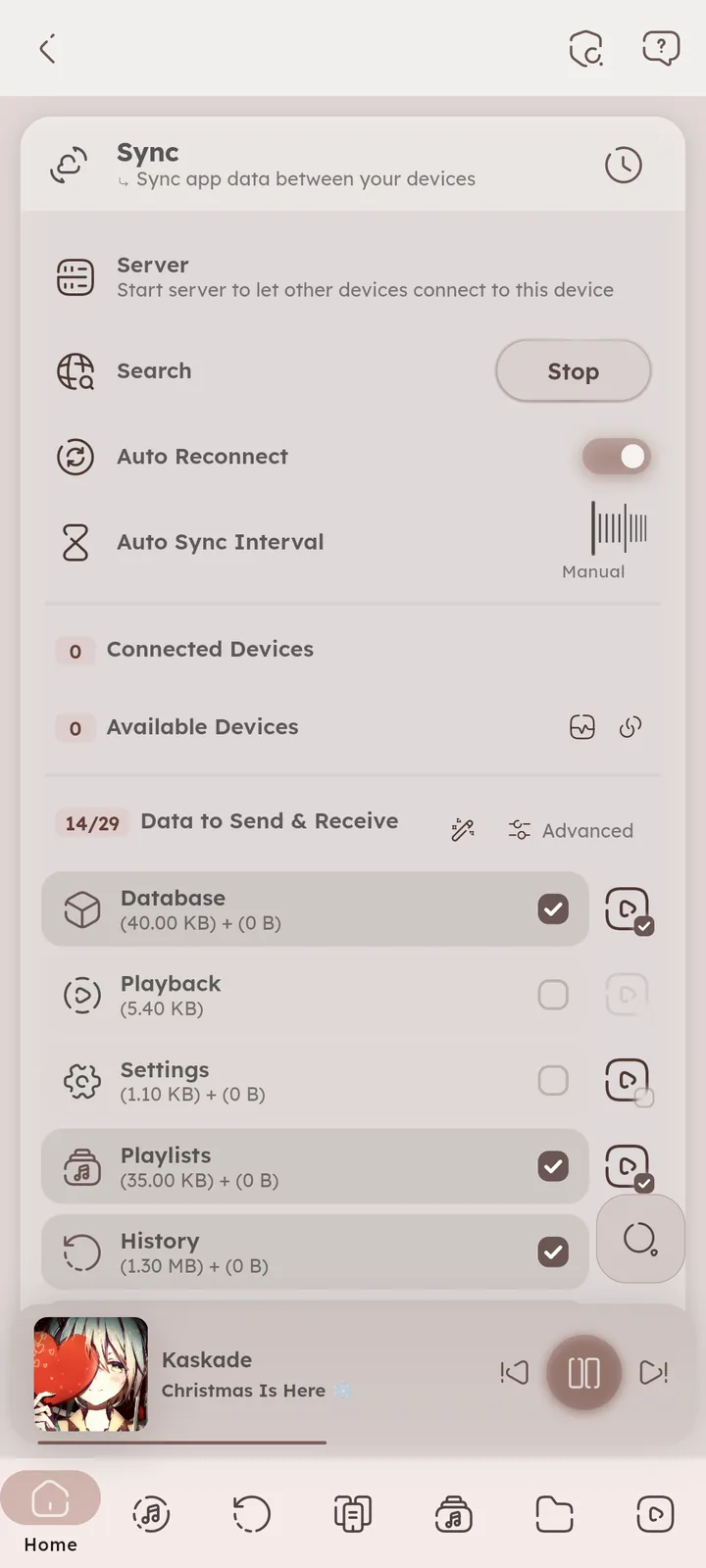
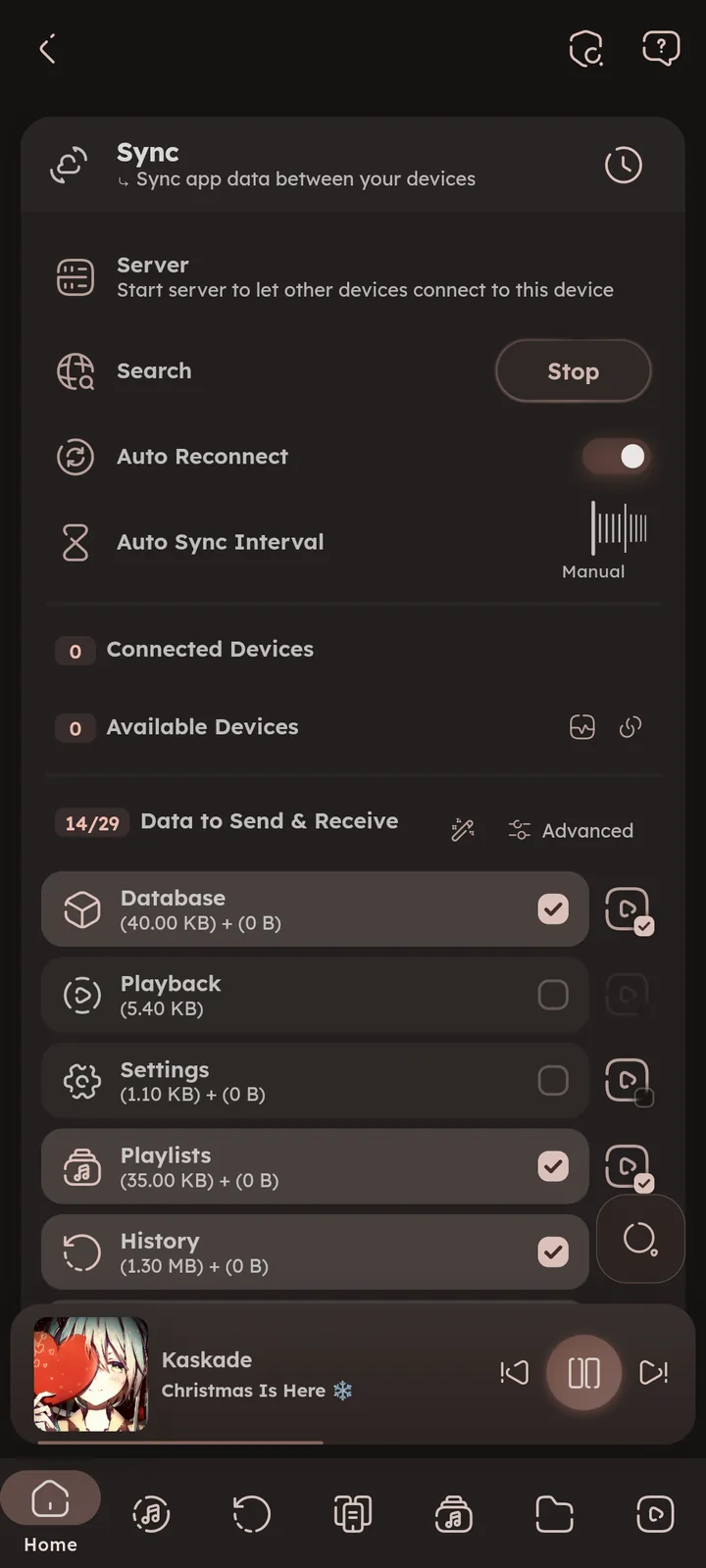
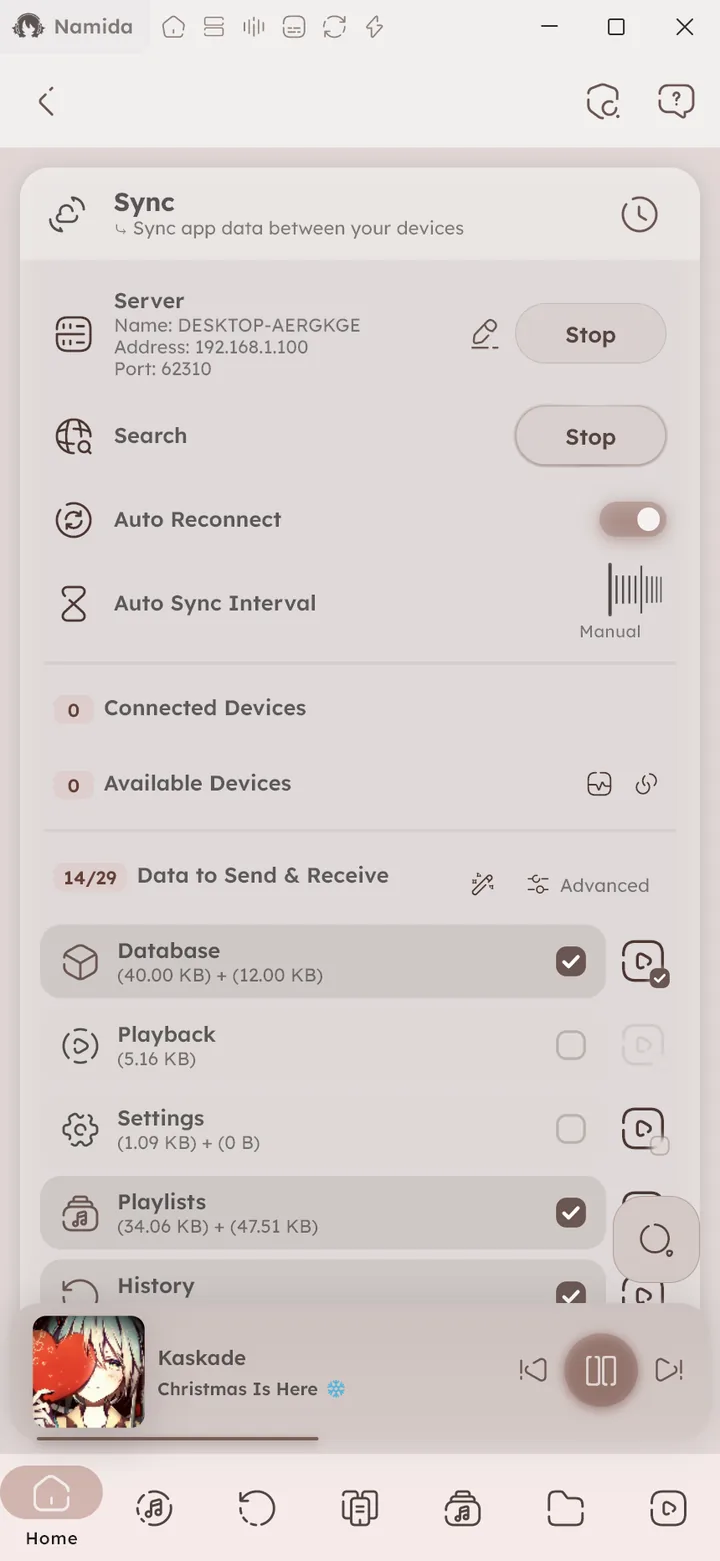
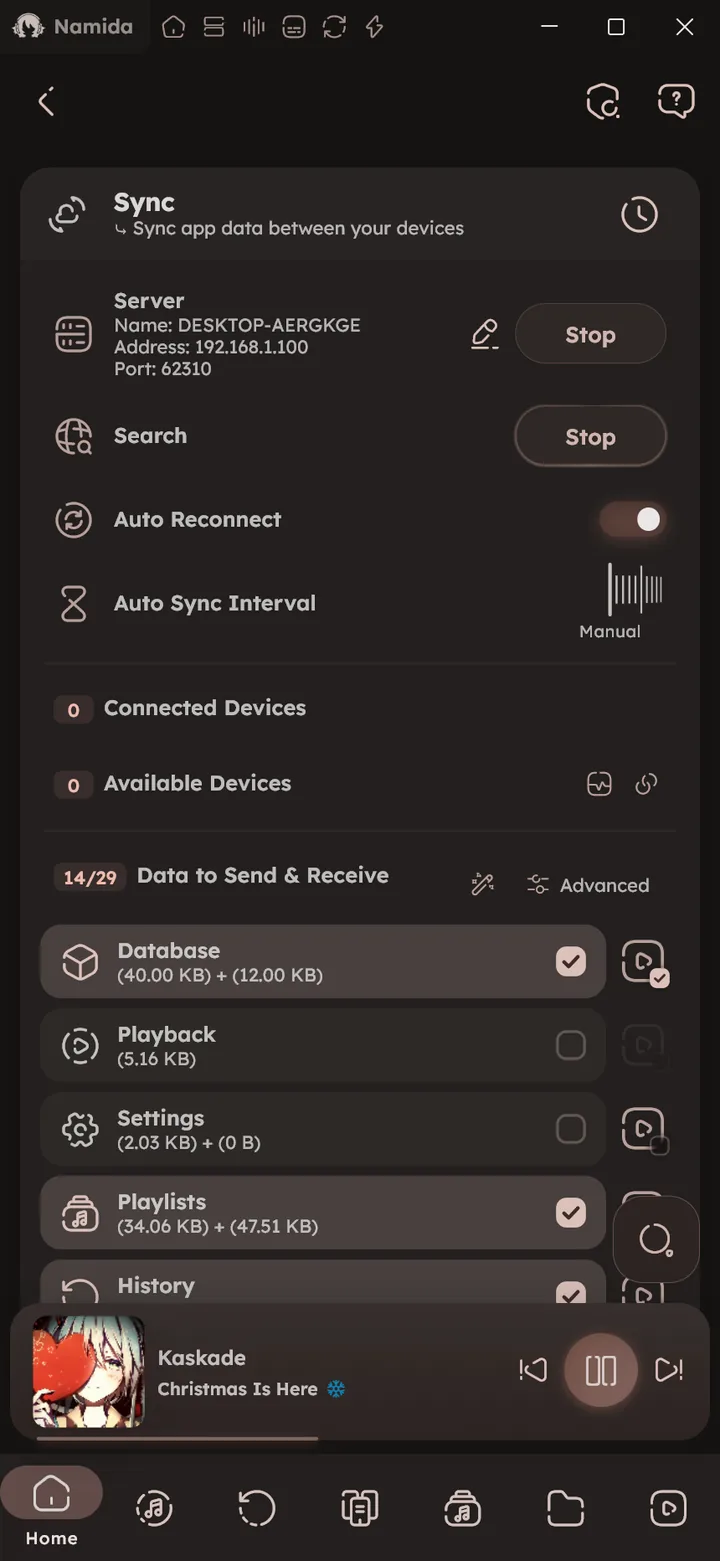
Sync
Sync app data between your devices over the local network, see the Sync feature for details.
Import data
Pick a source, then choose what to import from its export (history / favourites / playlists) 🆕 v8.2.0
- YouTube: a takeout export (zip files or the extracted folder), for watch history, favourites (liked videos) and playlists. Watches get matched with your library or YouTube videos and merged into history.
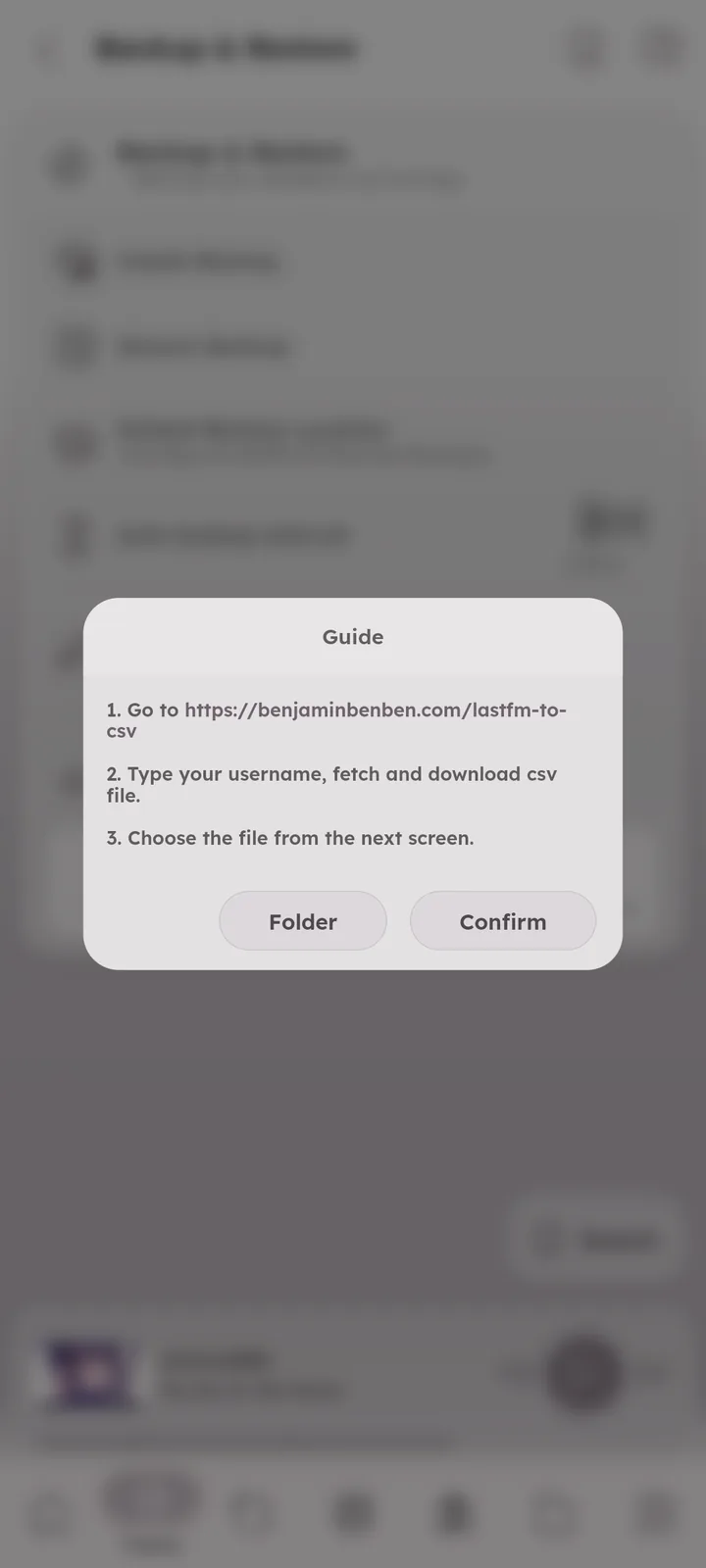
- LastFm: a csv export of your scrobbles.
- Spotify: a data export (zip or json files), for your extended streaming history and favourites (liked songs).
- ListenBrainz: a data export (zip or json files), for your listens and favourites (loved tracks).
Each import shows a short guide for getting the export file. You can limit it to a time range, and choose to add every matched track per entry (instead of just one).
“Backup history before importing” is on by default, it saves your history (and favourites or playlists if picked) to the backup location first (as a Namida History Backup file). Automatic restore skips these files, use Manual restore to bring one back. 🆕 v7.4.0


- Playlists & HistoryHistory Import
- YouTubeTakeout Import
- SyncHow It Works
- SettingsSections
- What's New🏷️ v8.2.0, 🏷️ v7.4.0
- Storage PathsNamida Folder
Author: @MSOB7YY
Writer: @claude
