
Customizations
Change how every part of the app looks.




General
- Enable Blur Effect, a soft blur behind small cards (like the duration card on videos or track cards on the Home page).
- Enable Glow Effect, a drop shadow effect around artworks and images.
- Enable Parallax Effect, the app layer gets smaller while expanding the miniplayer, giving a sense of depth.
All three might affect performance on low end devices. If the app feels slow, turn them off first, or use Performance Mode.
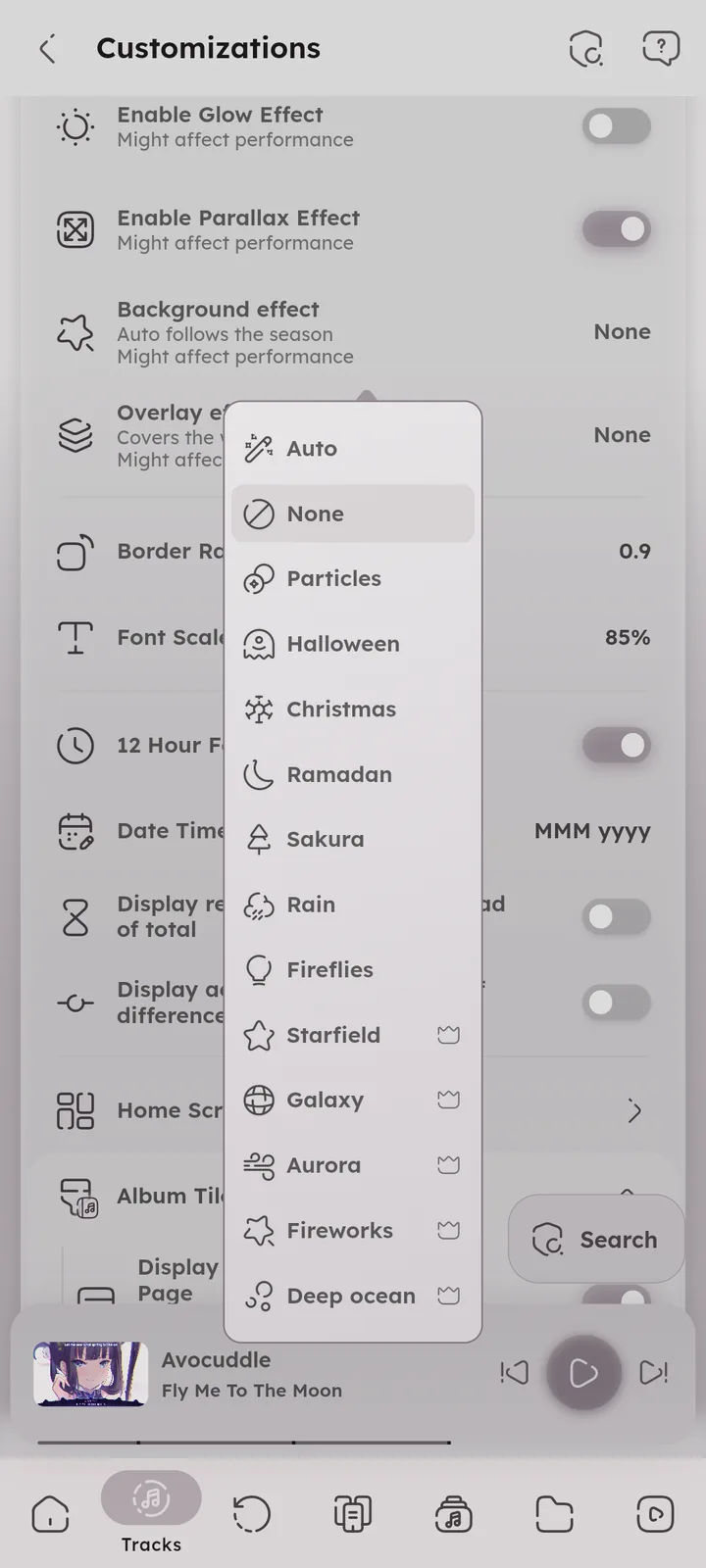
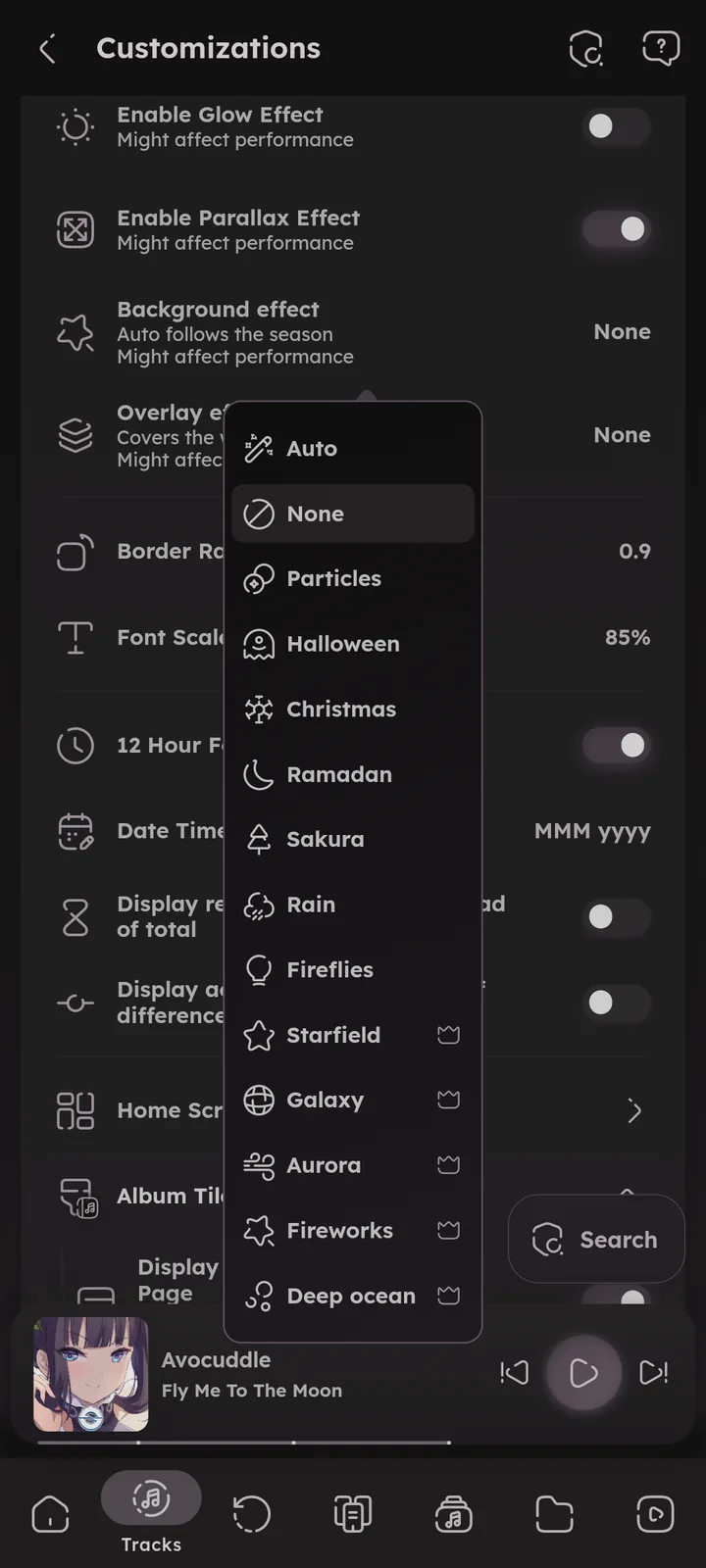
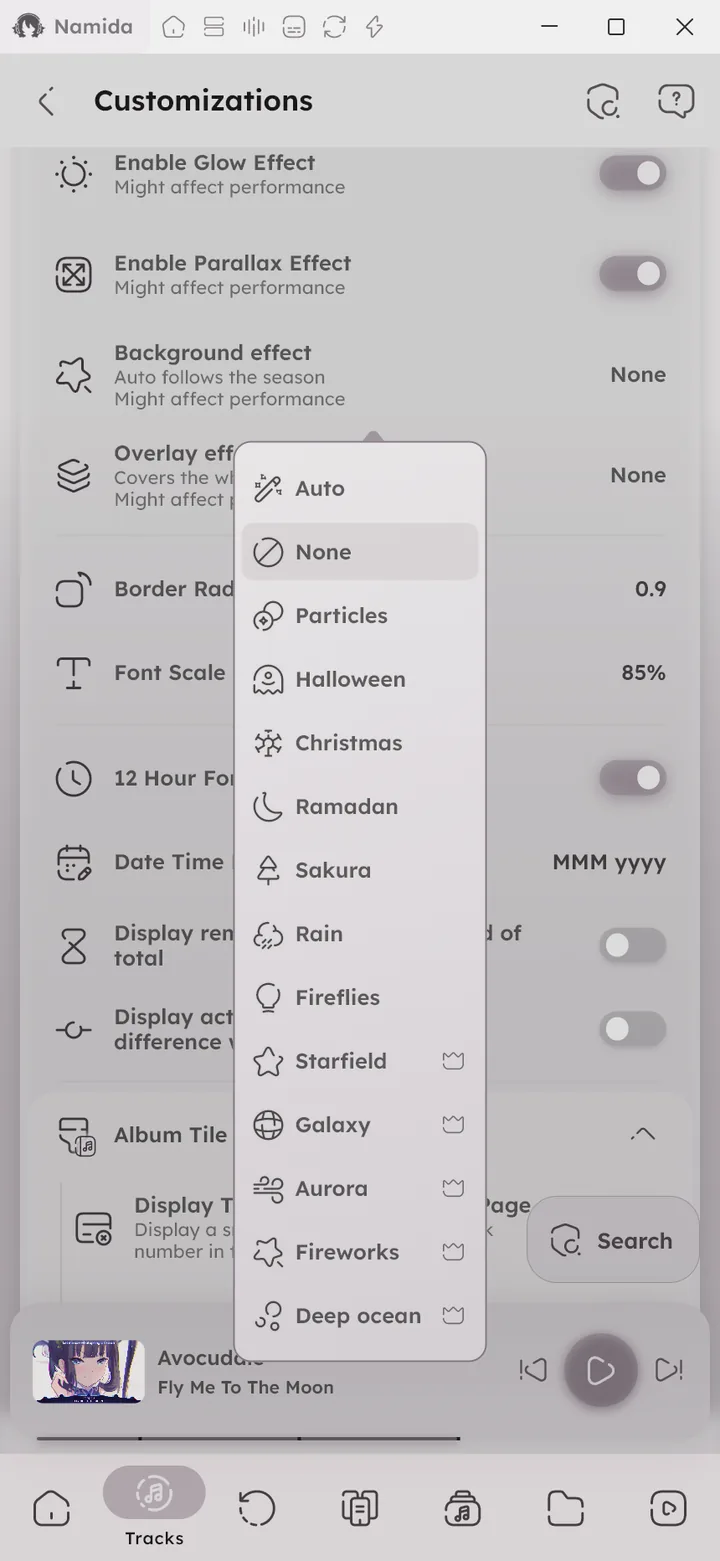
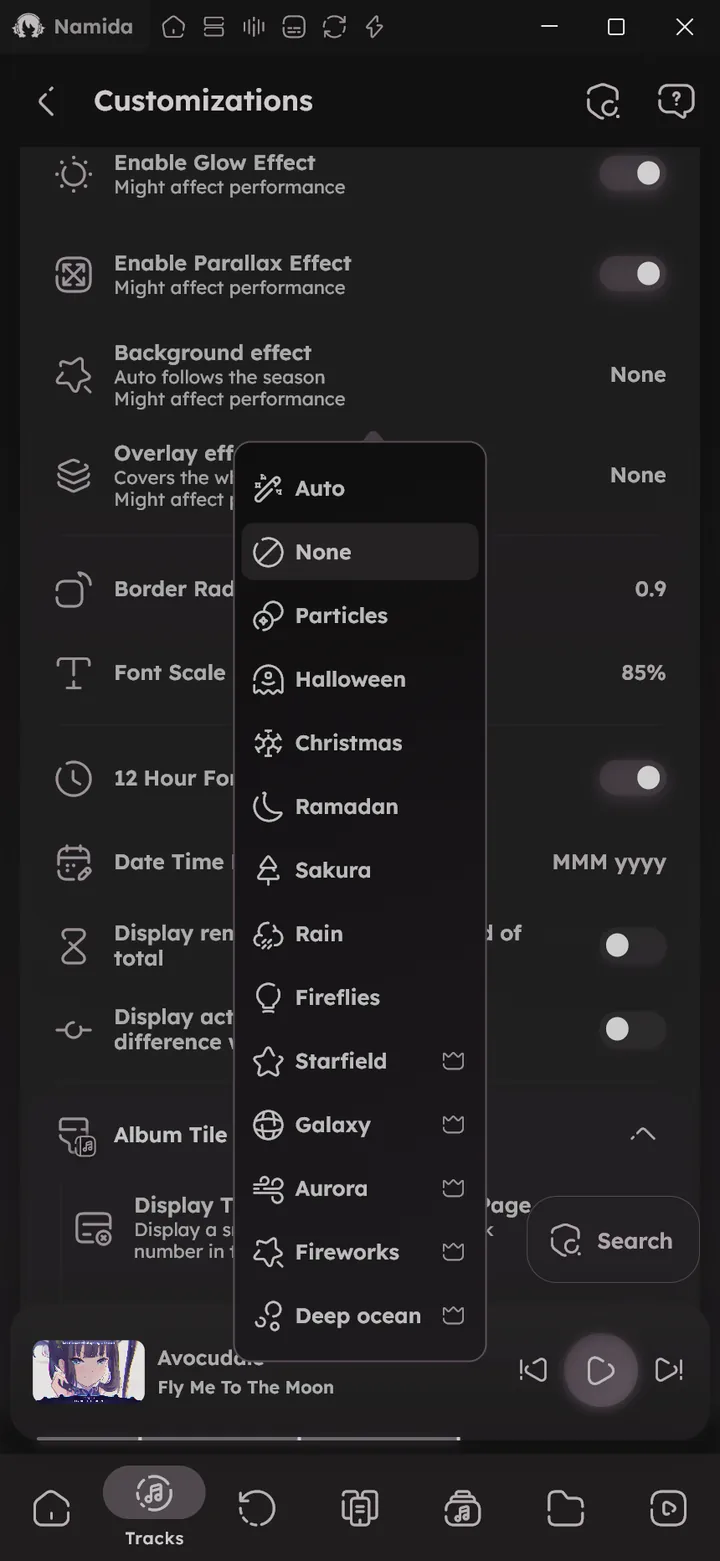
- Background effect, animated effects behind the pages. Auto (default) follows the season.
🆕 v7.8.0 - Overlay effect, the same effects on top of the whole app.
🆕 v7.8.0 - Wallpaper, your own image behind the pages (needs the
BACKGROUND_IMAGESflag).🆕 v7.8.0
- Border Radius Multiplier, controls how rounded the corners are.
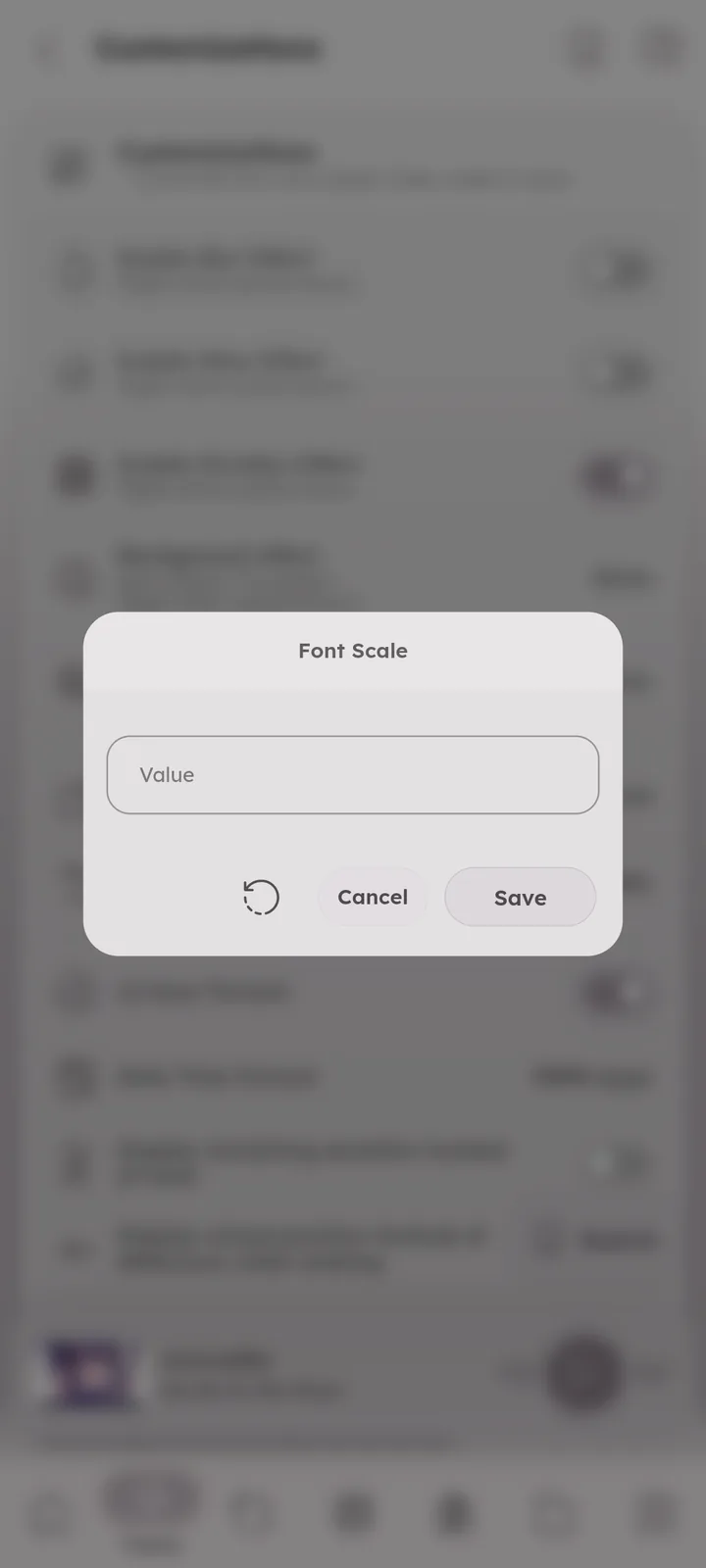
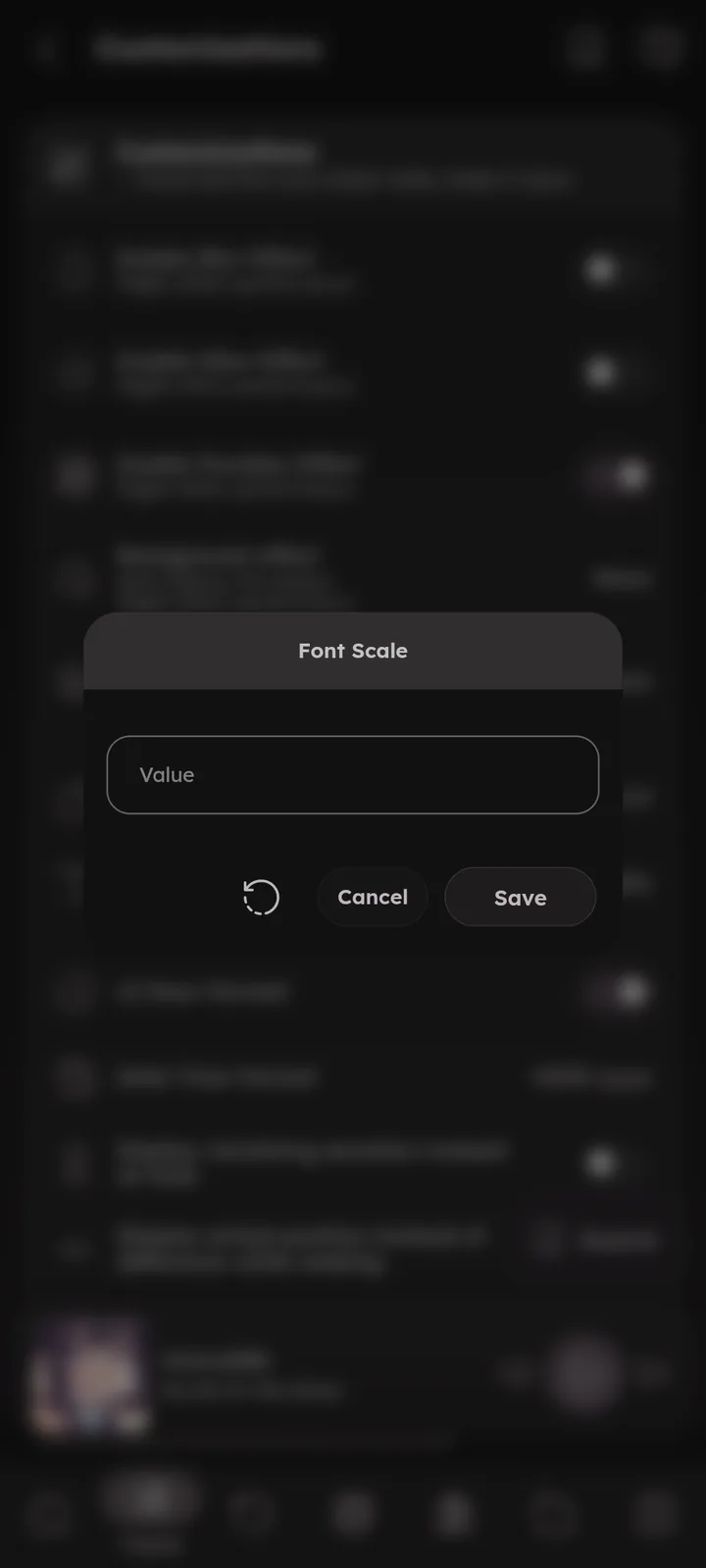
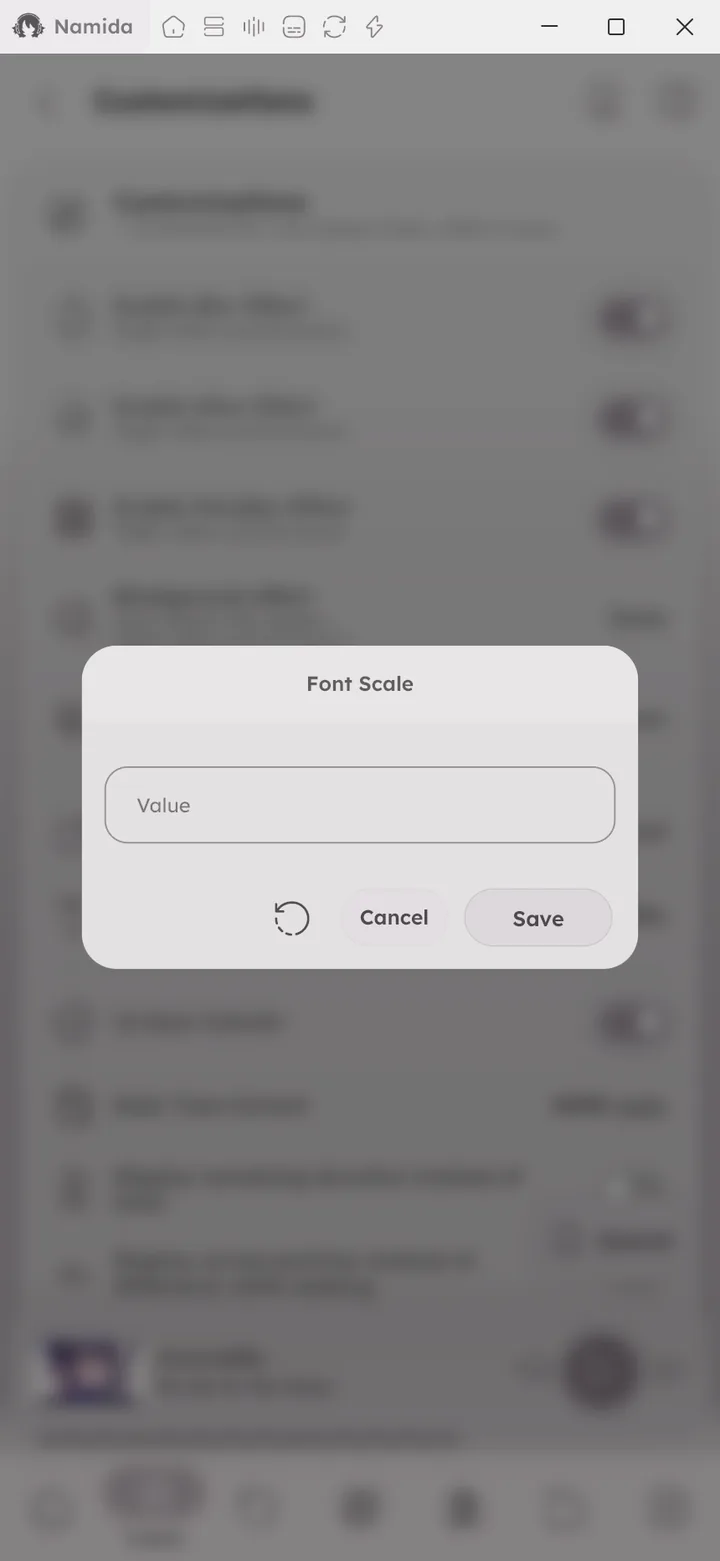
- Font Scale.
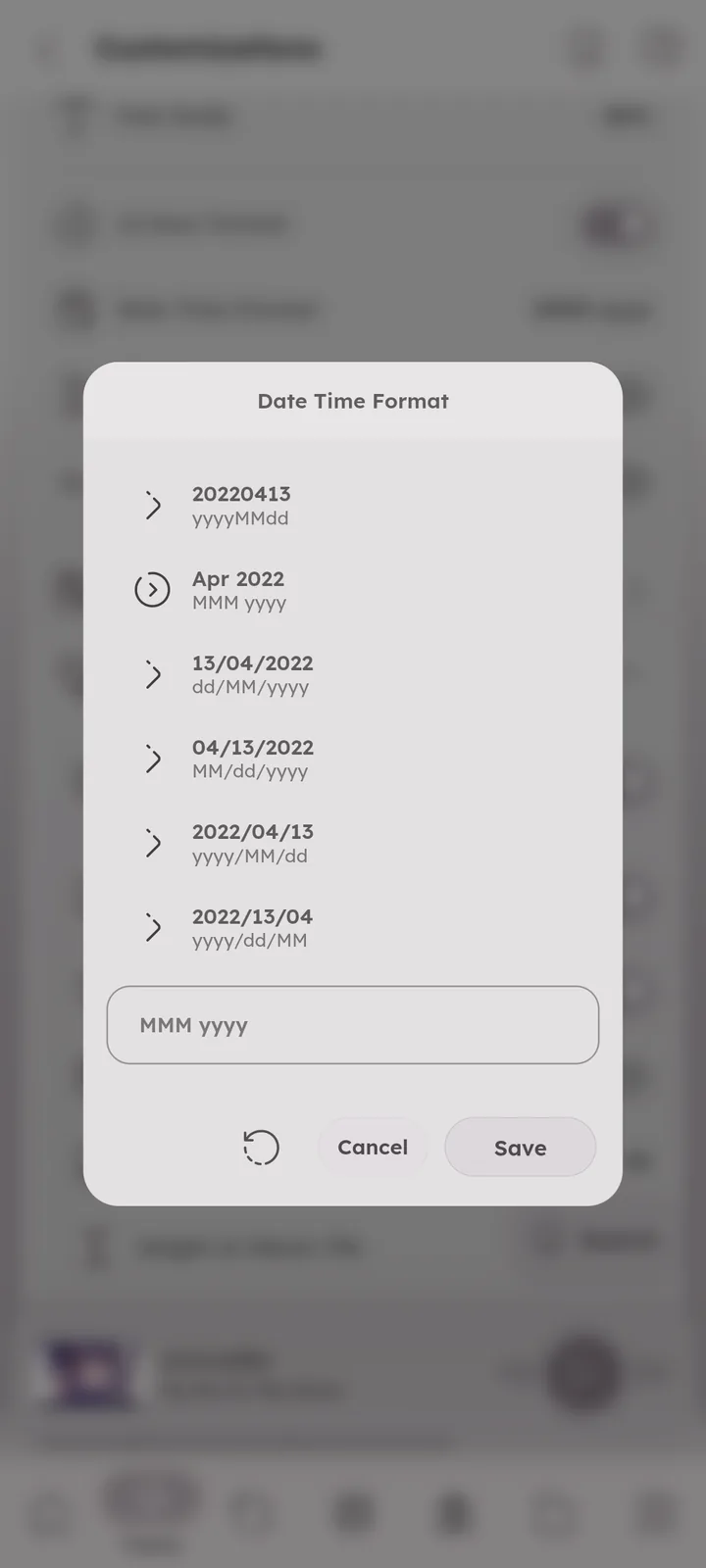
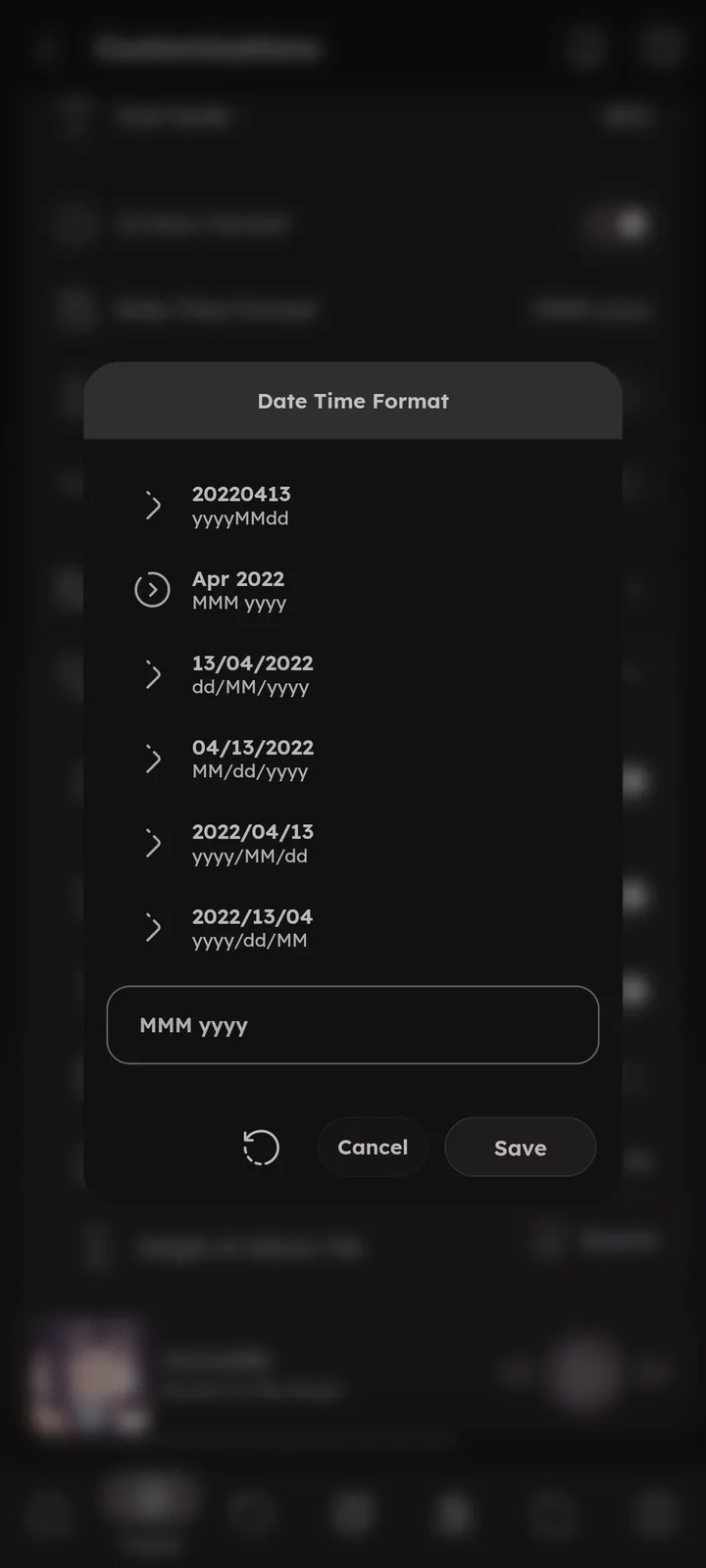
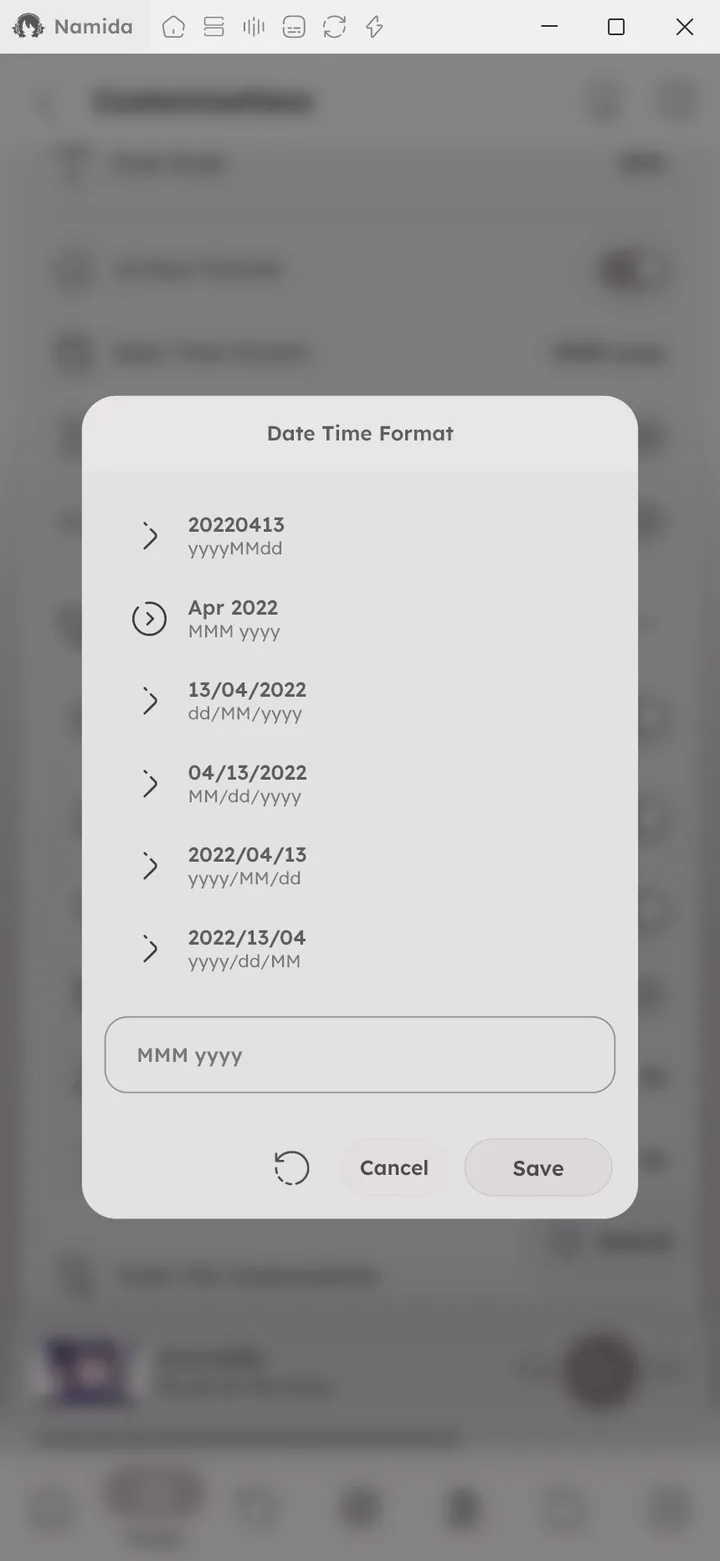
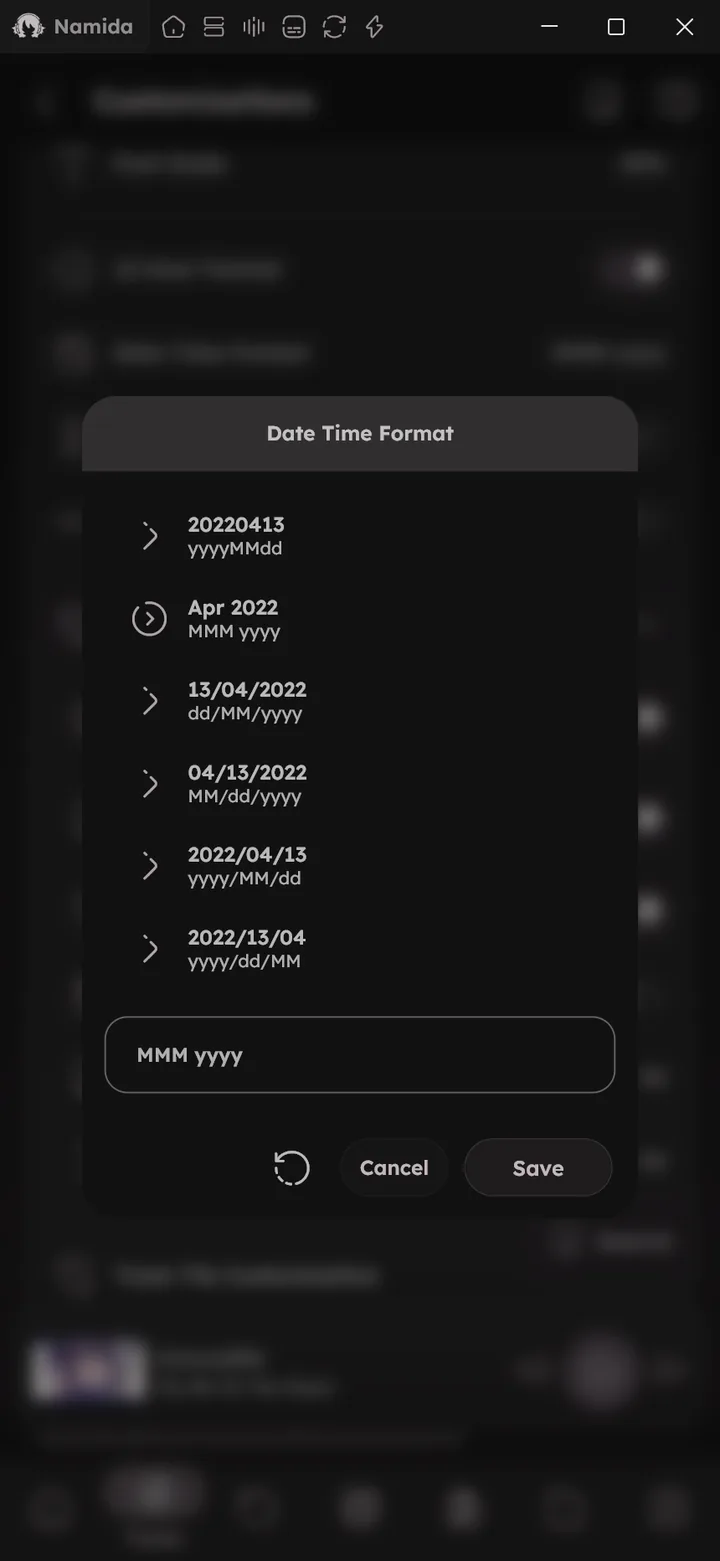
- 12 Hour Format & Date Time Format.
- Display remaining duration instead of total.
- Display actual position instead of difference while seeking.

Home Screen Widget
💻 Android only
Opens the widget settings screen, where you set the look, layout, controls and tap actions of your home screen widget (with a live preview). Changes made from here apply to every widget you already placed. 🎉 Home Screen Widget feature ↗
Album Tile Customization
- Display track number in album page.
- Album card top right date.
- Force squared album thumbnail.
- Staggered album gridview, allows non squared artworks to keep their real shape, so the grid flows like a mosaic instead of equal squares.
- Size of album thumbnail & height of album tile.
Track Tile Customization
- Force squared track thumbnail.
- Size of track thumbnail & height of track tile.
- Swipe actions, set a left and right swipe action for tracks (like play next, add to playlist).
- Artwork Gestures, a tap and a long press action for the thumbnail of tracks and videos in lists (separate from the player artwork).
🆕 v7.5.0 - Every slot in the tile is customizable, choose what appears in each row: title, artist, album, year, duration, bitrate and more.
- Display third row & third item in each row, control how much info a track tile shows.
- Display favourite button.
- Items separator.
- Artists Display Separator, joins multiple artists with your own separator (like
A & B) instead of showing the tag as is.🆕 v8.2.0
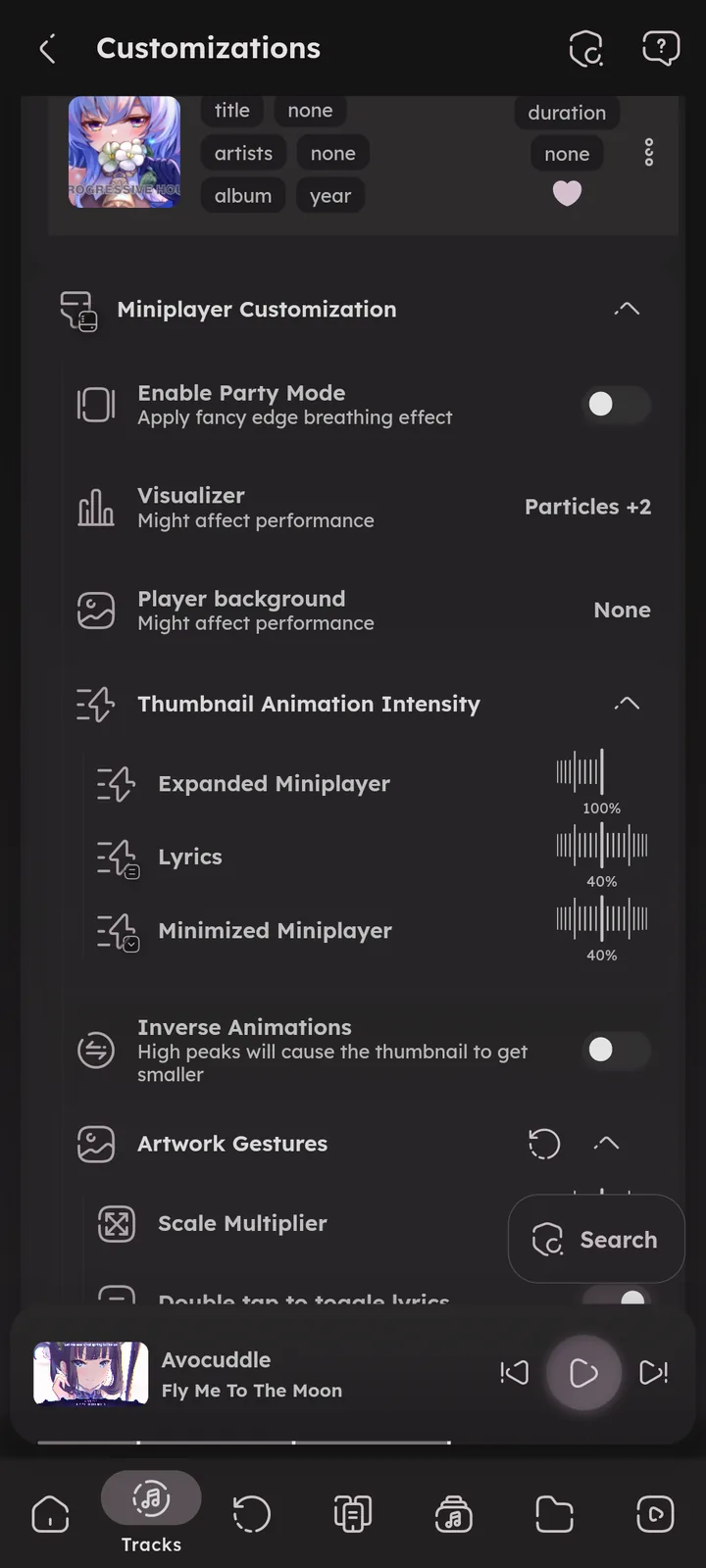
Miniplayer Customization
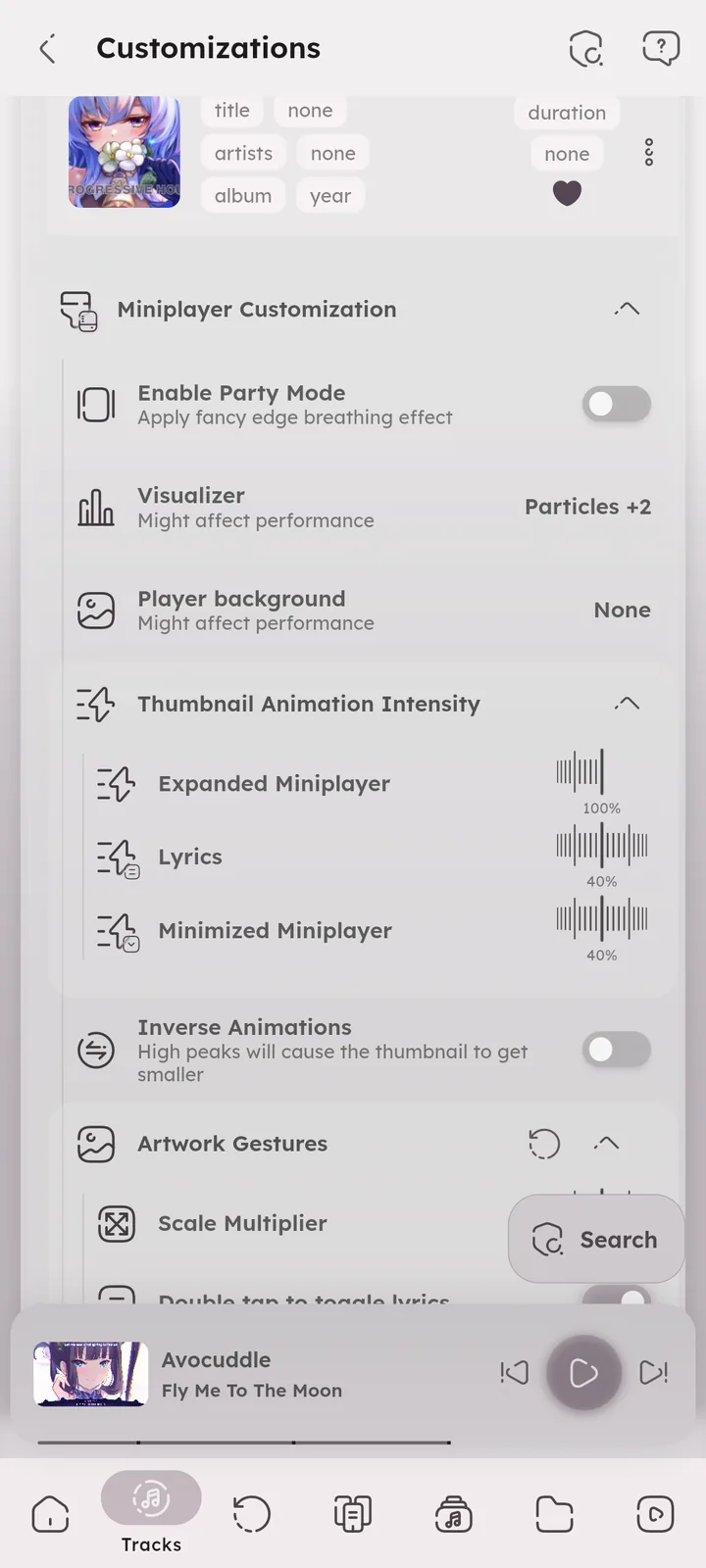
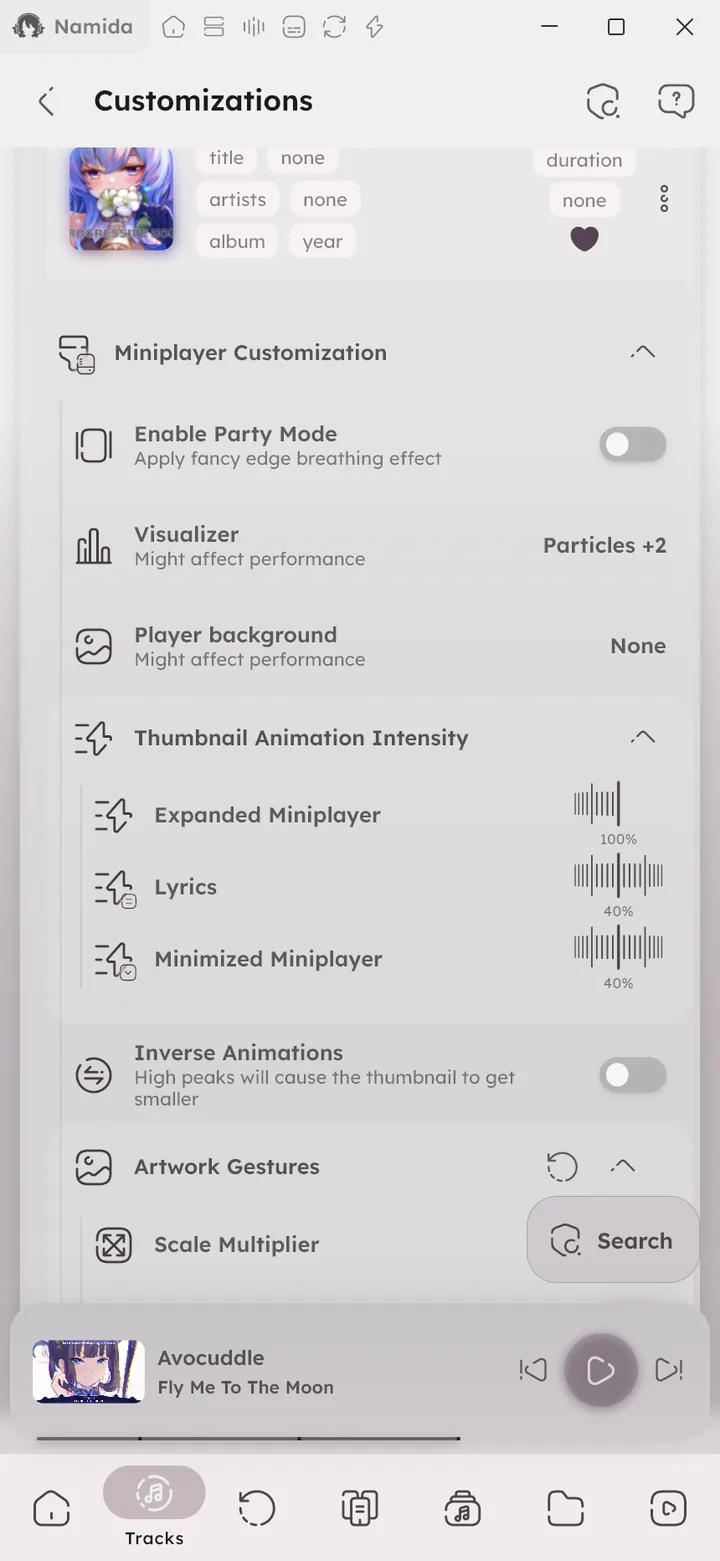
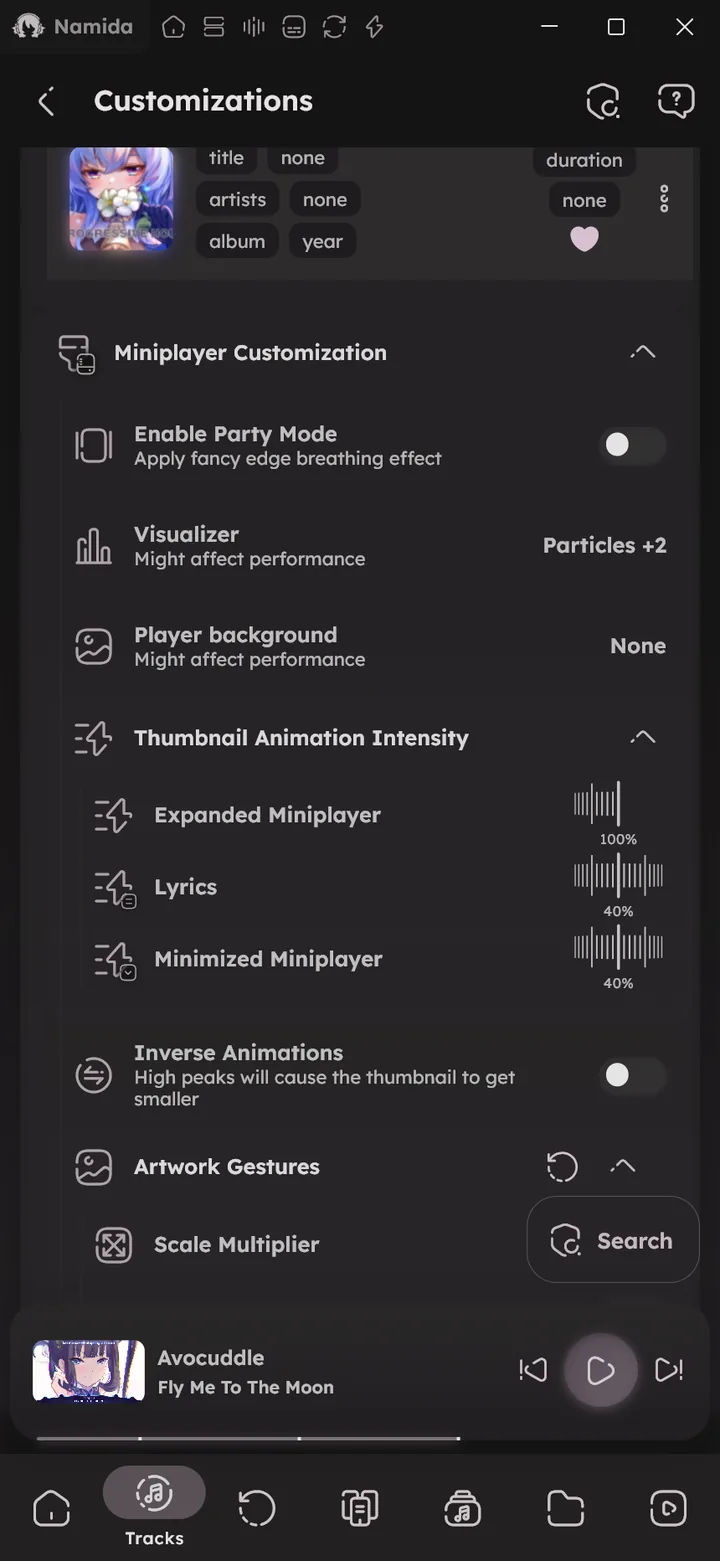
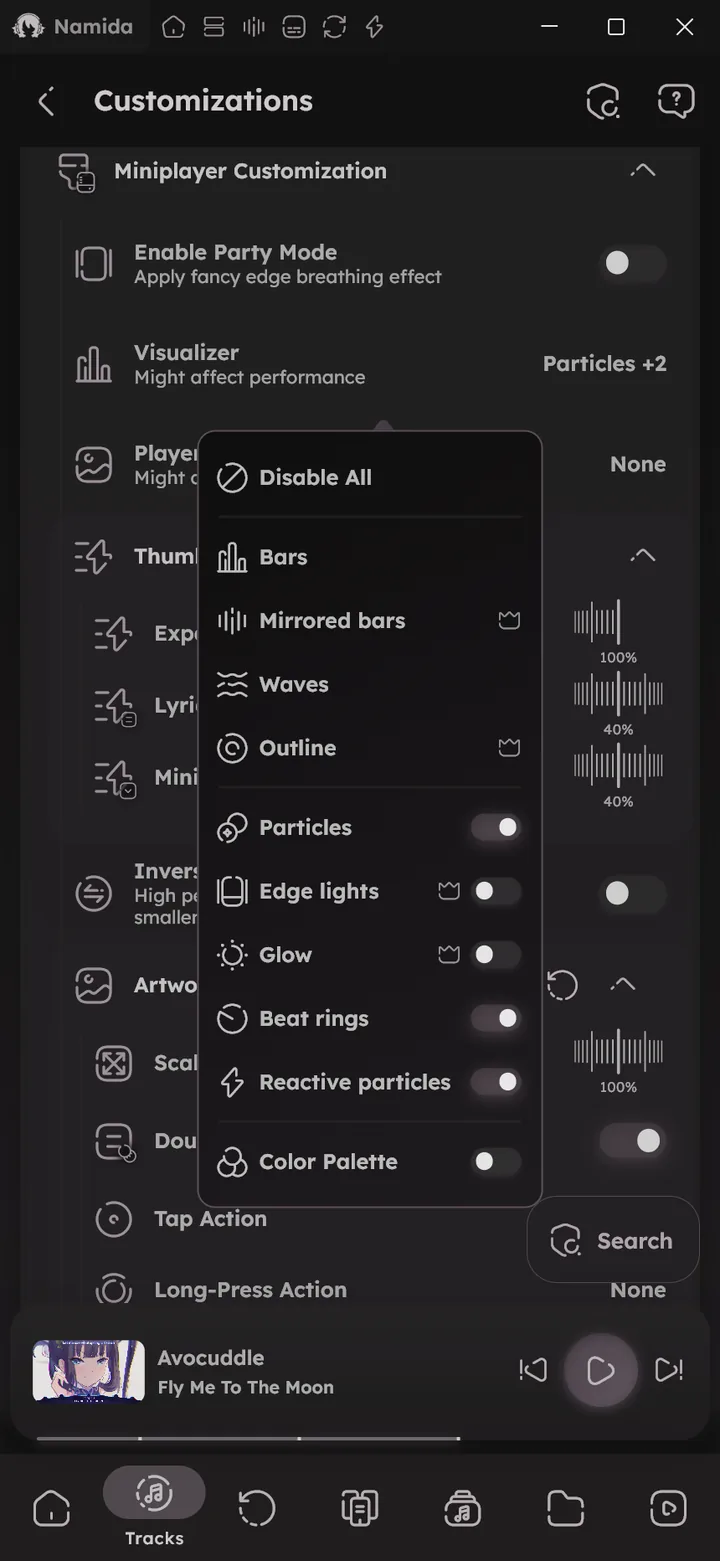
- Party Mode, a breathing glow around the edges, with a static color or switching through the artwork palette. Part of the membership, or unlock it with an egg.
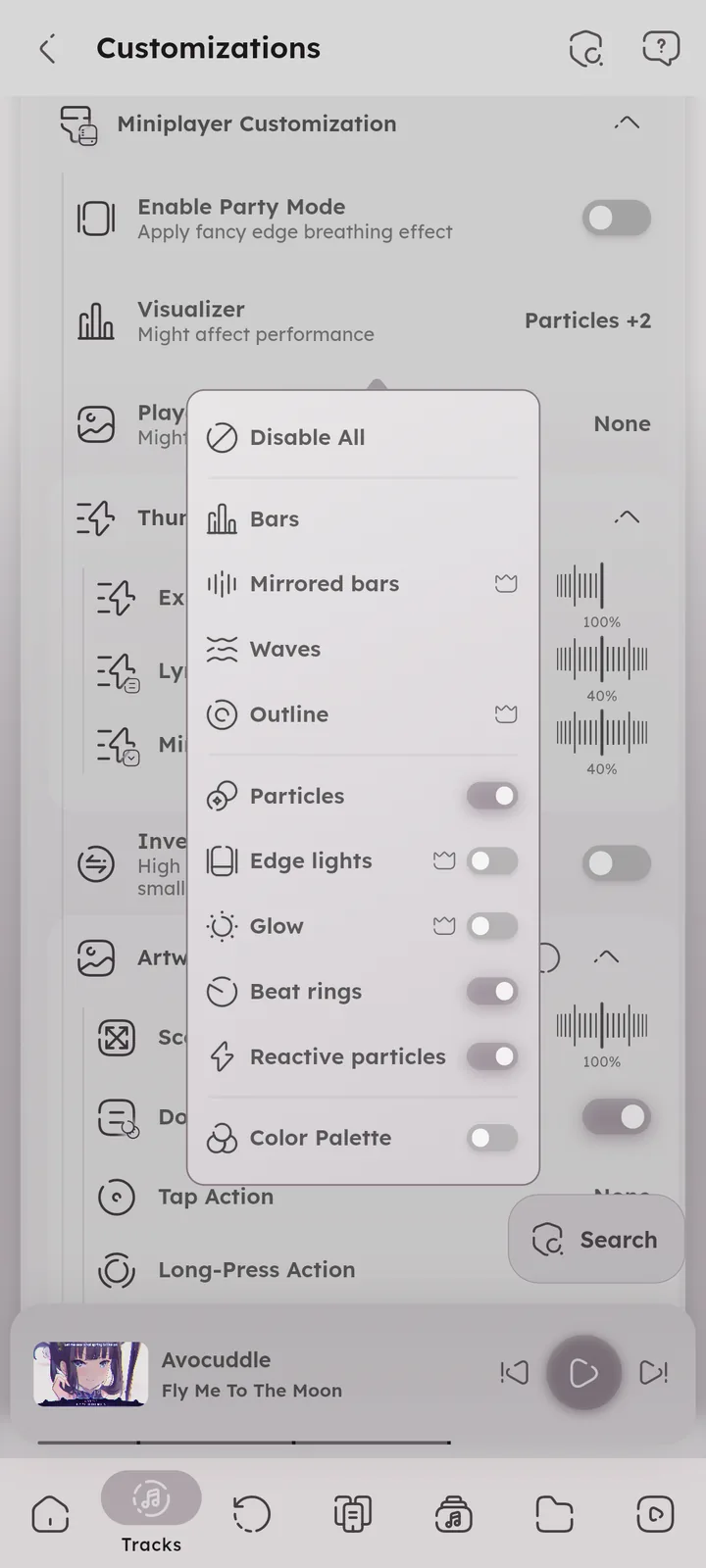
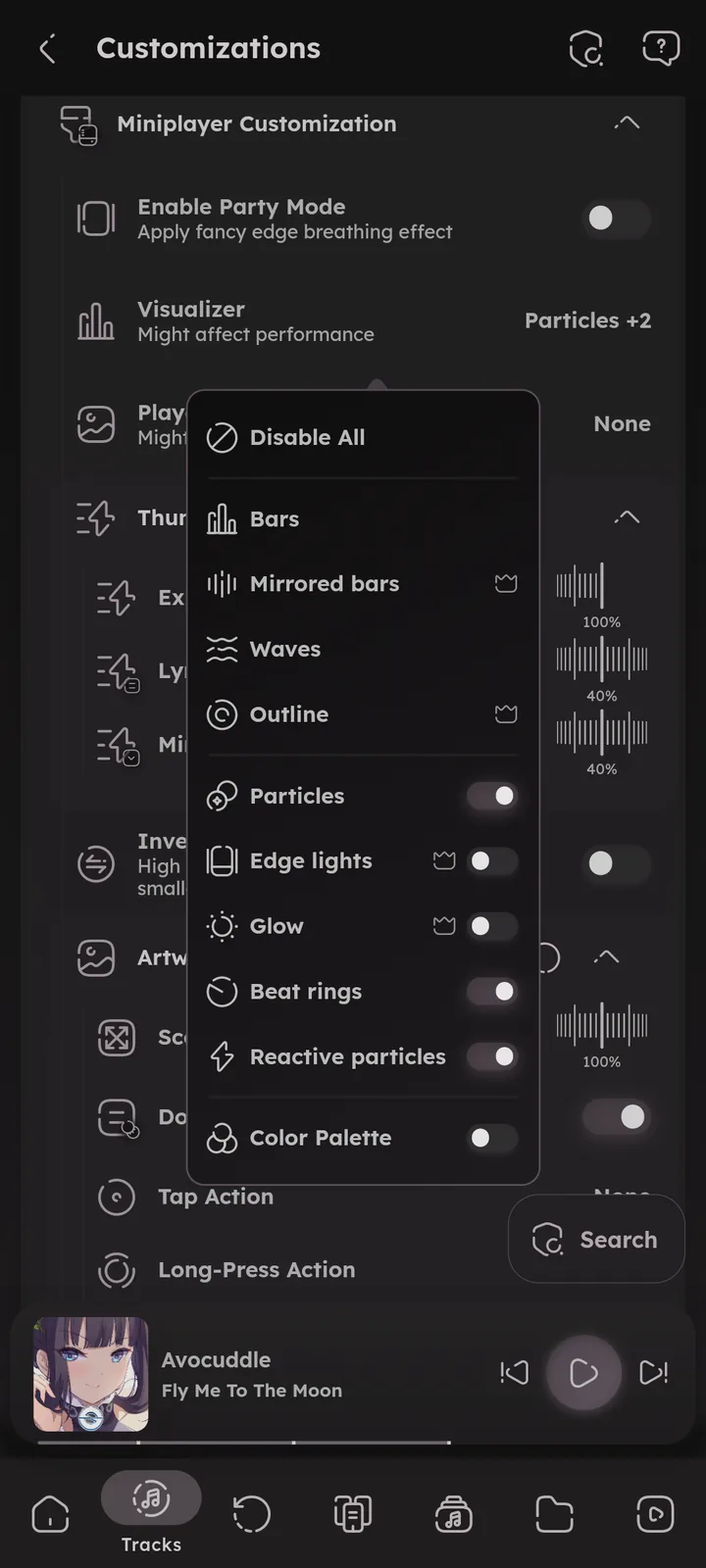
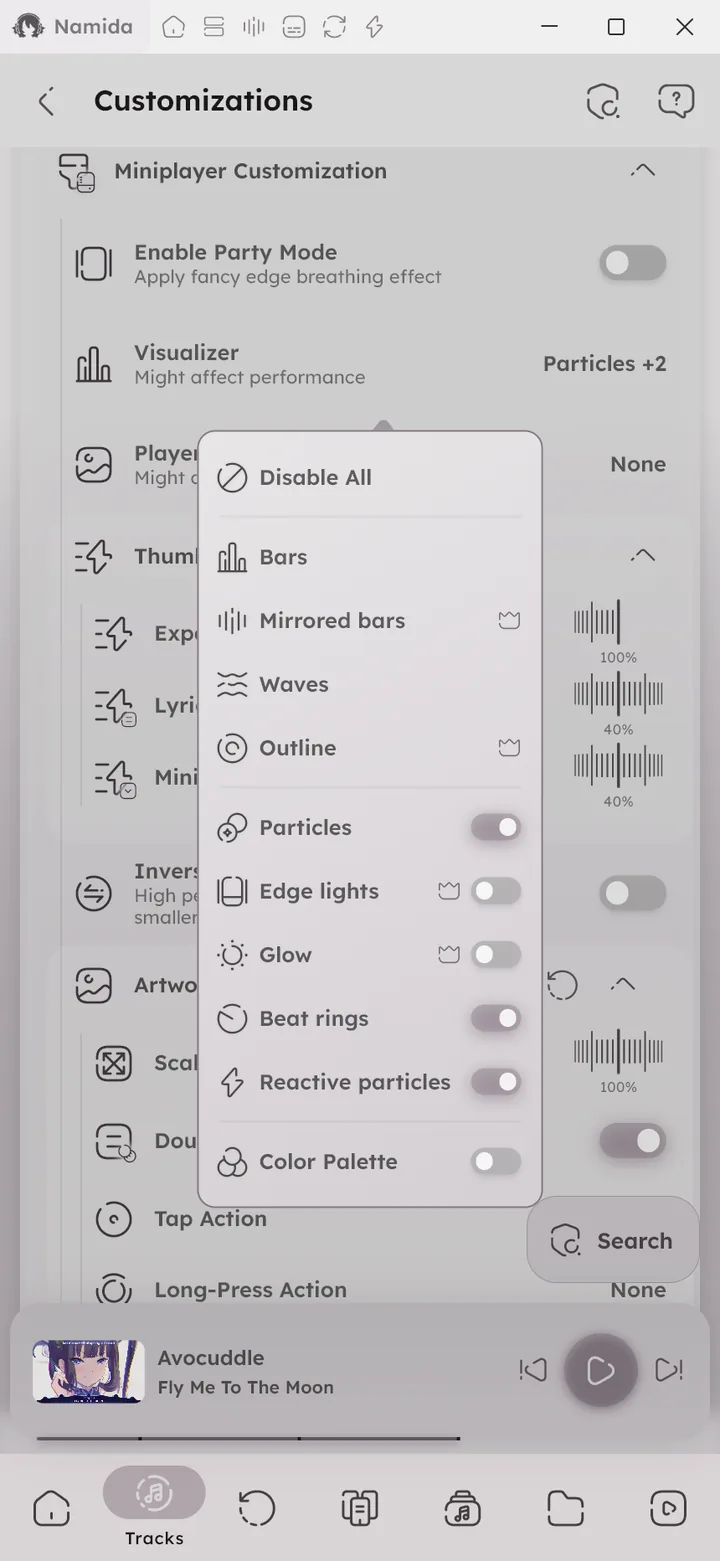
📄 Membership ↗📄 Eggs ↗ - Visualizer, visuals in the expanded player that move with the music. Particles (formerly “Enable moving particles”) is one of them.
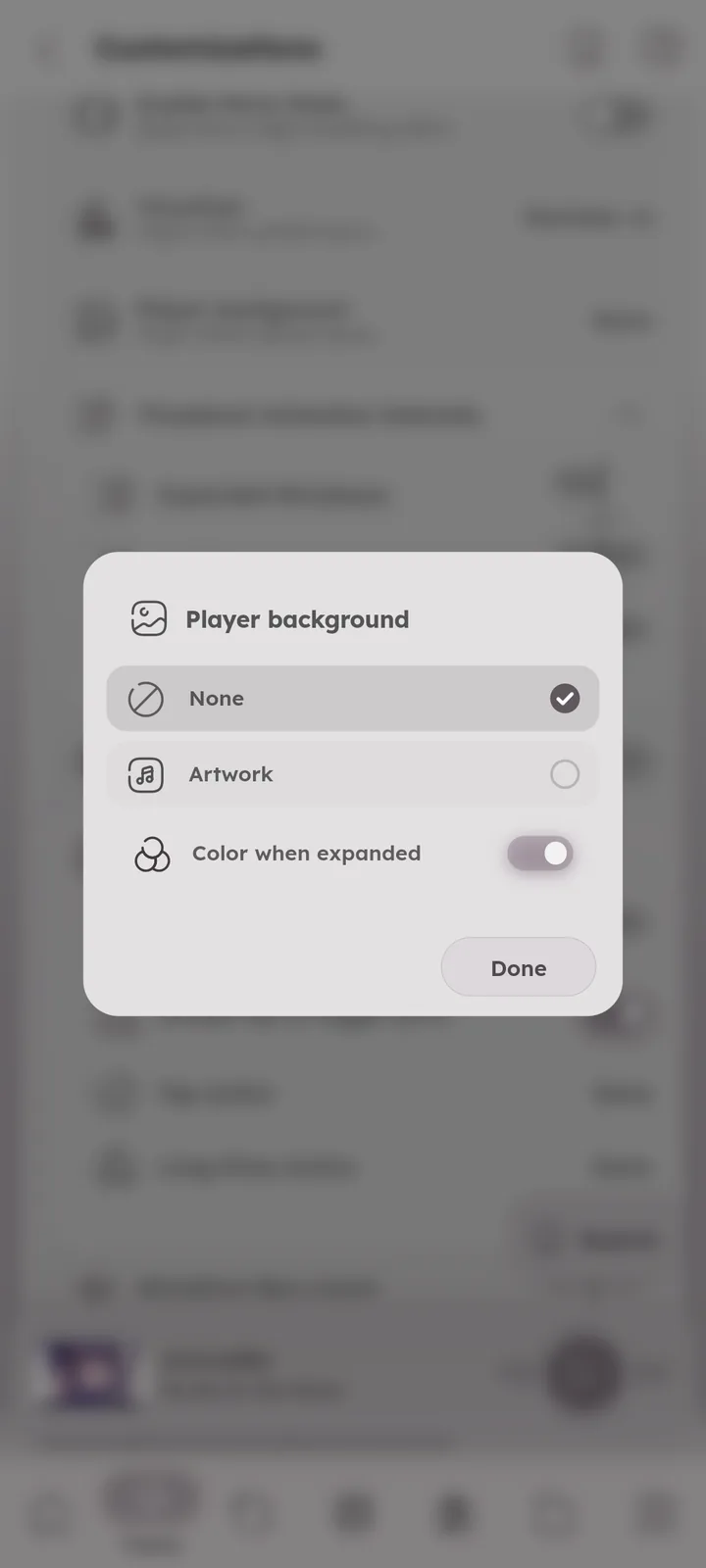
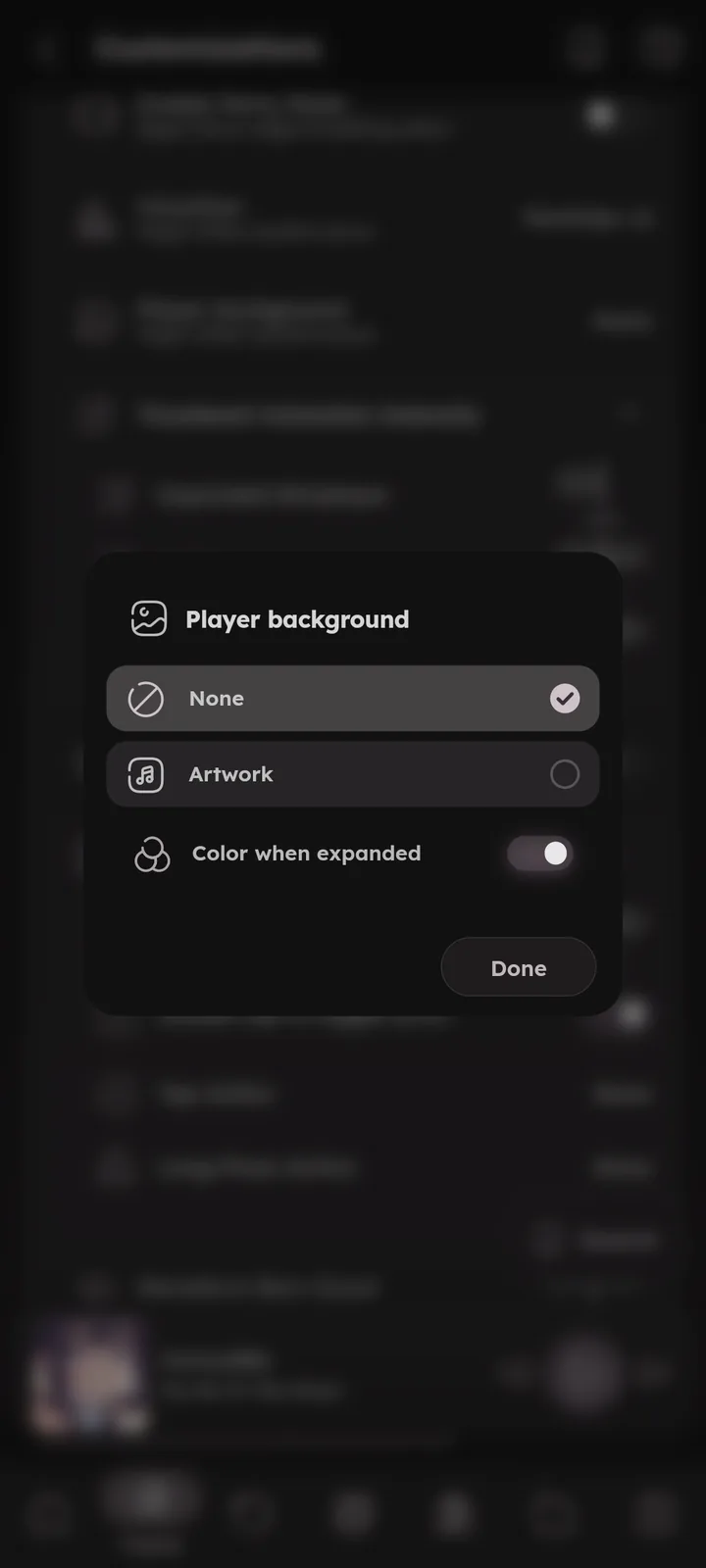
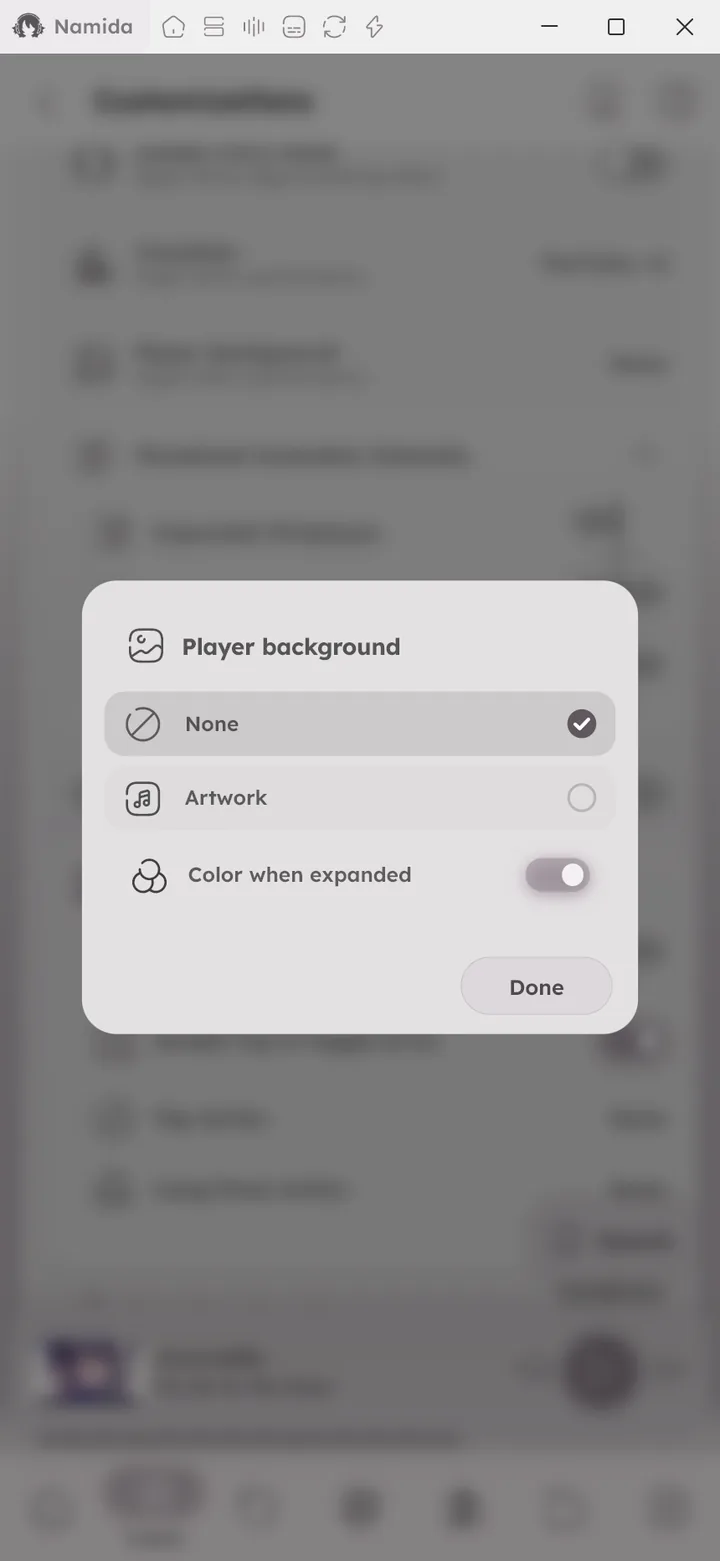
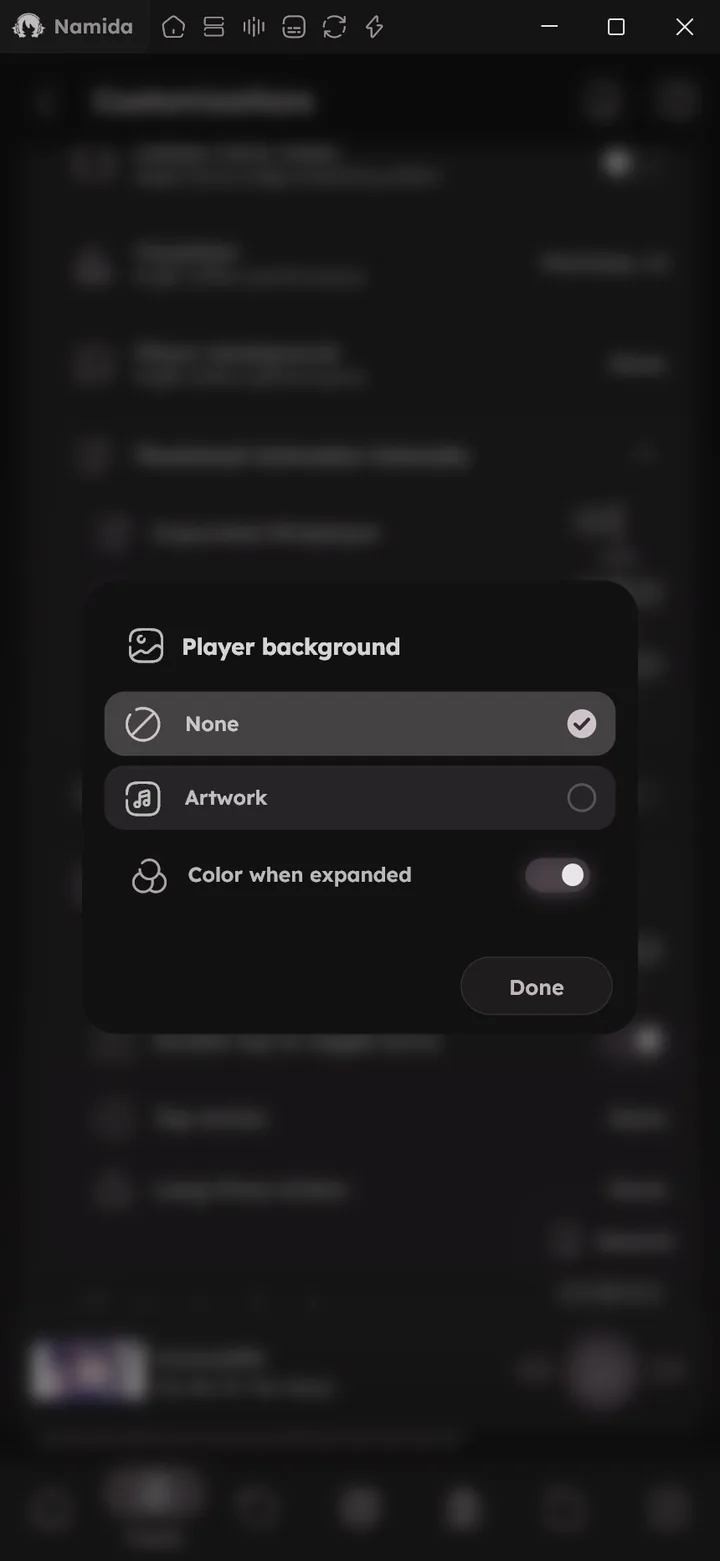
🆕 v7.8.0🎉 Visualizers ↗ - Player background, the artwork or your own image behind the expanded player.
🆕 v7.8.0🎉 Player Background ↗ - Thumbnail animation intensity, the artwork animates with the audio peak. Separate values for expanded, minimized and lyrics view, plus an inverse option where high peaks make the thumbnail smaller.
- Artwork gestures, scale multiplier, tap action, long press action and double tap to toggle lyrics.
- Flip Artwork action, shows the back cover (embedded, or an image like
back.jpgin the track folder).🆕 v8.2.0
- Flip Artwork action, shows the back cover (embedded, or an image like
- Waveform bars count.
- Display audio info in miniplayer.
- Display artist before title.
App Icon
💻 Android only
Choose a different icon for the app. New icons can be submitted on our Discord.
Fully custom icons are not possible (Android only allows icons that are already built into the app). Use a launcher that supports icon packs, or patch the app.
Page ConnectionsOpen in graph ↗
Linked from
Links to
- Library & IndexingFolder Based Library
- PlaybackGestures, Waveform Seekbar
- Effects & Visualizers
- Home Screen WidgetConfiguring It
- LibraryAlbums
- SettingsSections
- WelcomePhilosophy
- What's New🏷️ v8.2.0, 🏷️ v7.8.0, 🏷️ v7.5.0
- Beginner GuidesStop after the current track
- Medium GuidesPlay specific tracks quickly
- Tips & TricksPlayer, Library Pages
- FAQCan I use a custom app icon?
- MembershipFree for Everyone
Customizations
Author: @MSOB7YY
Writer: @claude
