
Sync
Sync your Namida data between devices over the local network, no cloud involved. Works across Android, Windows and Linux.
Sync is a new feature and still evolving, both devices must run the same Namida version.
How It Works
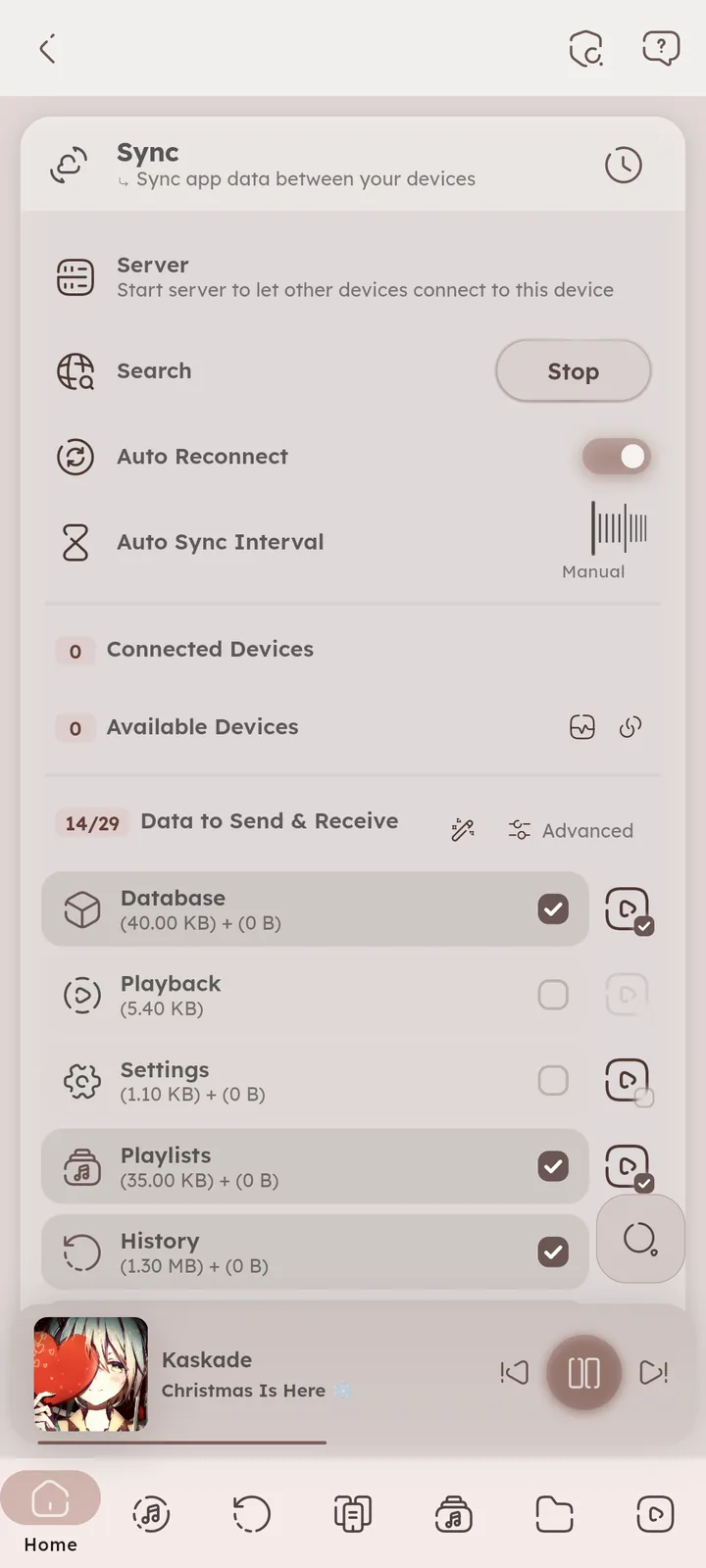
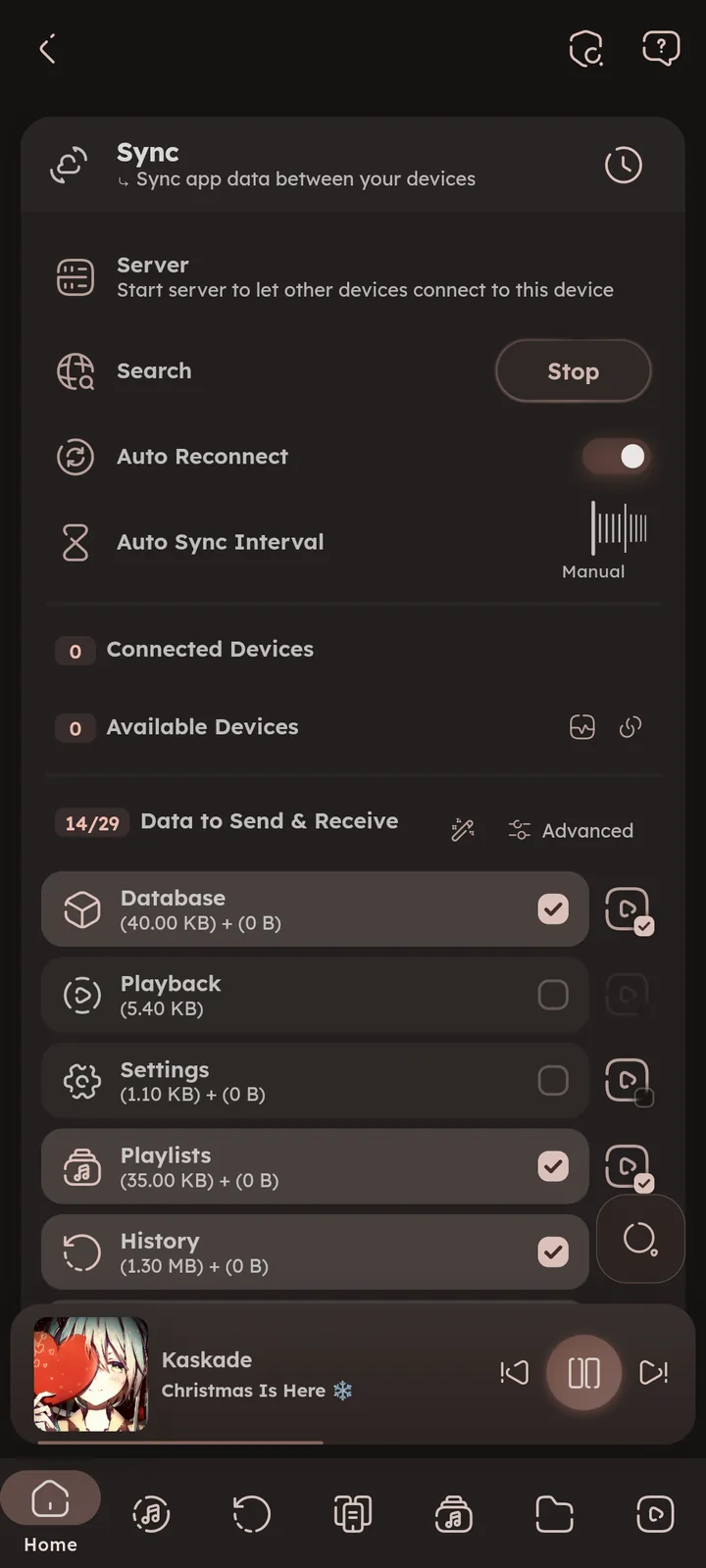
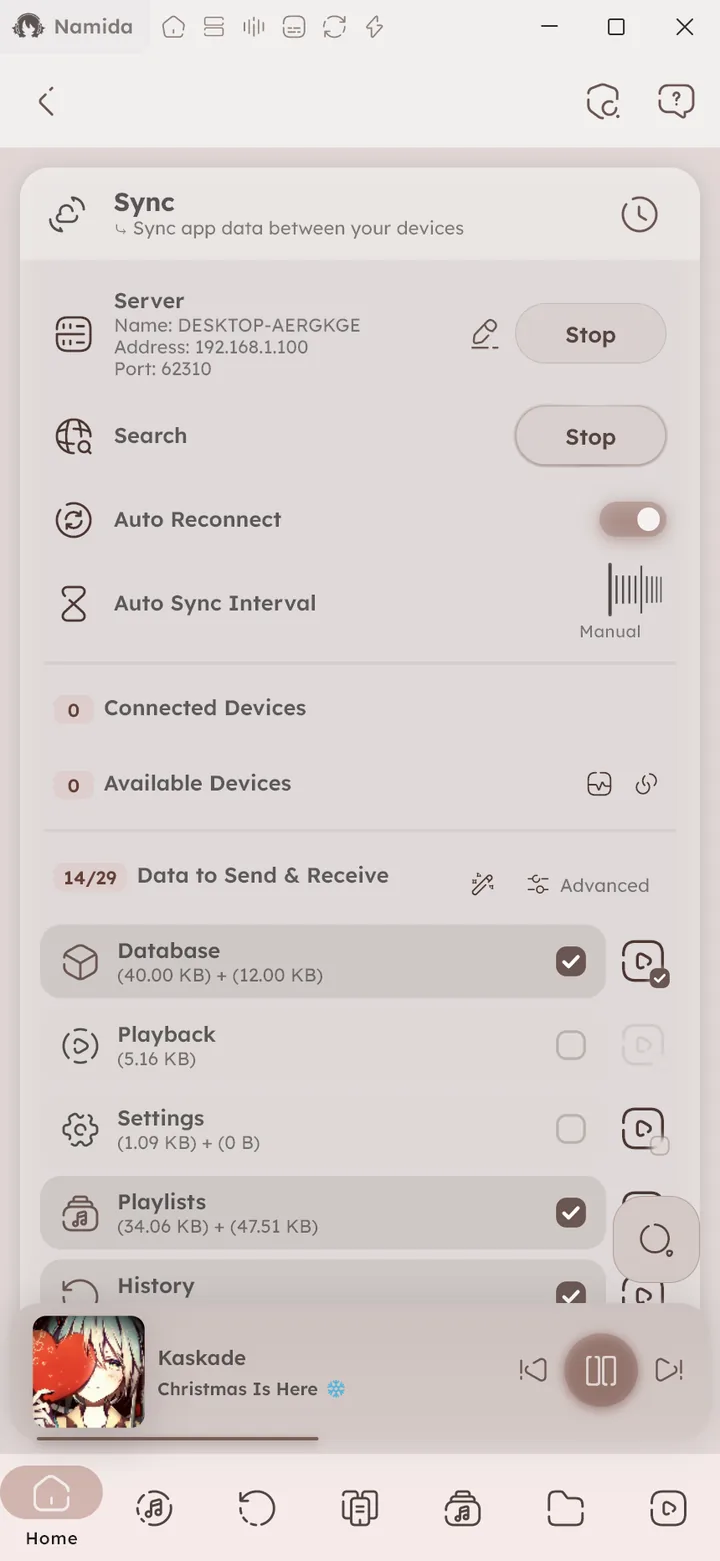
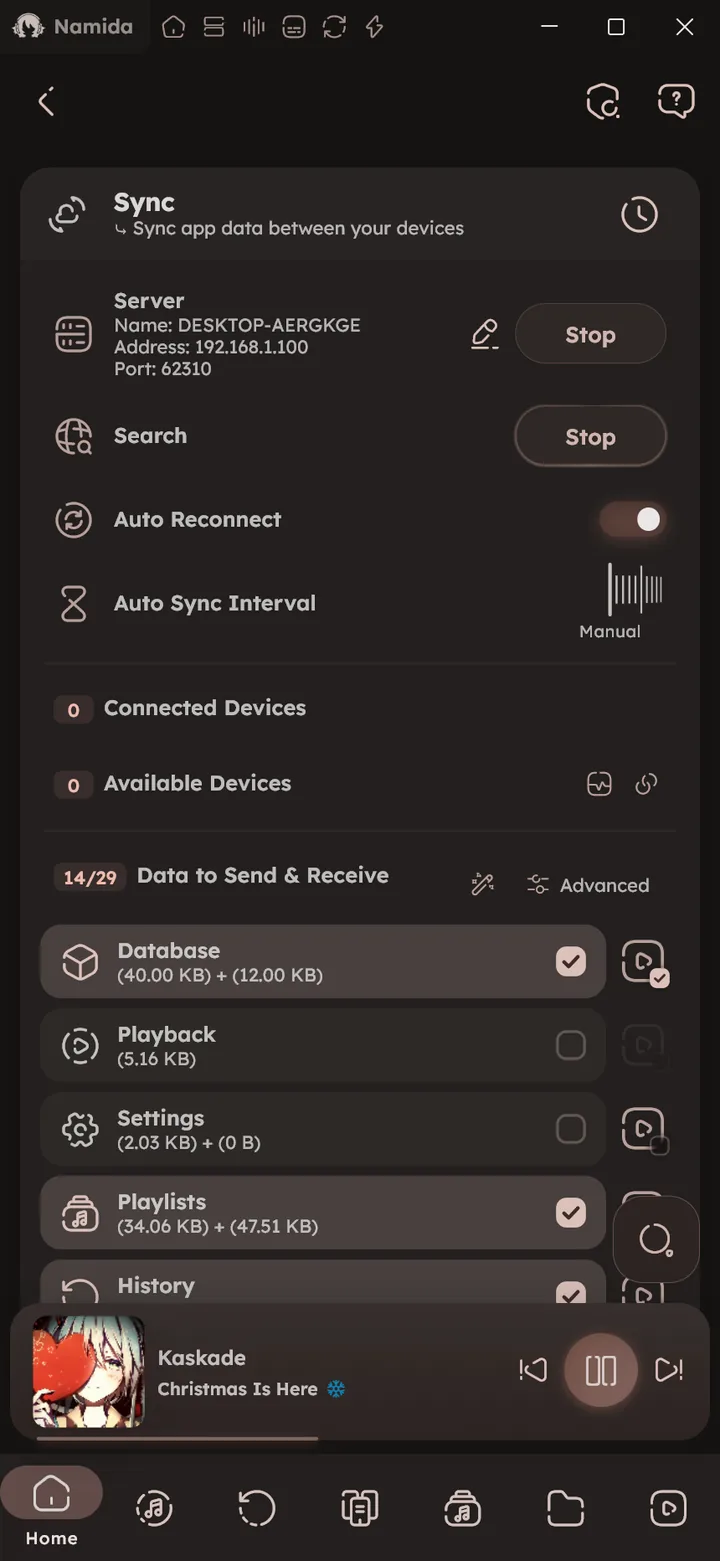
One device starts a server, other devices on the same network discover it and request to connect. The server accepts, rejects or blocks each device. Once connected, you can send and receive data with that device, or all devices at once. ⚙️ Open Sync ↗ 📒 Sync Guide ↗
Accepted devices are paired and verify each other on every connection, so another device can’t pretend to be one of yours (devices accepted on older versions need accepting once again). 🆕 v8.2.0
What Gets Synced
You choose the data to send & receive, every item can be turned on and off on its own.
On by default:
- Track stats & favourites, for local and YouTube separately
- Audio configs, the per item sound settings
- History, for local and YouTube, merged without duplicated listens
- Playlists & smart playlists, plus your YouTube playlists
- With their tags and pins
🆕 v7.8.0
- With their tags and pins
- Saved queues
- Last played track per source
- Cached videos priority
- YouTube subscriptions, with their groups
Off by default, they carry a lot of files and can be slow:
- Lyrics
- Audio & video cache files
- Playlist, album and artist artworks
- YouTube thumbnails, videos and channels
Off by default for another reason, they take over playback on the other device:
- The currently playing queue with its position
- Playback state
Off by default too, since devices usually want their own:
- Settings, for general, playback and YouTube. Only the settings you changed are sent, and the newest change wins for each one. Device specific ones (like folders, language, caches, the download location, audio output and backgrounds) stay on each device.
🆕 v7.5.0
Turn on the advanced view in the Sync page to see every item separately instead of the short list.
Music files are not synced for now, use apps like Syncthing or LocalSend to copy them. 📒 Syncing Music Files Guide ↗
Smart Matching
Devices don’t need identical file paths. Tracks are matched by fingerprint, so stats and listens are applied to the right files even when libraries live in different folders. If something still ends up with a wrong path, it’s an easy fix. 📒 Path Problems Guide ↗
Conflict Resolution
Newest change wins for most data, while history and playlists use their own merge logic (added items are combined and duplicates are dropped).
Auto Sync
Set an auto sync interval and let devices sync on their own whenever they see each other, with auto reconnect.
Devices
Devices show up by the name they broadcast. Rename yours while the server is running, press the edit icon beside it and the new name is broadcast right away.
Blocking a device (instead of just rejecting it) stops it from reaching you or asking again. Blocked devices are listed in their own section, with an unblock button.
Connect by IP
🆕 v7.5.0
Device not showing up? Press the link icon beside Available Devices, and type the address shown under Server on the other device. Namida remembers it and reconnects on its own when Auto Reconnect is on. 📄 Sync devices can't find or connect ↗
Diagnostics
🆕 v7.5.0
The icon beside Available Devices runs a quick network check, then gives a report you can copy or share. It shows your network, the server state, firewall info on Windows and Linux, and whether the other device can be reached. Share it when reporting a sync problem. 📄 Sync devices can't find or connect ↗
Related Settings
- Features
- Playlists & HistoryPlaylists
- Listening PartyJoining, The Queue
- Effects & VisualizersMembership
- Other PagesSync Manager
- SettingsQuick Tiles
- Backup & RestoreRestore Backup, Sync
- InstallationCompanion Apps
- What's New🏷️ v8.2.0, 🏷️ v7.8.0, 🏷️ v7.5.0
- Medium GuidesSync data between devices, Sync music files between devices
- FAQSync devices can't find or connect
- MembershipFree for Everyone
Author: @MSOB7YY
Writer: @claude
