
Settings
Everything you can configure in Namida, in the same order as the in-app settings page.
Some settings only work on specific platforms or Android versions. They are labeled like 💻 Android 12+ only.
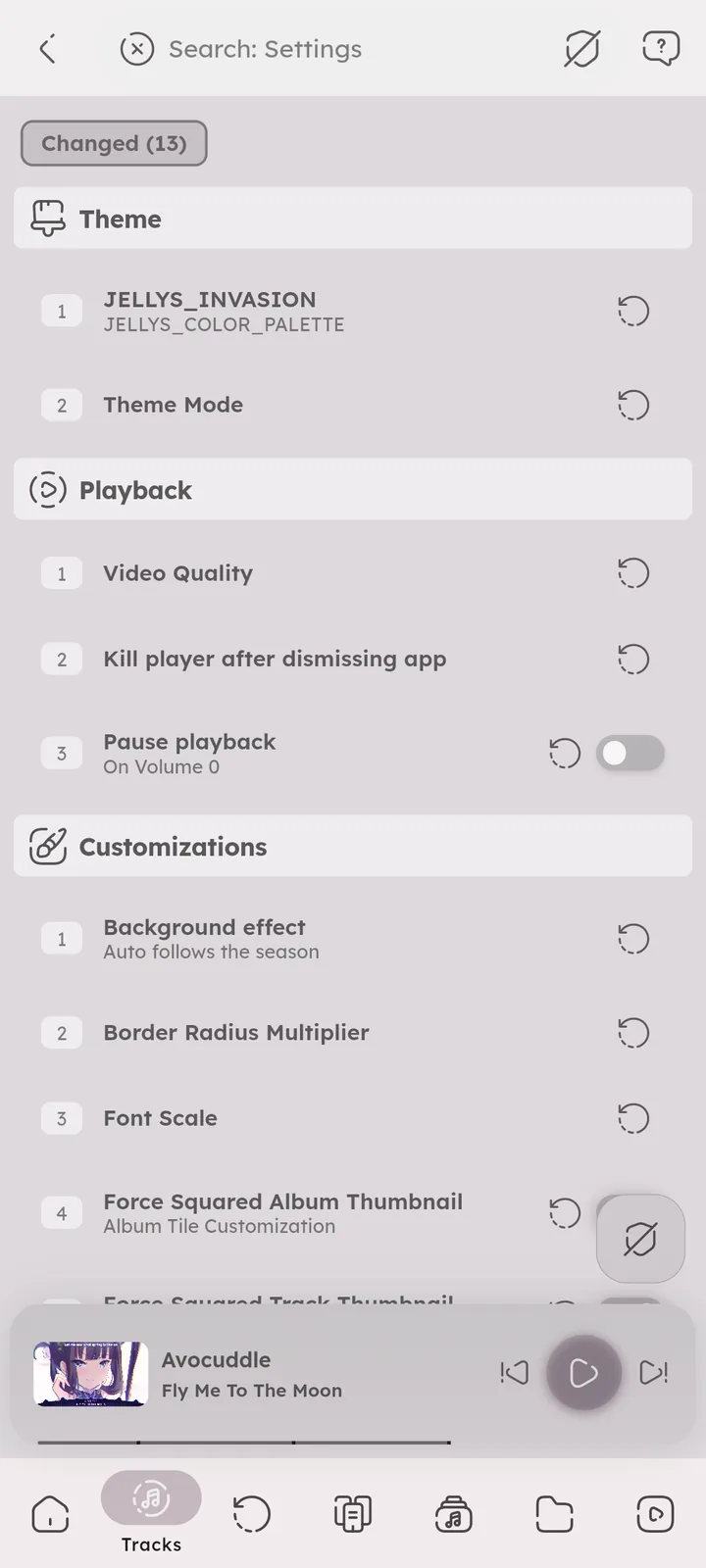
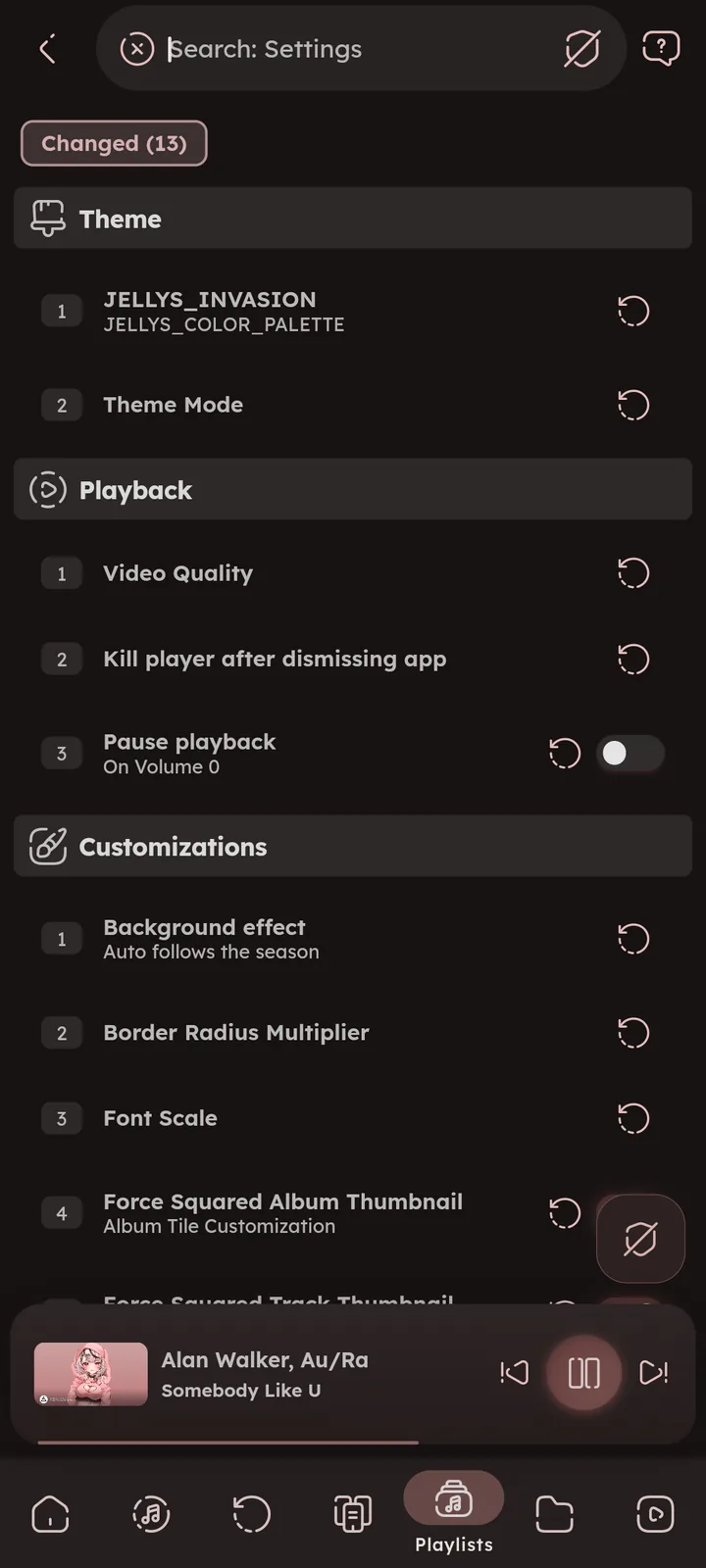
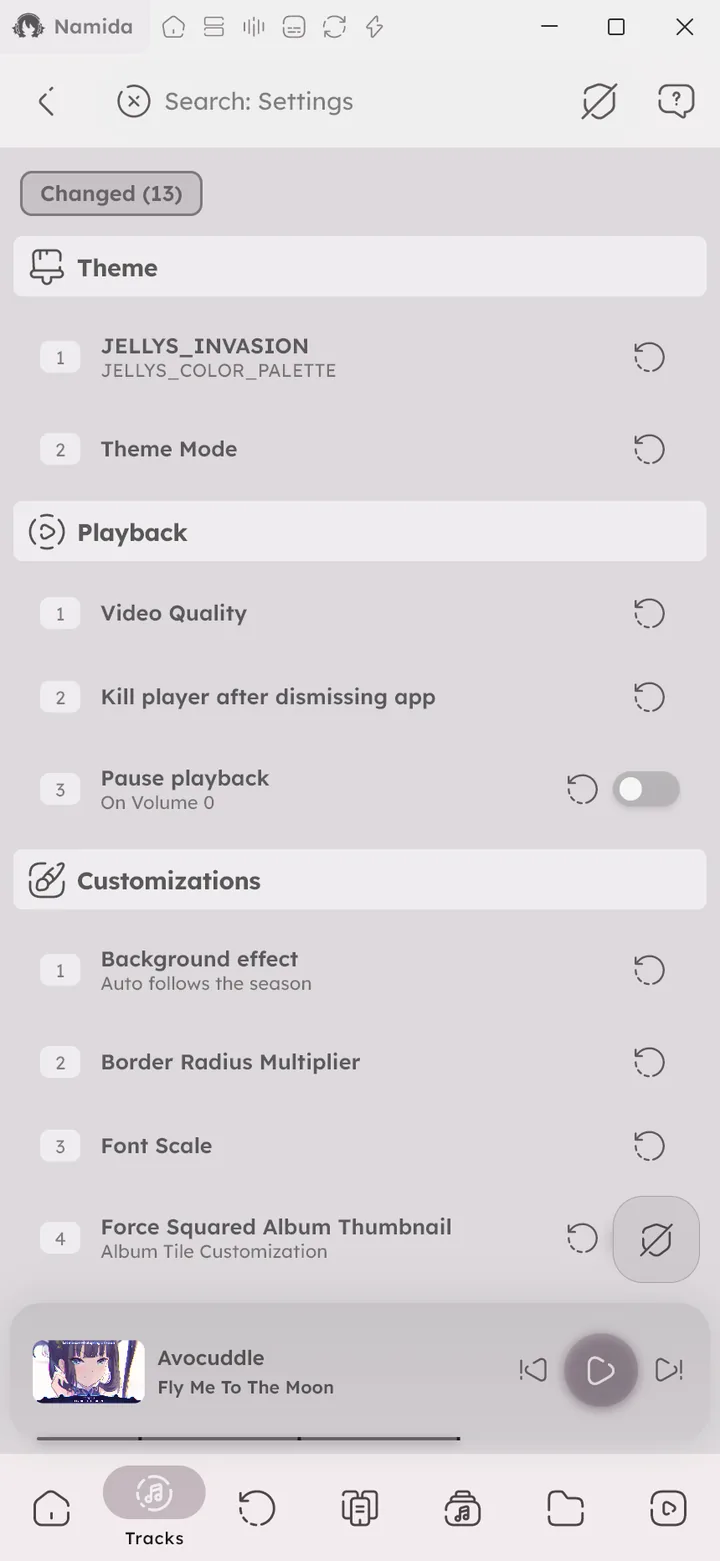
Use the Search button in Namida settings to quickly find any setting. It matches the options inside settings too (like an effect or a performance mode).
Results show where each option exists, tap one to jump right to it, or flip a switch without leaving the results. The “Changed” chip lists every setting you changed, each with a reset button. 🆕 v8.2.0
Moving some sliders to the very start or end turns the option always on or always off (like Always or Never).
Sections
- Theme, colors, dark mode and language
- Indexer, manage your music library
- Playback, audio, video and queue behavior
- Customization, change how every part of the app looks
- YouTube, streaming, miniplayer and downloads
- Extras, library tabs, search and other options
- Backup & Restore, backups, imports and sync
- Advanced, caches, fixes and performance
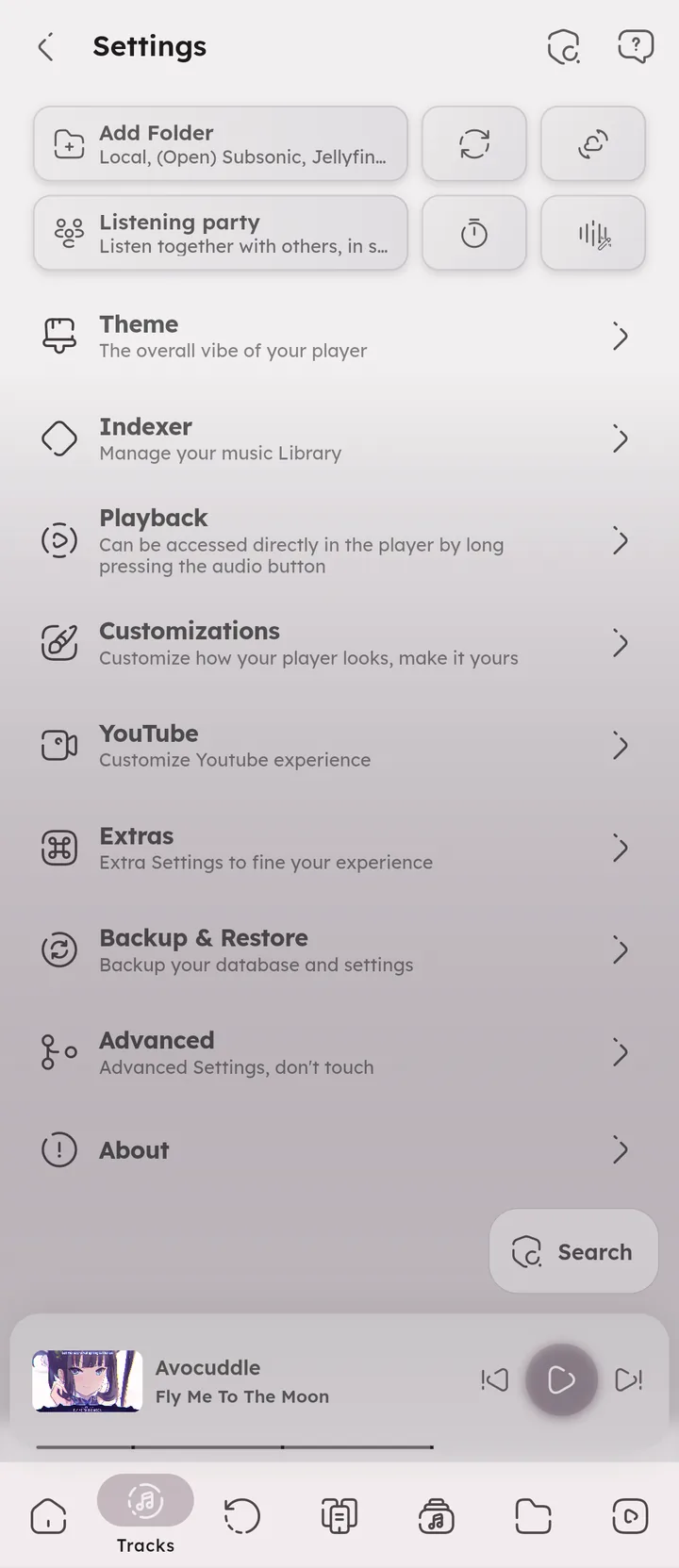
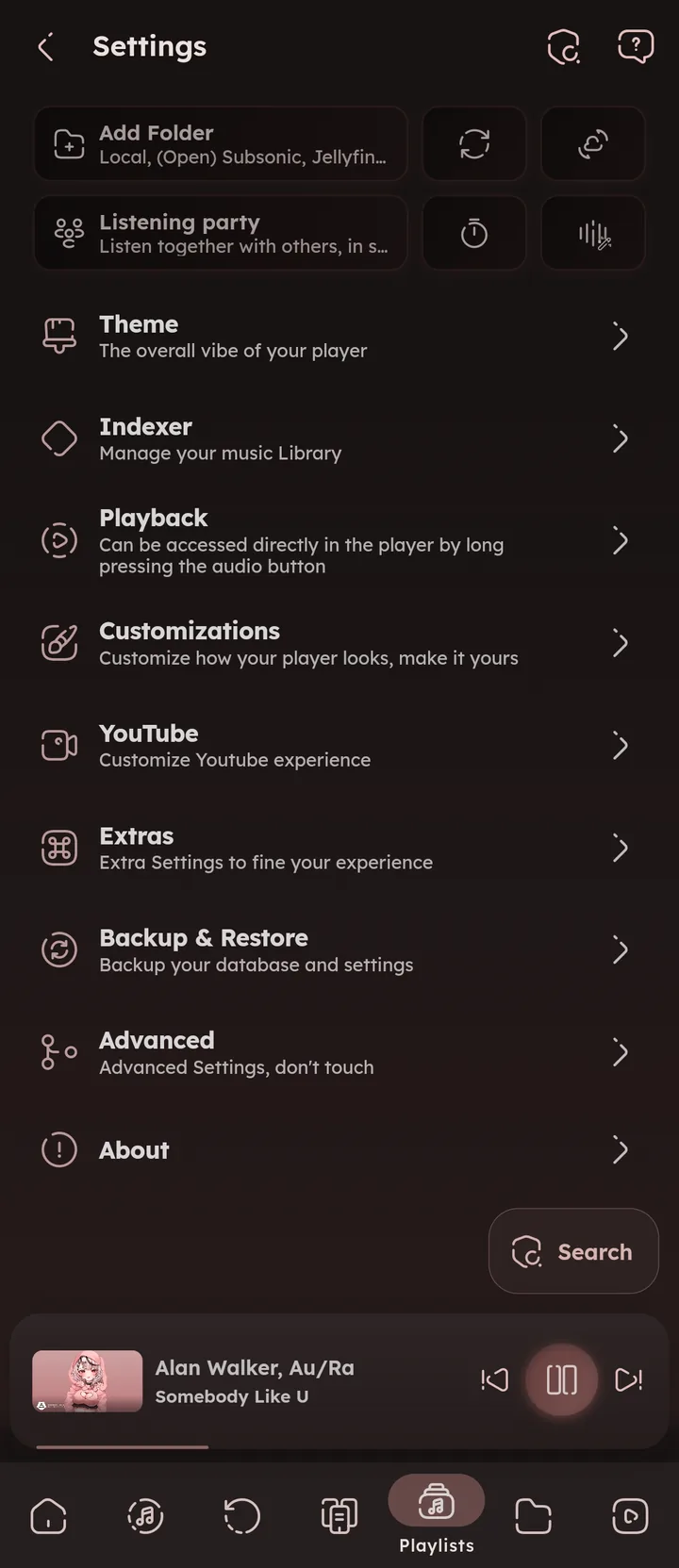





Quick Tiles
The tiles at the top of the settings page are shortcuts: Add Folder, Refresh Library, Sync, Listening party, Sleep timer and Sound Control. The sleep timer tile shows what’s left while it runs. 🆕 v7.4.0
Author: @MSOB7YY
Writer: @claude
