
Smart Playlists
A smart playlist is a set of rules instead of a list of tracks, so it updates itself as your library and history change.
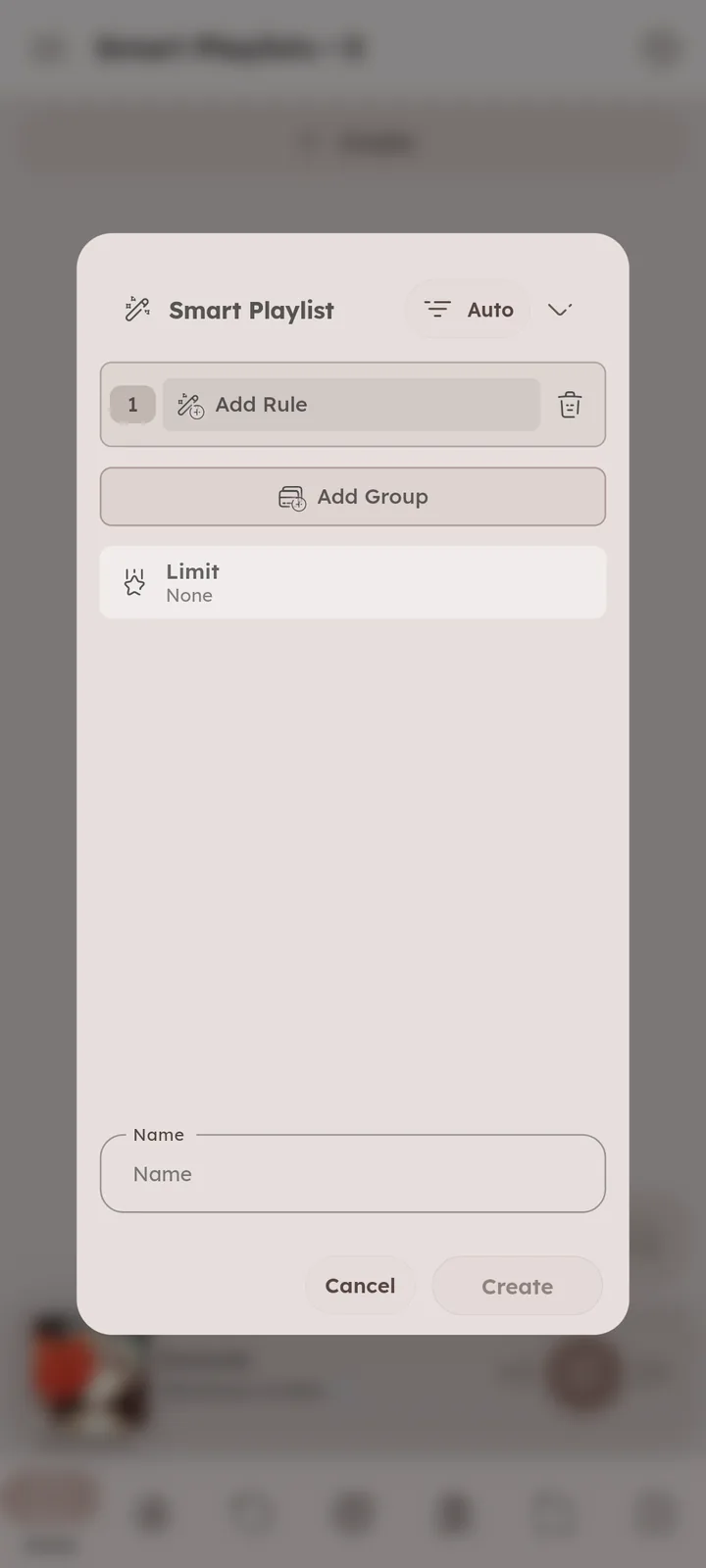
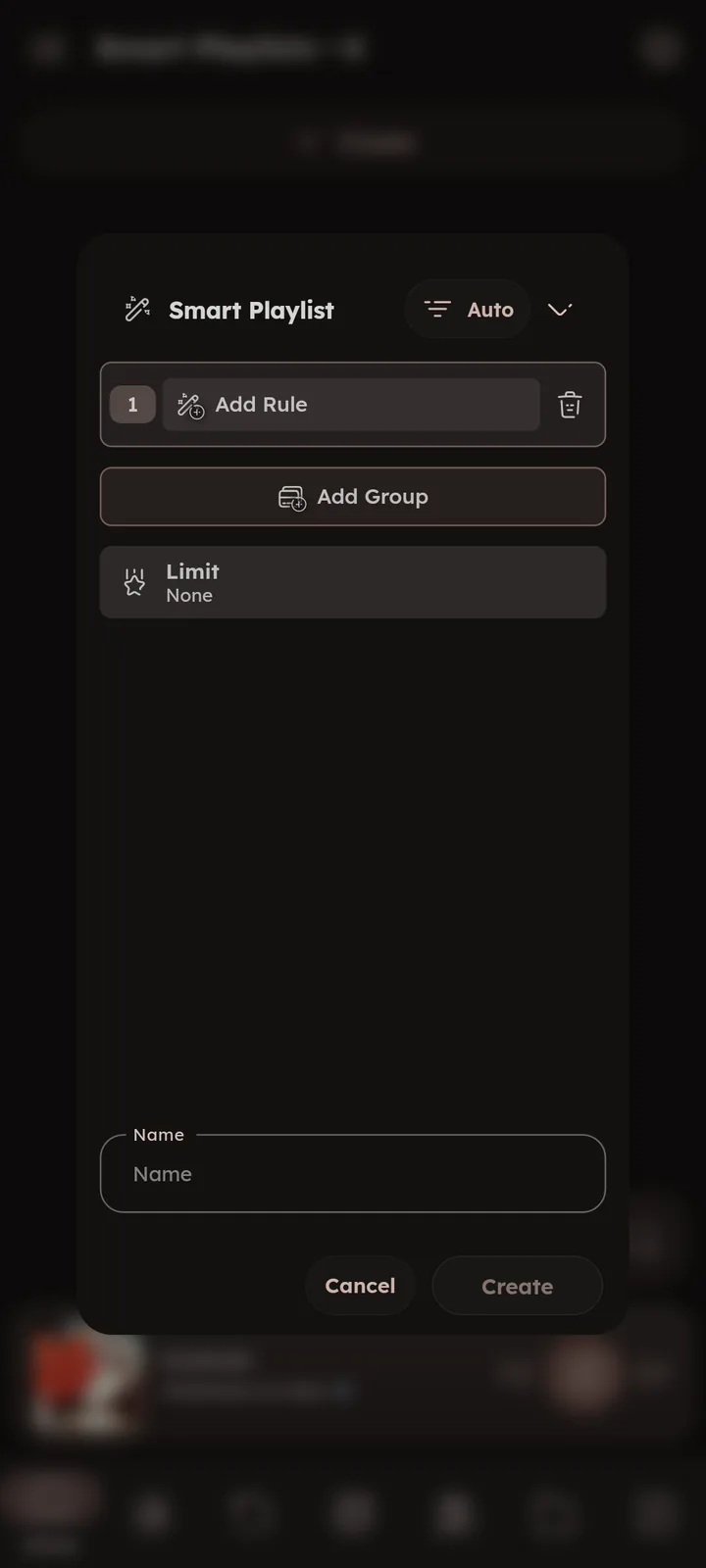
Create one from the add button in the playlists page, or from the smart playlists page. 📄 Smart Playlists Page ↗
Tracks are found only when you open the playlist, and can’t be added manually. 📄 Why aren't smart playlists treated as normal playlists? ↗


How Rules Combine
Rules live inside groups. Each group picks All (every rule must match) or Any (one is enough) for its rules, and a separate All/Any at the top joins the groups together (shown once there are 2 groups or more):
| Setup | Means |
|---|---|
| One group, All | A and B and C |
| One group, Any | A or B or C |
| Two groups, All for rules, Any for groups | (A and B) or (C and D) |
| Two groups, Any for rules, All for groups | (A or B) and (C or D) |
The count under the dialog title shows how many tracks match as you edit.
Rules
Press “Add Rule” in a group, pick a Source and a Filter Type, then fill in the value.
Sources come in 4 types: Text, Number, Date and Condition.


Text Rules
Sources: Title, Album, Artist, Album Artist, Composer, Genre, Style, Comment, Description, Synopsis, Language, Record Label, Release Type, Format, Channels, Lyrics, Moods, Tags, Playlist 🆕 v7.8.0, Playlist tags 🆕 v7.8.0, Youtube Link, Youtube ID, File Name, Filename without extension, File Full Path, Folder Name, Folder Path and Extension.
Filters:
- is Same, is Not Same
- Contains, does not Contain
- Starts with, Ends with
- Contains (Regex), does not Contain (Regex)
- is Before (A-Z), is After (A-Z), is in Between (A-Z), is Outside (A-Z)
🆕 v7.8.0 - Exists, Missing (for whether the field has any value at all)
Good to know:
- Cleanup (on by default) ignores case, accents and symbols, so
beyoncematchesBeyoncé. - Fields with several values (like artists or genres) match when any value matches. Negative filters match only when none does.
- Playlist and Playlist tags are the playlists the track is in, and their tags.
gymmatchesgym/cardiotoo. - Language tags are turned into one form like
English (eng)(fromen,engorEnglish), so match against that, like “Language Containsenglish”.🆕 v8.2.0 - A-Z filters compare alphabetically, so “is in Between A and C” includes
Coldplay. - Values are suggested from your library as you type.
- A value can include other fields of the same track (with the source icon beside it). Title Contains [Artist] finds titles that mention their own artist.
- Description, Synopsis and Lyrics can make big playlists slower.
Number Rules
Sources:
| Source | Value |
|---|---|
| Total Listens | listens count, never played tracks count as 0 |
| Total Listens (Between Dates) | listens count inside a date range, see below |
Listens per Month 🆕 v7.8.0 |
average listens per month, since the first listen or date added |
| Rating | 0 to 100 |
| Last Played Position | seconds |
| Played Percentage | 0 to 100, how far the track was played last time |
| Duration | seconds |
| Size | bytes, the slider works in MB |
| Bitrate | kb/s (320) |
| Sample Rate, Bit Depth, BPM | as stored in the file |
| Track/Disc Number & Total | as stored in the tags |
Playlists Count 🆕 v7.8.0 |
how many playlists the track is in |
Total Tracks 🆕 v7.8.0 |
how many tracks the album, artist, genre or folder has, see Per |
Filters: is Same, is Not Same, is Greater Than, is Smaller Than, is Greater Than + is Same (≥), is Smaller Than + is Same (≤), is in Between and is Outside. “is in Between” includes both ends.
Listens Between Dates
Adding “Total Listens (Between Dates)” also adds a “Between Dates” rule to its group, only the listens inside those dates are counted.
Example, tracks you played at least 10 times last summer:
- Total Listens (Between Dates) is Greater Than + is Same
10 - Between Dates is in Between
2026-06-01and2026-08-31
Per & Calculation
🆕 v7.8.0
Number rules have a Per option (Track by default). Set it to Album, Artist, Genre, Folder and more, and the rule checks the whole album or artist instead (like “Total Listens per Artist”). Every track of a matching one gets in.
The Calculation turns their values into one number: Sum, Average, Minimum or Maximum. Unknown values (like a missing rating) are skipped.
Examples:
- Total Listens per Artist (Sum) is Greater Than
500: every track of the artists you played more than 500 times in total. - Rating per Album (Average) is Greater Than + is Same
80: albums you rated high overall, including their unrated tracks. - Rating per Album (Minimum) is Greater Than + is Same
80: albums with no weak track. - Total Tracks per Genre is Smaller Than
5: tracks from your rare genres.
Date Rules
Sources: Date Added, Date Modified, Year, Any Listen, All Listens, First listen, Last Listen and Favourited Date.
Filters:
- is Same, is Not Same, is Before, is After, is in Between, is Outside. Before, After and in Between include the dates you enter.
- is Within Last, is not Within Last (a moving window like the last 3 days, counted back from now in seconds, minutes, hours, days, weeks, months or years).
- Exists, Missing.
Good to know:
- Type dates as
2024-05-20or2024-05-20 18:30:00, or pick one with the calendar icon. - Any Listen matches when at least one listen matches, All Listens only when every listen matches.
- Never played tracks have no listen dates, they match “is not Within Last”, and “First listen Missing” finds exactly them.
- A year tag like
1995counts as the first day of that year, so use is in Between1990-01-01and1999-12-31for a decade. - Date Added and Date Modified come from the file dates, see
🎉 File Dates ↗. - Clock Only compares the time of day only (
HH:mm:ss), ignoring the date. Ranges can cross midnight, so Any Listen is in Between22:00:00and04:00:00finds tracks you played at night.
Condition Rules
Sources: Lossless, Favourite and Single.
Filters: is True, is False and is Unknown.
- Single is True when:
- the release type tag says single
🆕 v8.2.0 - or there’s no release type tag, and the track is the only one in its album
- the release type tag says single
Limit
🆕 v7.8.0
Keep only part of the matching tracks (like 25 tracks, 1 hour or 4 GB), selected by any sort, Most Played by default. Time and size limits get filled as close as possible.
Select by Random (Daily) for a new pick every day.


Sorting
The sort button at the top orders the tracks (after the limit picked them). Several sorters work too (like artist, then year, then title). 🆕 v7.5.0
Random (Daily) keeps the same random order for the whole day, it’s in every tracks sort menu. 🆕 v7.8.0
Smart Search
The same rules work as a one time search, press the filter icon at the end of the chips row in the search page. Long press it to edit the rules, the add icon there 🆕 v8.2.0 saves them as a new smart playlist.
In album, artist and other media pages, long press the filter icon to start one filled with that media.
Examples
Rules are written as Source Filter Value. Unless said otherwise, everything is in one group with All.
Easy
One rule each.
- Never played: Total Listens is Same
0. - Fresh additions: Date Added is Within Last
30 Days. - Recently changed files: Date Modified is Within Last
7 Days. Files edited outside Namida, or with Keep file dates off. - Loved ones: Rating is Greater Than + is Same
80. - Hi-res only: Sample Rate is Greater Than
48000. - Rock: Genre Contains
rock. Cleanup is on, soRock,ROCKandHard Rockare included. - One folder: Folder Path Starts with
/storage/emulated/0/Music/Anime. - Not in any playlist: Playlists Count is Same
0. - No embedded lyrics: Lyrics Missing. A to-do list for the lyrics picker.
- Unfinished tracks: Played Percentage is Greater Than
0. Tracks you stopped or skipped before the end last time.
Medium
A few rules, All/Any, a limit or a sort.
- 90s favourites: Year is in Between
1990-01-01and1999-12-31, Favourite is True. - Forgotten favourites: Favourite is True, Last Listen is not Within Last
6 Months. - Rock or metal: set the group to Any, Genre Contains
rock, Genre Containsmetal. - Unheard gems: Total Listens is Same
0, Date Added is not Within Last1 Months. - Unhearted bangers: Total Listens is Greater Than
30, Favourite is False. - Fresh obsessions: First listen is Within Last
2 Months, Listens per Month is Greater Than10. - Timeless: First listen is not Within Last
2 Years, Last Listen is Within Last7 Days. Old tracks still in rotation. - One and done: Total Listens is Same
1, First listen is not Within Last3 Months. Played once, never again. - Late night tracks: Any Listen is in Between
22:00:00and04:00:00with Clock Only. - Night owl only: All Listens is in Between
22:00:00and04:00:00with Clock Only. Tracks you only ever played at night. - Morning tracks: Any Listen is in Between
06:00:00and10:00:00with Clock Only. - Daily hour: Rating is Greater Than + is Same
70, Limit60 Minutesselected by Random (Daily). A new hour of your best tracks every day. - Short and fast: Duration is Smaller Than
180, BPM is Greater Than140. - Played this week: Total Listens (Between Dates) is Greater Than
0with Between Dates is Within Last7 Days, sorted by Recent Listens.
Complex
Several groups, Per and field references.
- Old gold or new heat: two groups joined with Any.
- Group 1 (All): Year is Before
1990-01-01, Rating is Greater Than + is Same80. - Group 2 (All): Date Added is Within Last
3 Months, Listens per Month is Greater Than + is Same8.
- Group 1 (All): Year is Before
- Deep cuts of big artists: Total Listens per Artist (Sum) is Greater Than
300, Total Listens is Smaller Than3. Rarely played tracks from the artists you play the most. - Albums worth finishing: Total Tracks per Album is Greater Than + is Same
8, Total Listens per Album (Sum) is Greater Than20, Total Listens is Same0. The tracks you never played from albums you do play. - Title tracks: Title is Same [Album], using the Album source inside the value. Tracks named after their own album.
- Gym, no live versions: two groups joined with All.
- Group 1 (Any): Playlist tags is Same
gym, Genre Containsworkout. - Group 2 (All): Title does not Contain
live, Album does not Contain (Regex)live|concert.
- Group 1 (Any): Playlist tags is Same
- Last summer on repeat, 2 hours: Total Listens (Between Dates) is Greater Than + is Same
10with Between Dates is in Between2026-06-01and2026-08-31, Limit2 Hoursselected by Most Played, sorted by Random. - Rediscover a year: First listen is in Between
2022-01-01and2022-12-31, Last Listen is not Within Last1 Years, Favourite is False, Rating is Greater Than + is Same60.
Related
- Features
- Library & IndexingFile Dates
- Playlists & HistoryPlaylist Tags, Smart Playlists
- Tag EditorMultiple Tracks Editing, Suggestions
- LibrarySmart Playlists
- What's New🏷️ v8.2.0, 🏷️ v7.8.0, 🏷️ v7.5.0
- Medium GuidesSmart playlist examples
- FAQWhy aren't smart playlists treated as normal playlists?
- MembershipFree for Everyone
Author: @MSOB7YY
Writer: @claude
